Mineuniverse
Resource Packs
Utility+

Utility+

RESOURCE PACK
All in one utility texture pack. Removing pumpkin blur, blindness, optimizing shields and fire overlays, smaller totems, enchantment icons, fixes and more!
by Polar882
Download Claim this project
450 downloads
0 likes
Updated Oct 14, 2026
0 hypes
16x
Advertisement Remove ads with Premium →

Intro


🔧 Utility+ – The All-In-One Texturepack

Utility+ is a comprehensive all-in-one Minecraft texture pack that fixes dozens of small annoyances in a single download. Instead of juggling 10 different packs to get the perfect experience, Utility+ bundles everything together. Cleaning up your visuals, removing distractions, and making Minecraft smoother and more enjoyable.

Whether you’re adventuring, building, or PvPing, Utility+ helps you see more, hear less of the annoying stuff, and focus on what matters most, playing the game.

✨ Features

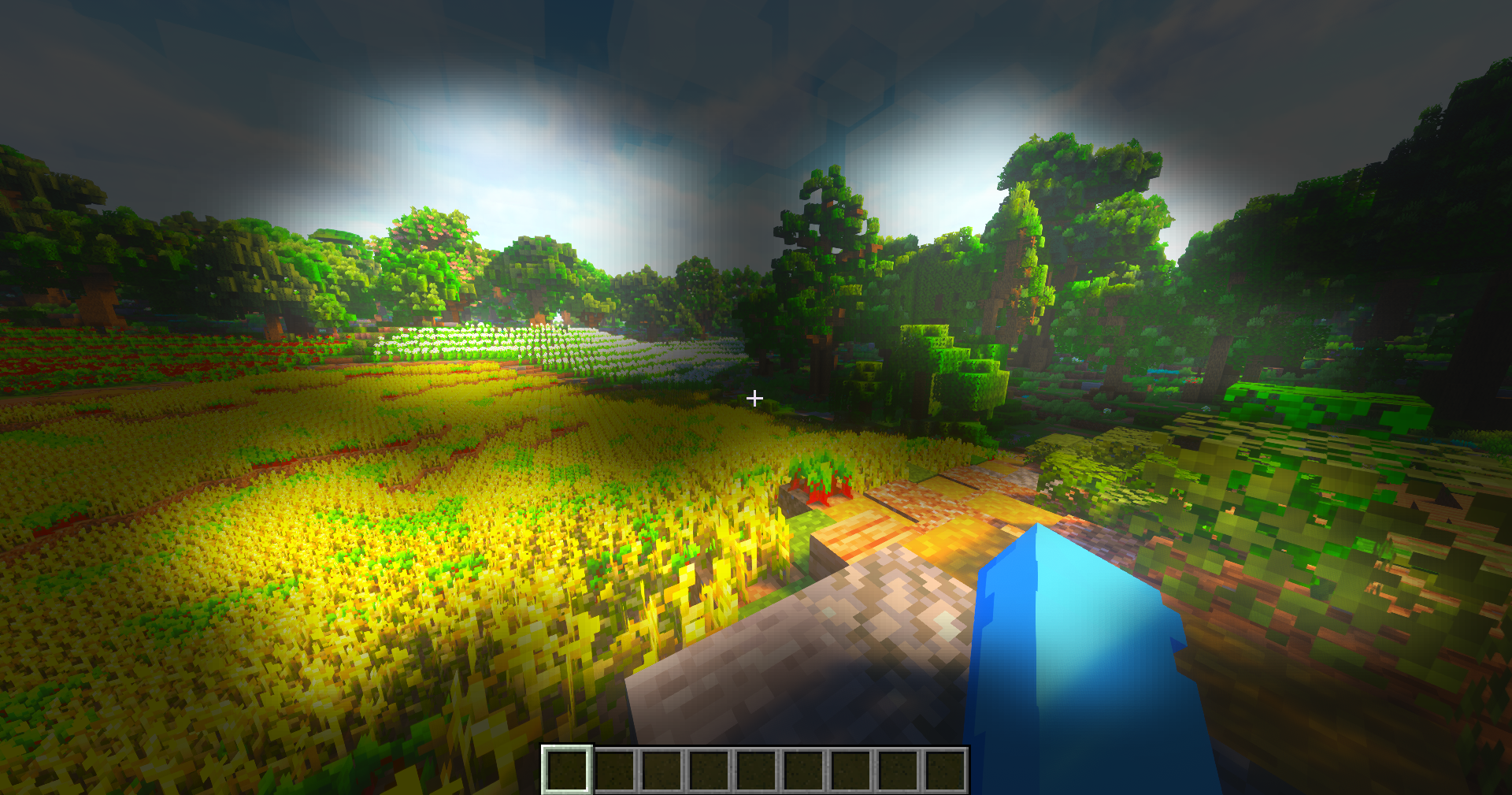
  • 🎃 Better pumpkin blur for improved visibility
  • 🔇 Removes annoying cave sounds
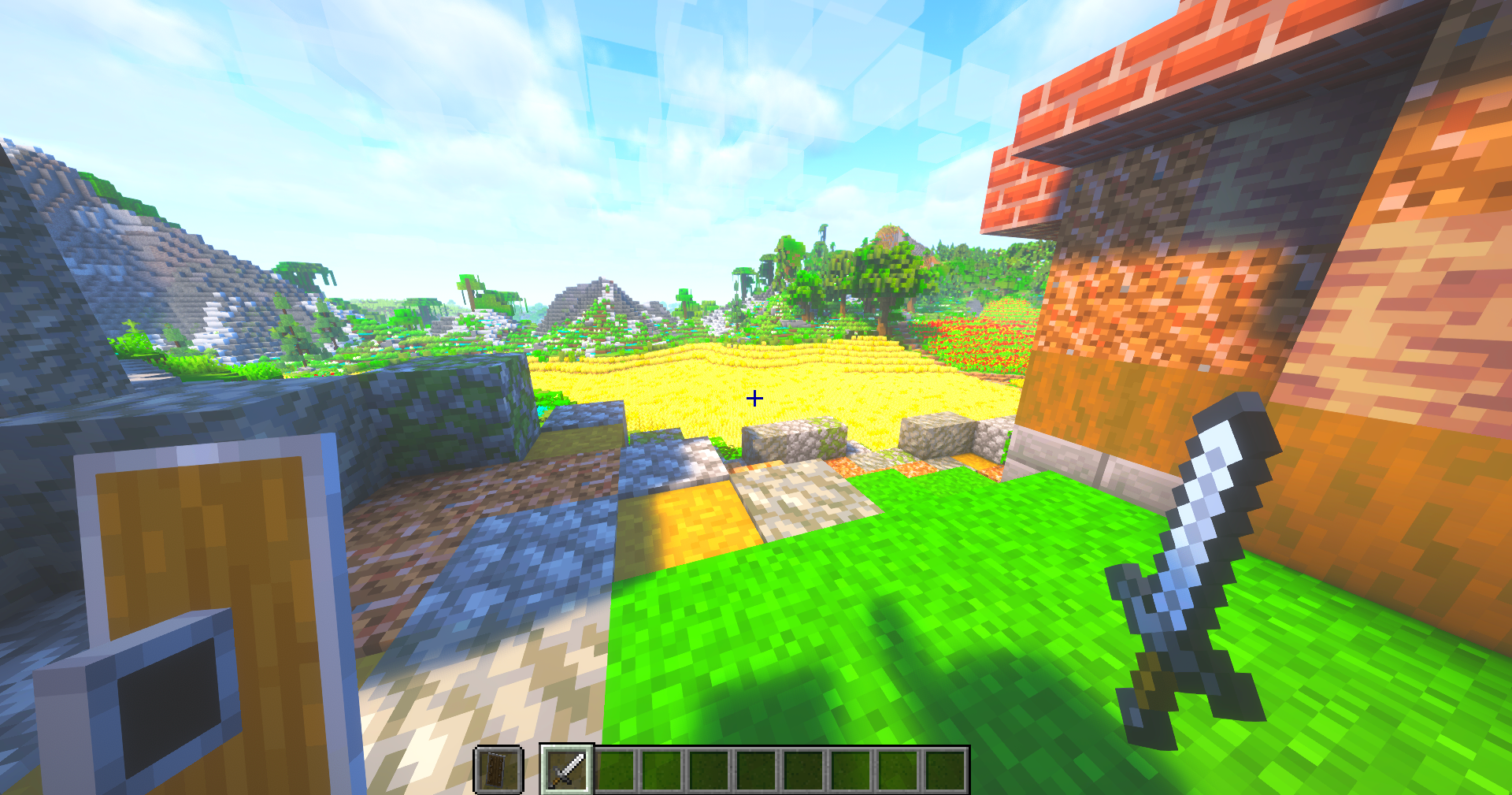
  • 🛡️ Smaller, less intrusive shield
  • 🔥 Low fire on the ground with a cleaner overlay
  • 📦 More visible trapped chests
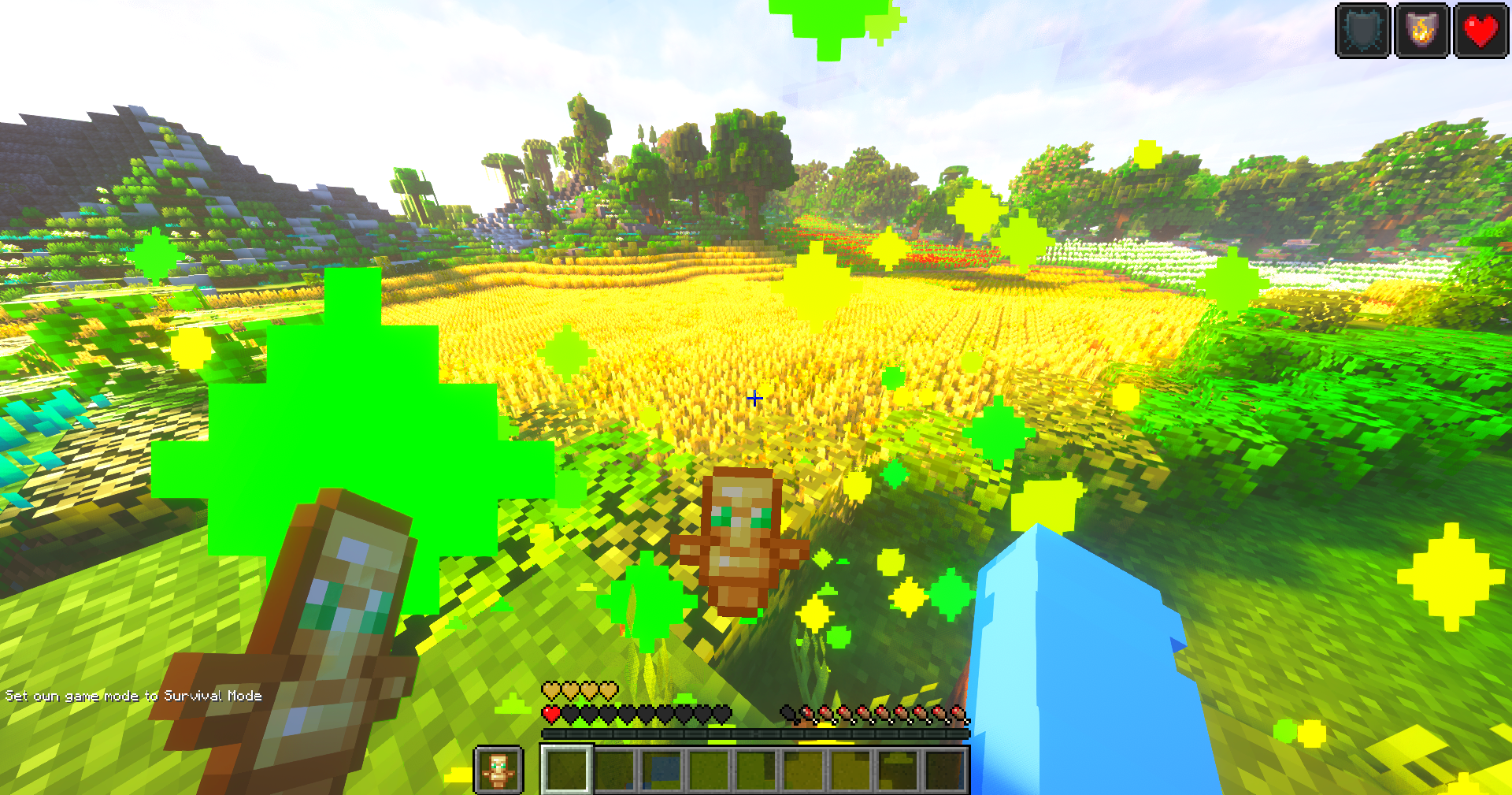
  • 🪙 Smaller totem pop + smaller totem
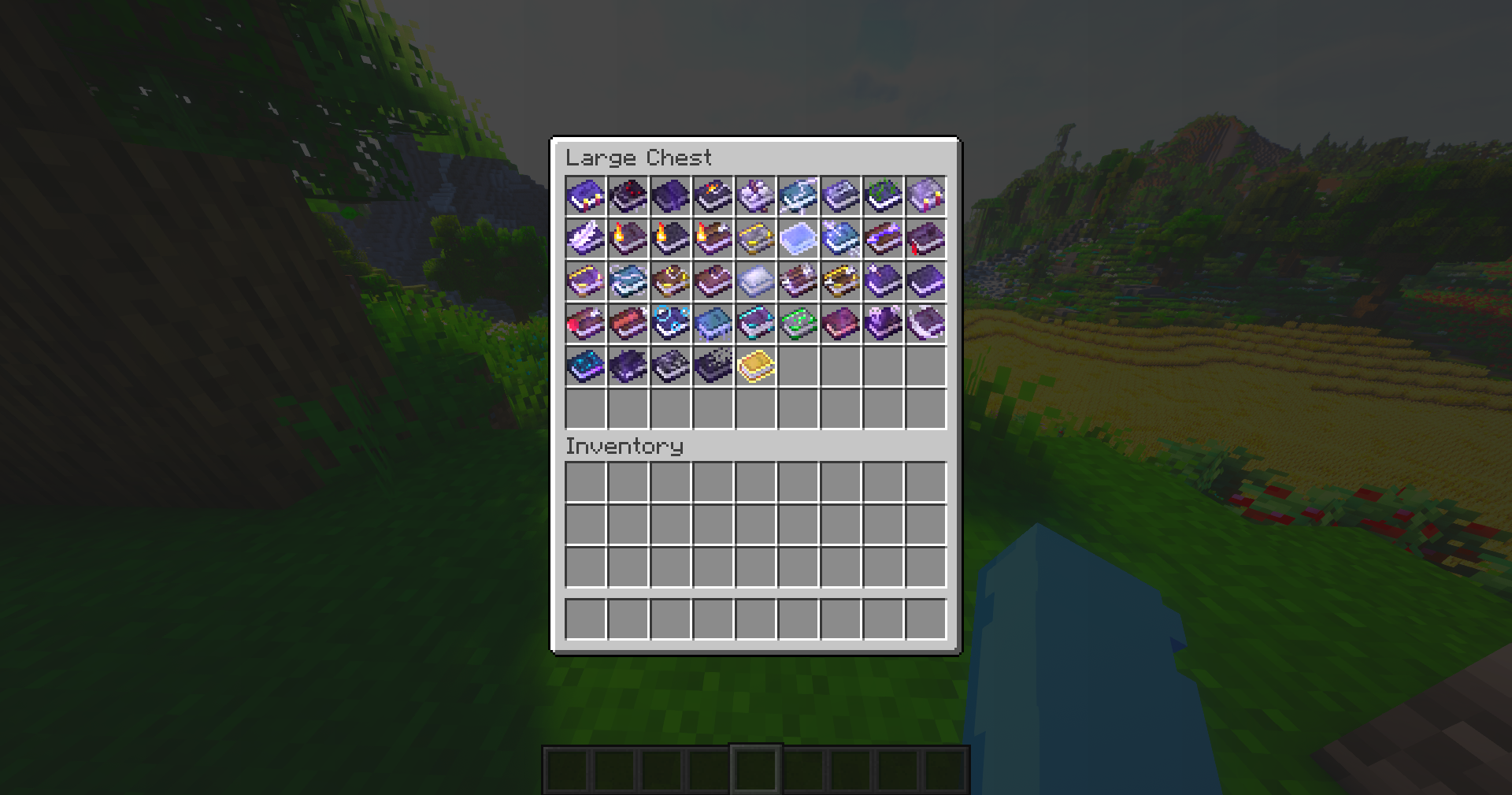
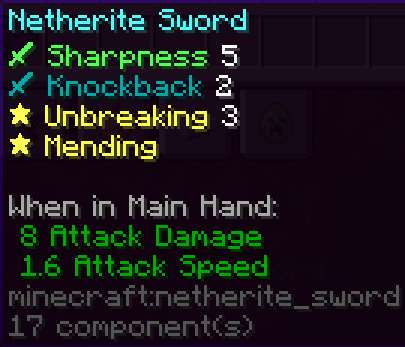
  • 📖 Custom enchantment icons for clarity
  • 💨 Particle fixes for a cleaner experience
  • 🧱 Disables random rotation for naturally generated blocks
  • 📶 Improved ping icons
  • 📦 Smaller items in hand and inventory
  • 🎯 Sleeker, smaller crosshair
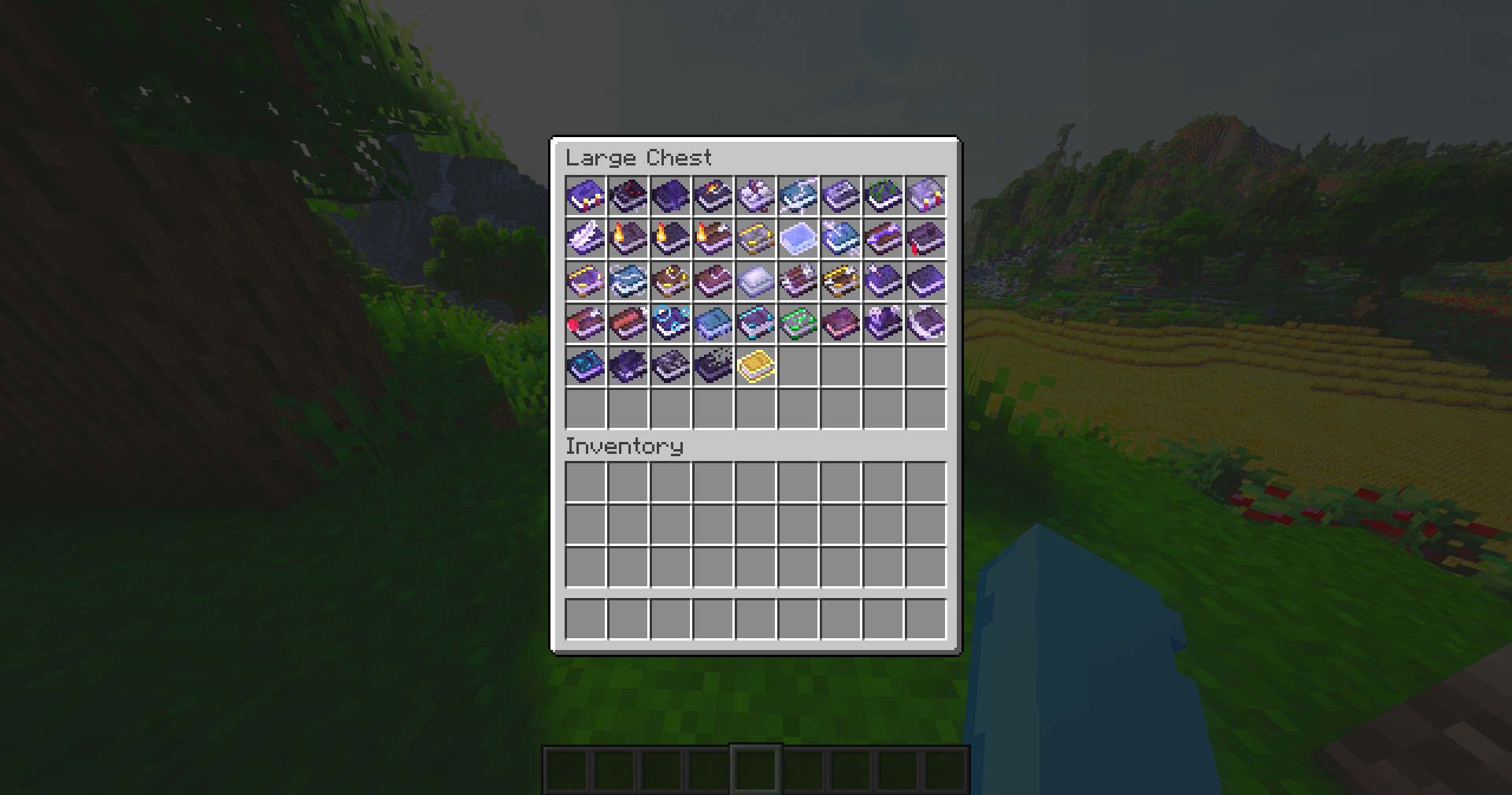
  • 📚 Custom enchanted book textures (credits: mythitorium - License: Apache 2.0)
  • ➕ …and more!

Check the Gallery Tab for pictures

This project includes assets from Vanilla Tweaks, used in accordance with their Terms Of Use

This project also includes modified assets from Even Better Enchants, licensed under Apache-2.0.

⚙️ Compatibility

If you want the custom enchanted books to work:

  • Minecraft 1.21.5 and above: ✅ No dependencies required!
  • Minecraft 1.21.4 and below: 🔧 Requires CIT Resewn, Optifine, or EnchantedBookEnabler

Optifine or Sodium is recommended for the best experience

Have more feature ideas or need help? Contact polar882 on Discord!
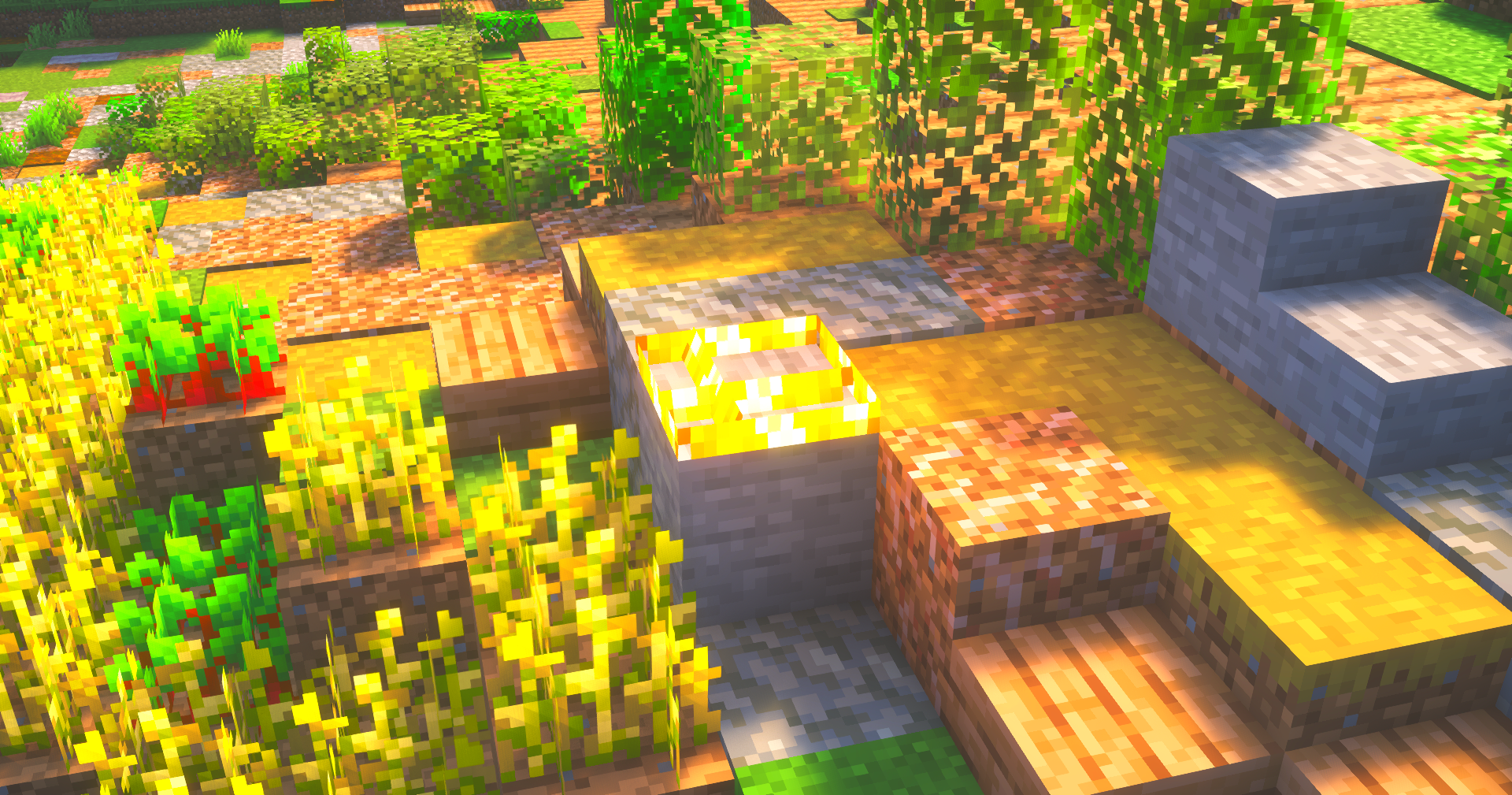
 

Small Fire

Small Totem Pop

Small ItemsCustom Enchanted BooksBetter Pumpkin Blur

Utility+ ᴠ₁.₀.zip
MC 1.21, 1.16, 1.17, 1.18, 1.20, 1.19
Release 2026-03-01 Get

Requirements & install

How to use this resource pack in Minecraft
Resolution
16x
Minecraft
1.16 – 1.21
Install folder
.minecraft/resourcepacks

How to install resource packs

  1. Download the resource pack .zip file (do not extract it).
  2. In Minecraft open Options → Resource Packs → Open Pack Folder.
  3. Drop the .zip into the resourcepacks folder (.minecraft/resourcepacks).
  4. Move the pack to the Selected column and click Done.
Browse more: 16x resource packs 32x resource packs 64x resource packs 128x resource packs 256x resource packs 512x+ resource packs Resource Packs for 1.21 All resource packs

More from Polar882

Advertisement Remove ads with Premium →

You Might Also Like