Mineuniverse
Resource Packs
Glinty Enchantments

Glinty Enchantments

RESOURCE PACK
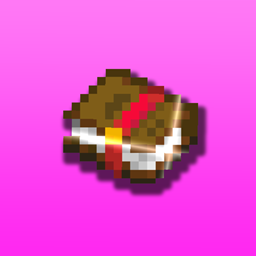
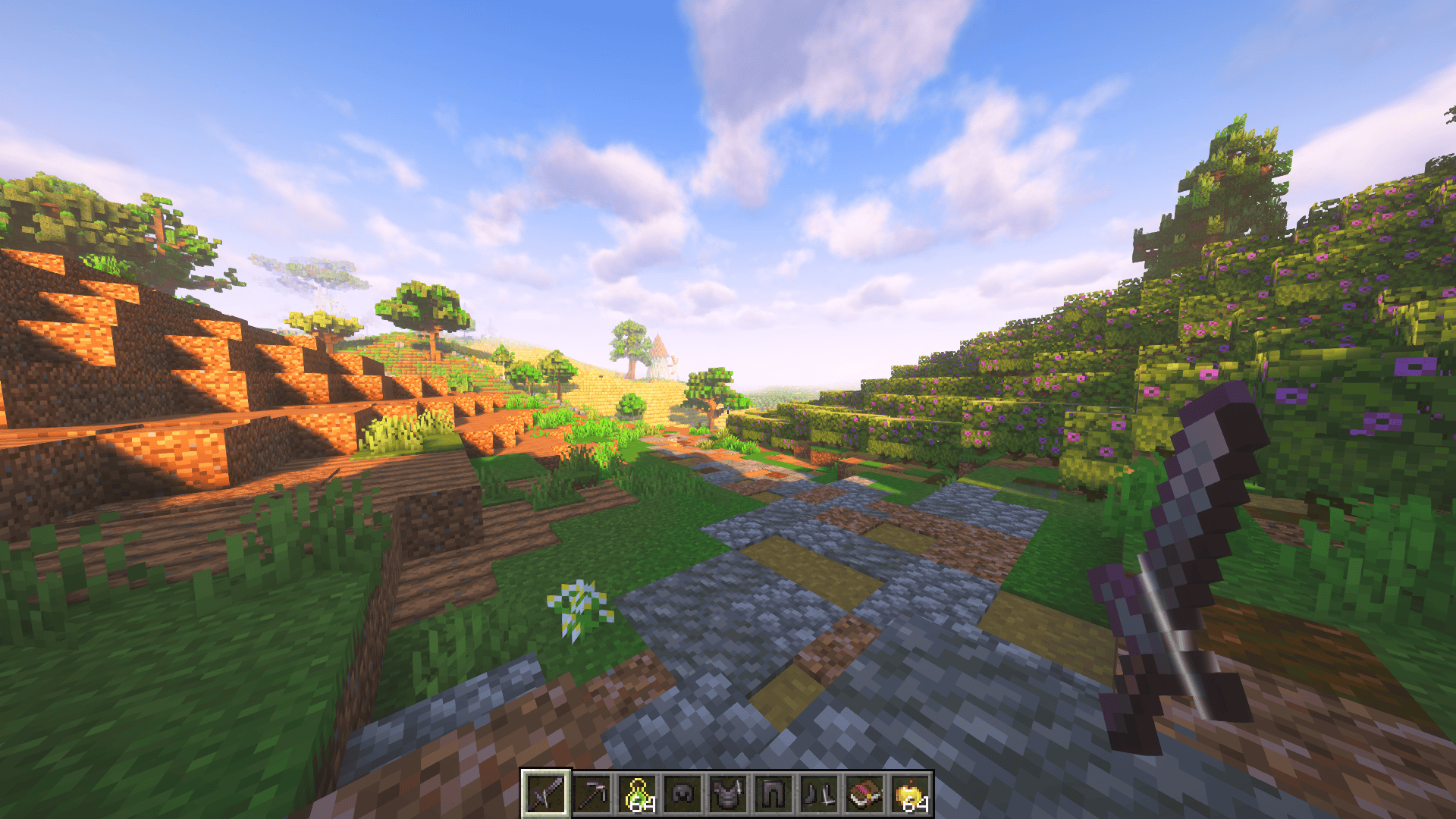
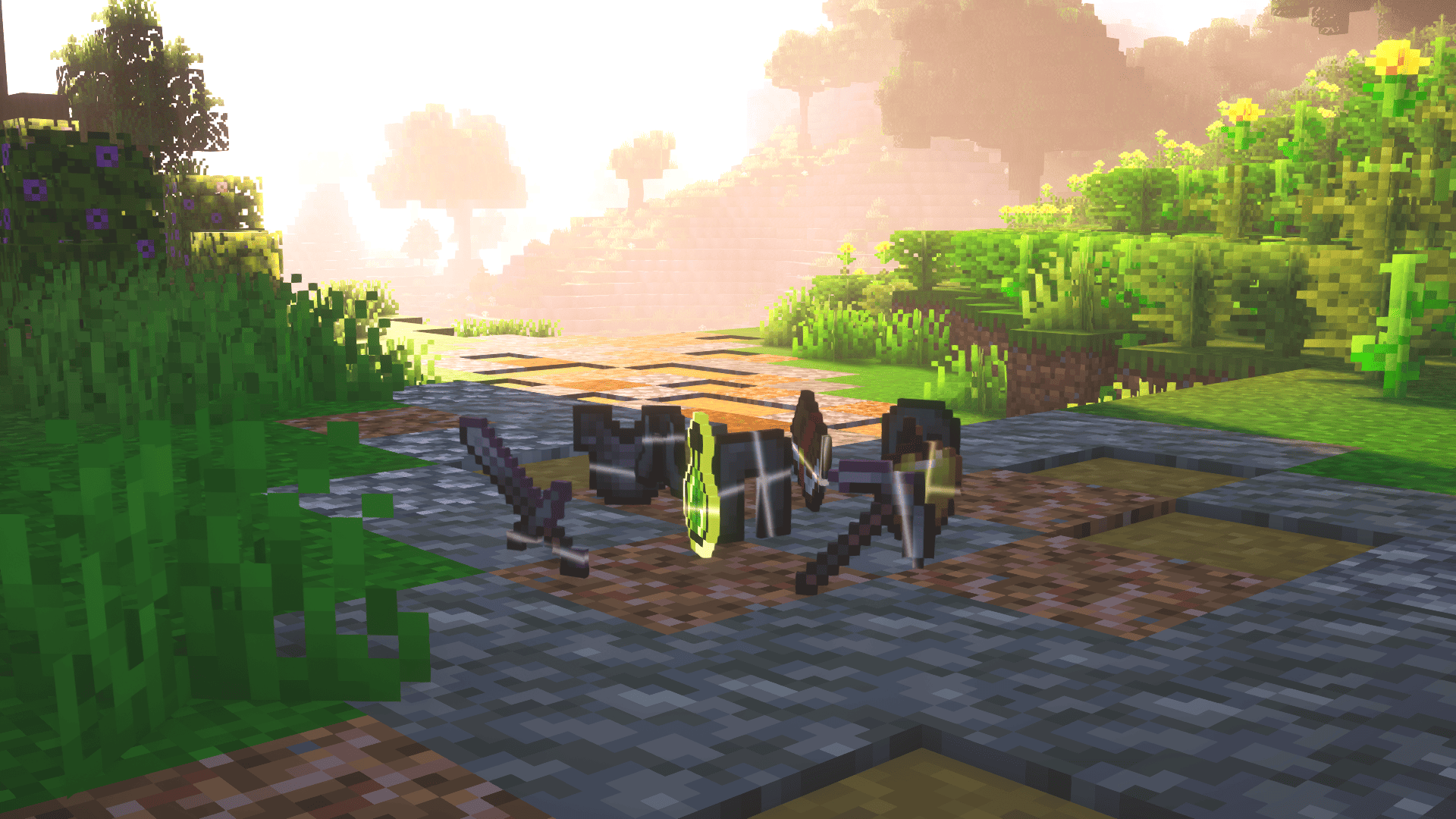
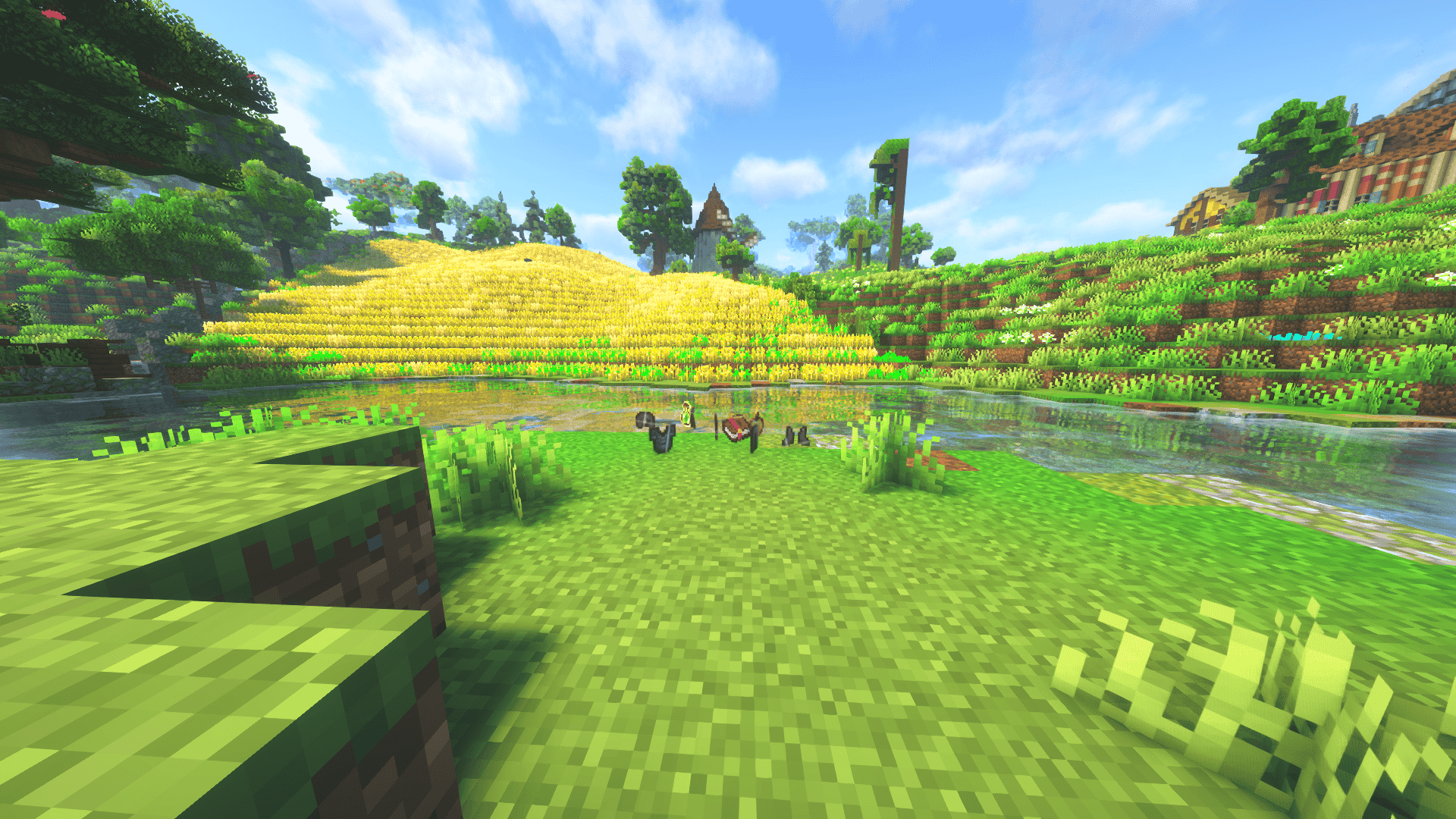
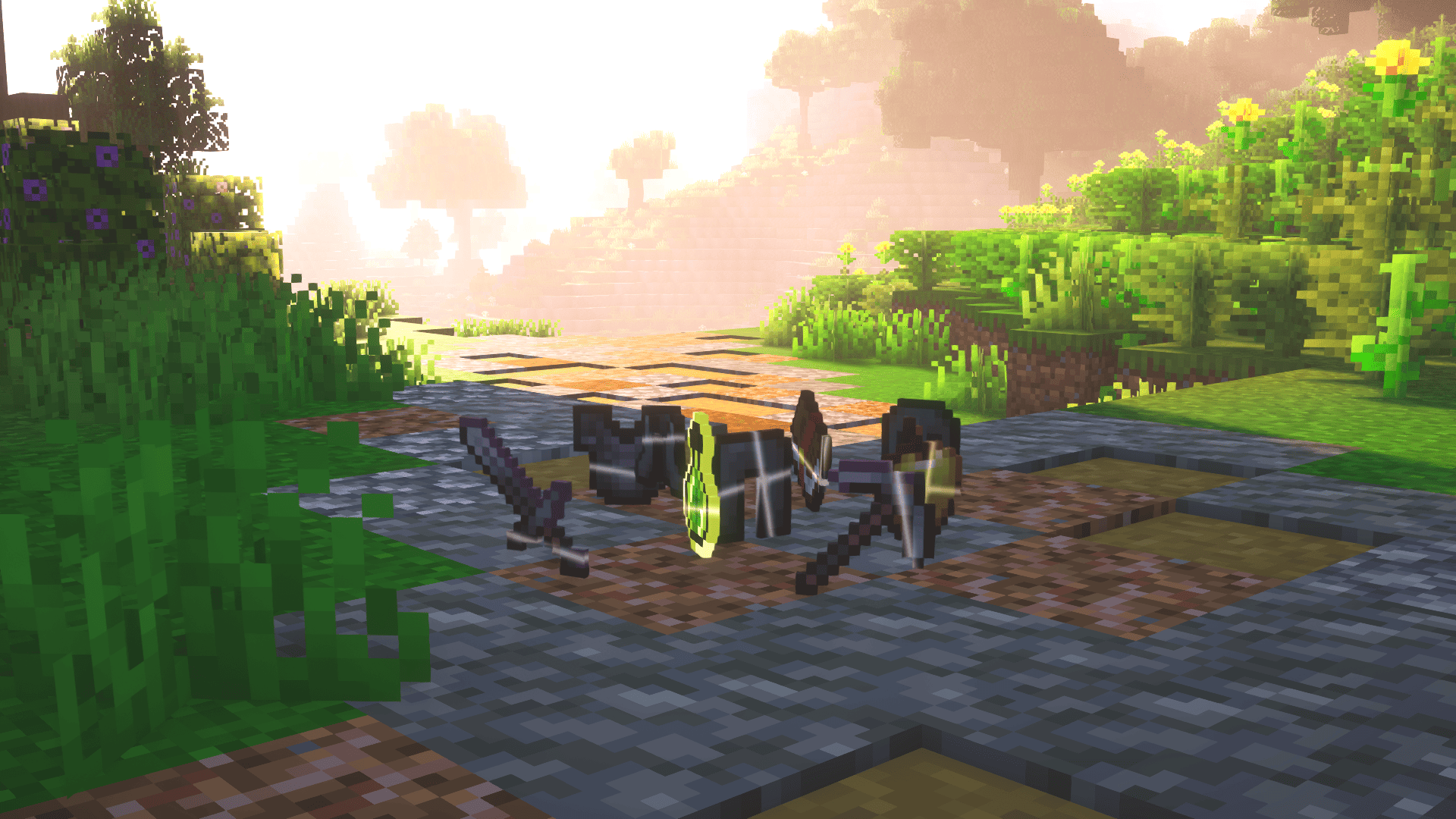
This texture pack replaces Minecraft’s default enchantment glint with a simple and modern design. The result is a cleaner look that feels less distracting while still making your enchanted gear stand out.
by Polar882
Download Claim this project
549 downloads
0 likes
0 followers
Updated Oct 14, 2026
0 hypes
Follow0
16x Miscellaneous
Advertisement Remove ads with Premium →

Intro


💎 Glinty – Modern Enchantment Glint

The Glinty texture pack is a custom Minecraft pack designed to replace the default enchantment effect with a sleek, minimal, and modern look. Instead of the distracting, flashy glint you’re used to, Glinty gives your enchanted items a clean shimmer that feels stylish while still highlighting their magical value.

Whether you’re PvPing, grinding in survival, or building your dream world, Glinty makes enchanted gear stand out without overwhelming your screen, keeping your gameplay sharp and polished.


✨ Features

  • 💎 A reimagined enchantment glint with a simple, modern design
  • 🎨 Less distracting shimmer while keeping items visually clear
  • 🧩 Minimalistic and stylish, tailored for both casual and competitive players
  • 🌐 Works seamlessly in singleplayer and multiplayer
  • 🚫 No unnecessary clutter – just a clean and intuitive visual upgrade

Perfect for players who enjoy a modern, refined Minecraft experience, Glinty enhances your enchanted gear with clarity and elegance, while staying lightweight and distraction-free.

For further questions, contact polar882 on discord.
 

gallery-image

Glinty ᴠ₁.₀.zip
MC 1.21, 1.15, 1.16, 1.13, 1.17, 1.12, 1.18, 1.11, 1.20, 1.10, 1.8, 1.14, 1.19, 1.9
Release 2026-03-01 Get

Requirements & install

How to use this resource pack in Minecraft
Resolution
16x
Minecraft
1.14 – 1.21
Install folder
.minecraft/resourcepacks

How to install resource packs

  1. Download the resource pack .zip file (do not extract it).
  2. In Minecraft open Options → Resource Packs → Open Pack Folder.
  3. Drop the .zip into the resourcepacks folder (.minecraft/resourcepacks).
  4. Move the pack to the Selected column and click Done.
Browse more: 16x resource packs 32x resource packs 64x resource packs 128x resource packs 256x resource packs 512x+ resource packs Resource Packs for 1.21 All resource packs

More from Polar882

Advertisement Remove ads with Premium →

You Might Also Like