Mineuniverse
Resource Packs
Unofficial Immersive Interfaces Integration

Unofficial Immersive Interfaces Integration

RESOURCE PACK
This resource pack extends Immersive Interfaces' GUI style to mods not covered by the original. This unofficial add-on ensures a consistent immersive look across your modded game.
by Royal_Bronzeror111
Download Claim this project
5,823 downloads
0 likes
Updated Oct 14, 2026
0 hypes
16x Miscellaneous Mod Support Photo Realistic
Advertisement Remove ads with Premium →

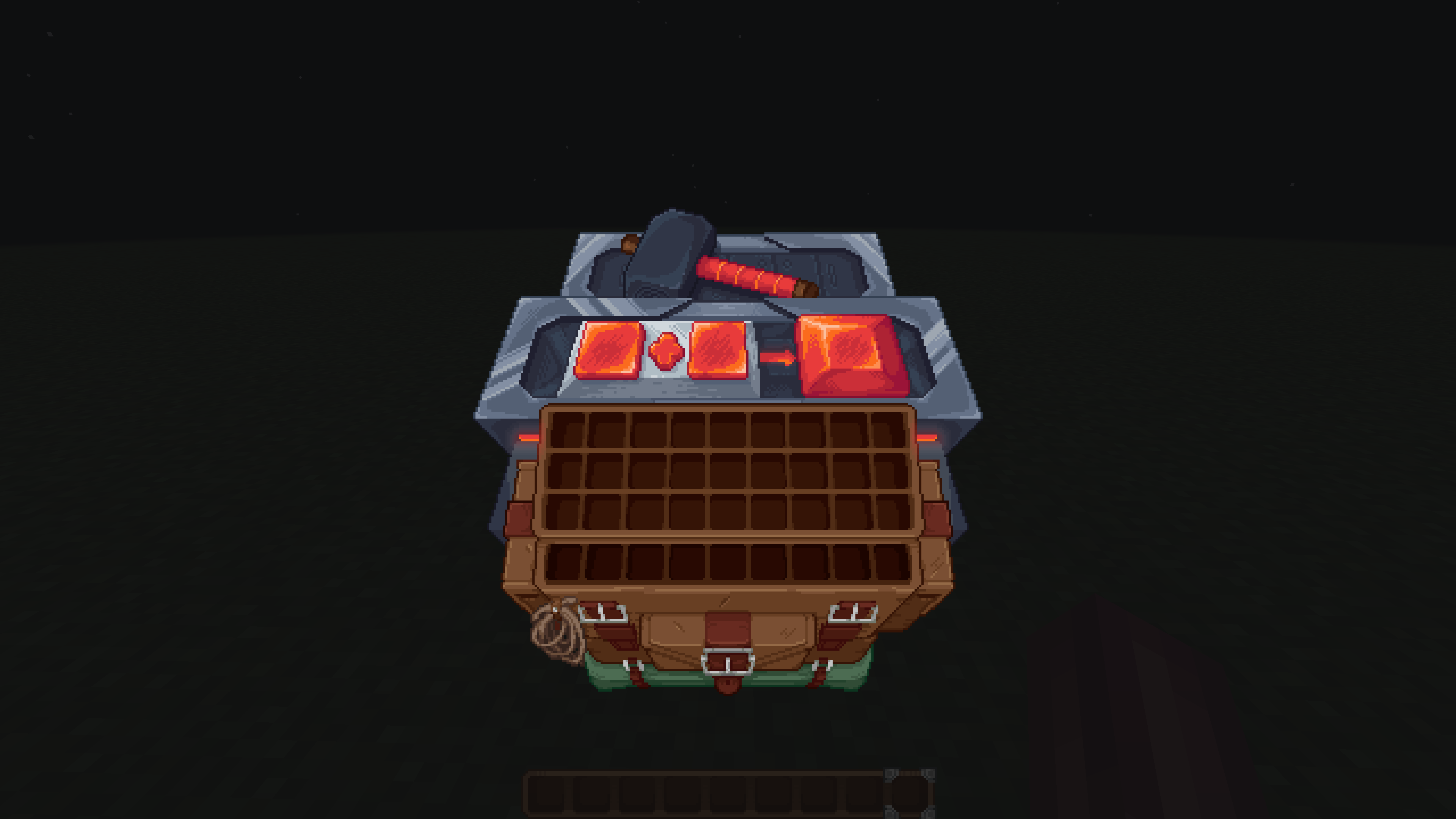
This resource pack does exactly one thing: it takes the same pixel-art GUI charm from Immersive Interfaces and brings it to mods the original doesn't cover. No gameplay changes. No weird surprises. Just more consistent visuals for your modded setup.More mods will follow as development continues.

Mod Support

This add-on is designed to extend the Immersive Interfaces style to mods that the original doesn't cover.

Currently supported:

  • L_Ender's Cataclysm

Is this official?

Officially permitted, but unofficially made. The original author has given blessing, but this is still a fan-driven project.

Installation?

This is a resource pack. Drop it in your resource pack folder, load it above the original Immersive Interfaces, and you're done.

Rendering issue?

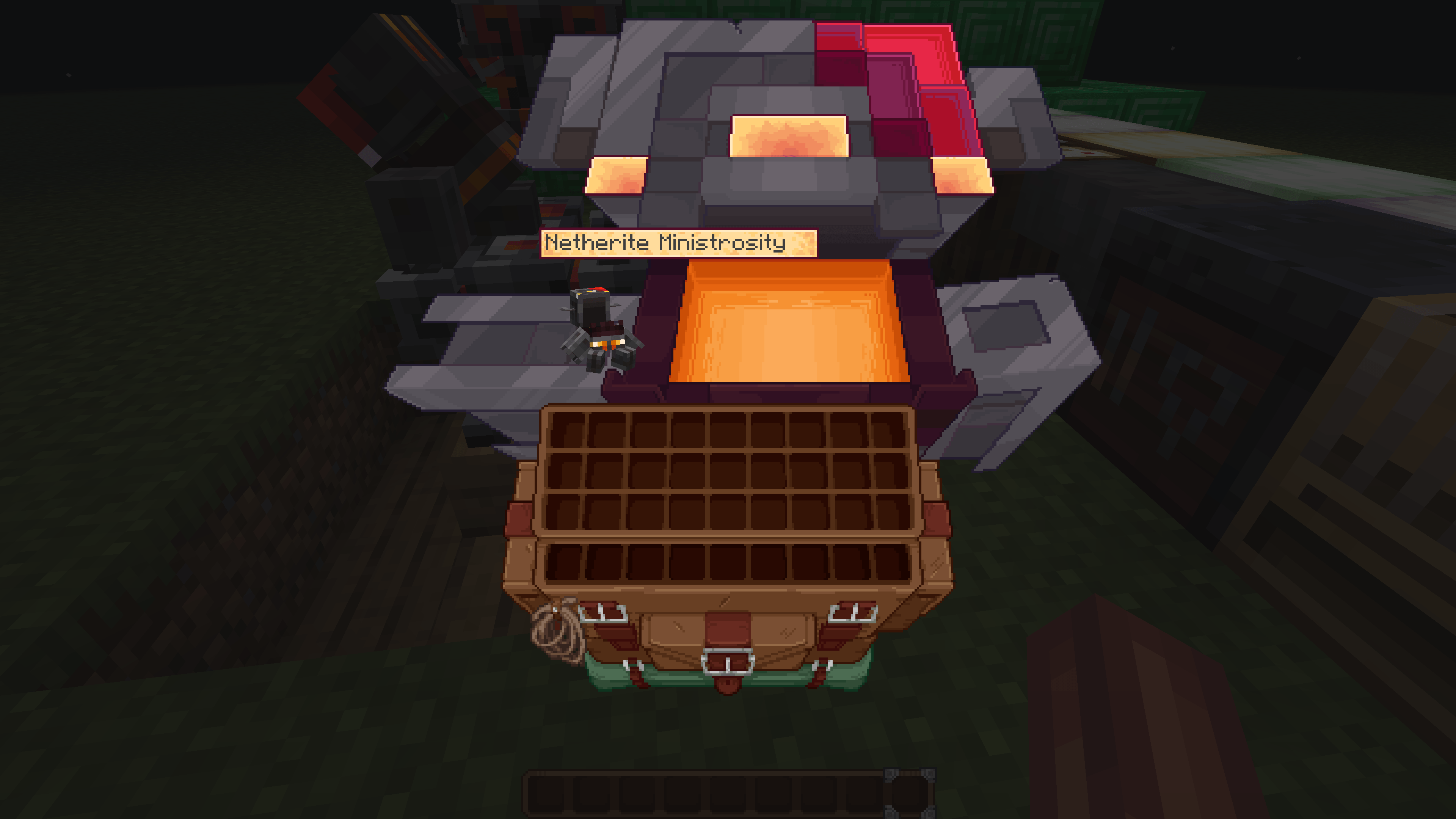
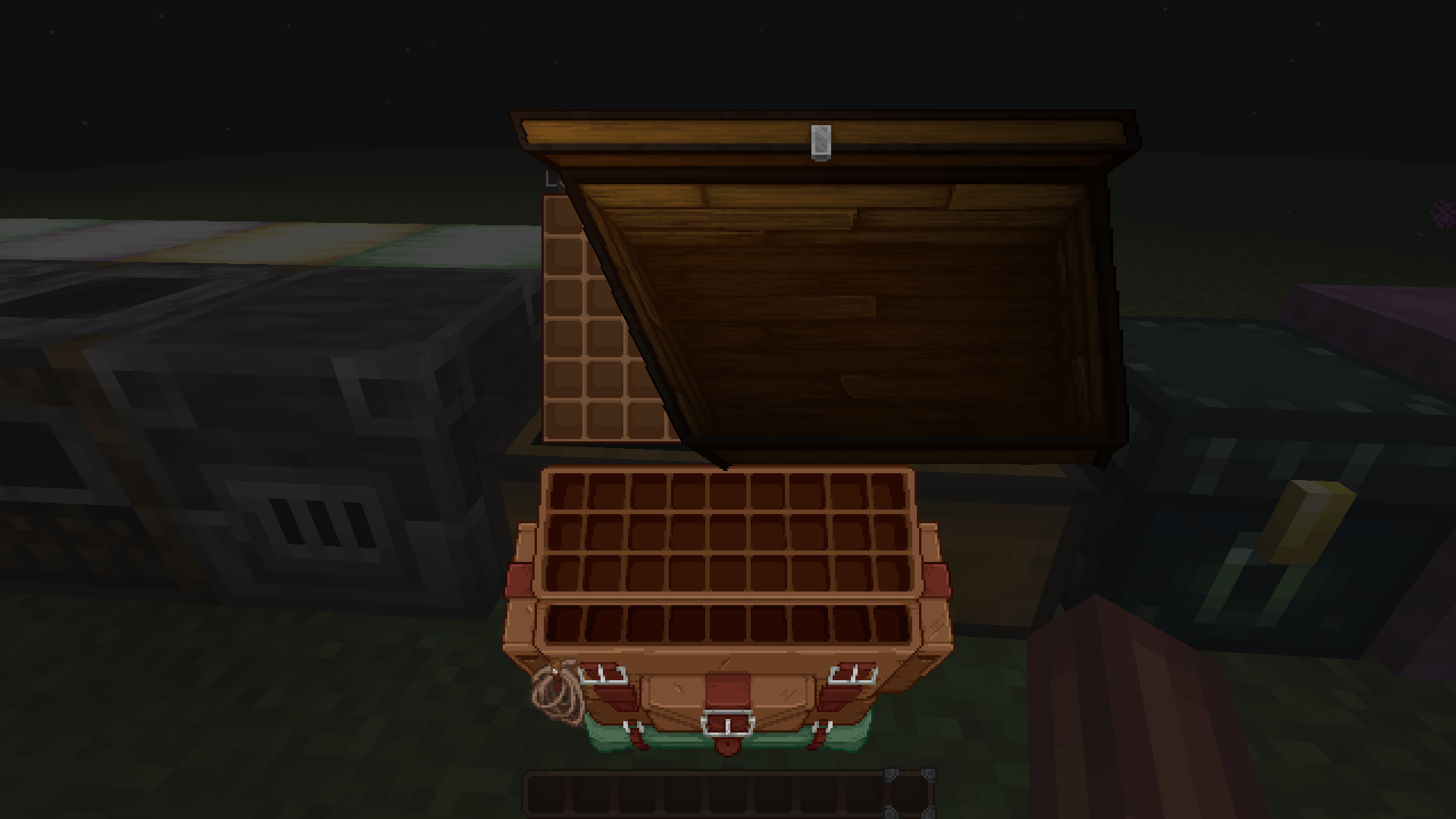
If you encounter the issue shown in the image below, try reloading resources — pressing F3 + T might help. chest rendering error
If you're tired of seeing mismatched mod GUIs next to that beautiful Immersive Interfaces style, give this pack a try. It's small, it's simple, and it does one job.

Immersive Interfaces Integration 0.1.1 BETA
MC 1.21, 1.20.2, 1.21.8, 1.20.5, 1.21.5, 1.21.4, 1.20.1, 1.20, 1.20.6, 1.21.1, 1.21.6, 1.21.3, 1.21.7, 1.20.4, 1.20.3, 1.21.2, 1.21.9, 1.21.10, 1.21.11, 26.1, 26.1.1, 26.1.2
Beta 2026-05-10 Get
Immersive Interfaces Integration 0.1 BETA
MC 1.21, 1.20.2, 1.21.8, 1.20.5, 1.21.5, 1.21.4, 1.20.1, 1.20, 1.20.6, 1.21.1, 1.21.6, 1.21.3, 1.21.7, 1.20.4, 1.20.3, 1.21.2, 1.21.9, 1.21.10, 1.21.11, 26.1, 26.1.1, 26.1.2
Beta 2026-04-25 Get

Requirements & install

How to use this resource pack in Minecraft
Resolution
16x
Minecraft
1.21.7 – 26.1.2
Install folder
.minecraft/resourcepacks

How to install resource packs

  1. Download the resource pack .zip file (do not extract it).
  2. In Minecraft open Options → Resource Packs → Open Pack Folder.
  3. Drop the .zip into the resourcepacks folder (.minecraft/resourcepacks).
  4. Move the pack to the Selected column and click Done.
Browse more: 16x resource packs 32x resource packs 64x resource packs 128x resource packs 256x resource packs 512x+ resource packs Resource Packs for 26.1.2 All resource packs

More from Royal_Bronzeror111

Advertisement Remove ads with Premium →

You Might Also Like