Mineuniverse
Resource Packs
Mechanical Equation GUI pack

Mechanical Equation GUI pack

RESOURCE PACK
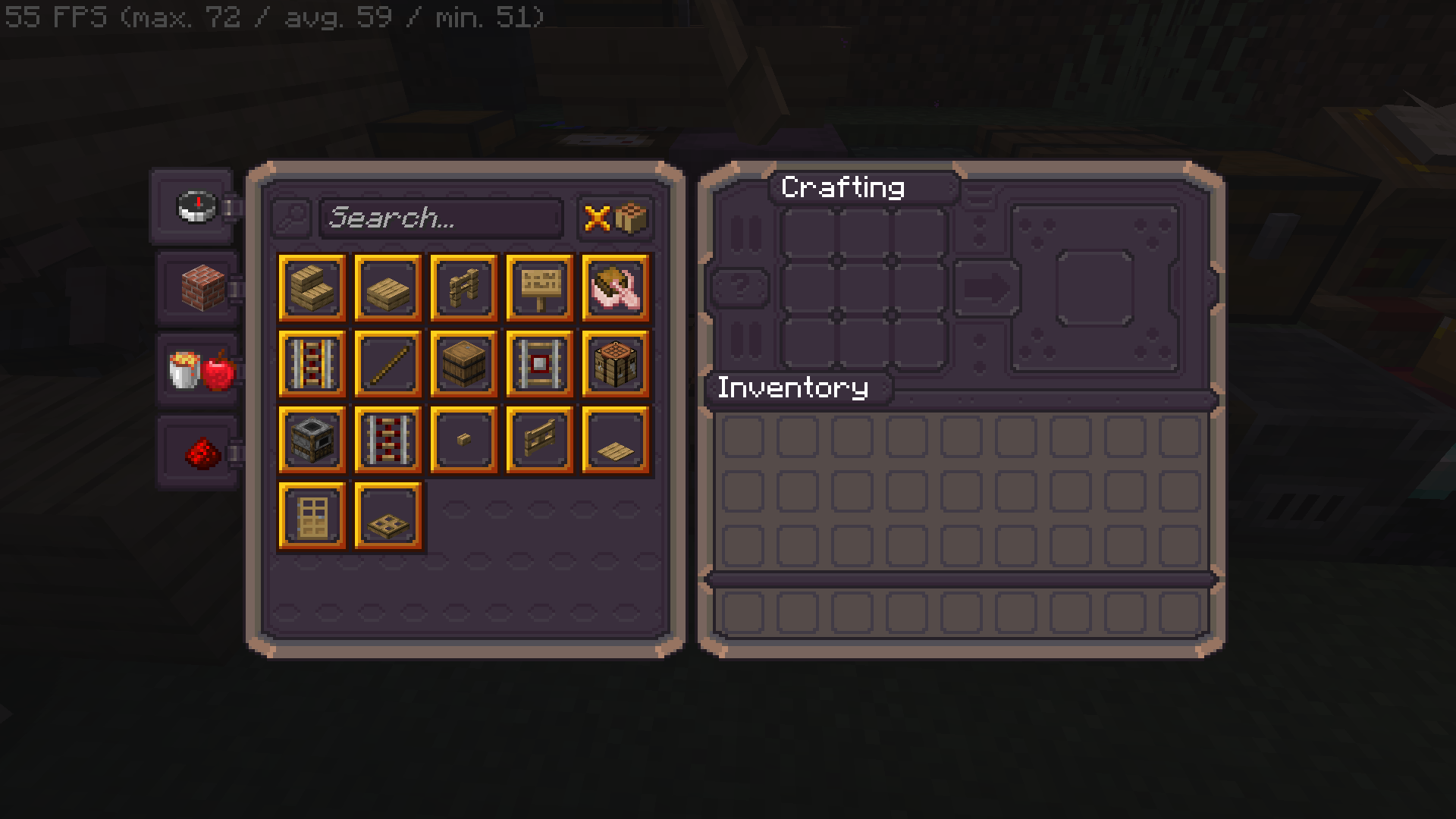
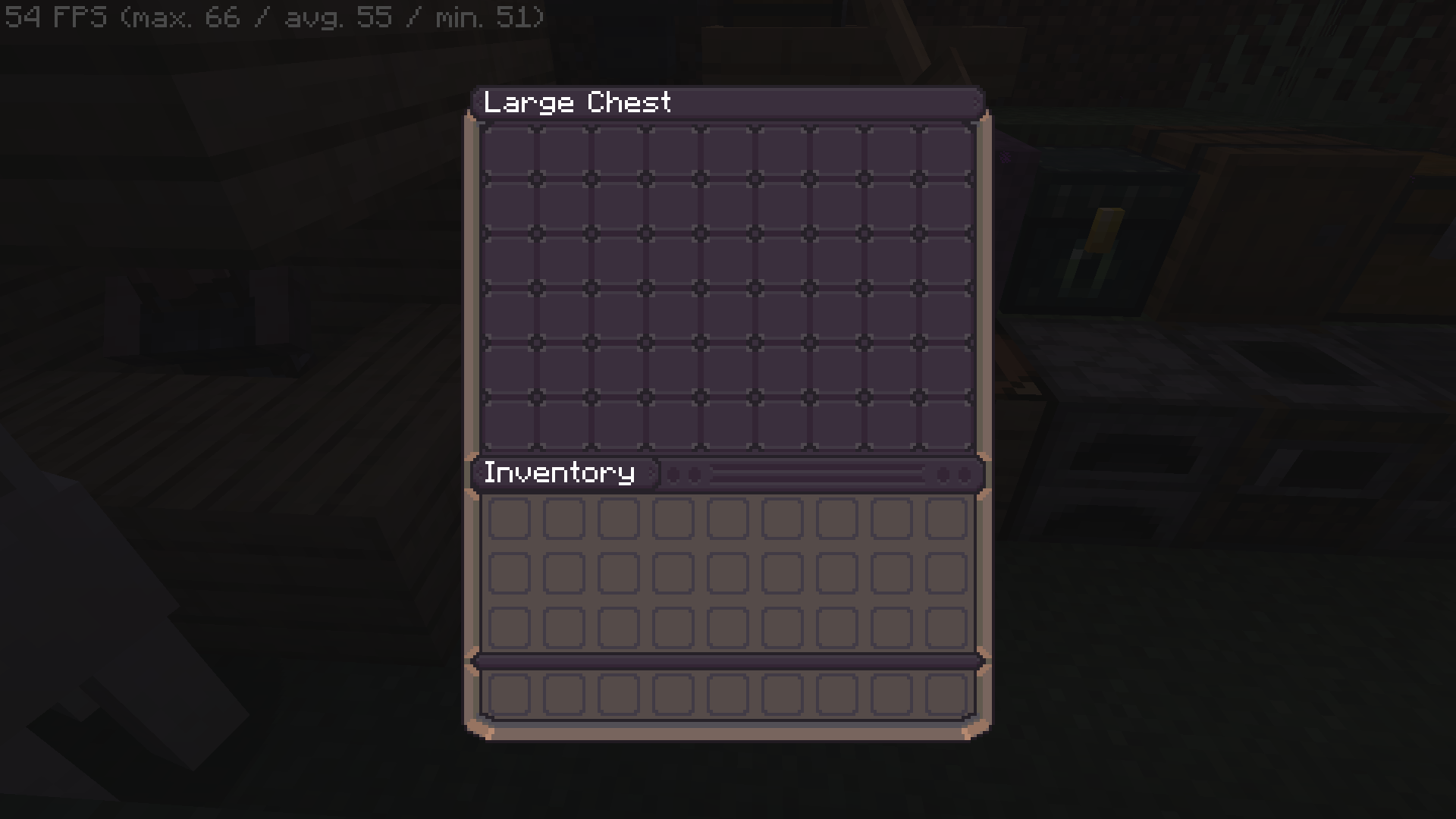
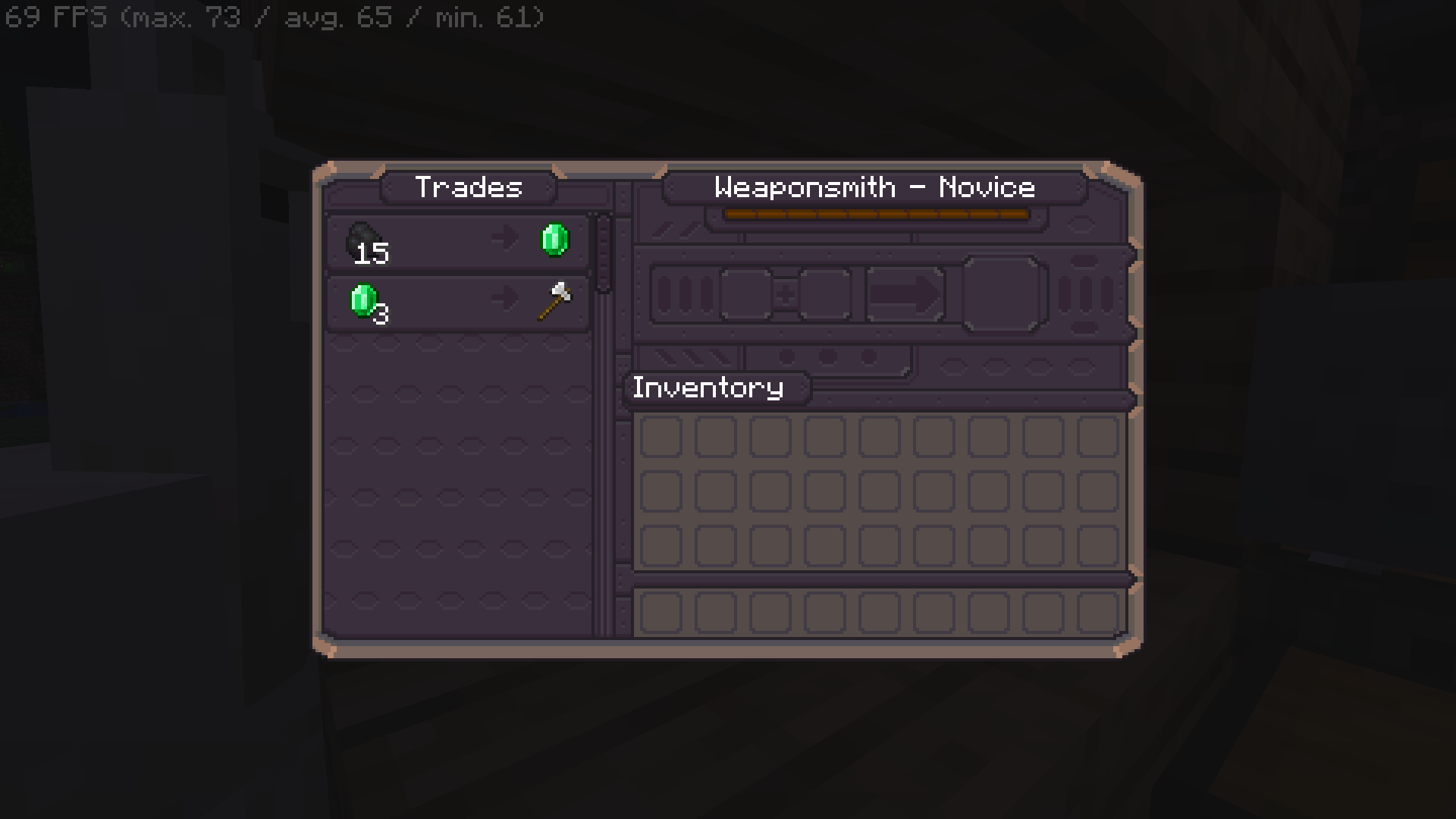
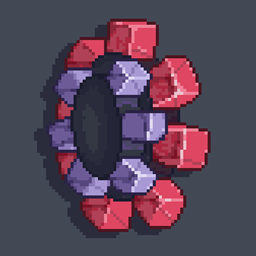
Mechanical Equation GUI is full of mechanical style themes, each functional block has a unique texture.
by Royal_Bronzeror111
Download Claim this project
4,227 downloads
0 likes
Updated Oct 14, 2026
0 hypes
16x Medieval Mod Support Modern Photo Realistic
Advertisement Remove ads with Premium →

机械方程 GUI 包

Mechanical Equation GUI充满了机械风格的主题,每个功能块都有独特的纹理。Mechanical Equation GUI 是最酷和最好的 GUI。

我尽最大努力完成它,让它更完美、更完美、更受欢迎。我希望你喜欢它。

要查看 Modrinth 上的 Mechanical Equation GUI 包,请单击此处.

请记住:

请务必注明出处,不要将 Mechanical Equation GUI 声称为您自己的创作。

Mechanical Equation GUI pack

Mechanical Equation GUI is full of mechanical style themes, each functional block has a unique texture.Mechanical Equation GUI is the coolest and best GUI.

I try my best to finish it and make it more perfect, perfect and popular.I hope you like it.

To view Mechanical Equation GUI pack on Modrinth, click here.

Just keep in mind:

Make sure to credit, and don't claim Mechanical Equation GUI as your own creation.

Mechanical Equation GUI pack 1.20.2~1.20.4 v0.1.0.5
MC 1.20.2, 1.20.2-Snapshot, 1.20.3-Snapshot, 1.20.3, 1.20.4
Release 2024-06-22 Get
Mechanical Equation GUI pack 1.20.5~1.21 v0.1.1.3
MC 1.21, 1.20.5, 1.20.5-Snapshot, 1.20.6, 1.21-Snapshot
Release 2024-06-22 Get
Mechanical Equation GUI pack 1.19~1.19.2 v0.0.7.2
MC 1.19-Snapshot, 1.19.2, 1.19.1, 1.19
Release 2024-06-22 Get
Mechanical Equation GUI pack 1.19.4~1.20.1 v0.0.9.3
MC 1.19.4-Snapshot, 1.19.4, 1.20.1, 1.20, 1.20-Snapshot
Release 2024-06-22 Get
Mechanical Equation GUI pack 1.19.3 v0.0.8.2
MC 1.19.3, 1.19.3-Snapshot
Release 2024-06-22 Get
Mechanical Equation GUI pack 1.17~1.18.2 v0.0.6.2
MC 1.17.1, 1.18.1, 1.17, 1.18.2, 1.17-Snapshot, 1.18, 1.18-Snapshot
Release 2024-06-22 Get

Requirements & install

How to use this resource pack in Minecraft
Resolution
16x
Minecraft
1.20.3-Snapshot – 1.21
Install folder
.minecraft/resourcepacks

How to install resource packs

  1. Download the resource pack .zip file (do not extract it).
  2. In Minecraft open Options → Resource Packs → Open Pack Folder.
  3. Drop the .zip into the resourcepacks folder (.minecraft/resourcepacks).
  4. Move the pack to the Selected column and click Done.
Browse more: 16x resource packs 32x resource packs 64x resource packs 128x resource packs 256x resource packs 512x+ resource packs Resource Packs for 1.21 All resource packs

More from Royal_Bronzeror111

Advertisement Remove ads with Premium →

You Might Also Like