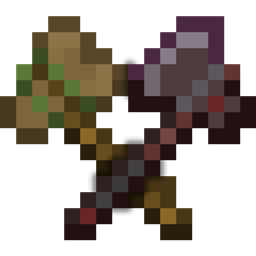
Say goodbye to basic recoloring!
Let's embrace each tool's differences.
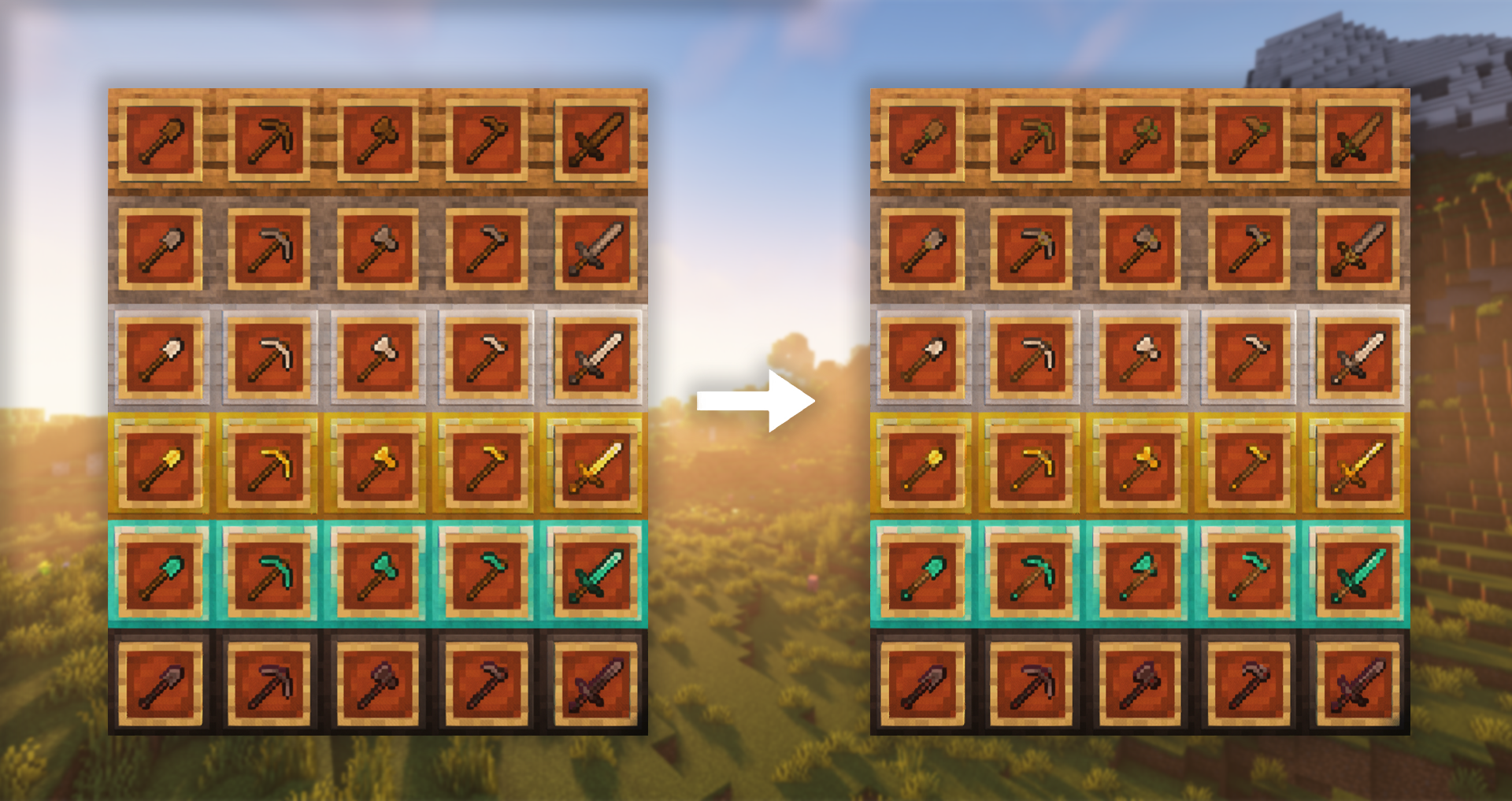
For as long as tools have existed in-game, each material has simply been a recolor of the last. Your fancy new diamond gear? Just the wooden axe, hoe, pick, shovel, and sword gone blue. As your game progresses, so should your tools. Let's reward your hard work and add some realism while we're at it.
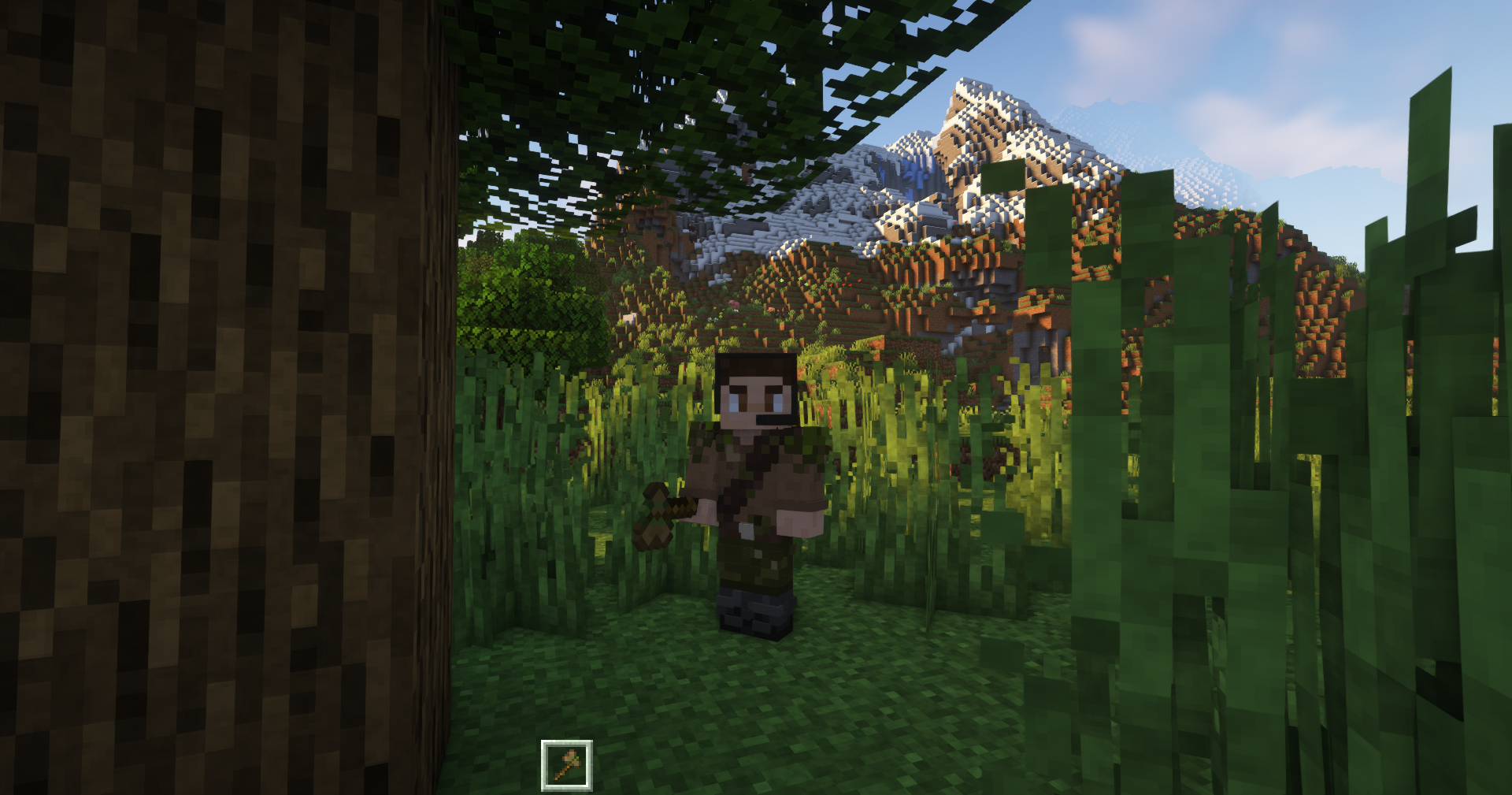
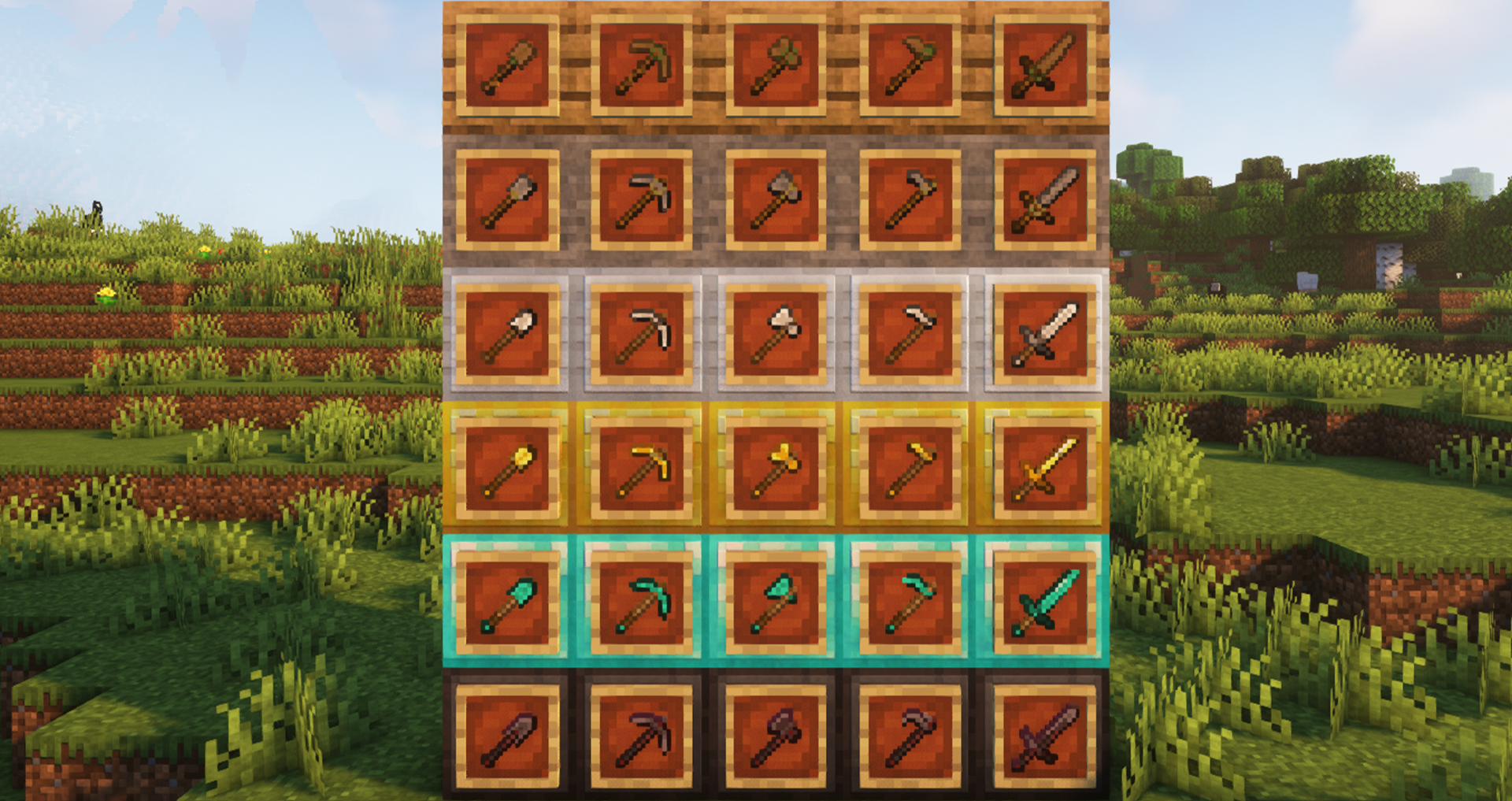
With Unique Tools, no two toolsets are alike. Wooden tools, tied by grass and chipped from use, are now leaps behind the polished, embellished Netherite of today. Stone tools, bound by twine and defined by their stubbiness, stand nothing against the sharpened, dazzling tools of Diamond. And at last, Gold tools, misshapen from their lack of durability, hold no edge over Iron's refinement.
With each new tool material, construction quality visibly improves and appearance reflects the strengths of each--all while maintaining that classic vanilla look we've all come to love.
Features:
-Axes, hoes, pickaxes, shovels, and swords have all been retextured to better reflect the quality of their materials and their progression in regular gameplay
HEADS UP!
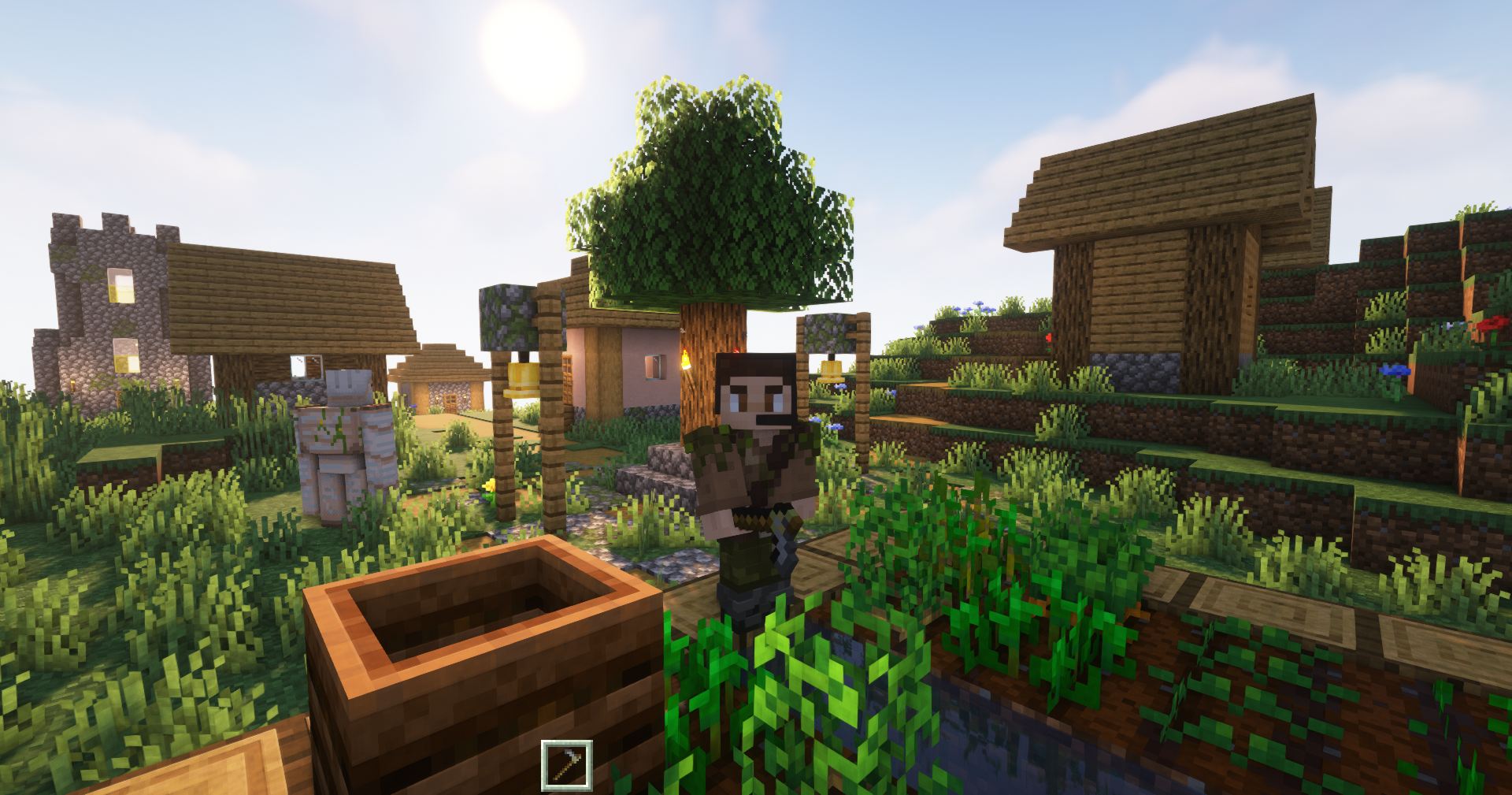
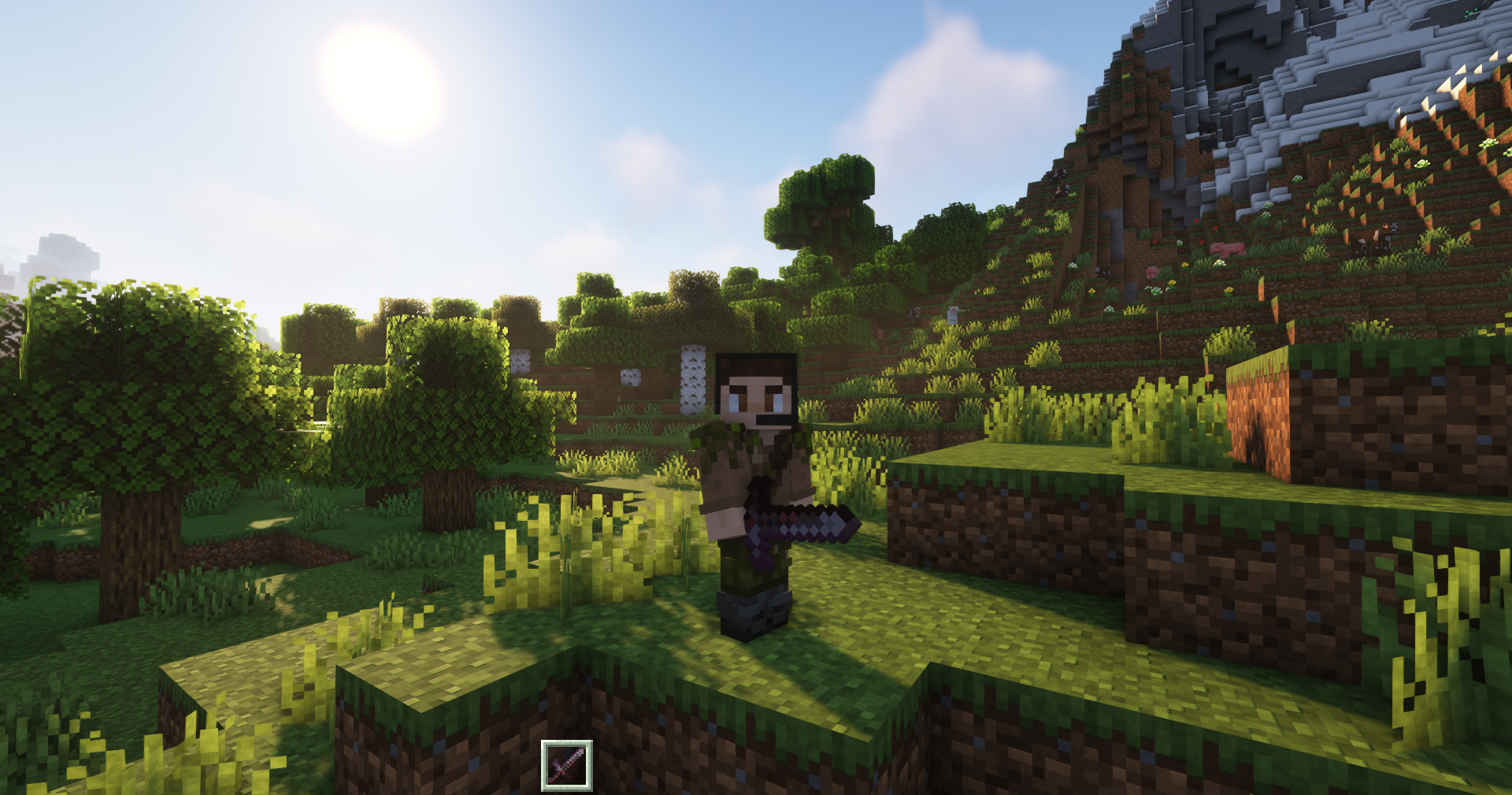
-OptiFine is not required! The cover images only use it because it looks better :)
-For those interested, those screenshots were taken using Complementary Shader