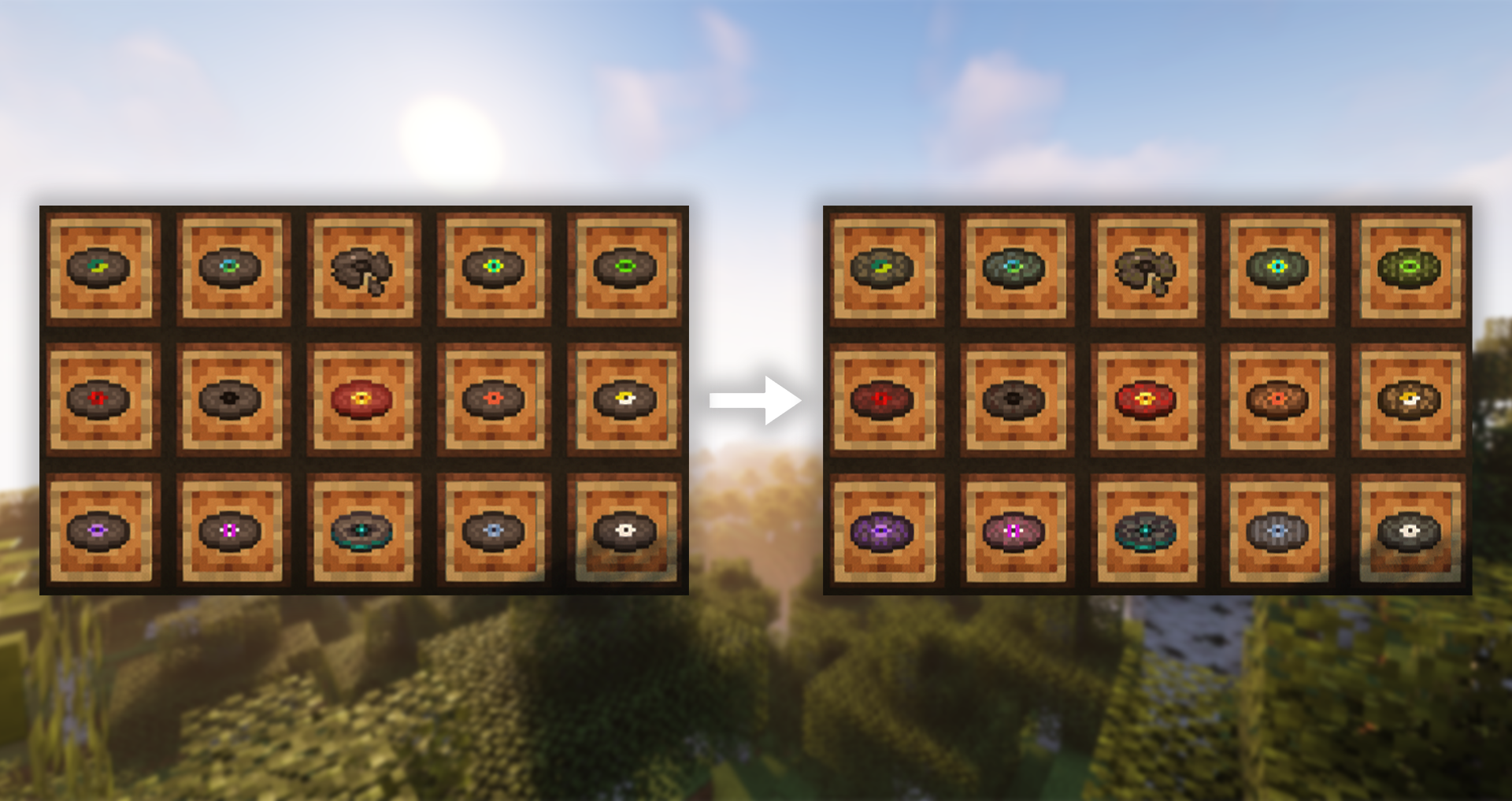
Vanilla discs are boring.
Time to think outside the record labels!
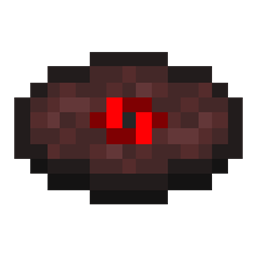
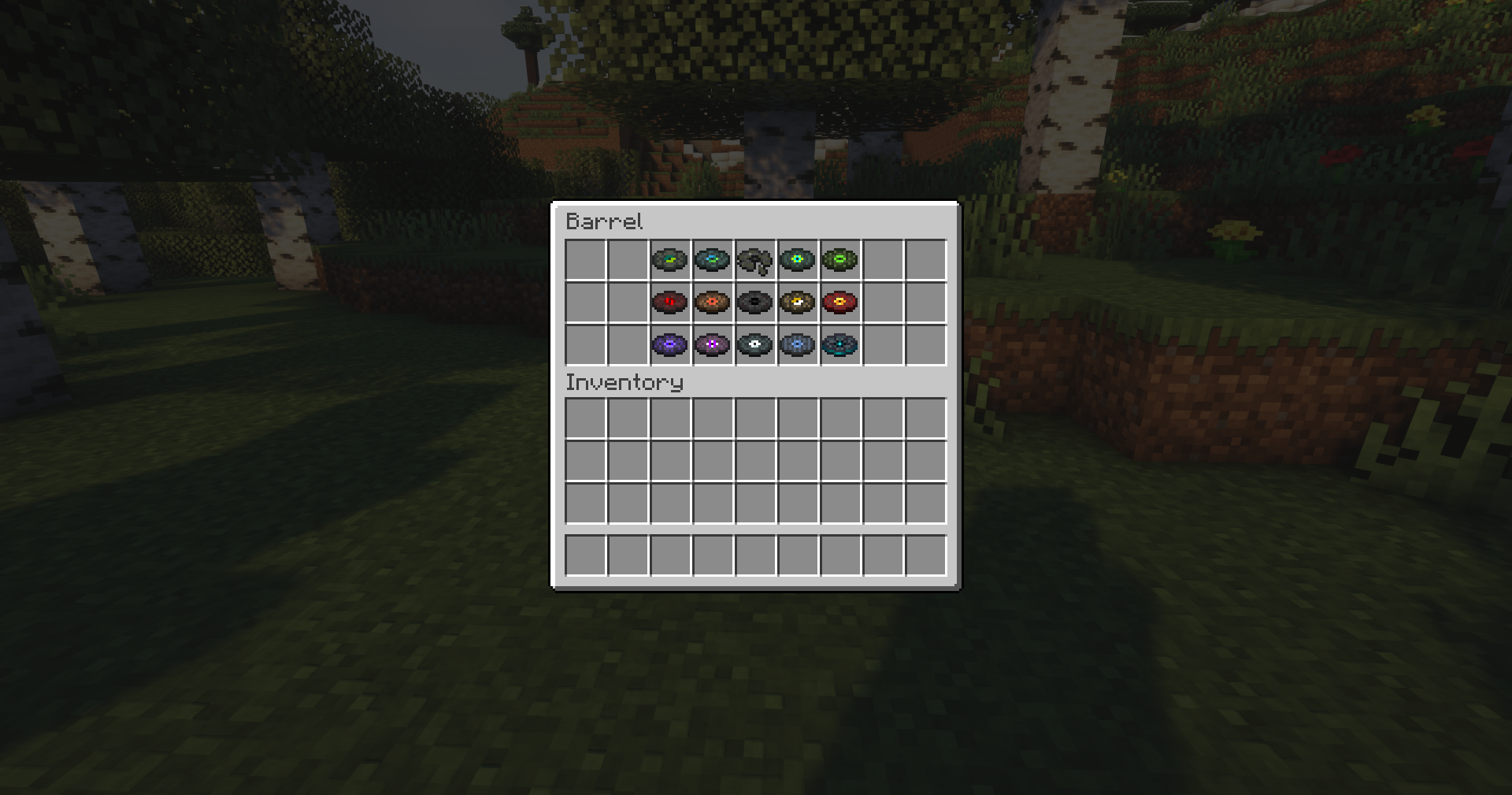
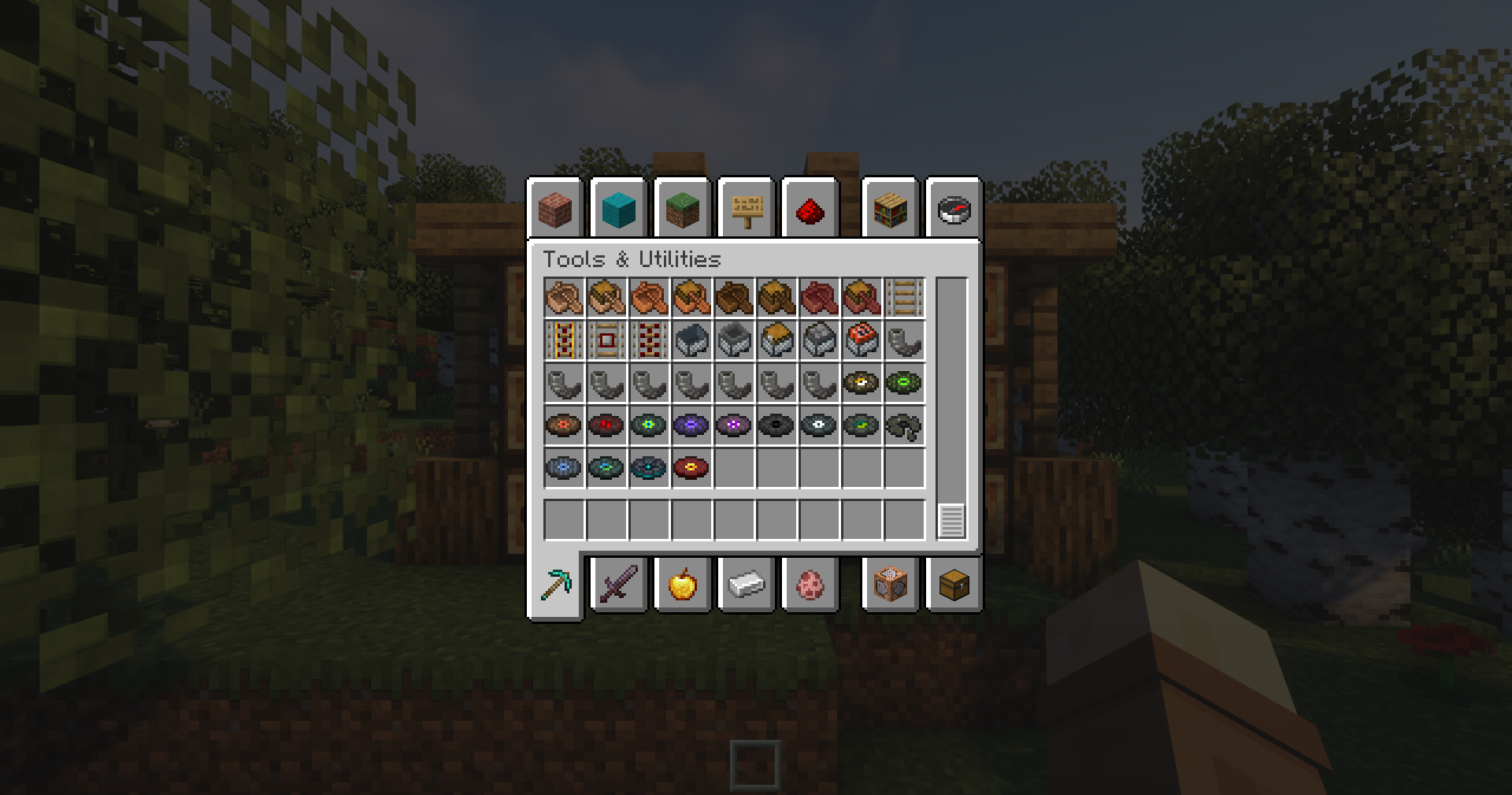
Since the dawn of music discs in Minecraft, every disc has used the same base texture with a mere 10-pixel record label to set each apart. As each update adds more discs to our already large collection, it has grown increasingly difficult to identify discs at a glance or pick them apart when placed beside others. This pack aims to combat these issues, all while doing so in a pleasant, vanilla-friendly manner.
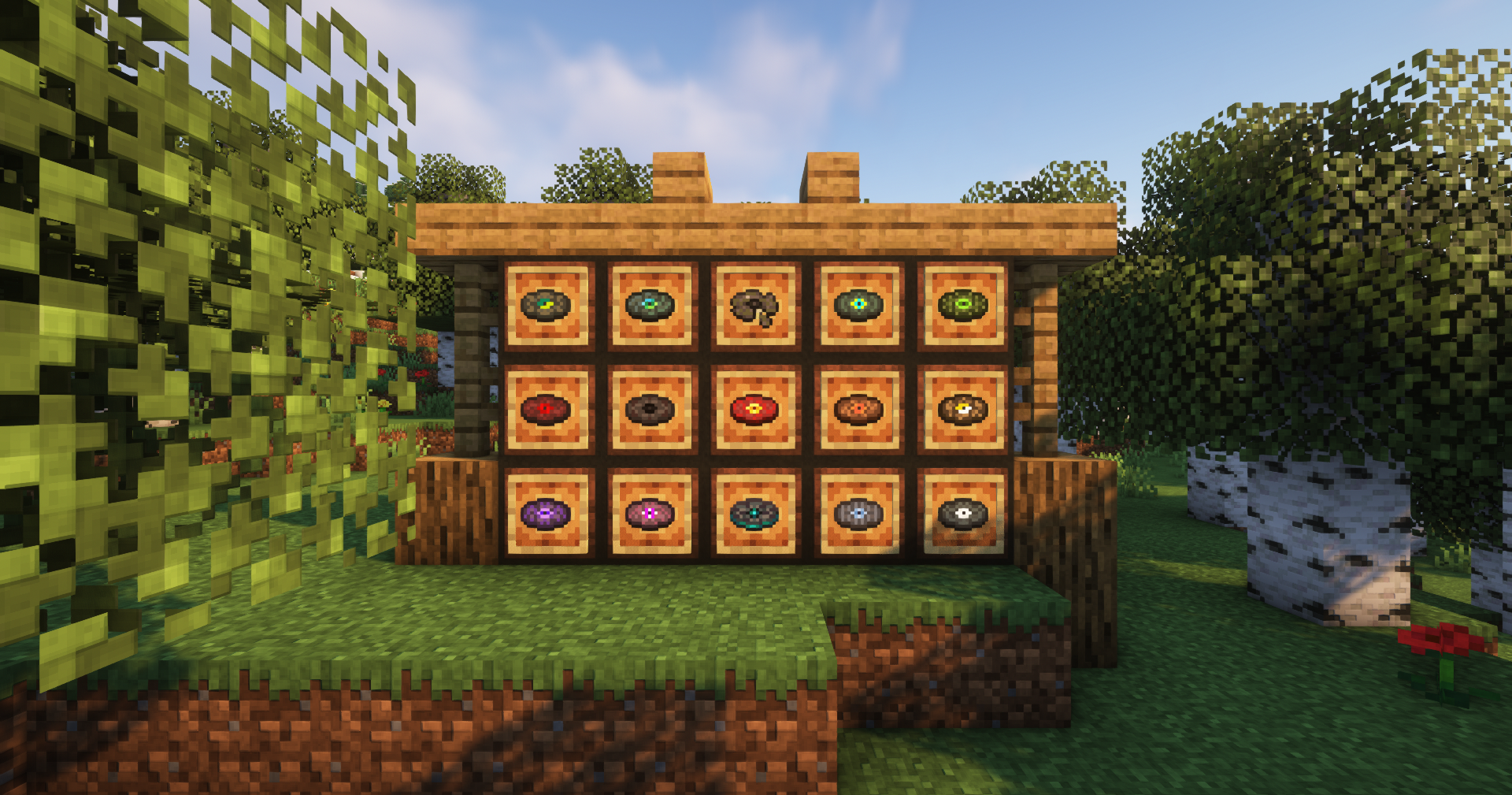
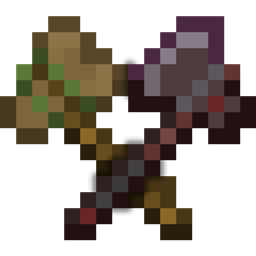
Each disc has had its base texture replaced with a new tint to reflect its original label, then slight patterns layered on top that reflect the nature of the disc's music. Cat, for example, and its chiptune-esque sound, has a spotted appearance that reflects its pixelated personality. Disc 5, meanwhile, has gained cracks to reflect its crafting recipe of combined disc fragments.
All changes are intentionally minimal so the discs don't stand out from anything aside from each other.
Features:
-Every music disc (including Disc 5's fragments) has been retextured to incorporate subtle patterns that coincide with the qualities of each disc's soundtrack
-Retexturing has been done in such a way as to preserve their vanilla feel
-The slight recoloring and new patterns make each disc far easier to recognize at a glance-- invaluable when searching through inventories or picking discs off the ground
HEADS UP!
-OptiFine is not required! The cover images only use it because it looks better :)
-For those interested, those screenshots were taken using Complementary Shaders