Mineuniverse
Resource Packs
Ultra PVP Pack

Ultra PVP Pack

RESOURCE PACK
This is the perfect PVP Texturepack
by UnCooler
Download Claim this project
Add a badge to your pageLink to Ultra PVP Pack from a README, website or forum post.
Preview: Badge

Badges update automatically and link to the resource pack page on MineUniverse.

18,924 downloads
0 likes
0 followers
Updated Oct 14, 2026
0 hypes
Follow0
16x Miscellaneous Modern Traditional
Advertisement Remove ads with Premium →

Are you tired of searching for the perfect PvP texture pack for Minecraft 1.21 and coming up empty-handed? Look no further! I’ve created this texture pack specifically to enhance your PvP experience in Minecraft 1.21.

This pack is carefully designed to give you a competitive edge without sacrificing the aesthetic appeal of the game. Here's what makes it stand out:

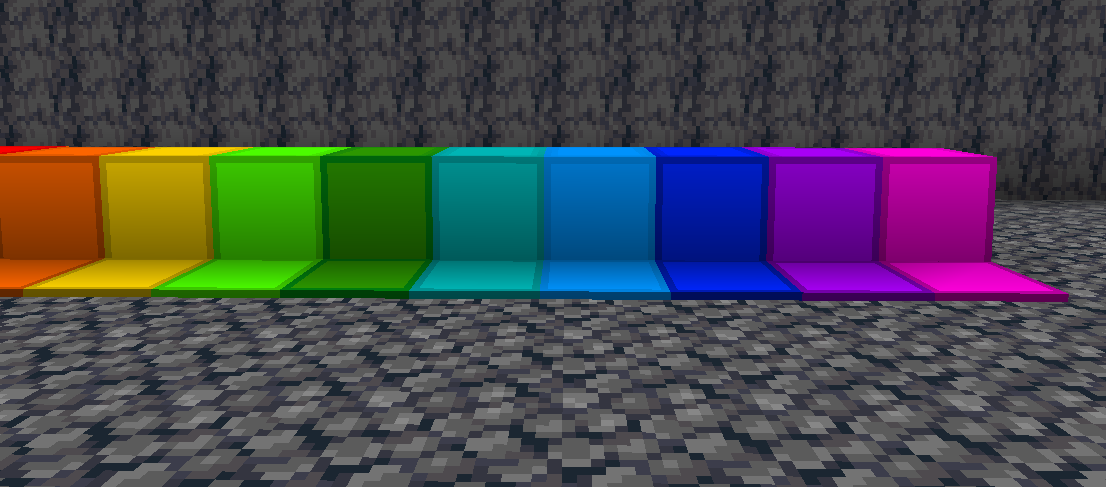
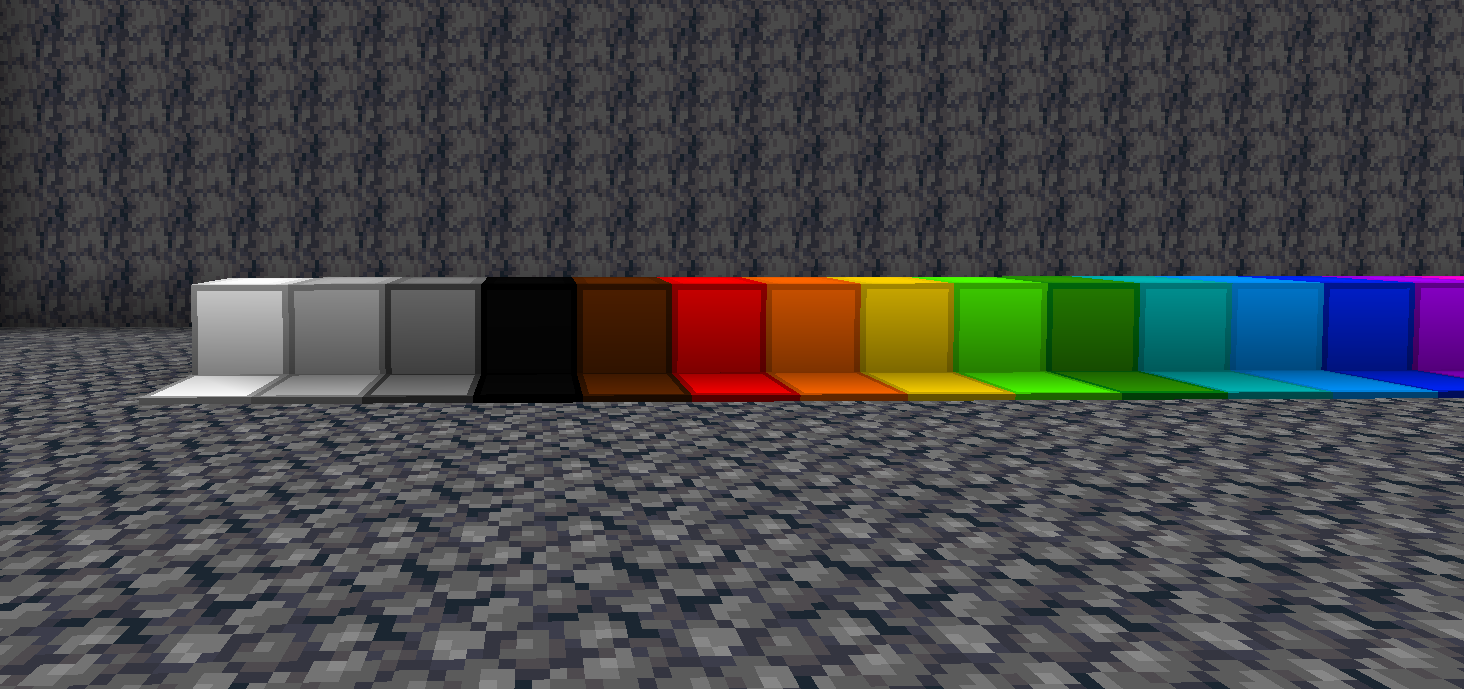
  • Optimized Visuals: Clean and sharp textures that make it easier to spot enemies and important items in the heat of battle.
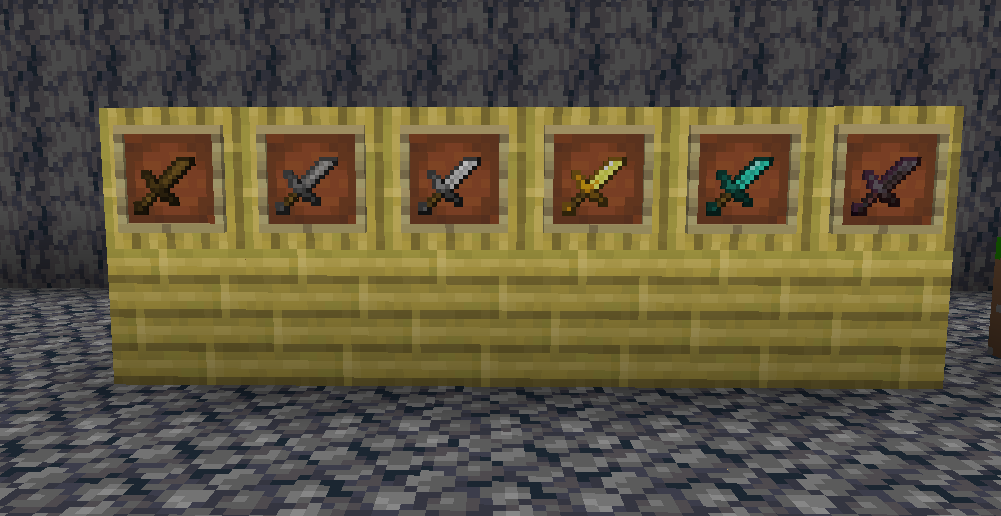
  • Custom Weapons and Tools: Redesigned swords and tools with shorter, more practical designs for better visibility.
  • Perfect for 1.21 Gameplay: Fully compatible with the latest version, ensuring seamless integration with all new features.

Whether you're a casual PvP player or a hardcore competitor, this texture pack is tailored to meet your needs. Download now and dominate the battlefield like never before!

Feel free to leave feedback so I can improve the pack further. Happy PvPing!

Ultra PvP Pack.zip
MC 1.19.3, 1.20.2, 1.21.2-Snapshot, 1.21, 1.18.1, 1.19.4-Snapshot, 1.20.5, 1.20.2-Snapshot, 1.20.5-Snapshot, 1.19.4, 1.19-Snapshot, 1.21.1-Snapshot, 1.21.4, 1.19.2, 1.20.3-Snapshot
Release 2025-01-01 Get

Requirements & install

How to use this resource pack in Minecraft
Resolution
16x
Minecraft
1.20.2 – 1.21.4
Install folder
.minecraft/resourcepacks

How to install resource packs

  1. Download the resource pack .zip file (do not extract it).
  2. In Minecraft open Options → Resource Packs → Open Pack Folder.
  3. Drop the .zip into the resourcepacks folder (.minecraft/resourcepacks).
  4. Move the pack to the Selected column and click Done.
Browse more: 16x resource packs 32x resource packs 64x resource packs 128x resource packs 256x resource packs 512x+ resource packs Resource Packs for 1.21.4 All resource packs

More from UnCooler

Advertisement Remove ads with Premium →

You Might Also Like