Mineuniverse
Resource Packs
Ultra Darkmode

Ultra Darkmode

RESOURCE PACK
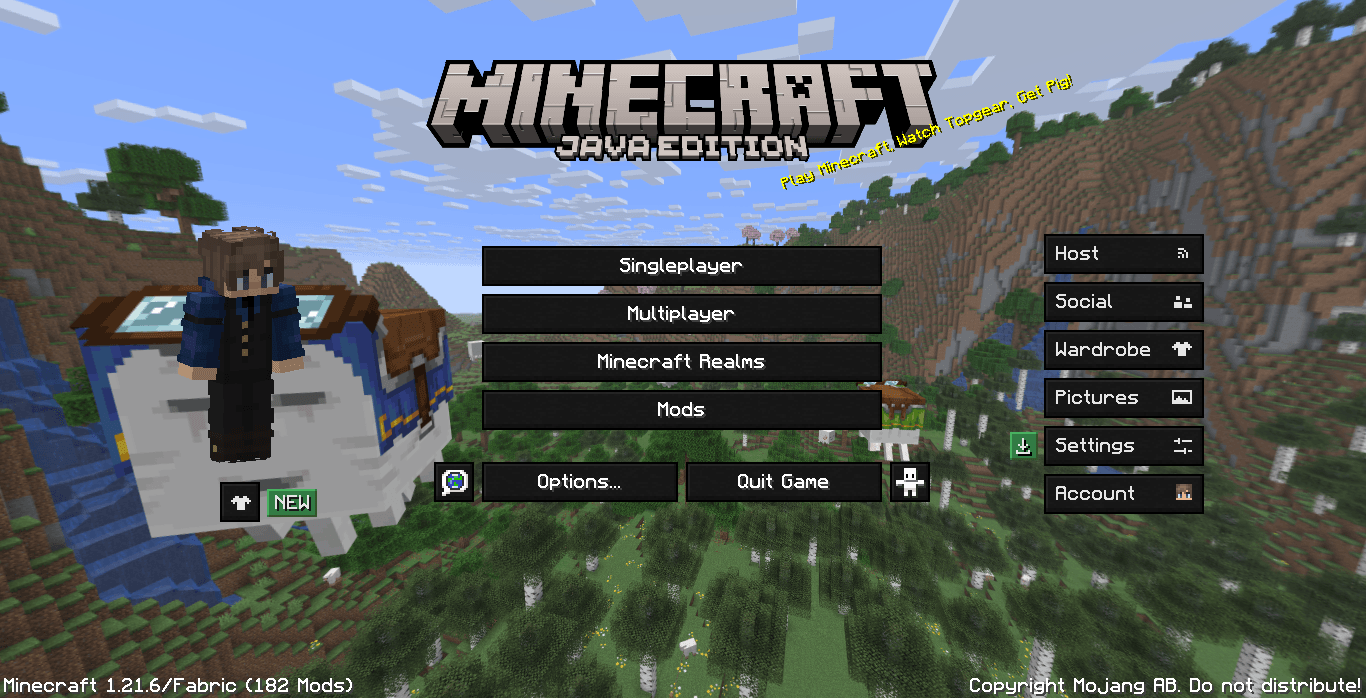
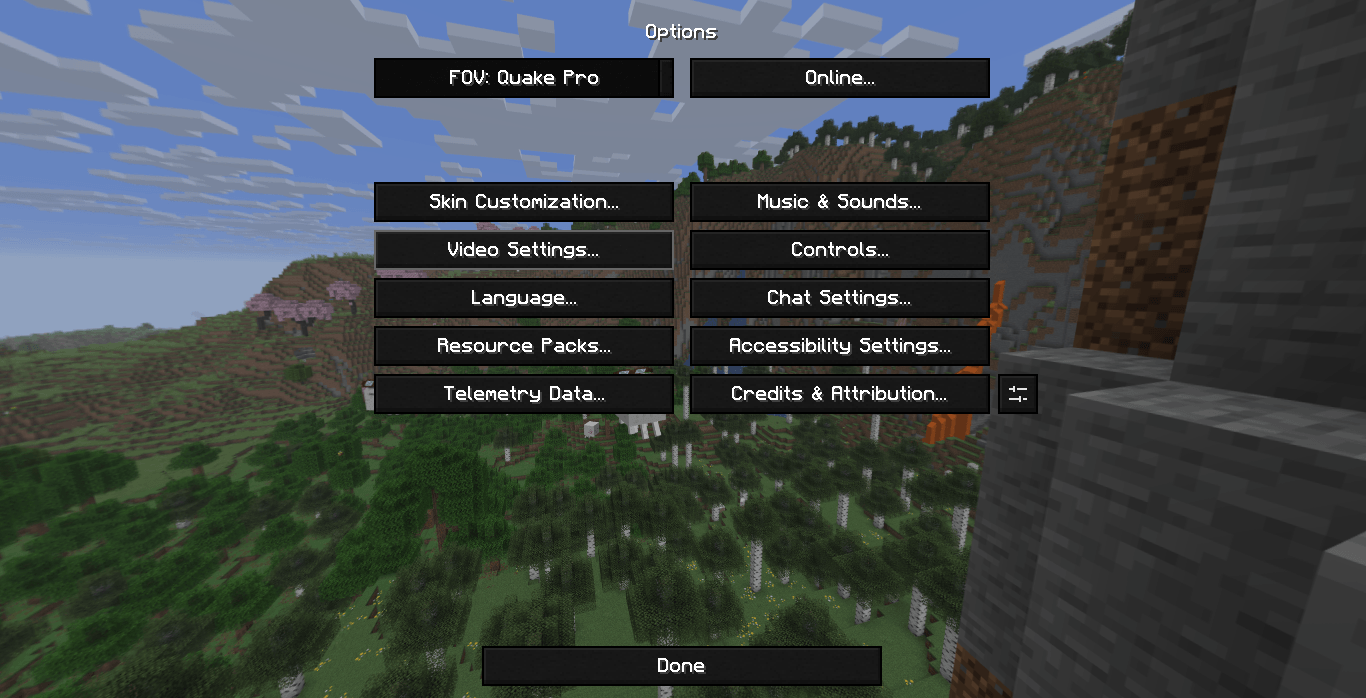
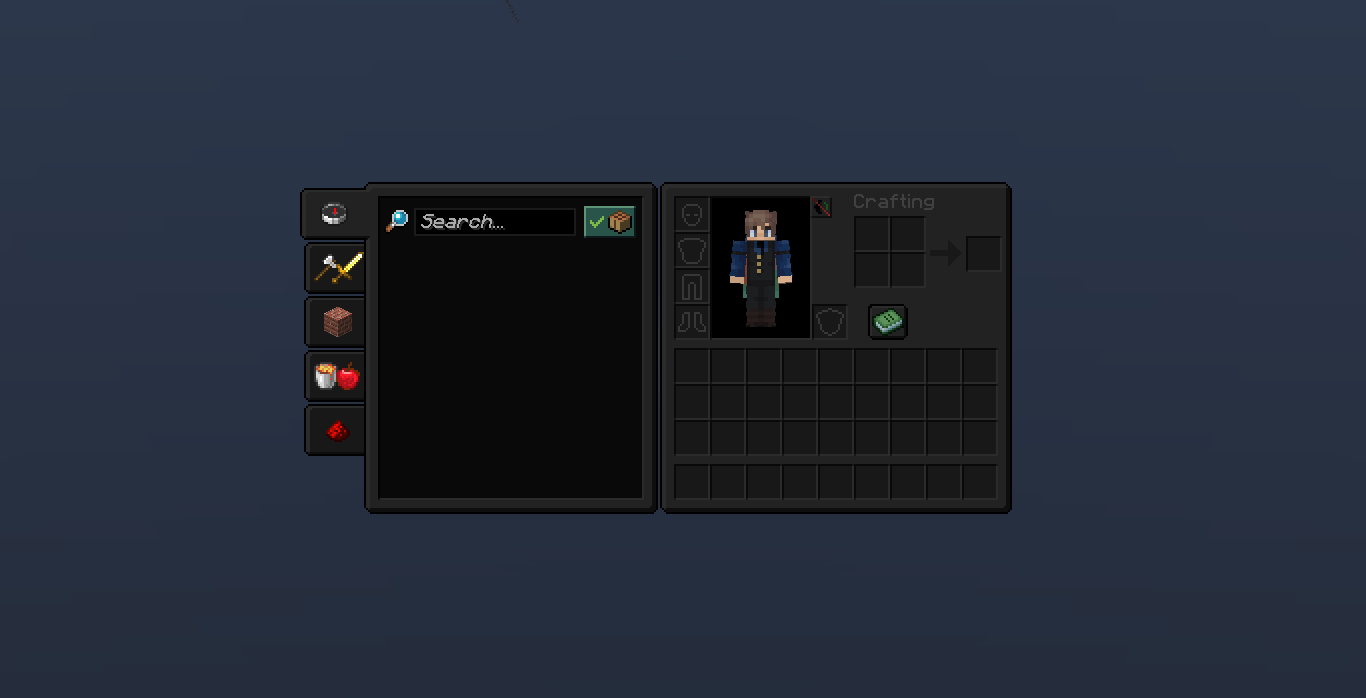
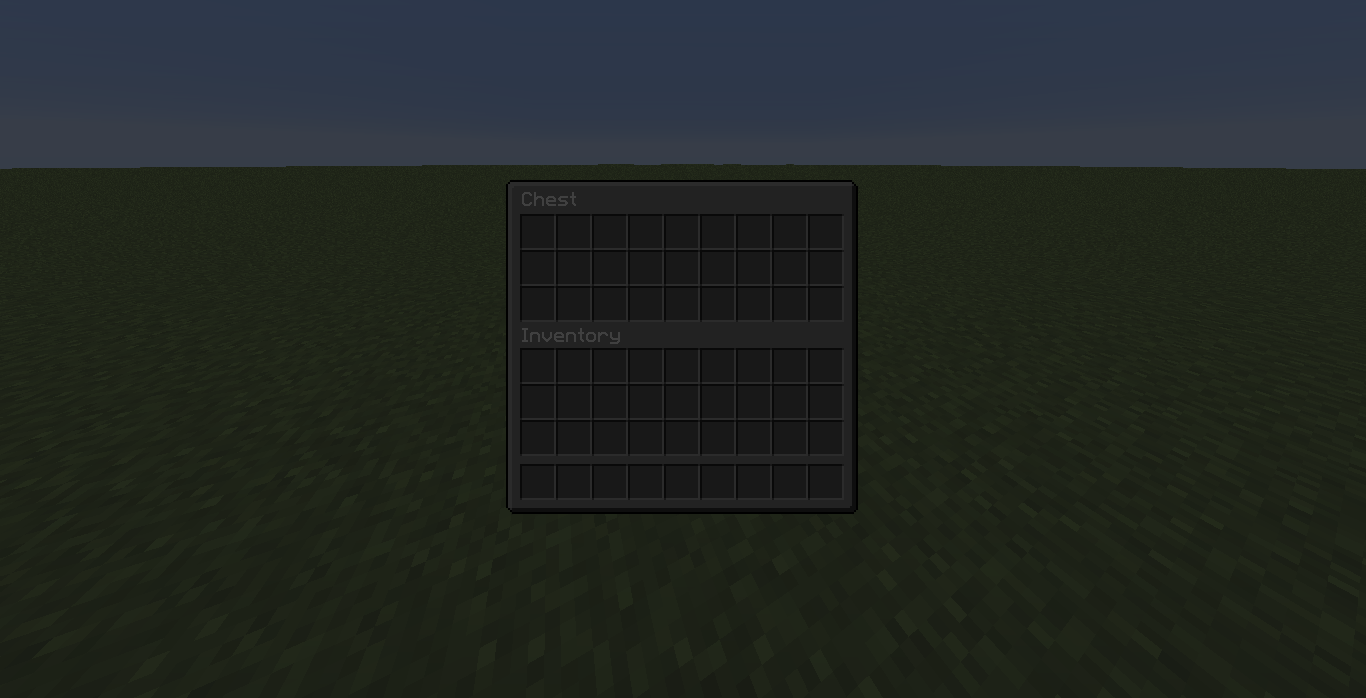
Transform your interface with a sleek, ultra-dark and modern look!
by BreadMC
Download Claim this project
2,265 downloads
0 likes
Updated Oct 14, 2026
0 hypes
256x Miscellaneous
Advertisement Remove ads with Premium →

Ultra Darkmode | Modrinth

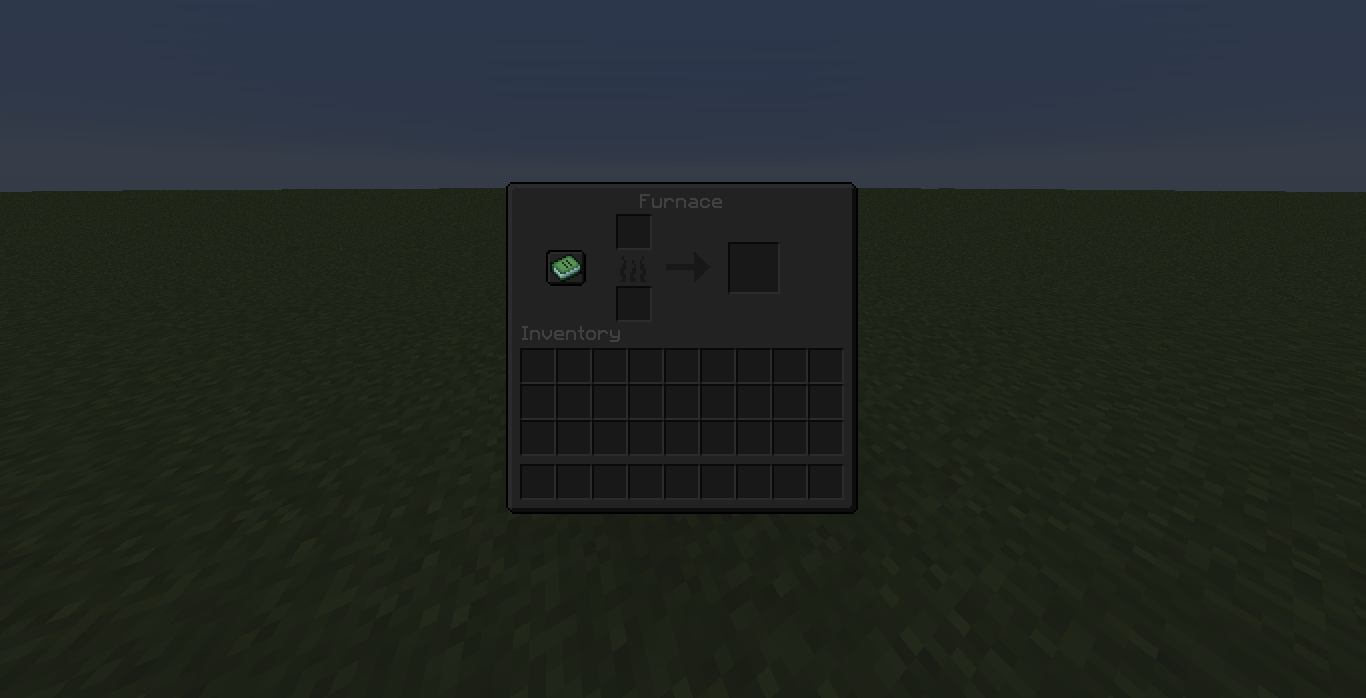
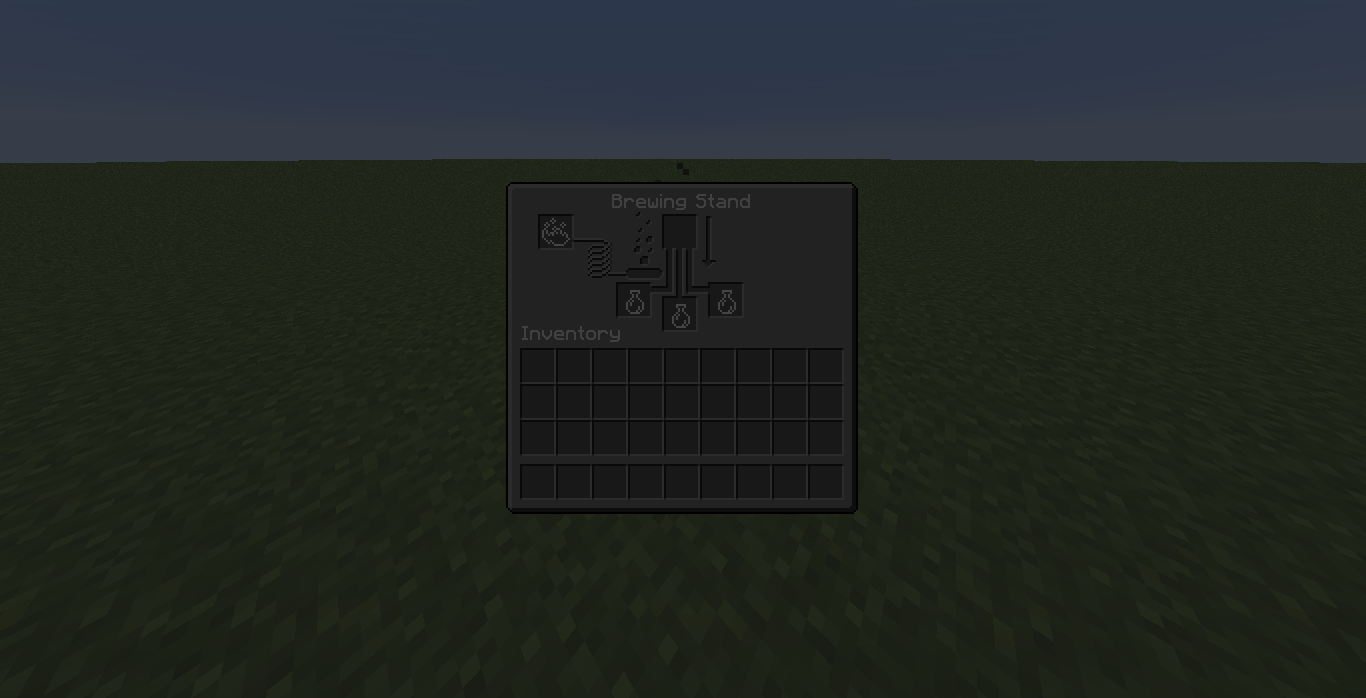
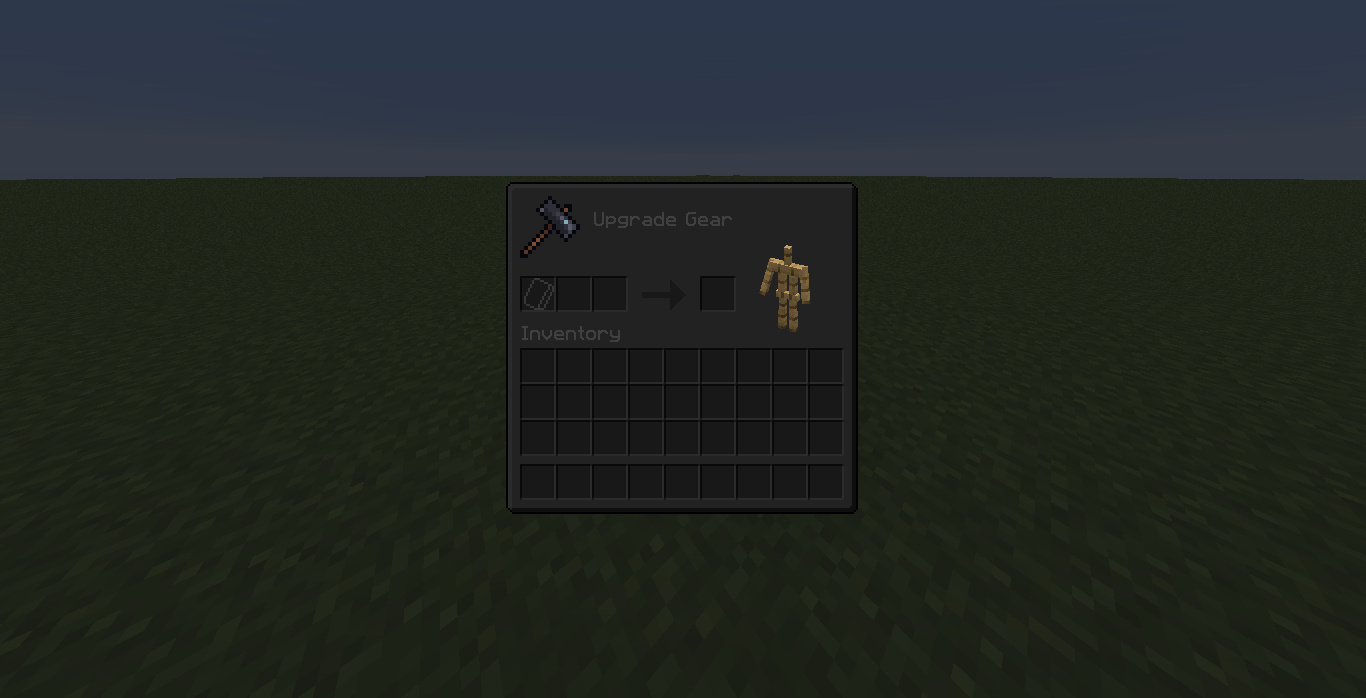
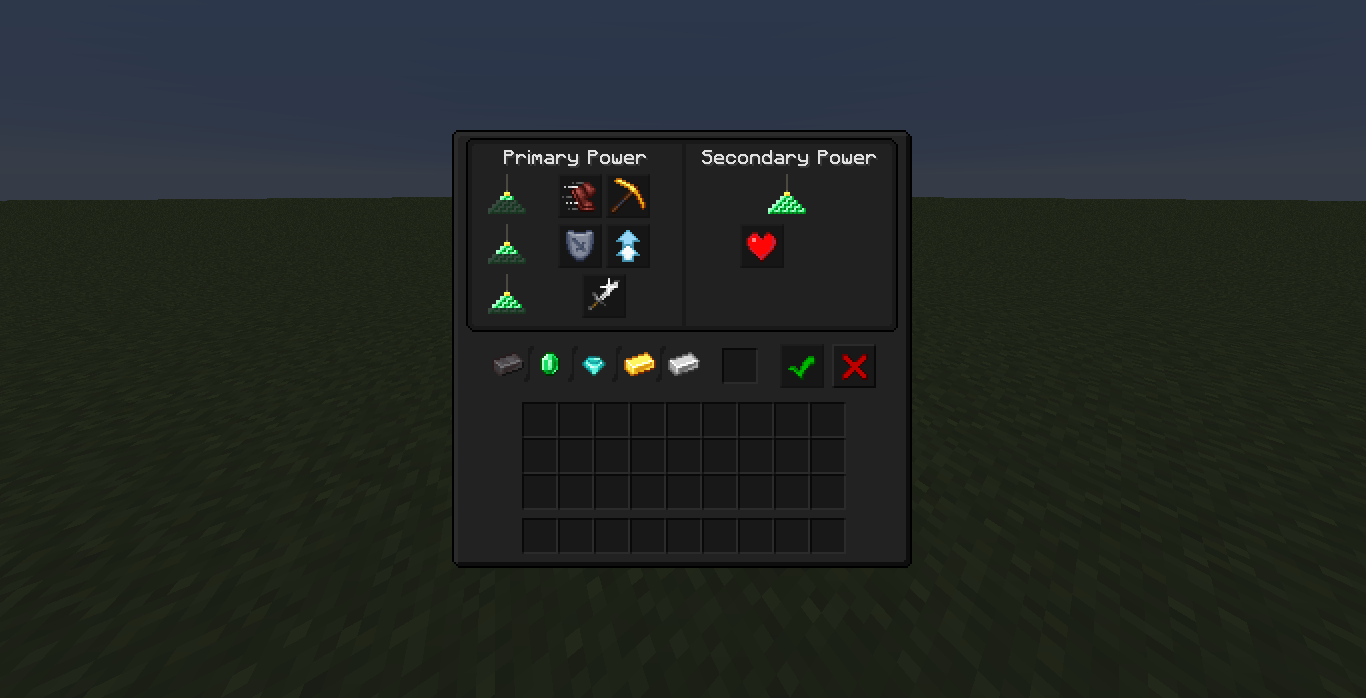
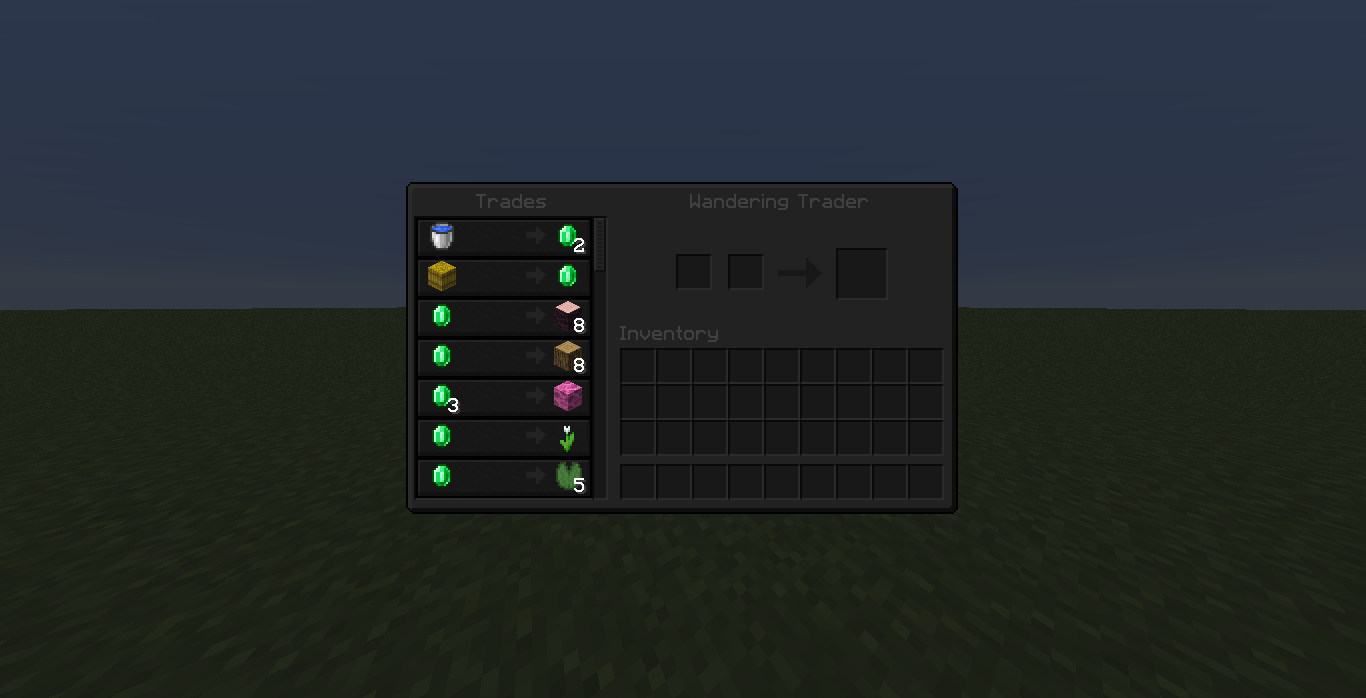
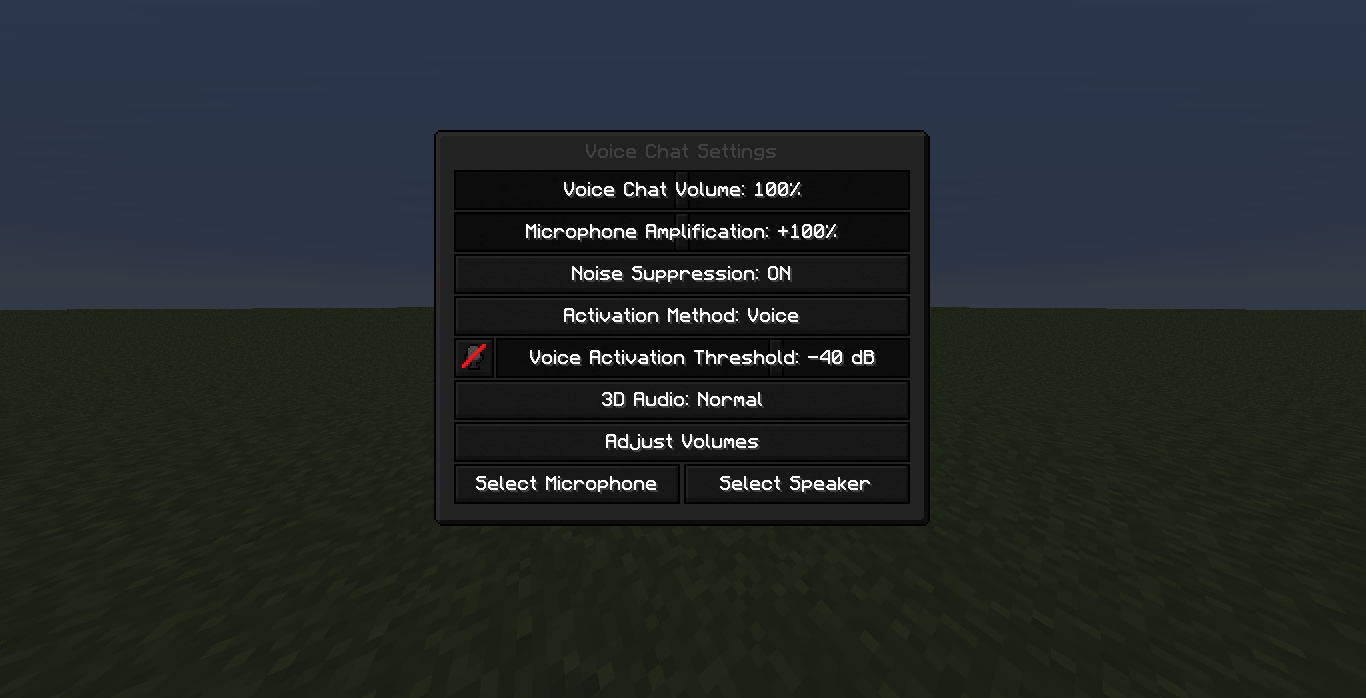
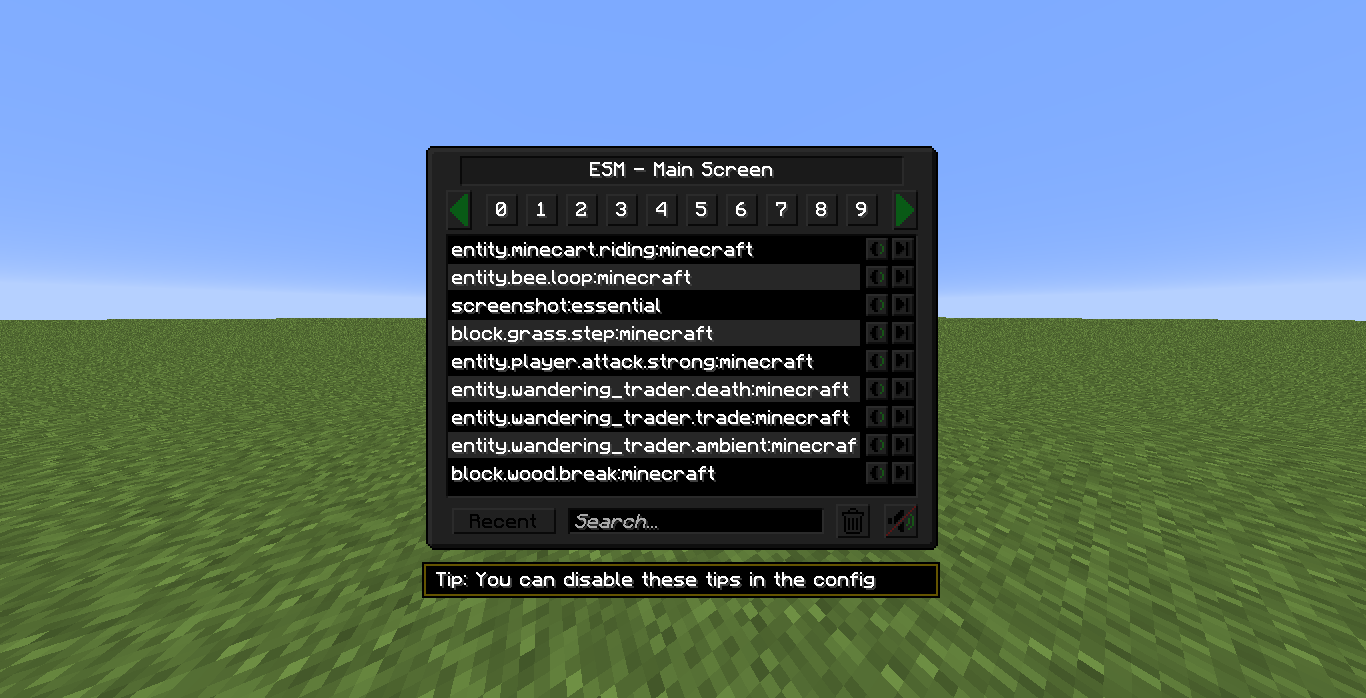
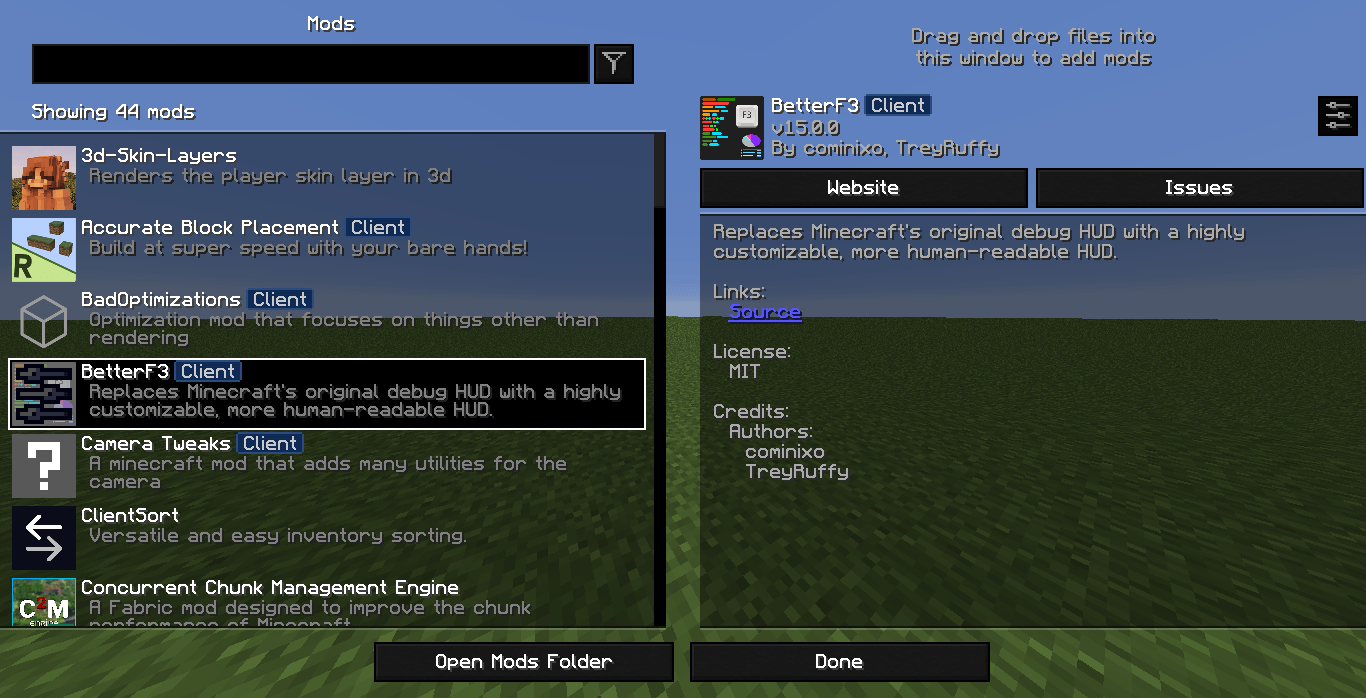
Ultra Darkmode reimagines Minecraft’s interface with a rich, polished dark aesthetic. It softens harsh brightness, enhances visibility through balanced contrast, and delivers a smooth, eye-friendly UI ideal for long play sessions. Designed for players who enjoy a refined and minimalist style, this pack gives your menus a darker immersive atmosphere with a clean modern-premium feel. It also offers compatibility with popular mods like Voice Chat, Mod Menu, and many others.

Ultra Darkmode 1.0.0 - Special Pack | 1.19.2

This version won't be updated. Supports all mods below:

  •  Ad Astra
  • Alex's Mobs
  • Apotheosis
  • Aquaculture
  • Armor Statues
  • Avaritia
  • Botania
  • Oh The Biomes You'll Go
  • Camera Mod
  • Cataclysm
  • Celestisynth
  • MrCrayfish's Gun Mod
  • Cosmetic Armor Reworked
  • Create
  • Creative Wireless Transmiter
  • Curios
  • Easy Anvils
  • Echo Chest
  • Exotic Birds
  • Extra Storage
  • Extreme Sound Muffler
  • Farmer's Delight
  • Forbidden Arcanus
  • Framed Blocks
  • Immersive Aircraft
  • Immersive Melodies
  • Industrial Foregoing
  • Iron's Spell & Books
  • JEI
  • JEI Resources
  • Mahou Tsukai
  • Mekanism
  • Mekanism Generators
  • Minecraft (vanilla)
  • Mythic Botany
  • No Chat Reports
  • Powah
  • Quality Equipment
  • Refined Storage
  • Refurbished Furniture
  • Simple Voice Chat
  • Sophisticated Backpacks
  • Spore
  • Storage Drawers
  • Supplementaries
  • Trash Cans
  • Twilight Forest
  • Valkyrien Skies
  • VC Gliders
  • Waystones
Ultra Darkmode 1.6.2
MC 1.21.9, 1.21.10, 1.21.11, 26.1, 26.1.1, 26.1.2, 26.2
Release 2026-08-01 Get
Ultra Darkmode 1.6.1
MC 1.21.9, 1.21.10, 1.21.11, 26.1, 26.1.1, 26.1.2
Release 2026-04-05 Get
Ultra Darkmode 1.0.0
MC 1.19.1, 1.19.2, 1.19
Release 2025-12-31 Get
Ultra Darkmode 1.0.0 - SP
MC 1.19.2
Release 2025-12-31 Get
Ultra Darkmode 1.1.0
MC 1.19.3
Release 2025-12-31 Get
Ultra Darkmode 1.2.0
MC 1.19.4
Release 2025-12-31 Get
Ultra Darkmode 1.3.0
MC 1.20.1, 1.20
Release 2025-12-31 Get
Ultra Darkmode 1.4.0
MC 1.20.2, 1.20.4, 1.20.3
Release 2025-12-31 Get
Ultra Darkmode 1.5.0
MC 1.21, 1.21.8, 1.20.5, 1.21.5, 1.21.4, 1.20.6, 1.21.1, 1.21.6, 1.21.3, 1.21.7, 1.21.2
Release 2025-12-31 Get
Ultra Darkmode 1.6.0
MC 1.21.9, 1.21.10, 1.21.11
Release 2025-12-31 Get

Requirements & install

How to use this resource pack in Minecraft
Resolution
256x
Minecraft
1.21.8 – 26.2
Install folder
.minecraft/resourcepacks

How to install resource packs

  1. Download the resource pack .zip file (do not extract it).
  2. In Minecraft open Options → Resource Packs → Open Pack Folder.
  3. Drop the .zip into the resourcepacks folder (.minecraft/resourcepacks).
  4. Move the pack to the Selected column and click Done.

Packs from 128x upwards need more video memory: install a performance mod such as Sodium for smooth frame rates.

Browse more: 16x resource packs 32x resource packs 64x resource packs 128x resource packs 256x resource packs 512x+ resource packs Resource Packs for 26.2 All resource packs
Advertisement Remove ads with Premium →

You Might Also Like