🌟 Ultimate Fullbright (1.21.1) — Safe, Smooth & Universal!
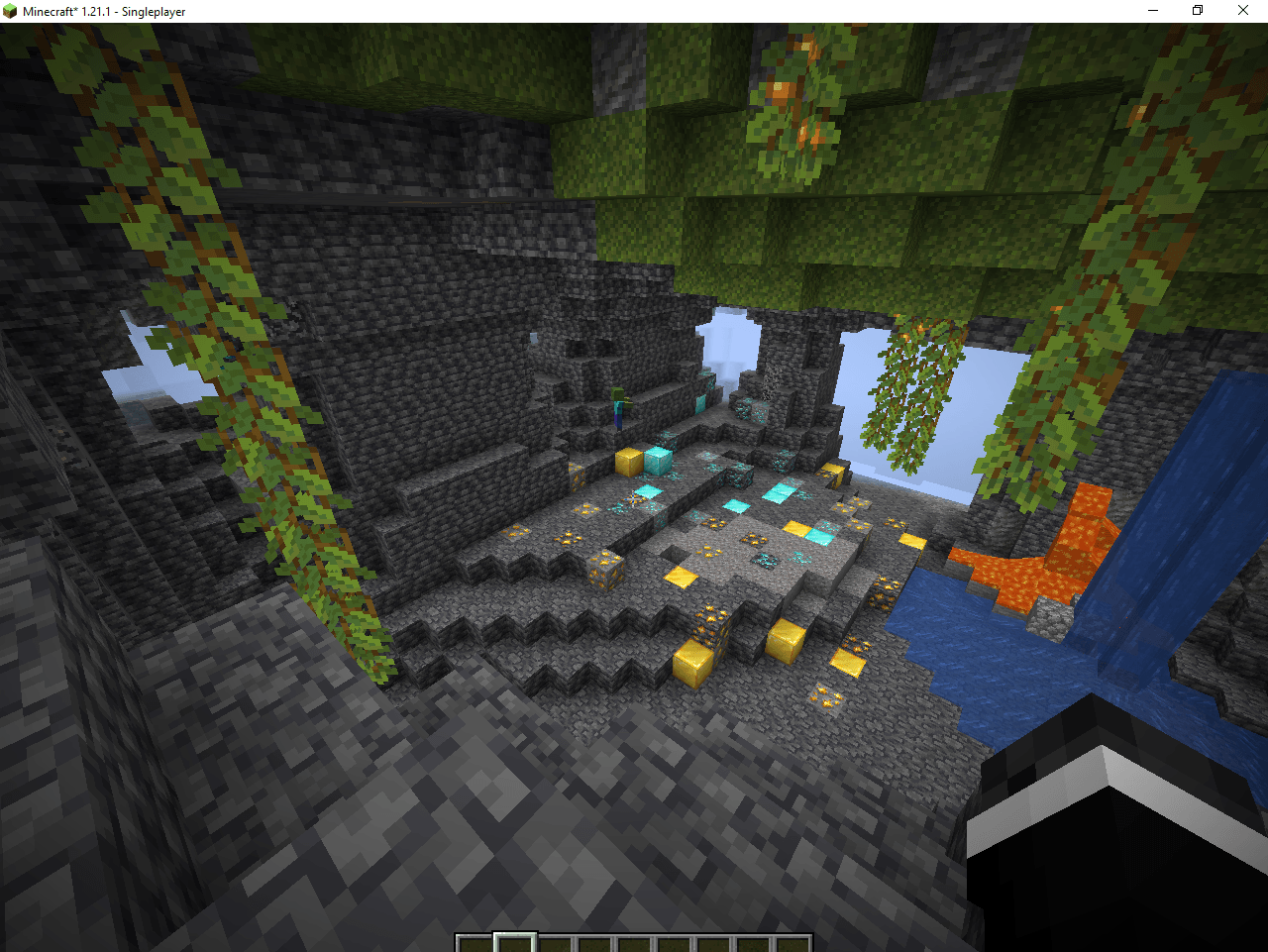
Are you tired of mining in the pitch-black darkness or placing thousands of torches just to see what's in front of you? **Ultimate Fullbright** is the perfect solution for you!
Unlike traditional fullbright packs that stop working when you install performance mods, this pack uses **advanced core vertex shaders** to completely bypass lighting restrictions on both vanilla and modded clients.
🚀 Key Features:
Plug & Play: Just drop the zip into your resourcepacks folder and activate it. No configuration needed!
* 🧪 **Sodium & OptiFine Compatible:** Specially optimized to work with Sodium, Iris Shaders, PolyTone, and OptiFine.
* ⚡ **Zero FPS Drop:** Lightweight shader logic that gives you full brightness without hurting your game's performance.
* 🛡️ **100% Server Safe:** This is a client-side resource pack. It does not send illegal cheat packets, making it perfectly safe for multiplayer servers (Hypixel, local SMPs, etc.).
* 🌌 **Multi-Dimension Support:** Full night-vision effect across the Overworld caves, the Nether, and the End dimension.
🛠️ Installation Guide:
1. Download the `.zip` file from the Files tab.
2. Open Minecraft and go to **Options** -> **Resource Packs** -> **Open Pack Folder**.
3. Move the downloaded `.zip` file into this folder.
4. Select the pack in-game, move it to the **Selected** column, and click **Done**!
(Tip: If you are already in a world, press F3 + T to reload the textures instantly!)
---
*Created by [Aapka Name] — Enjoy a brighter Minecraft experience! If you like the pack, don't forget to drop a download and review!*