Badges update automatically and link to the resource pack page on MineUniverse.
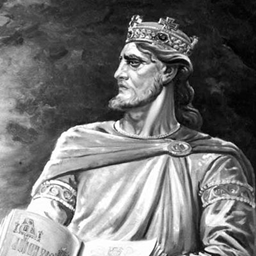
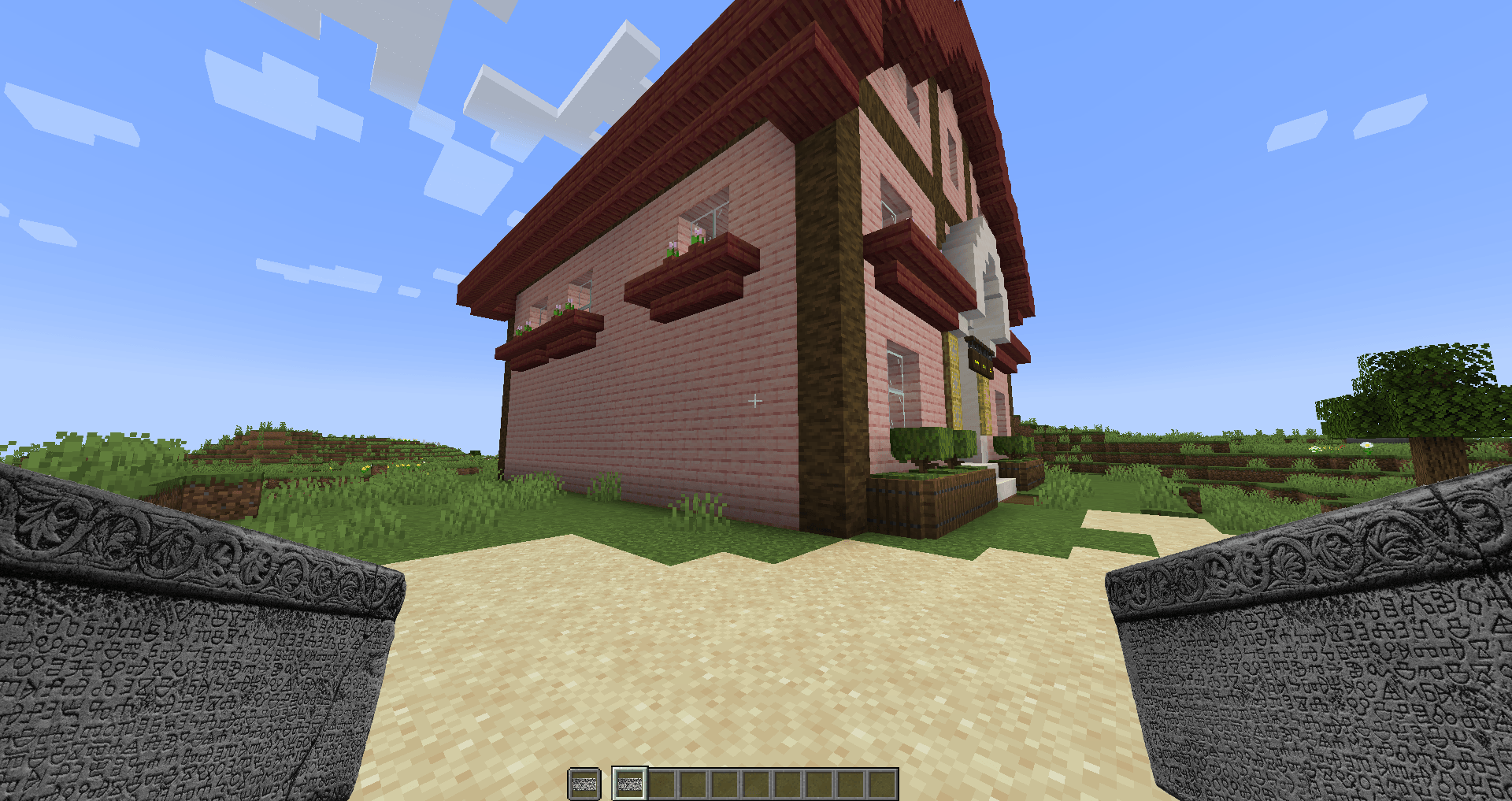
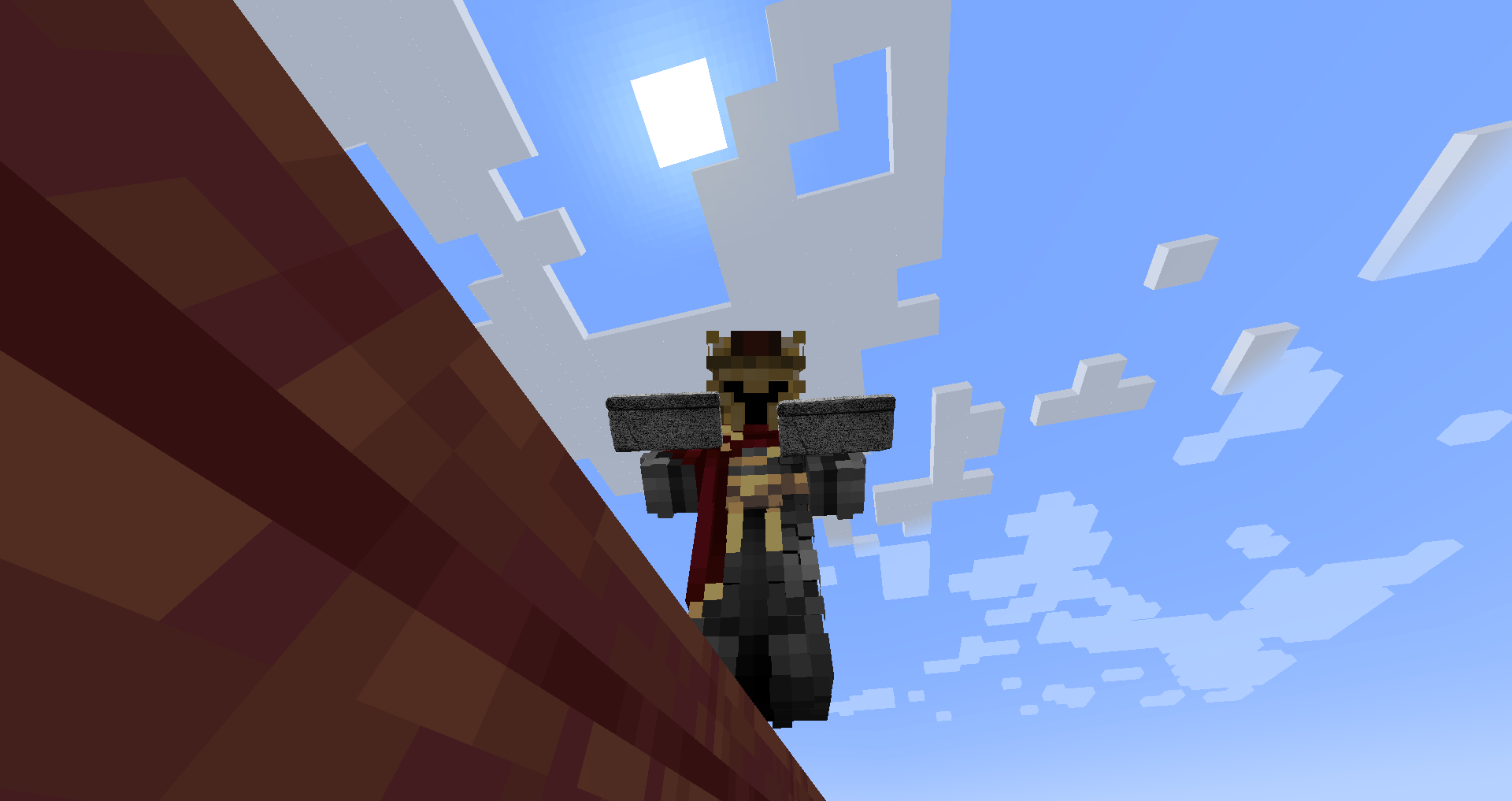
This resource pack turns the Totem of Undying into Baščanska Ploča, be carefull not to go Church of St. Lucy in Jurandvor alone.
I, Abbot Držiha, wrote this about the plot of land which
Zvonimir, the Croatian king, gave
in his days to Saint Lucy
before witnesses: Župan Desimir of Krbava, Martin of
Lika, Pribeneža, envoy of Vinodol, and Jakov of the island.
Whoever denies this, let him be cursed by God, the 12 apostles, the 4
evangelists, and Saint Lucy. Amen.
May whoever lives here pray for them to God.
I, Abbot Dobrovit, built this church with my nine brothers
in the days of Prince Kosmat, who ruled the entire Krajina.
And in those days, the monastery of St. Nicholas in Otočac
was joined in unity with Saint Lucy.
Ja, u ime Oca i Sina i Svetoga Duha.
Ja opat Držiha pisah to o ledini koju
dade Zvonimir, kralj hrvatski,
u svoje dane svetoj Luciji
pred svjedocima: županom Desimirom iz Krbave, Martinom iz
Like, Pribenežom poslanikom iz Vinodola, Jakovom iz otoka.
Tko to porekne, neka ga Bog prokune i 12 apostola i 4
evanđelista i sveta Lucija. Amen.
Da tko ovdje živi, moli za njih Boga.
Ja opat Dobrovit zidah ovu crkvu sa svoje devetero braće
U dane kneza Kosmata koji je vladao cijelom Krajinom.
I u te dane bio je (samostan) sv. Mikule u Otočcu
sa svetom Lucijom u zajednici.