Mineuniverse
Resource Packs
Transparent Dark Ui 64x

Transparent Dark Ui 64x

RESOURCE PACK
Transparent Ui in dark mode in 64x format
by Sudhankar321
Download Claim this project
37 downloads
0 likes
0 followers
Updated Oct 14, 2026
0 hypes
Follow0
64x
Advertisement Remove ads with Premium →

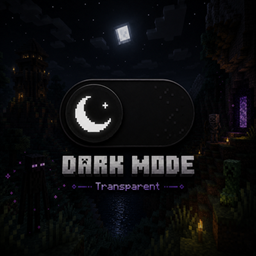
  Transparent Dark UI - 64x

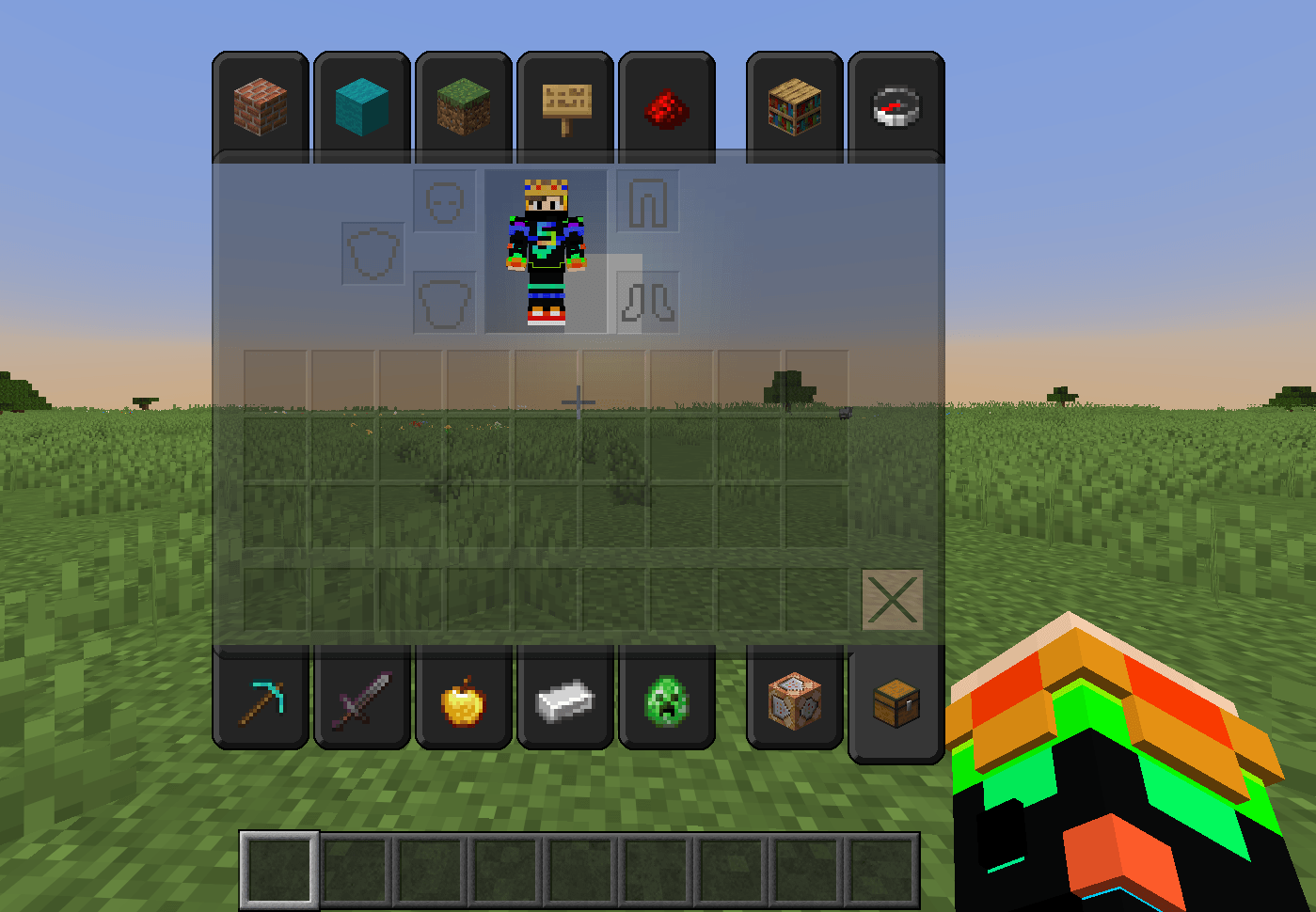
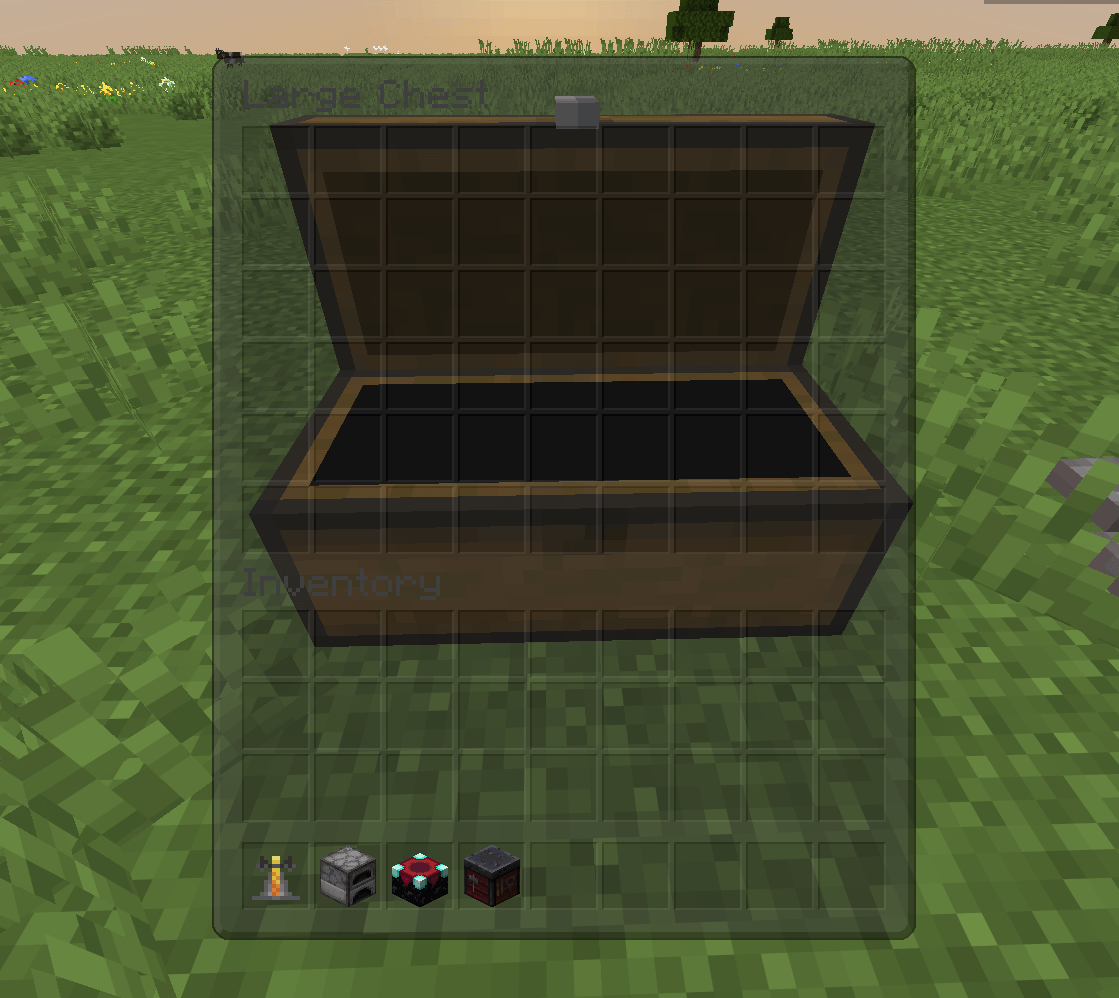
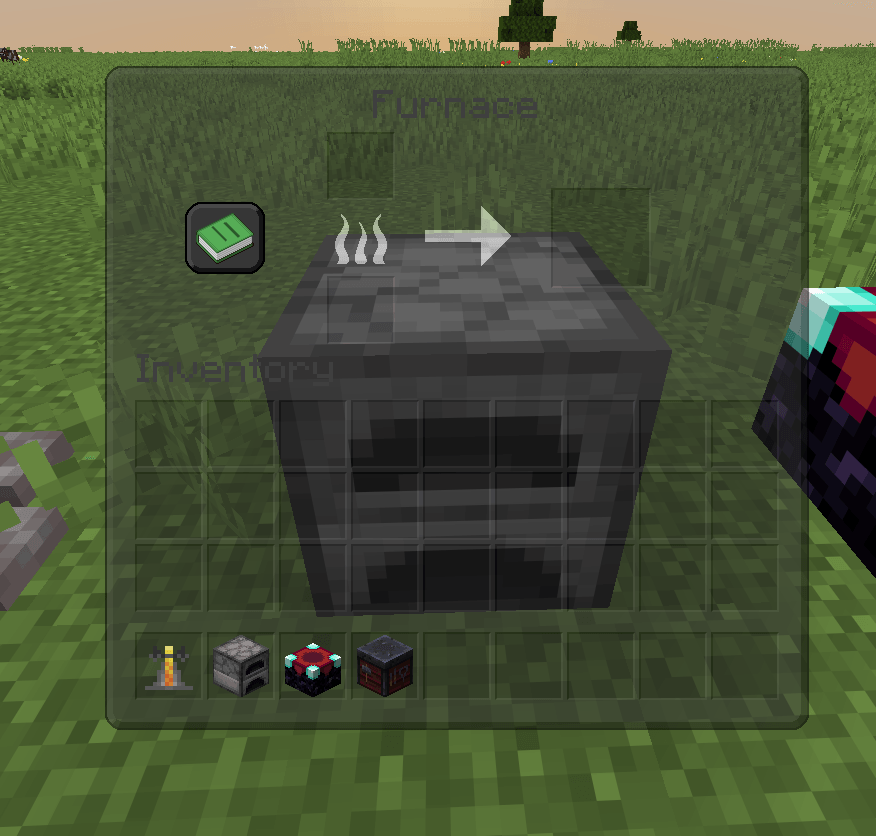
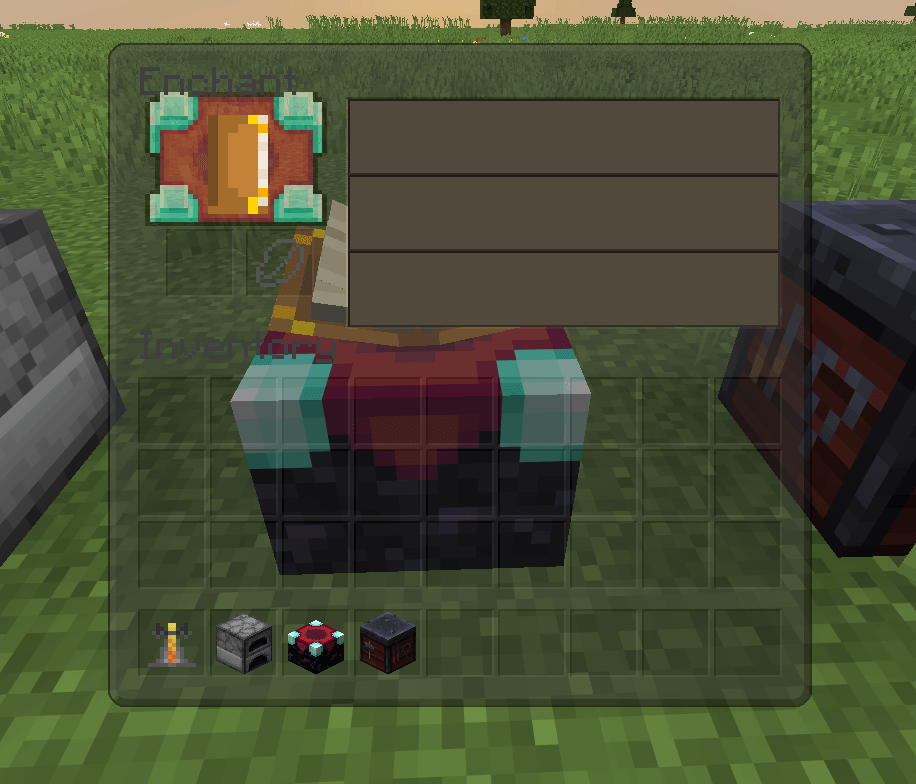
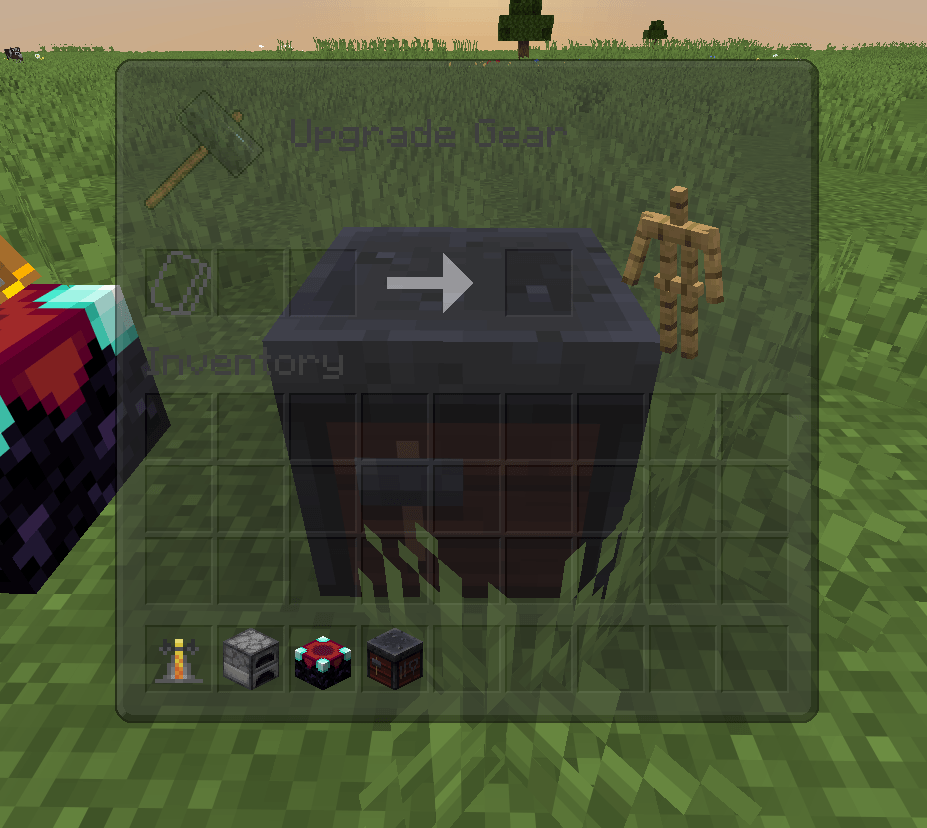
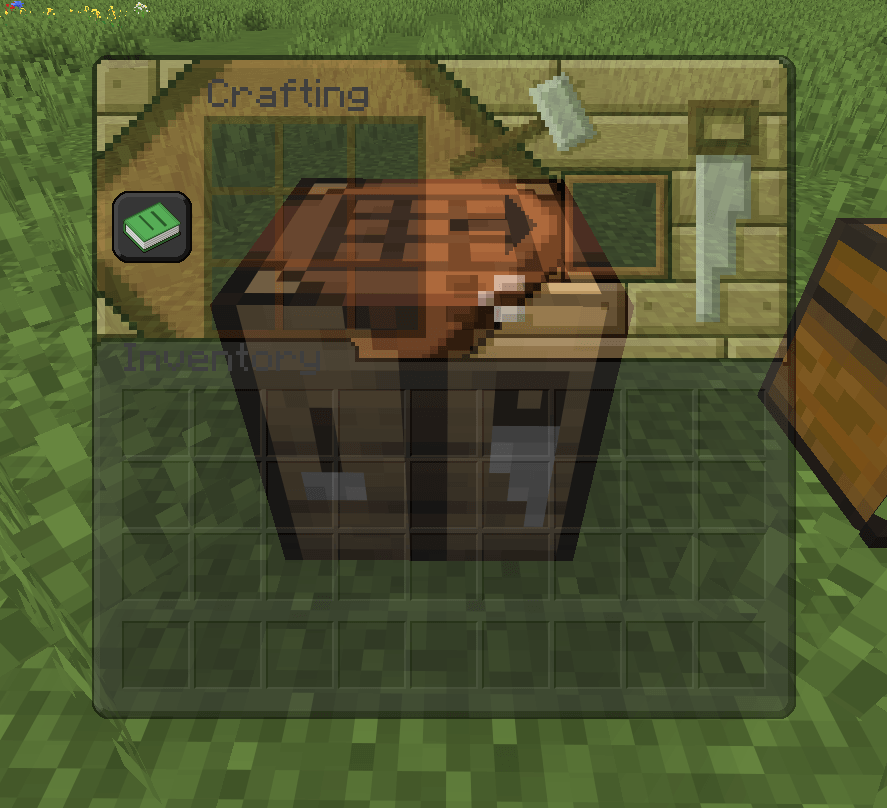
This is a resource pack I put together that replaces the default white Minecraft menus with a clean, dark theme. The main focus of this pack is the transparent backgrounds, which let you see exactly what's happening around you while you're managing your items. It's really helpful for survival and PvP so you don't get sneaked up on while looking in a chest. 


Key Features

 64x Resolution: Everything was made in 64x, so the item slots, borders, and icons are a lot sharper than the vanilla textures.

 See-Through Menus: Your inventory, chests, and crafting screens have a semi-transparent dark background for better visibility.

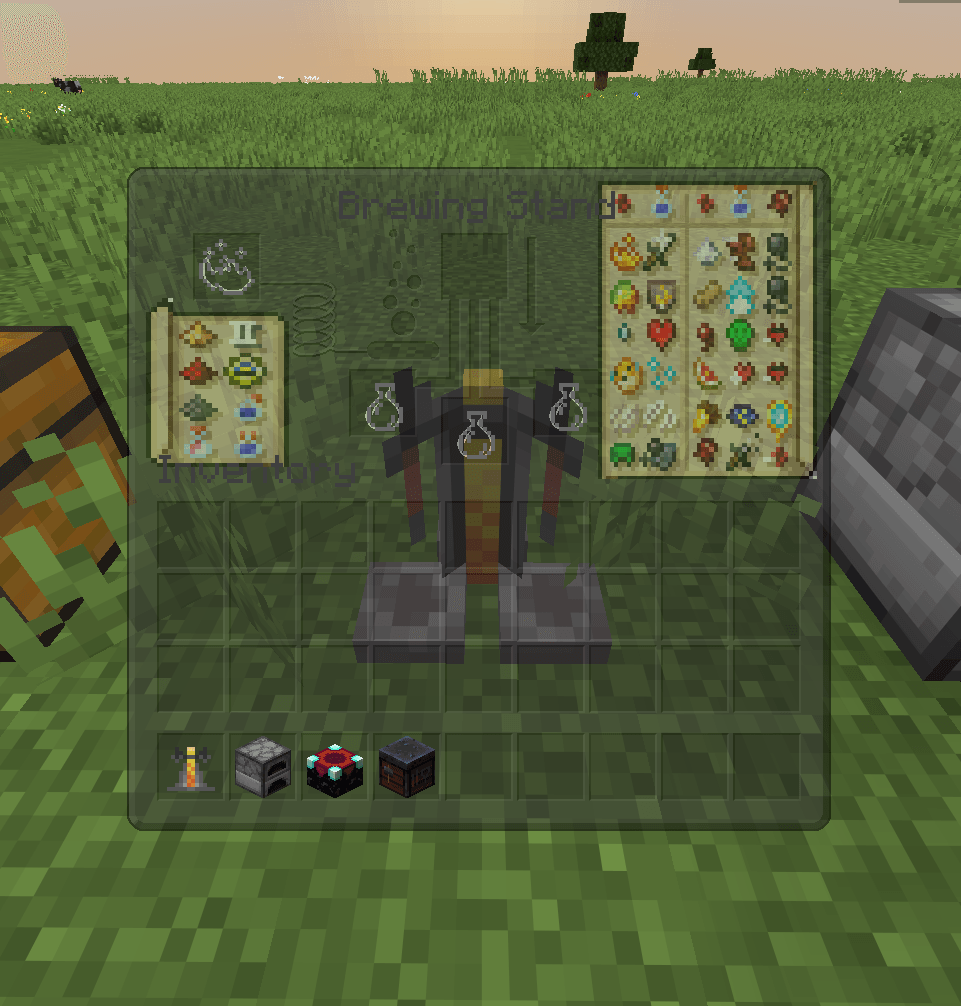
 Built-In Brewing Guide: I added a full potion recipe chart directly onto the brewing stand screen. You don't need to alt-tab to the wiki to remember how to make things anymore.

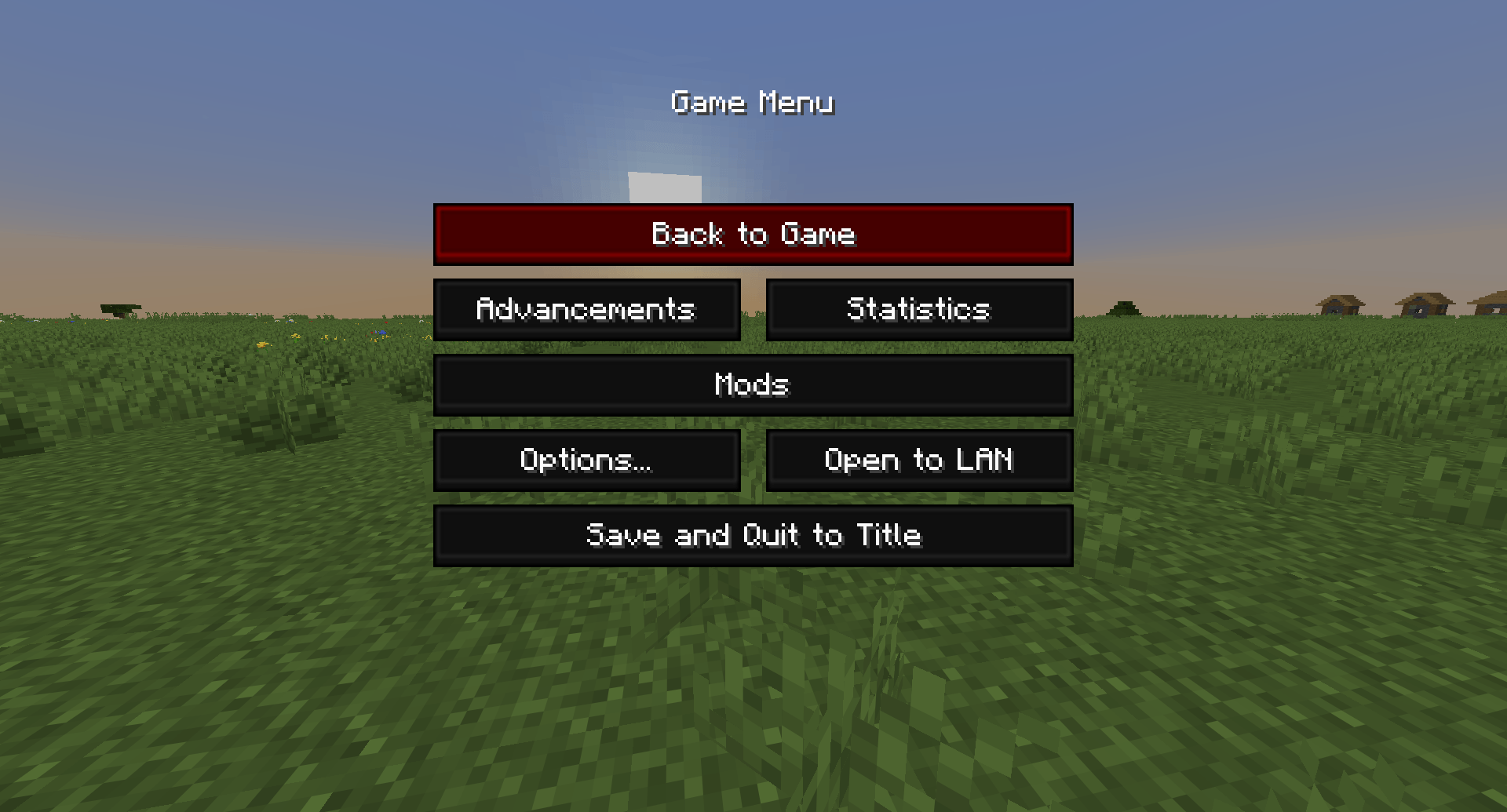
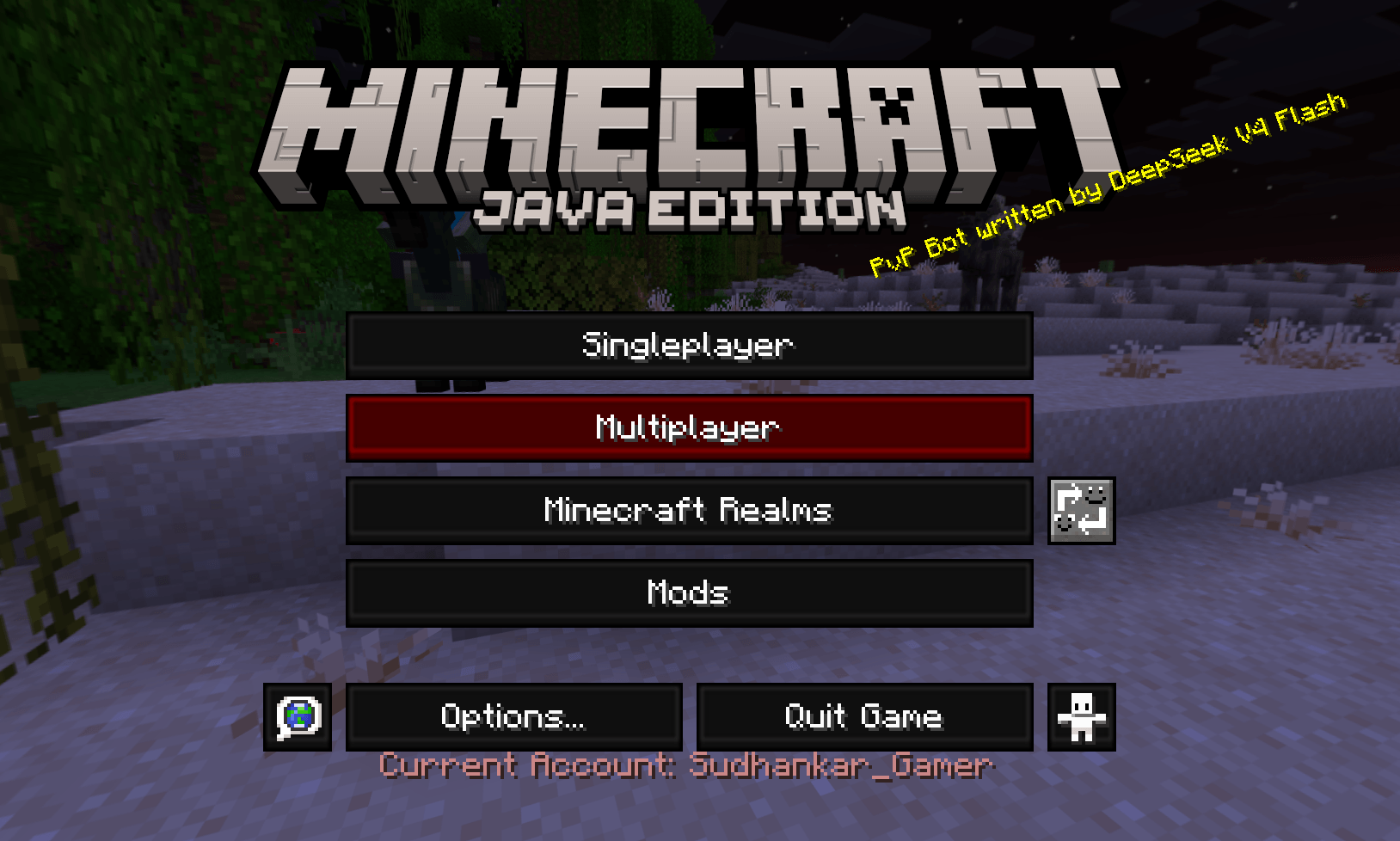
 Custom Buttons: The start menu and pause screens are updated with a dark theme and clean red highlight borders.

💬 Feedback
If you guys spot any bugs or need any help
join my discord :- Discord


* This project is a derivative work based on Faithful 64x Gui by the Faithful resourcepack team
* Distributed in compliance with the official Faithful licence, which explicitly permits using, modifying, and distributing derivative works for Minecraft projects.

§8§l64x transparent Dark UI.zip
MC 1.21.8, 1.21.5, 1.21.4, 1.21.6, 1.21.7, 1.21.9, 1.21.10, 1.21.11, 26.1, 26.1.1, 26.1.2
Release 2026-09-11 Get

Requirements & install

How to use this resource pack in Minecraft
Resolution
64x
Minecraft
1.21.7 – 26.1.2
Install folder
.minecraft/resourcepacks

How to install resource packs

  1. Download the resource pack .zip file (do not extract it).
  2. In Minecraft open Options → Resource Packs → Open Pack Folder.
  3. Drop the .zip into the resourcepacks folder (.minecraft/resourcepacks).
  4. Move the pack to the Selected column and click Done.
Browse more: 16x resource packs 32x resource packs 64x resource packs 128x resource packs 256x resource packs 512x+ resource packs Resource Packs for 26.1.2 All resource packs

More from Sudhankar321

Advertisement Remove ads with Premium →

You Might Also Like