Mineuniverse
Resource Packs
Tram pack Standard Edition  [IR - Immersive Railroading]

Tram pack Standard Edition [IR - Immersive Railroading]

RESOURCE PACK
Resource pack with trams for Immersive Railroading
by Dewrow
Download Claim this project
Add a badge to your pageLink to Tram pack Standard Edition [IR - Immersive Railroading] from a README, website or forum post.
Preview: Badge

Badges update automatically and link to the resource pack page on MineUniverse.

32,639 downloads
0 likes
0 followers
Updated Oct 14, 2026
0 hypes
Follow0
512x and Higher Animated Miscellaneous Modern
Advertisement Remove ads with Premium →

Hi I'm from Ukraine. We are fighting against russia. Work on Tram Pack continues, but due to the war, I don't know when new update will be released.

Слава Україні!

Героям слава!


Immersive railroading v1.9.1 and older and all test-builds are no longer supported! Please download latest IR and UMC releases from CurseForge.


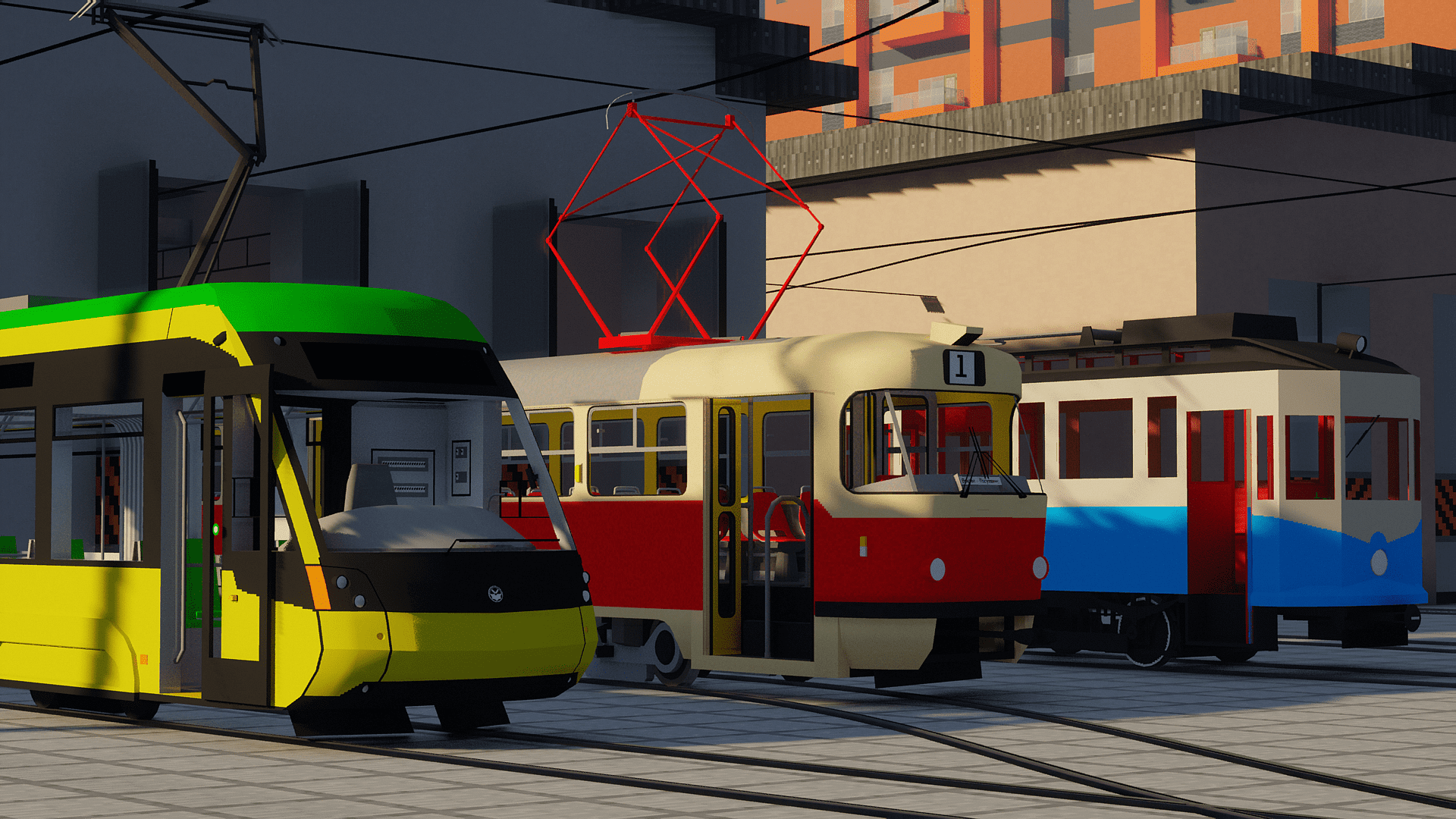
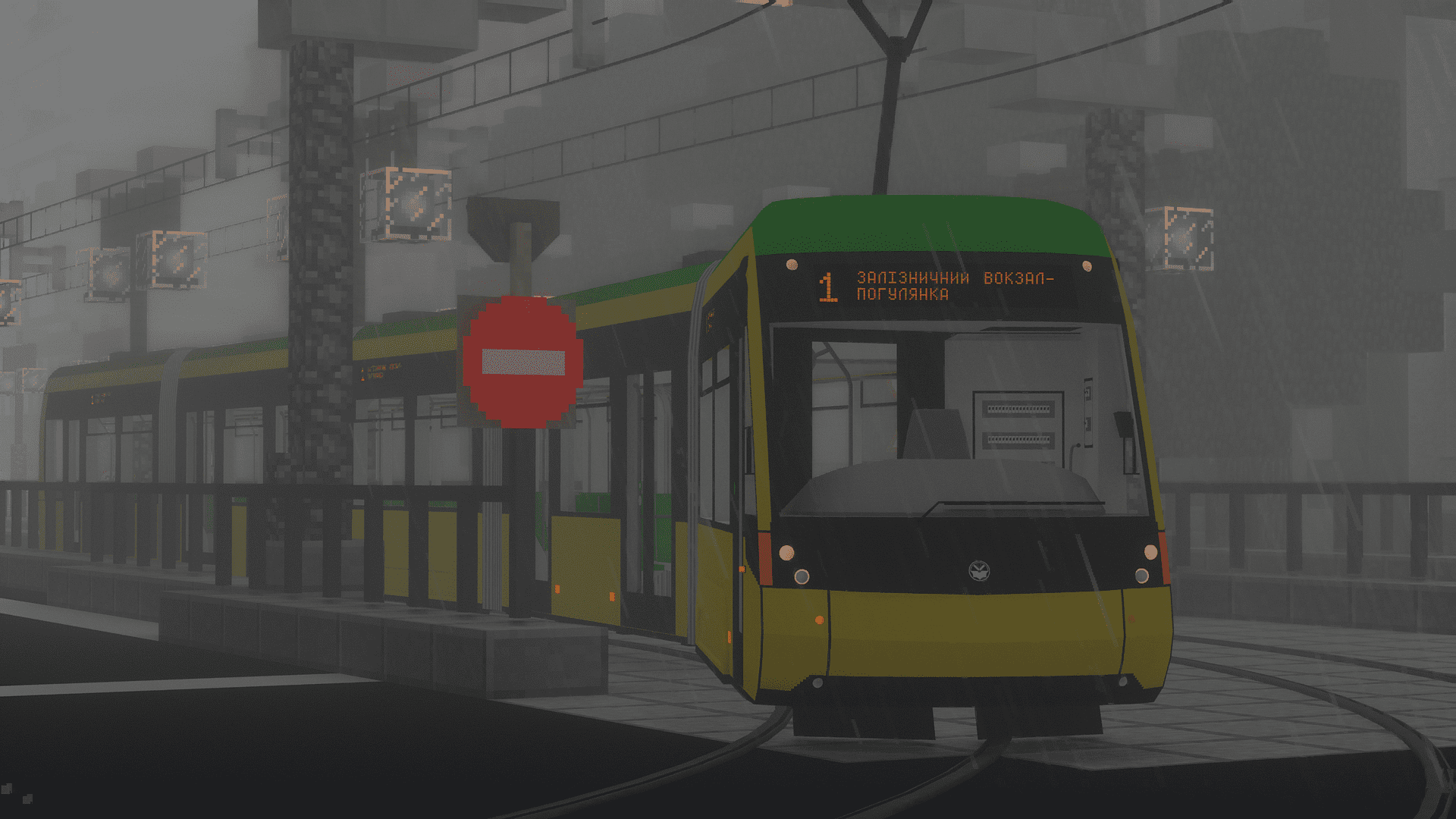
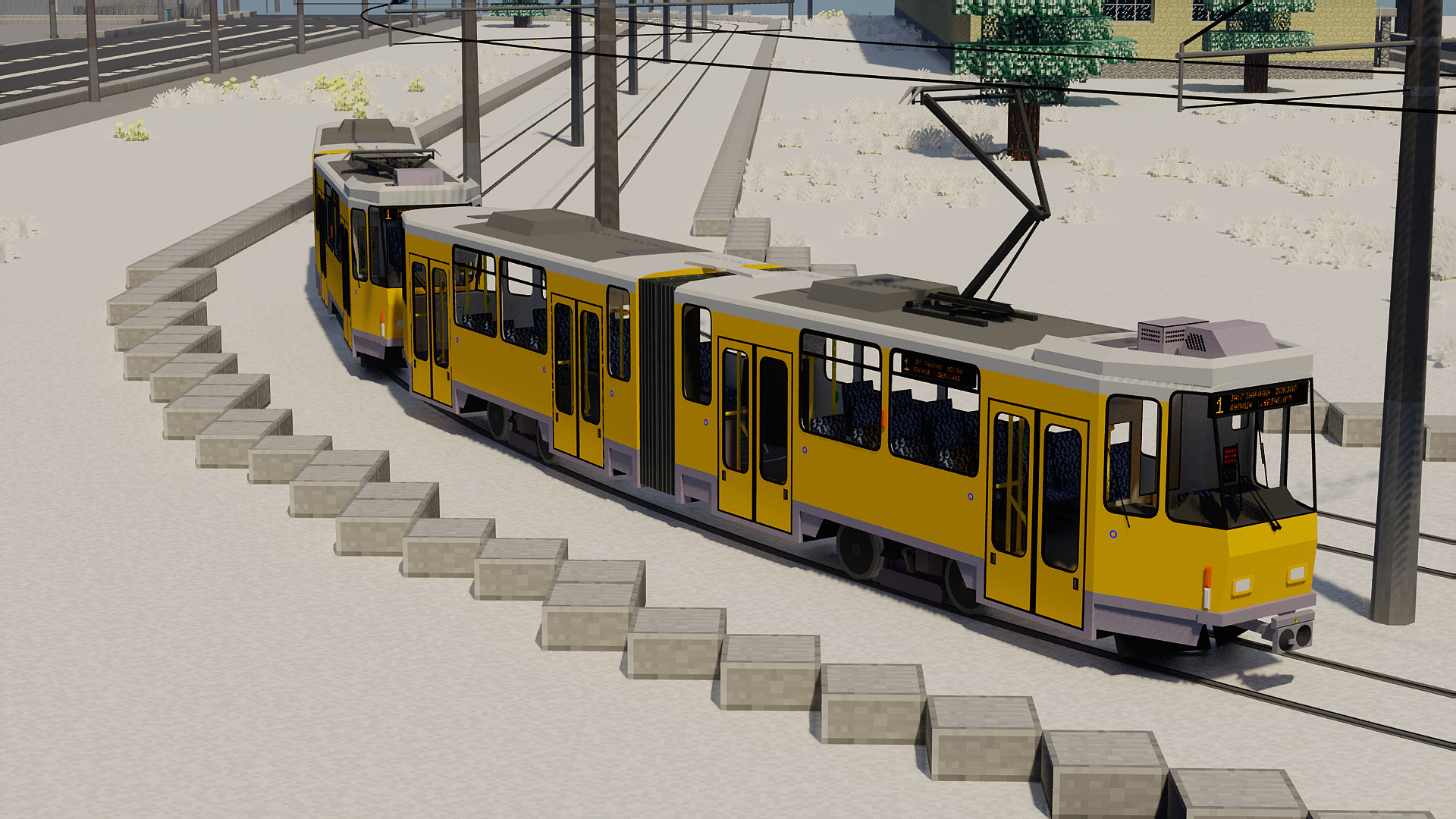
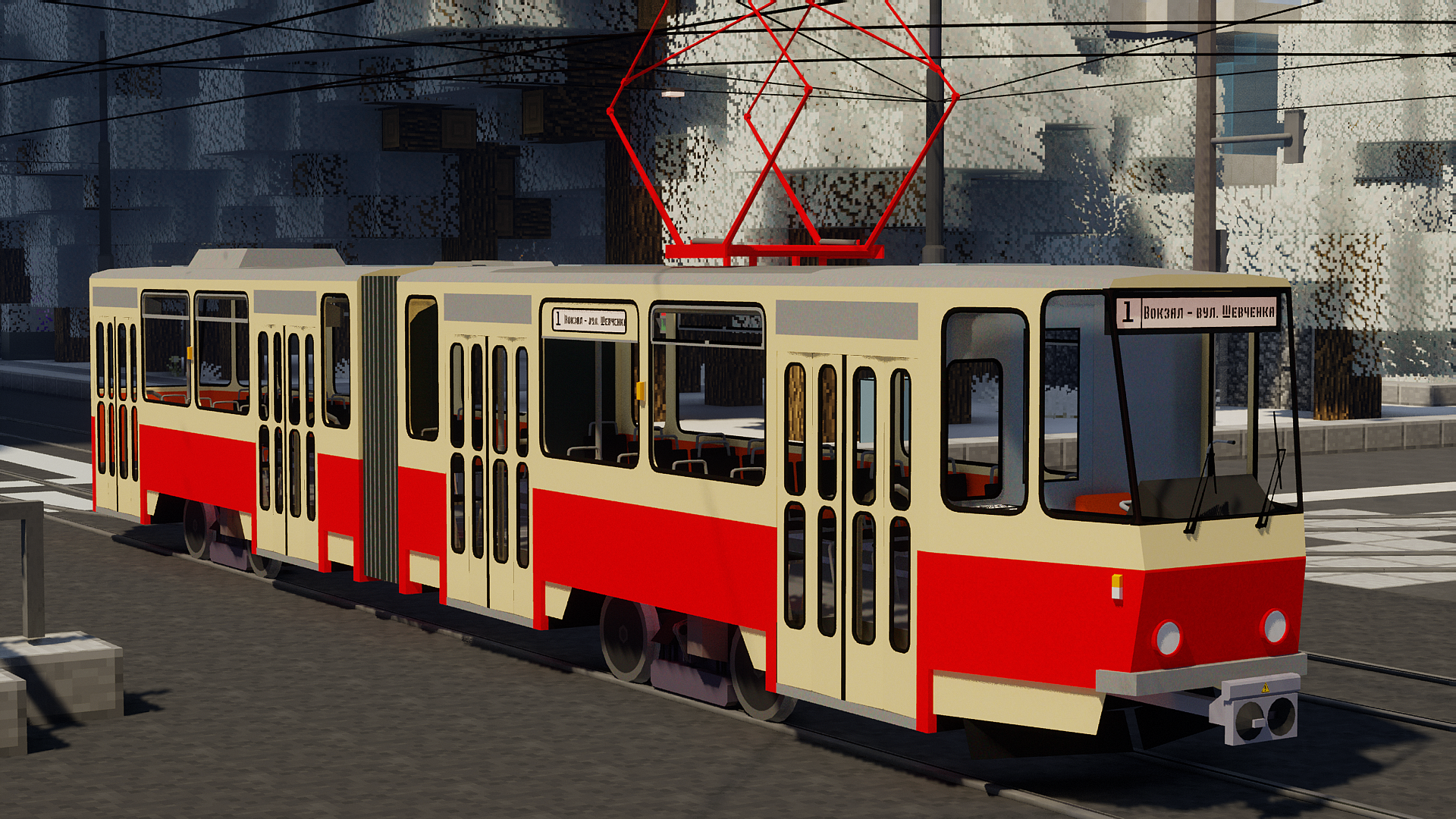
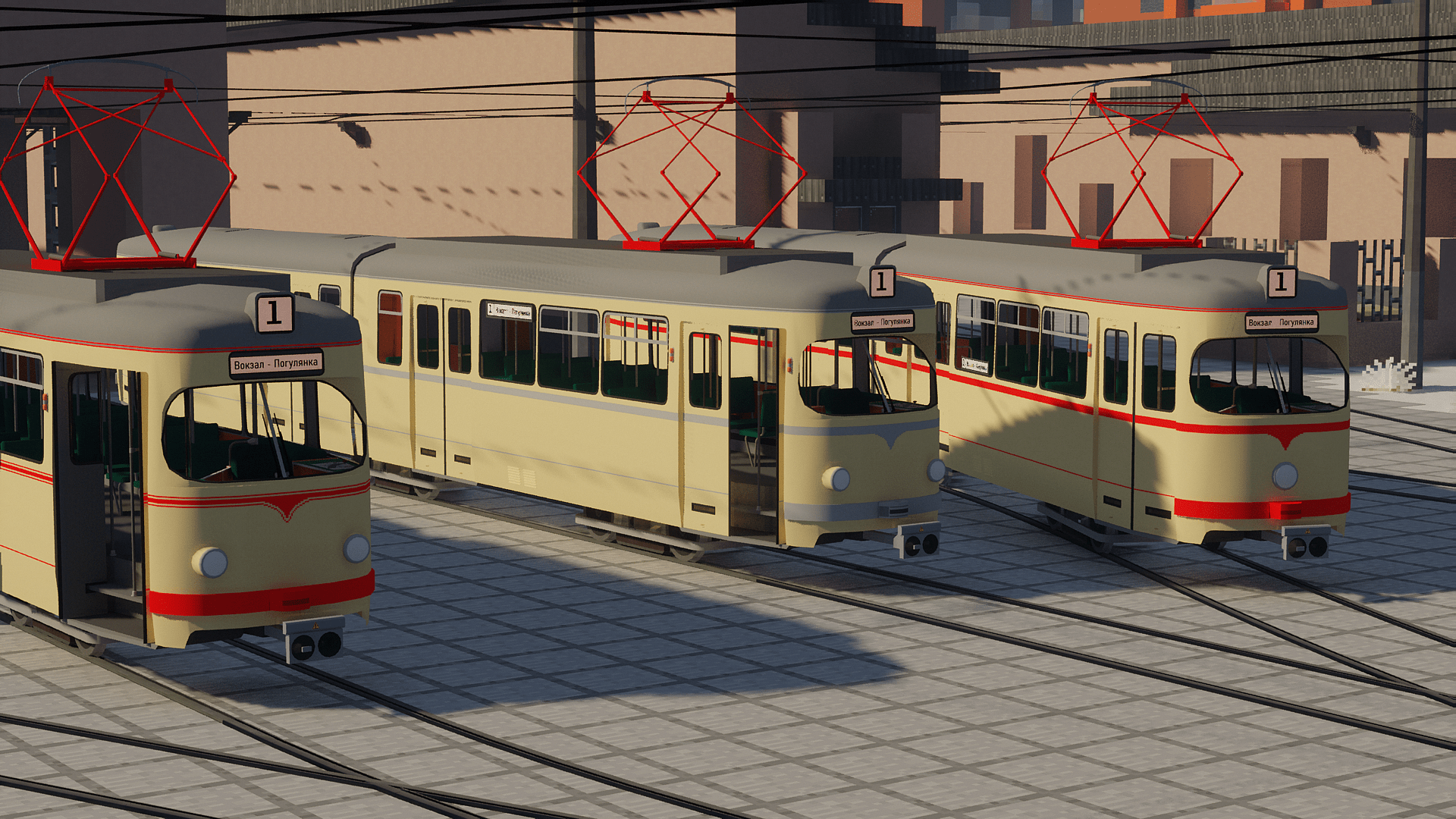
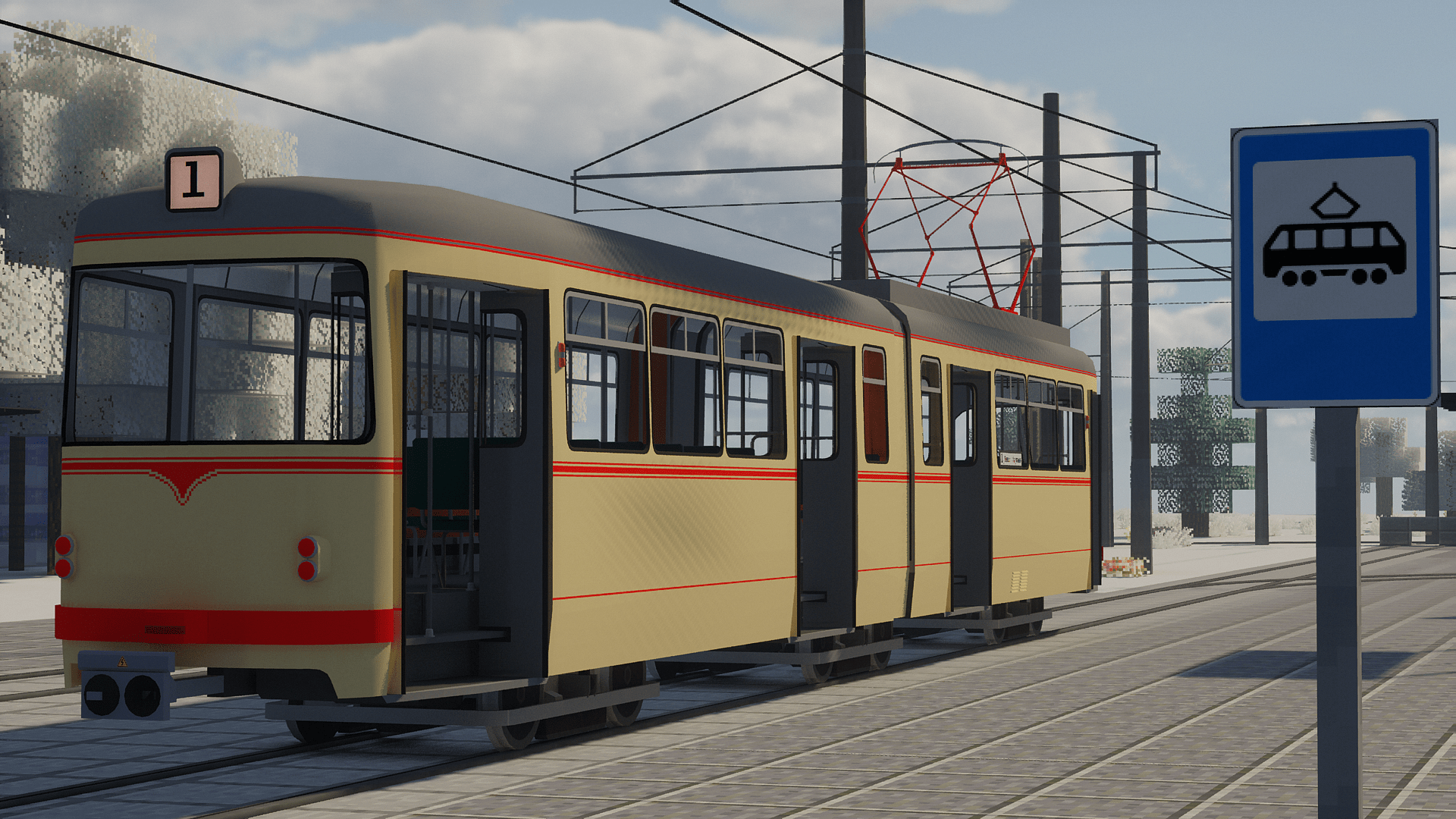
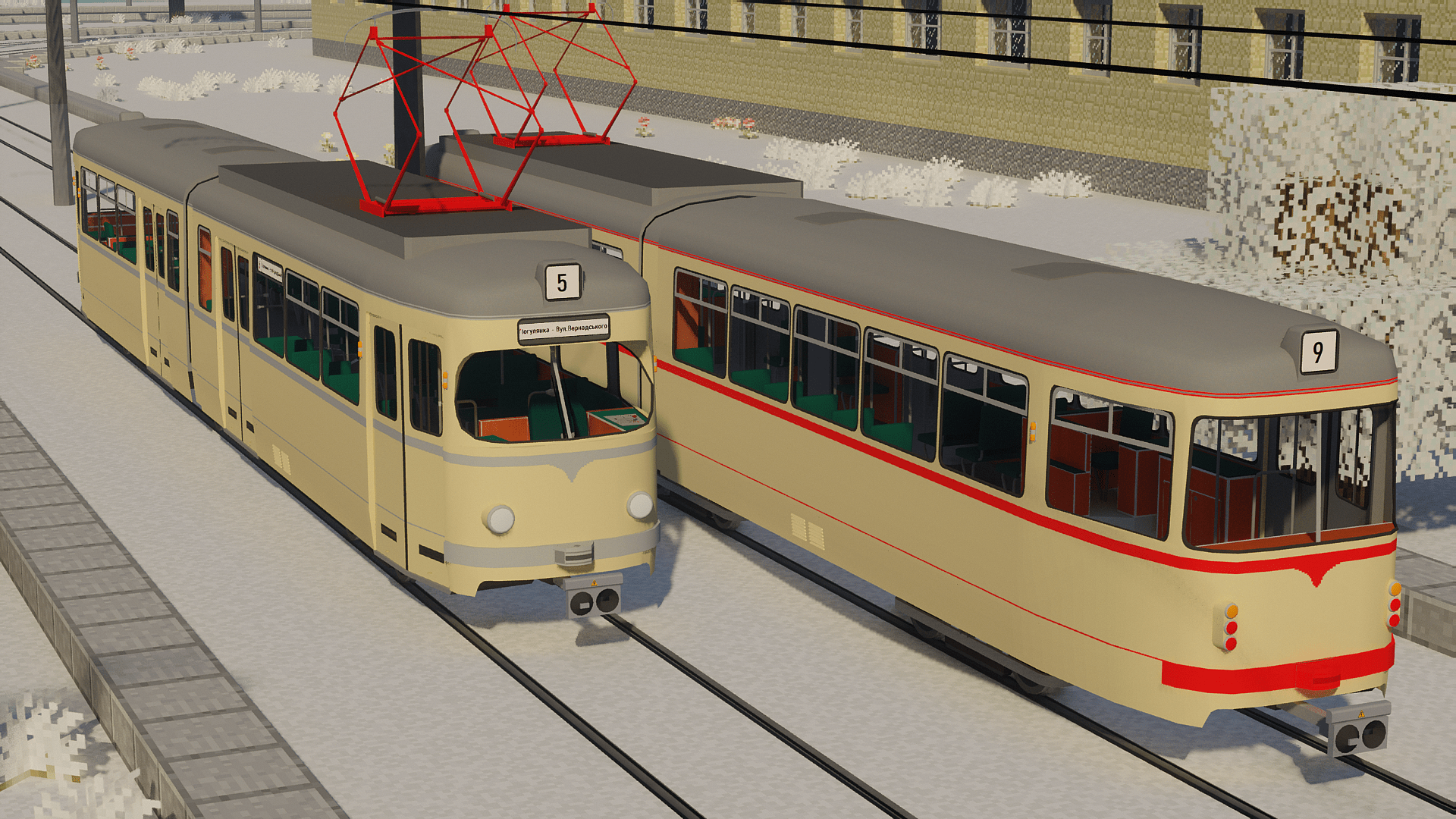
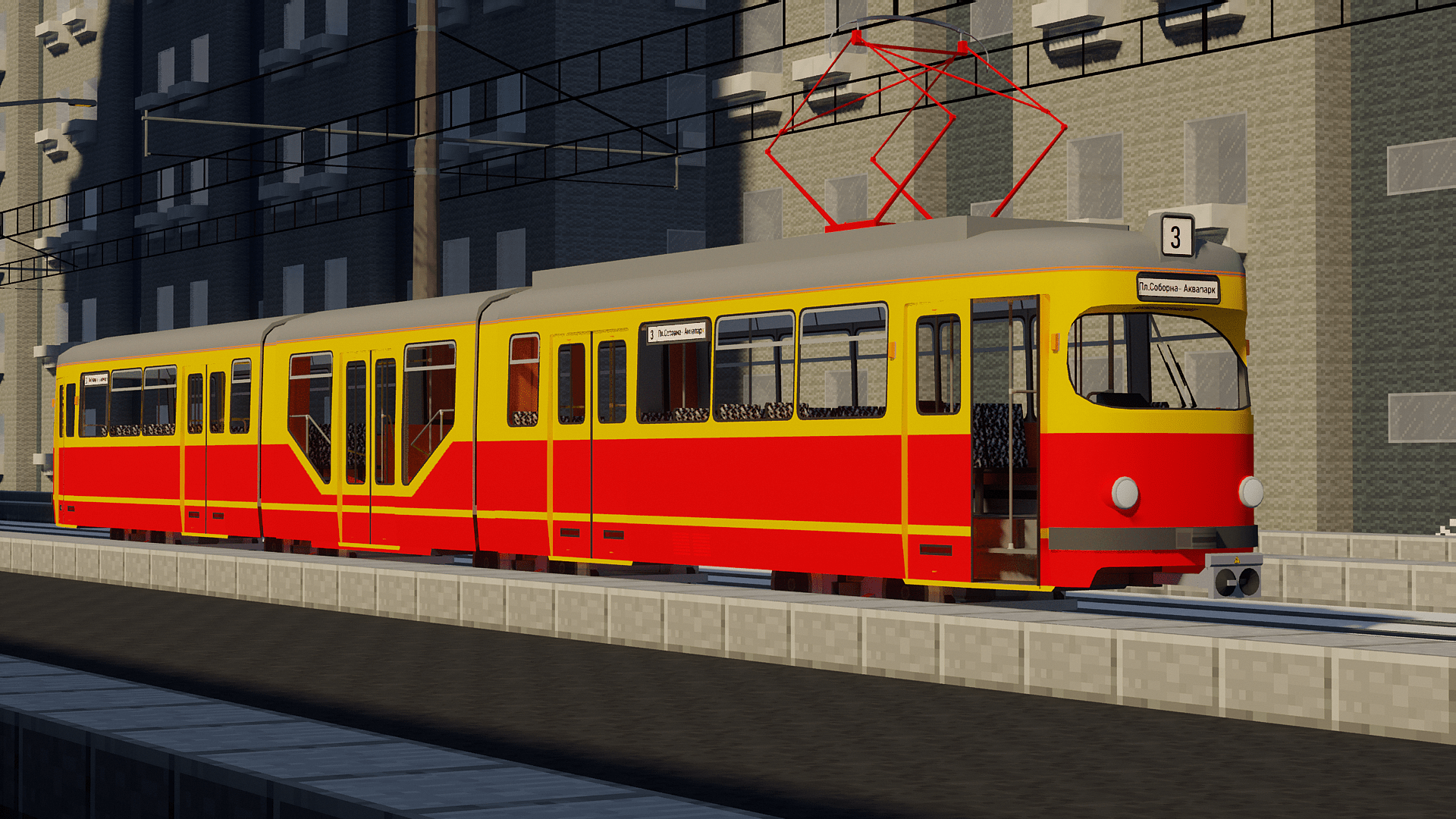
Tram pack is a resource pack for Immersive Railroading mod that adds various trams, tram tracks and tram catenary.

The pack is often updated and supplemented by new models of the rolling stock.

Installation: drop the archive into a folder "resourcepacks" or "config">"immersiverailroading".
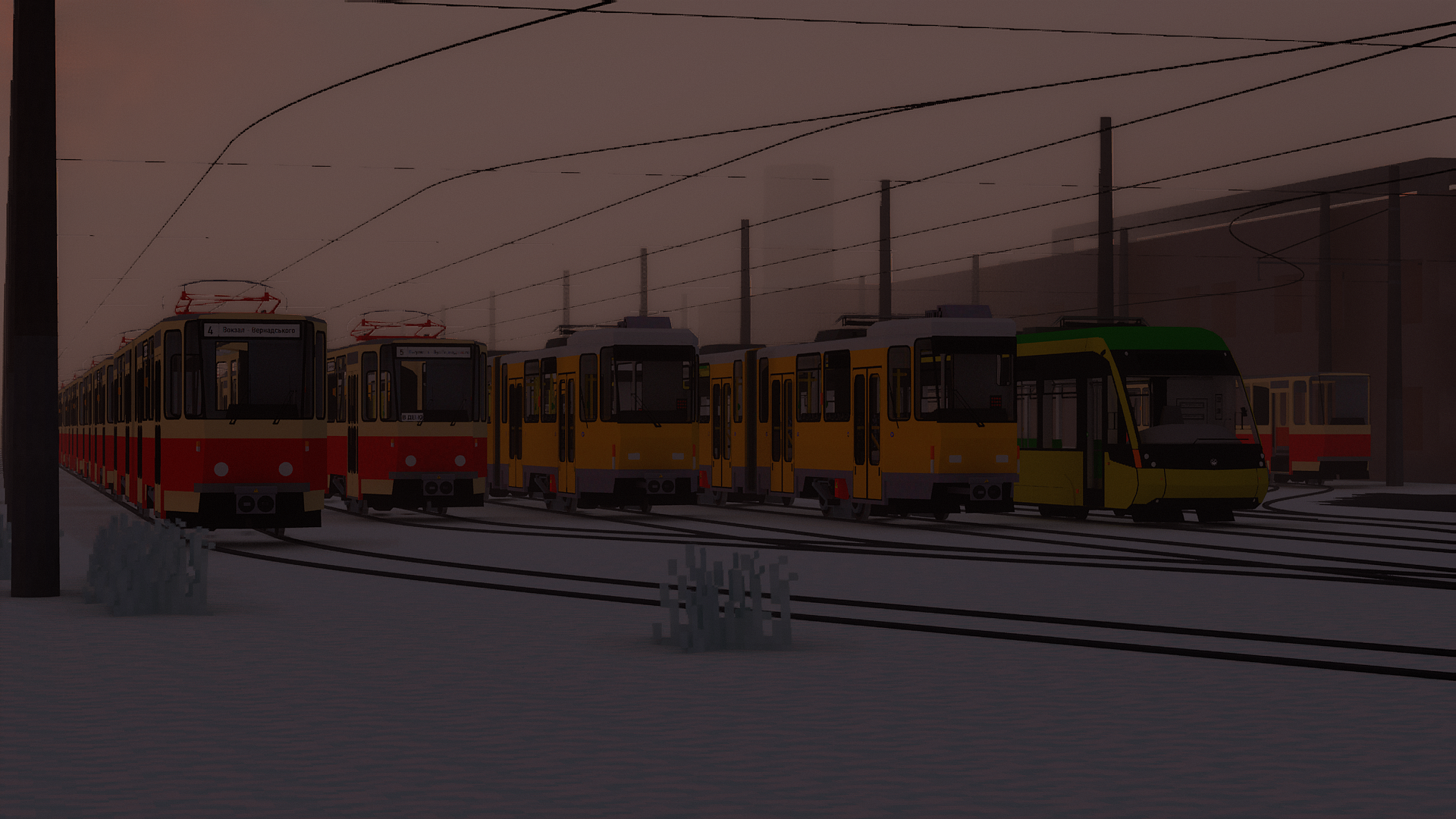
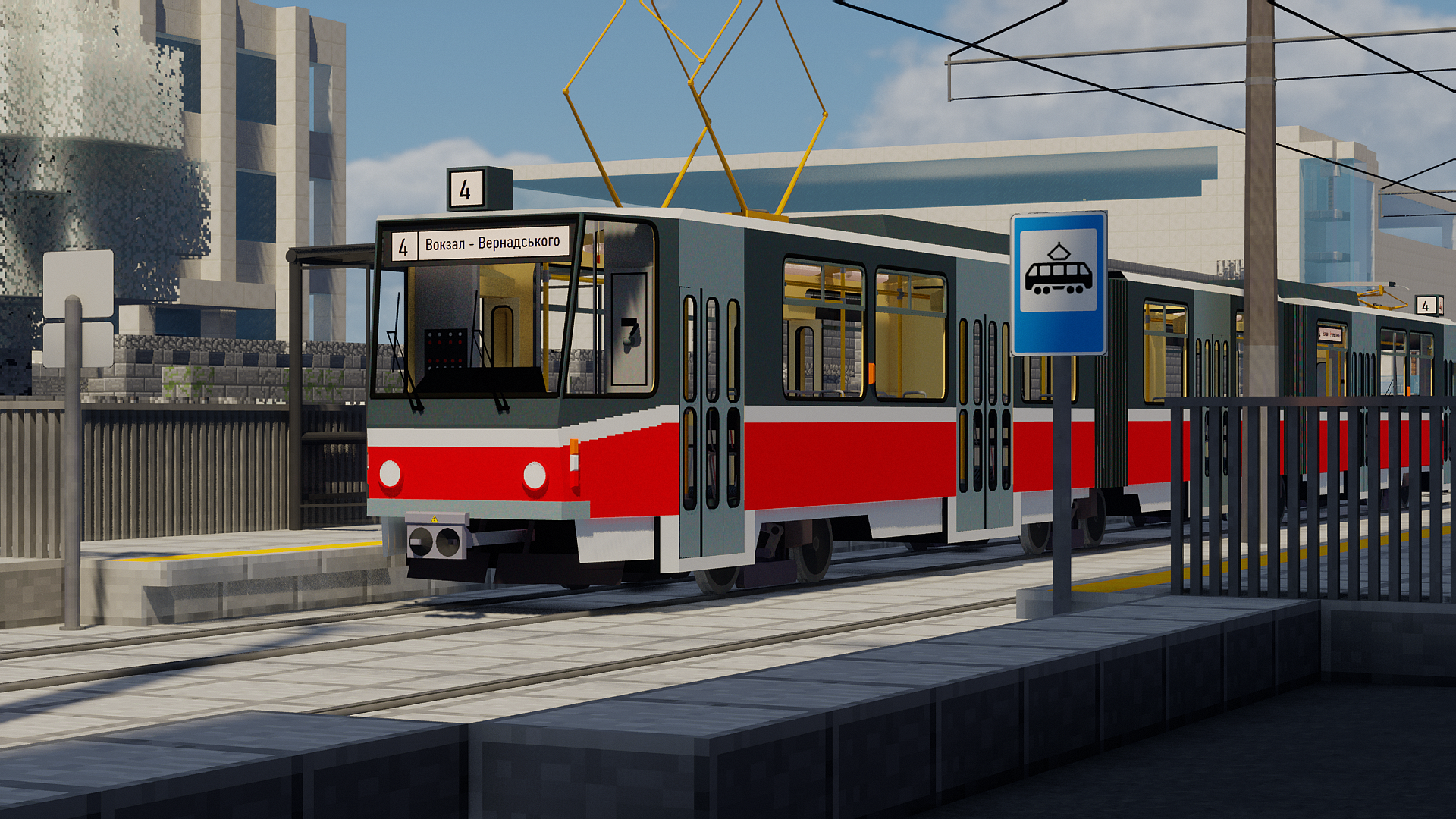
Models have different features. Working lights and other lighting equipment. Fully working doors, windows and other mechanization. Almost fully interactive dashboard and interior. Possibility to sit on seats. And much more.  
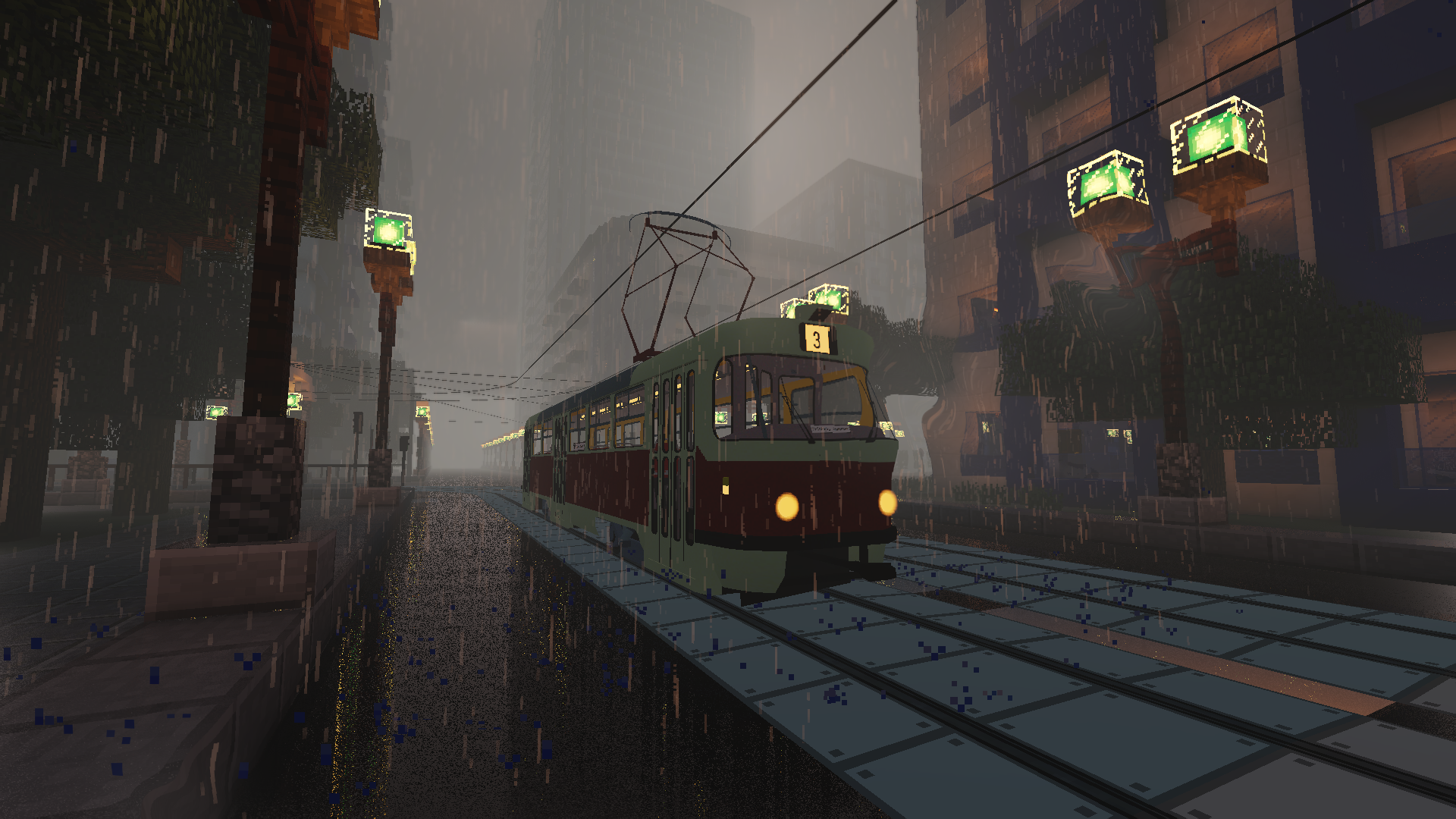
A wide variety of different tram lines. You can make your own tram system.
 

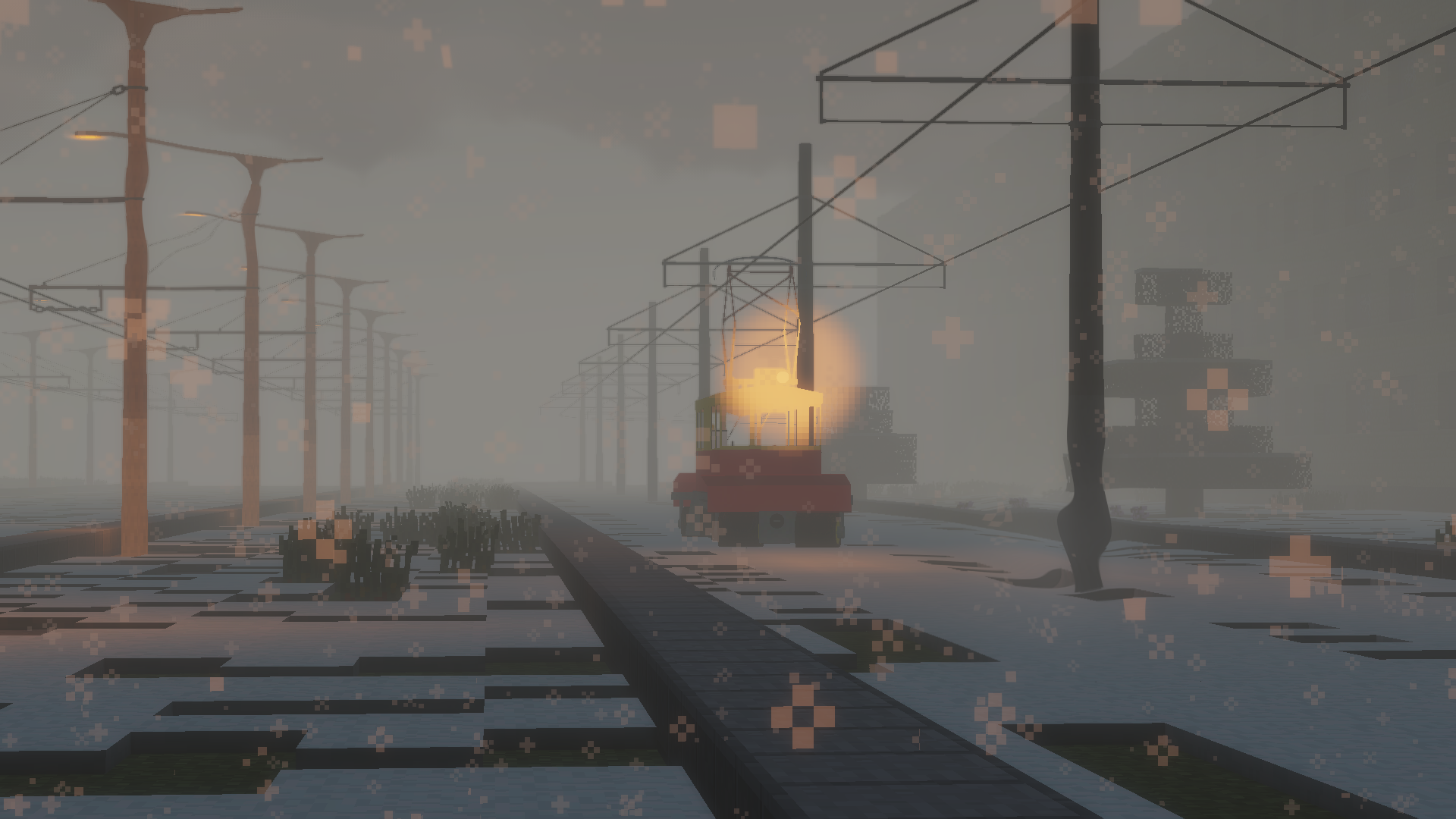
Also not only passanger rolling stock.
If you have any questions you can ask them on my Discord server.

If you like my work, then you can support me with your donation! Thank you!

Tram_pack_v2.5.zip
MC 1.14.4, 1.16.5, 1.10.2, 1.15.2, 1.7.10, 1.11.2, 1.12.2
Release 2025-01-12 Get
Tram_pack_v2.4.2.zip
MC 1.14.4, 1.16.5, 1.10.2, 1.15.2, 1.7.10, 1.11.2, 1.12.2
Release 2024-10-16 Get

Requirements & install

How to use this resource pack in Minecraft
Resolution
512x+
Minecraft
1.7.10 – 1.16.5
Install folder
.minecraft/resourcepacks

How to install resource packs

  1. Download the resource pack .zip file (do not extract it).
  2. In Minecraft open Options → Resource Packs → Open Pack Folder.
  3. Drop the .zip into the resourcepacks folder (.minecraft/resourcepacks).
  4. Move the pack to the Selected column and click Done.

512x packs need a strong GPU and at least 4 GB of RAM for Minecraft; a performance mod such as Sodium is strongly recommended.

Browse more: 16x resource packs 32x resource packs 64x resource packs 128x resource packs 256x resource packs 512x+ resource packs Resource Packs for 1.16.5 All resource packs

More from Dewrow

Advertisement Remove ads with Premium →

You Might Also Like