Mineuniverse
Resource Packs
TraditionalHD Mosaic

TraditionalHD Mosaic

RESOURCE PACK
Free open HD labPBR resource pack for Minecraft. Vanilla-faithful mosaic textures — not an official Mojang product.
by arogorn993hue
Download Claim this project
53 downloads
0 likes
0 followers
Updated Oct 14, 2026
0 hypes
Follow0
512x and Higher
Advertisement Remove ads with Premium →

TraditionalHD Mosaic (VanillaHD-Mosaic)

Free open HD labPBR resource pack for Minecraft. Vanilla-faithful mosaic textures — not an official Mojang product.

TraditionalHD Mosaic/VanillaHD-Mosaic is a free, open-source HD pack so people are not stuck behind a paywall for high-res PBR. Optional support is welcome; the pack is not gated.
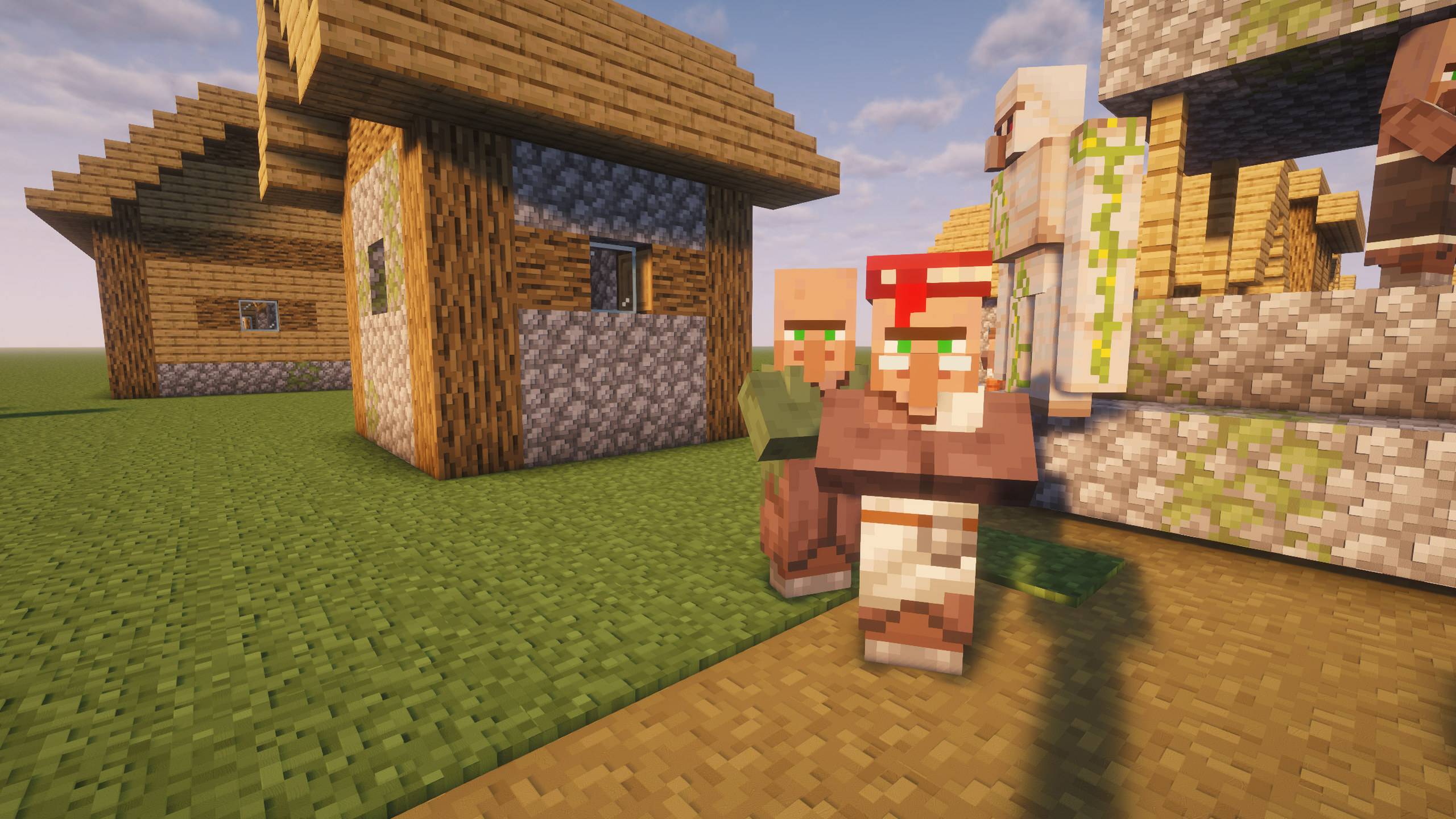
Village with Complementary labPBR

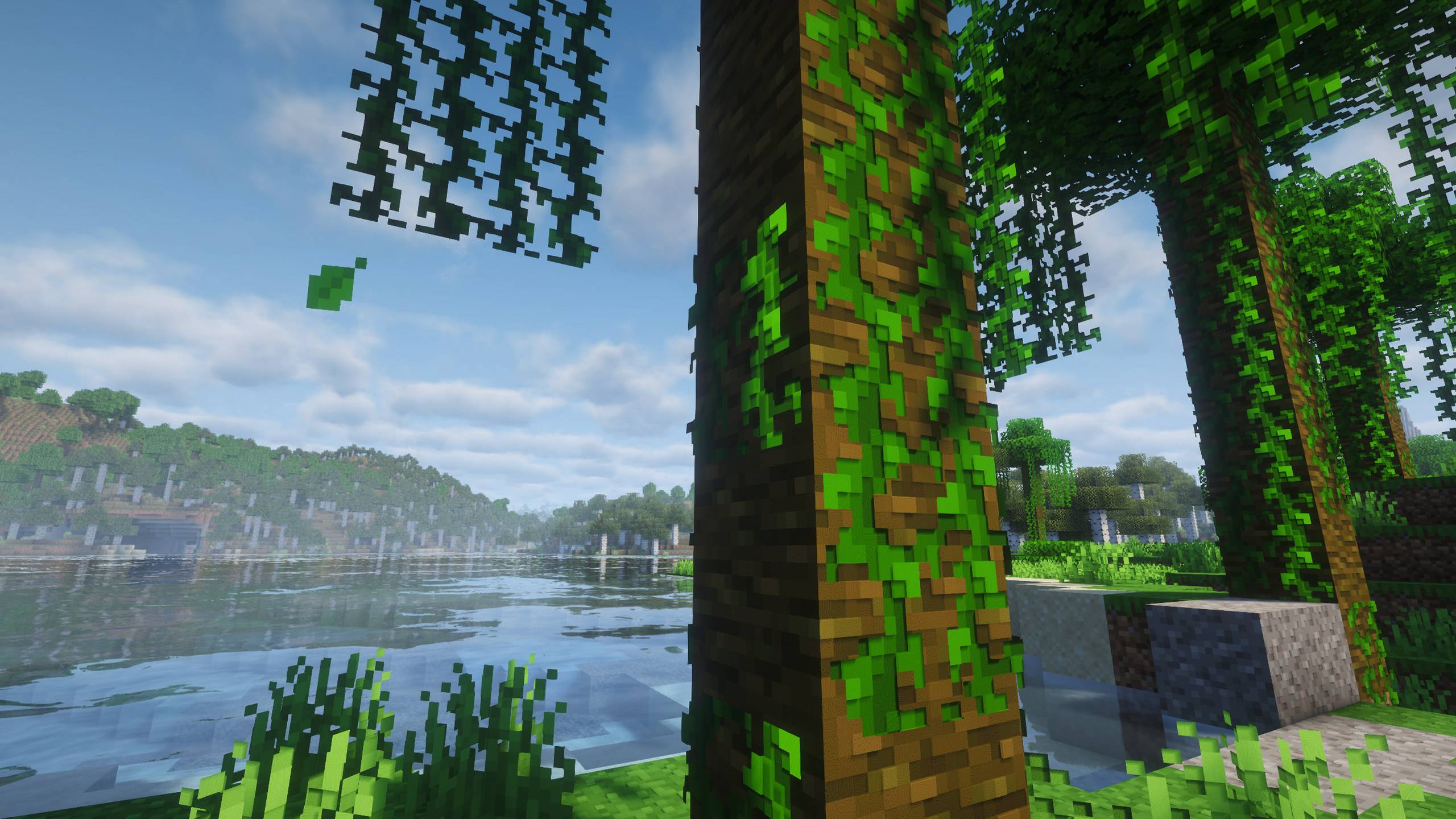
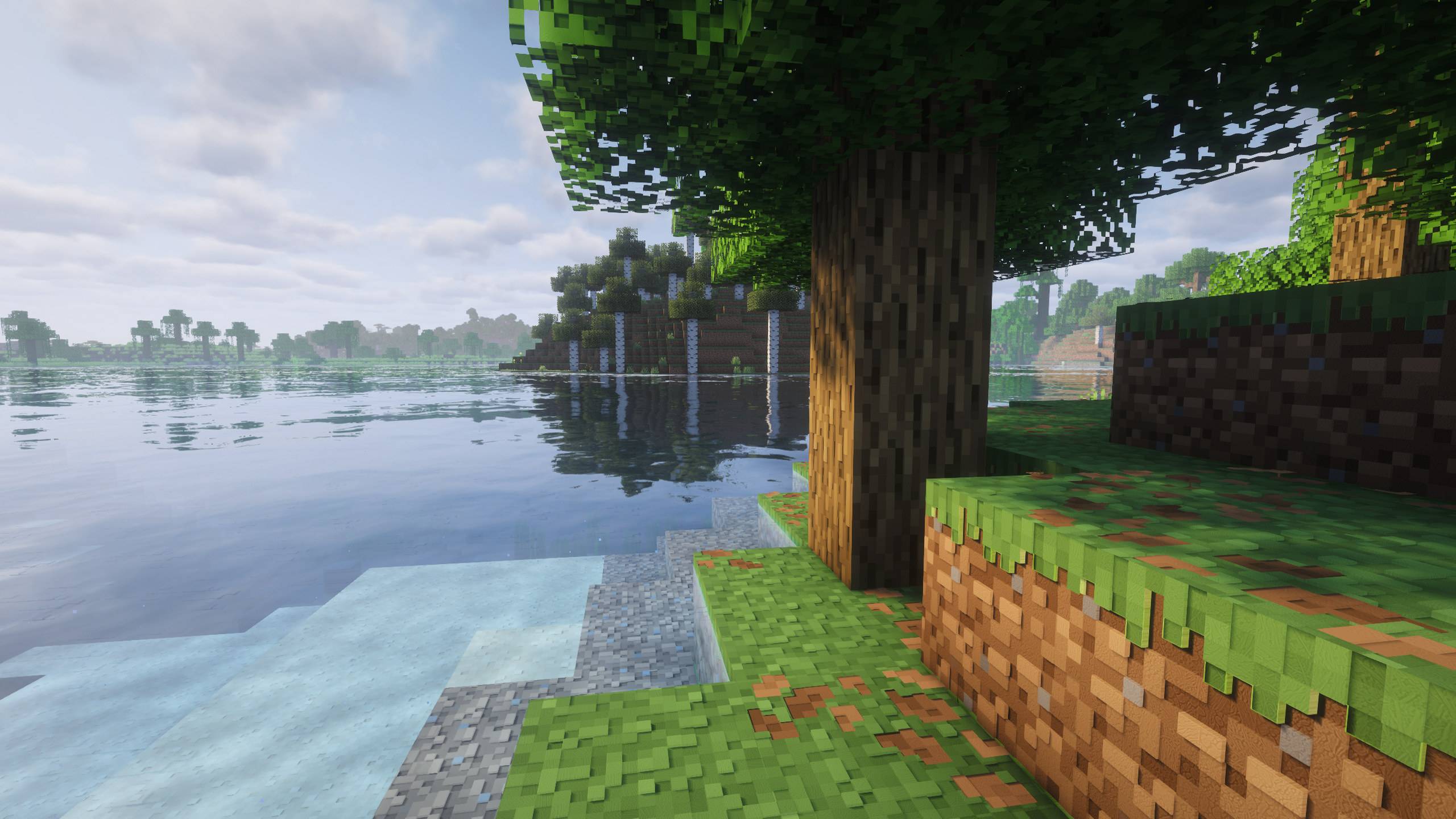
Lakeside forest with Complementary labPBR

Oak log and vines with Complementary labPBR

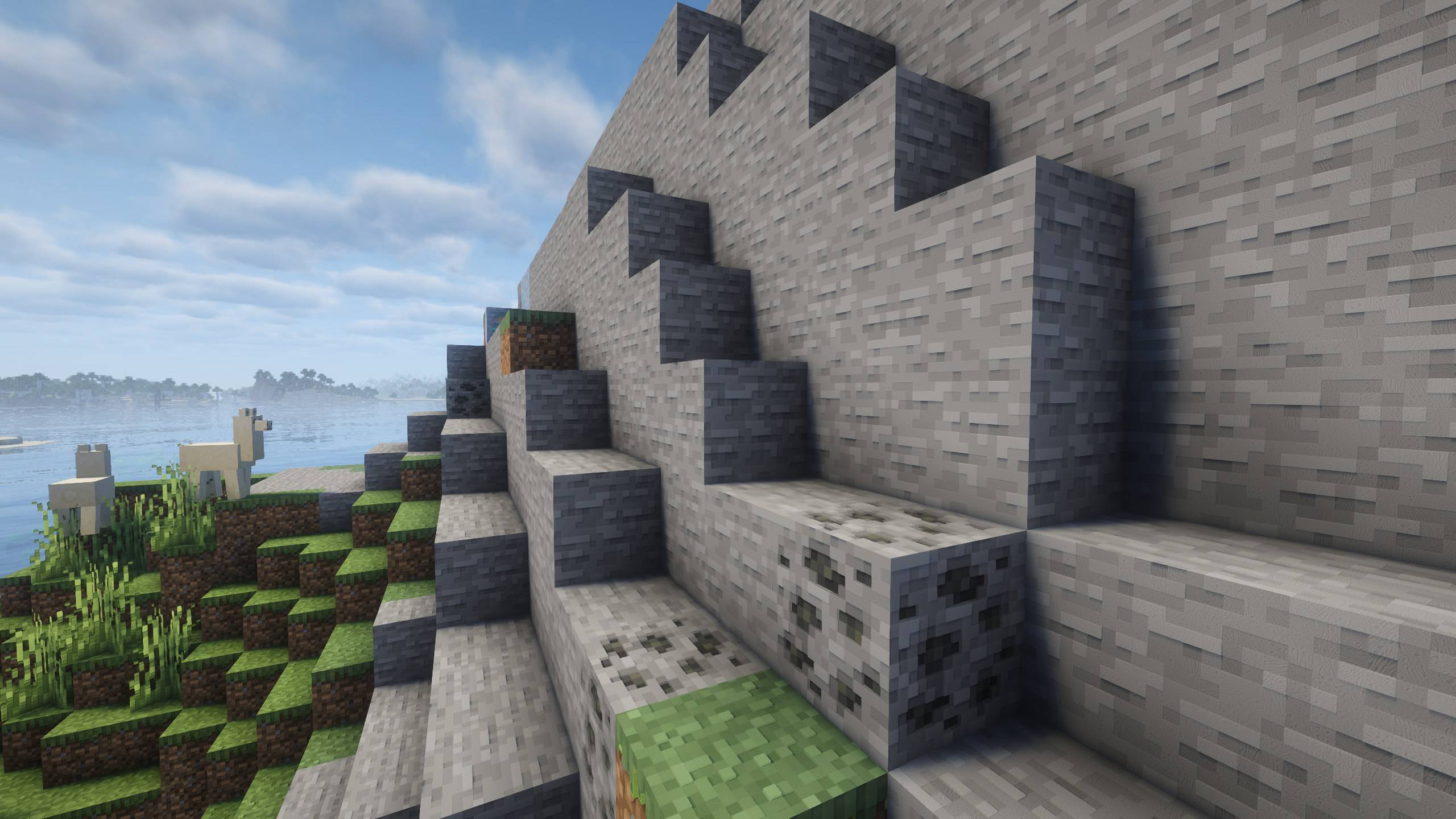
Stone cliffs with Complementary labPBR

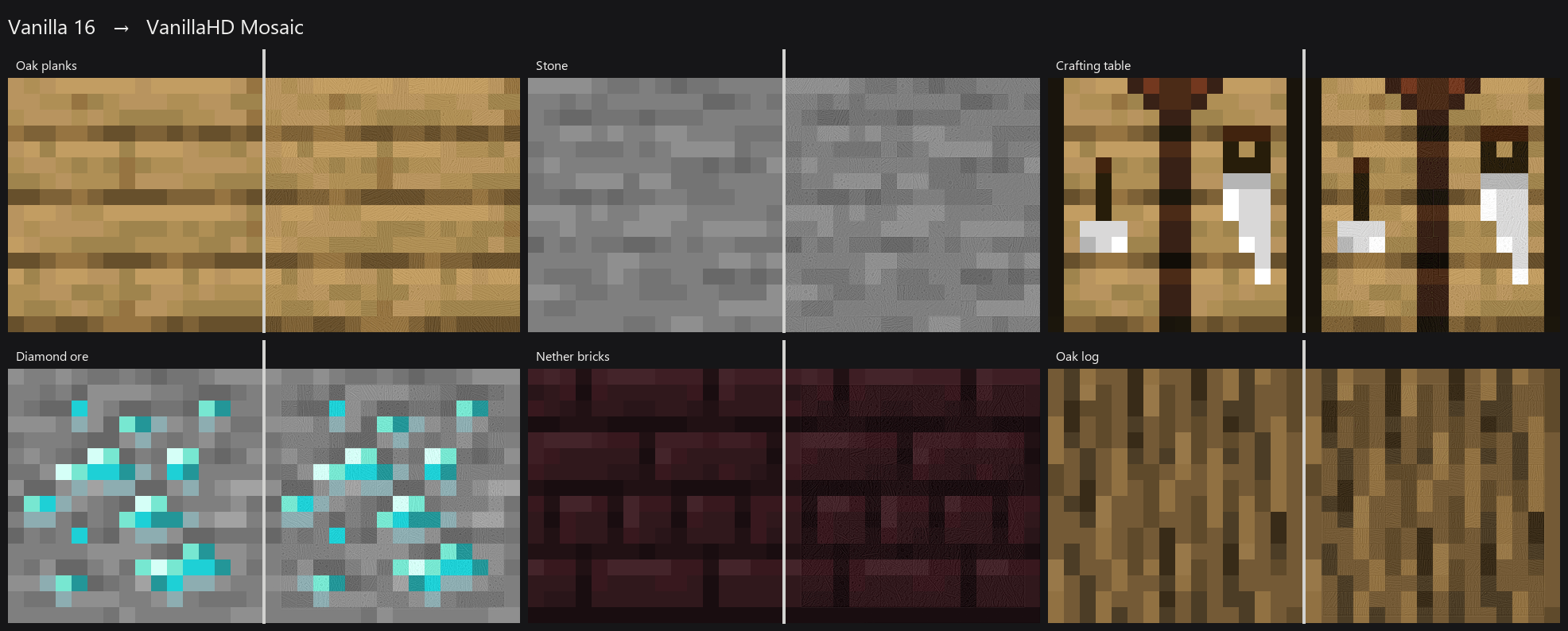
Vanilla 16 vs VanillaHD Mosaic

Downloads

The featured CurseForge file is 256 lite PBR (HD blocks + LabPBR; everything else stays vanilla).

Larger SKUs (512, max, hybrid) are on GitHub Releases.

  • Lite = blocks only.
  • Max = blocks, items, entities, GUI, etc.
  • Hybrid max = 512 blocks + 256 everything else.

512 max PBR often fails to reload on 12 GB cards with Complementary — prefer 512 lite PBR or hybrid max PBR for play.

Shaders

Works as a normal HD pack with no shader. Bump, shine, and depth need Iris plus a LabPBR shader. Playtested with Complementary Reimagined.

  1. Enable VanillaHD Mosaic on top in Resource Packs.
  2. Shaders: Complementary Reimagined.
  3. Shader Pack Settings:
  • RP Support: labPBR (RP Required) — not Integrated PBR+
  • Generated Normals: OFF
  • Coated Textures: OFF
  • Parallax Occlusion Mapping: ON
  • POM Depth: 0.35 (keep this low)
  • POM Quality: 128
  • POM Distance: 48
  • POM on Cutout: Off
  • POM Lighting Mode: Smooth (not Sharp)
  • Directional Blocklight: Off

If POM Depth is at the Complementary default (~0.80), height looks like broken geometry. That is a shader setting, not a bad download.

Community

GitHub — issues and extra downloads.

Unofficial Minecraft fan project. Not affiliated with Mojang Studios or Microsoft. Apache-2.0.

If TraditionalHD Mosaic/VanillaHD-Mosaic is useful, buy me a coffee — optional.

VanillaHD Mosaic 1.0.1 — 256 lite PBR
MC 26.2
Release 2026-08-18 Get

Requirements & install

How to use this resource pack in Minecraft
Resolution
512x+
Minecraft
26.2
Install folder
.minecraft/resourcepacks

How to install resource packs

  1. Download the resource pack .zip file (do not extract it).
  2. In Minecraft open Options → Resource Packs → Open Pack Folder.
  3. Drop the .zip into the resourcepacks folder (.minecraft/resourcepacks).
  4. Move the pack to the Selected column and click Done.

512x packs need a strong GPU and at least 4 GB of RAM for Minecraft; a performance mod such as Sodium is strongly recommended.

Browse more: 16x resource packs 32x resource packs 64x resource packs 128x resource packs 256x resource packs 512x+ resource packs Resource Packs for 26.2 All resource packs
Advertisement Remove ads with Premium →

You Might Also Like