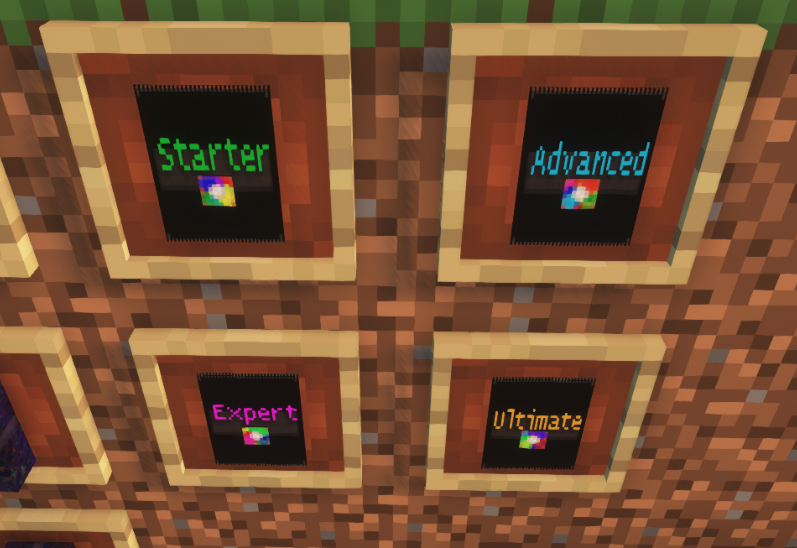
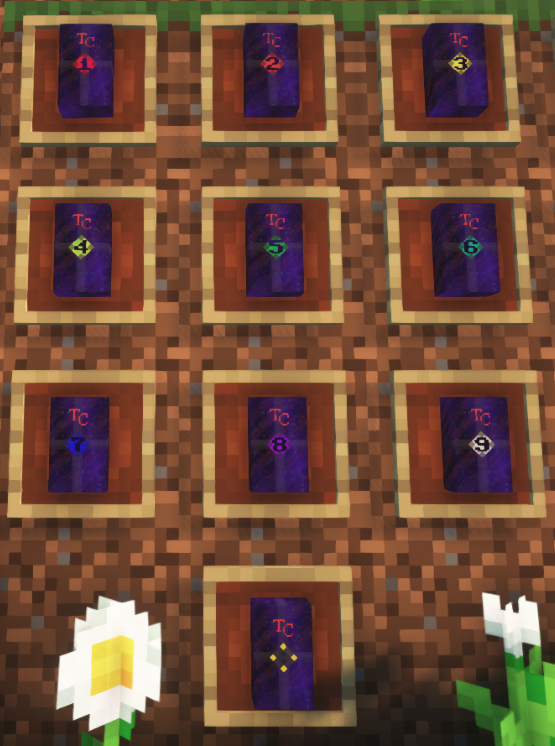
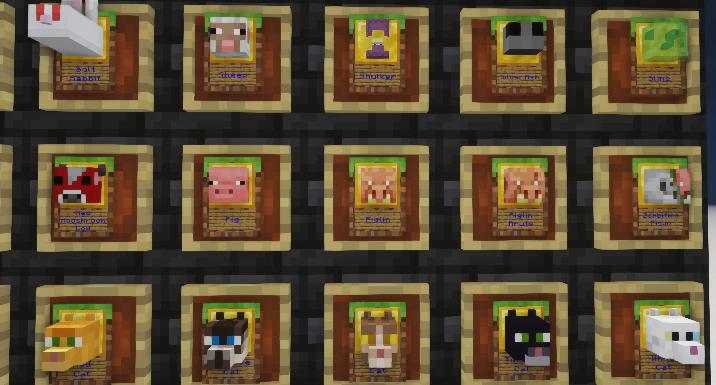
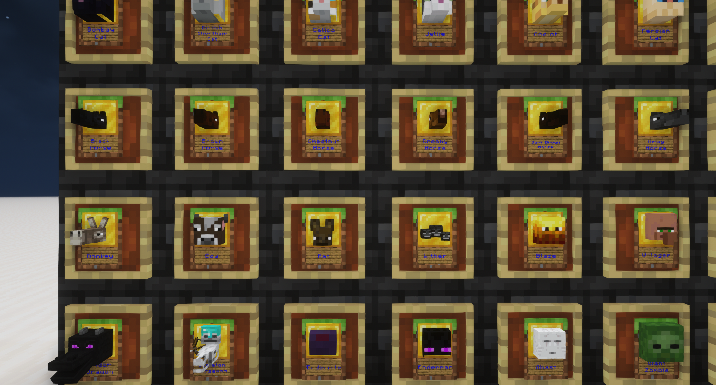
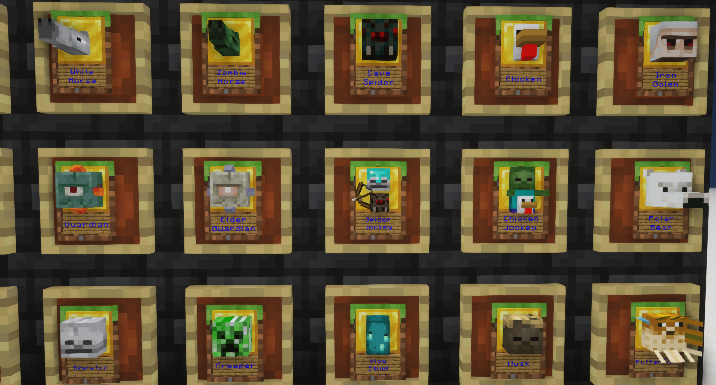
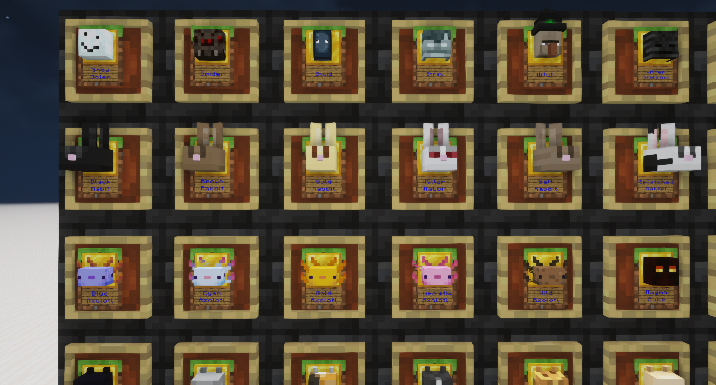
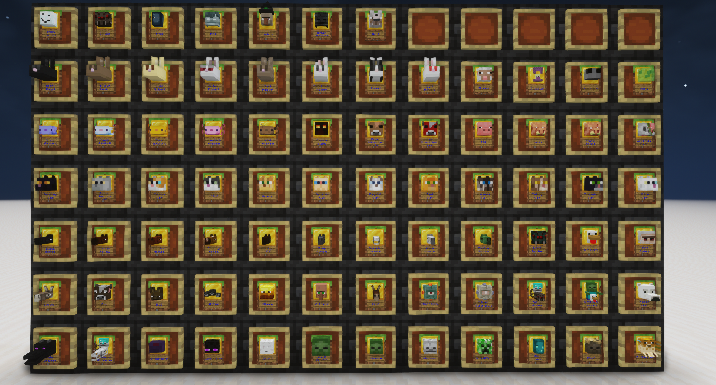
This resource pack provides card models and textures for use with the Spigot plugin Trading Cards
Note: This mod is now hosted on Modrinth. Modrinth will be the primary platform for all of my Minecraft projects going forward, so check here first for updates:
https://modrinth.com/resourcepack/tradingcards-resourcepack
Requirements:
OptiFine (Tested on 1.17.1 - 1.19.2)
Version 3.0.0+: Trading Cards plugin: https://www.spigotmc.org/resources/trading-cards.105709/
(Version 2.x compatible with older Xen's Trading Cards) https://github.com/Xenoyia/XenTradingCards
Client Installation:
Place the zip file inside the minecraft\resourcepacks directory
Set Custom Items: On in Video > Quality
Enable the resource pack in the resource pack menu.
Server Installation:
Go to the releases section on GitHub: https://github.com/isaaclepes/TradingCardsResource/releases
Copy the link for the zip file you wish to offer your users as well as the SHA1 listed in the changelog.
With server offline, edit server.properties. This example is for v3.0.1 of this pack:
resource-pack-prompt="Textures and Models for Trading Cards"
resource-pack=https://github.com/isaaclepes/TradingCardsResource/releases/download/v3/TradingCardsResource-3.0.1.zip
resource-pack-sha1=a5dd64e1eb4115e02cce43c163afe52fbd6e8521
Save changes to server.properties
Start your server.
Unless users have disabled server resource packs, they will be offered to download the pack on next join. The pack will be automatically set to active while they are connected to the server, but will not show in their resource packs list when connected to other servers or playing single player.
Users will still need to set Custom Items: On in Video > Quality
Discord: https://discord.gg/2kBzNb2cRy
Notes:
Version 3.0.0 introduces new CIT matching to support the custom-model-data NBT tag added by the newer TradingCards plugin.
This breaks backwards compatibility with Xen's TradingCards, but it is well worth converting to the new one.
This pack does not rely on any methods specific to a version of Minecraft. It should work on any version for which the Trading Cards plugin will function.
This pack is incredibly small, because almost every texture it uses is referenced from Minecraft internal textures. This means the texture availability is dependent upon the version of Minecraft you run it on.
For example, Amethyst did not exist until 1.17.1. If you wanted all textures to work on older versions of Minecraft, you could open the latest Minecraft JAR as a ZIP file, extract the missing textures, and create a simple resource pack to add them. These are located within the various directories at 'assets\minecraft\textures' inside the JAR file.
Huge thanks to DarnComputer. "Xen's Trading Card Resource Pack" heavily inspired this project: https://www.curseforge.com/minecraft/texture-packs/xens-trading-cards-resource-pack
This pack was designed using Photoshop, Blockbench, and Notepad++. Resources for creating custom cards are available on the GitHub in the dev folder.