Mineuniverse
Resource Packs
Traben's 3D Arrow models [16x]

Traben's 3D Arrow models [16x]

RESOURCE PACK
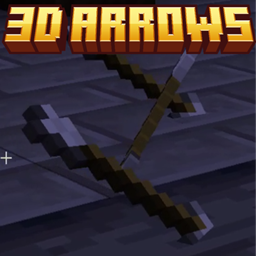
Makes shot arrows look just like their item sprites. Works with all 16x resourcepacks. Requires EMF or OptiFine.
by Traben
Download Claim this project
Add a badge to your pageLink to Traben's 3D Arrow models [16x] from a README, website or forum post.
Preview: Badge

Badges update automatically and link to the resource pack page on MineUniverse.
336,445 downloads
0 likes
0 followers
Updated Oct 14, 2026
0 hypes
Follow0
16x
Advertisement Remove ads with Premium →


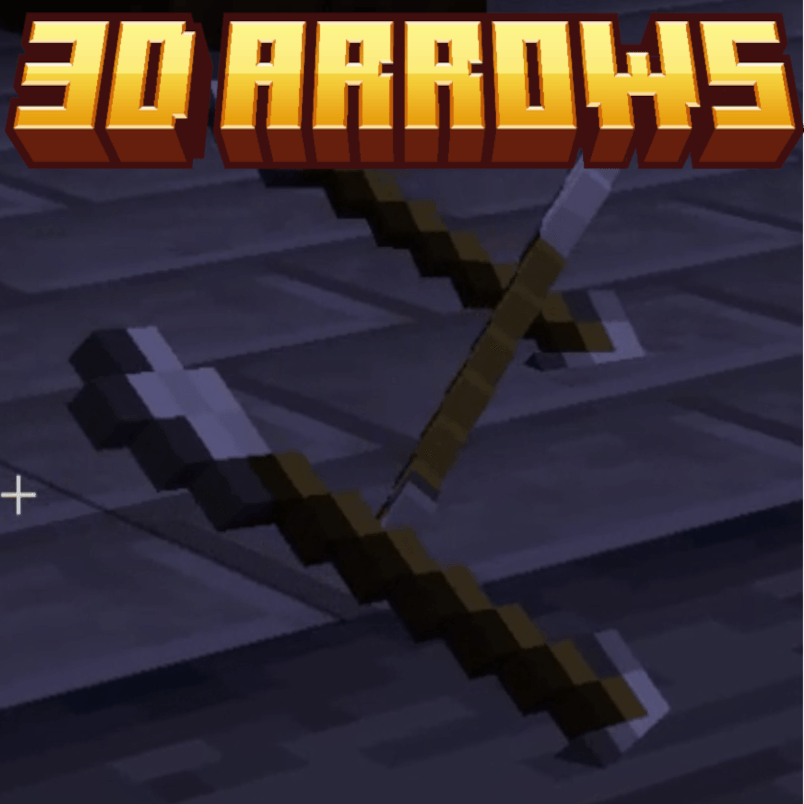
This resourcepack adds arrow and spectral arrow Custom Entity Models that use the actual arrow item texture to make arrows shot in the world look just like the item itself, in any 16x resource-pack.


These Custom Entity Models require either Entity Model Features (EMF) version 2.0+, Available for MC 1.18.2+, or OptiFine 1.20.4_HD_U_I8_pre3+


These models will work with any 16x resource-pack though they might look weird if they do not line up with the vanilla arrow texture's angle.


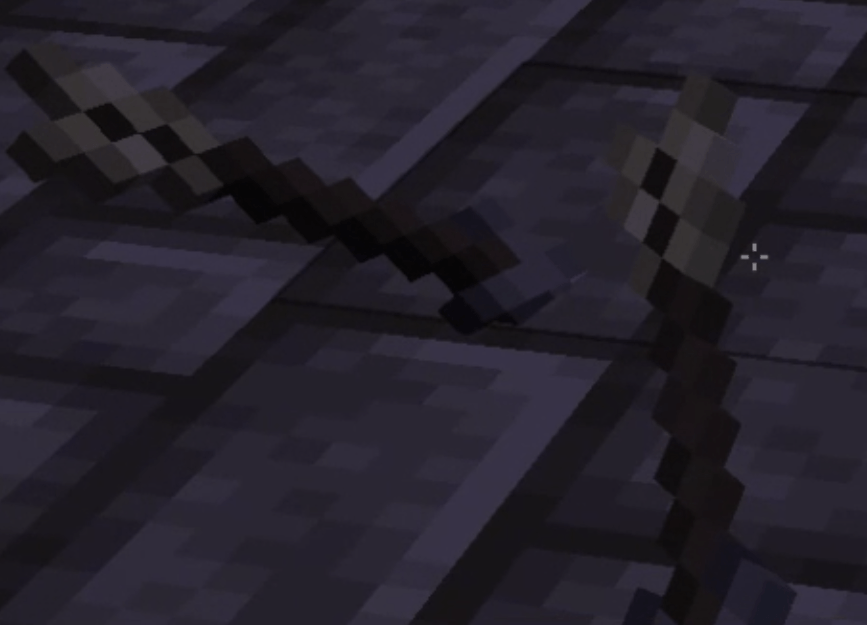
Here is an example using the Excalibur resource-pack
 

How does this support every 16x resource-pack you ask?

by brute force modelling every pixel of course :)
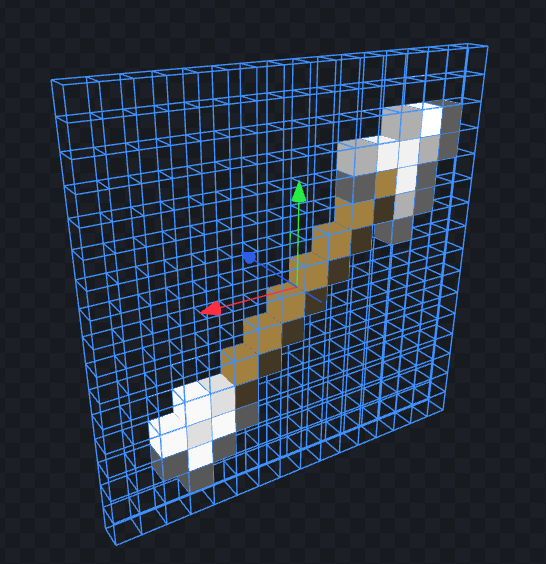
not the most efficient model but its more about the concept of complete resource-pack compatibility :)


This does not affect bows nor does this pack add any textures. It solely affects arrows in the world by adding arrow models that read the "assets/minecraft/textures/item/arrow.png" & "assets/minecraft/textures/item/spectral_arrow.png" textures.


You can reach me on discord if you have ideas/issues/suggestions 

trabens-3d-arrows-1.2.zip
MC 1.21.4, 1.21.3, 1.21.2
Release 2025-02-27 Get
trabens-3d-arrows-1.1.zip
MC 1.20.2, 1.21, 1.20.5, 1.19.4, 1.18.2, 1.19.2, 1.20.1, 1.20, 1.20.6, 1.20.4, 1.21.1
Release 2024-04-30 Get
trabens-3d-arrows.zip
MC 1.20.2, 1.20.5-Snapshot, 1.19.4, 1.18.2, 1.19.2, 1.20.3, 1.20.1, 1.20, 1.20.4
Release 2024-04-22 Get

Requirements & install

How to use this resource pack in Minecraft
Resolution
16x
Minecraft
1.20.5-Snapshot – 1.21.4
Install folder
.minecraft/resourcepacks

How to install resource packs

  1. Download the resource pack .zip file (do not extract it).
  2. In Minecraft open Options → Resource Packs → Open Pack Folder.
  3. Drop the .zip into the resourcepacks folder (.minecraft/resourcepacks).
  4. Move the pack to the Selected column and click Done.
Browse more: 16x resource packs 32x resource packs 64x resource packs 128x resource packs 256x resource packs 512x+ resource packs Resource Packs for 1.21.4 All resource packs

More from Traben

Advertisement Remove ads with Premium →

You Might Also Like