Mineuniverse
Resource Packs
Alittl Axolotl & Friends- Animated 3D bucket friends! [Java Version]

Alittl Axolotl & Friends- Animated 3D bucket friends! [Java Version]

RESOURCE PACK
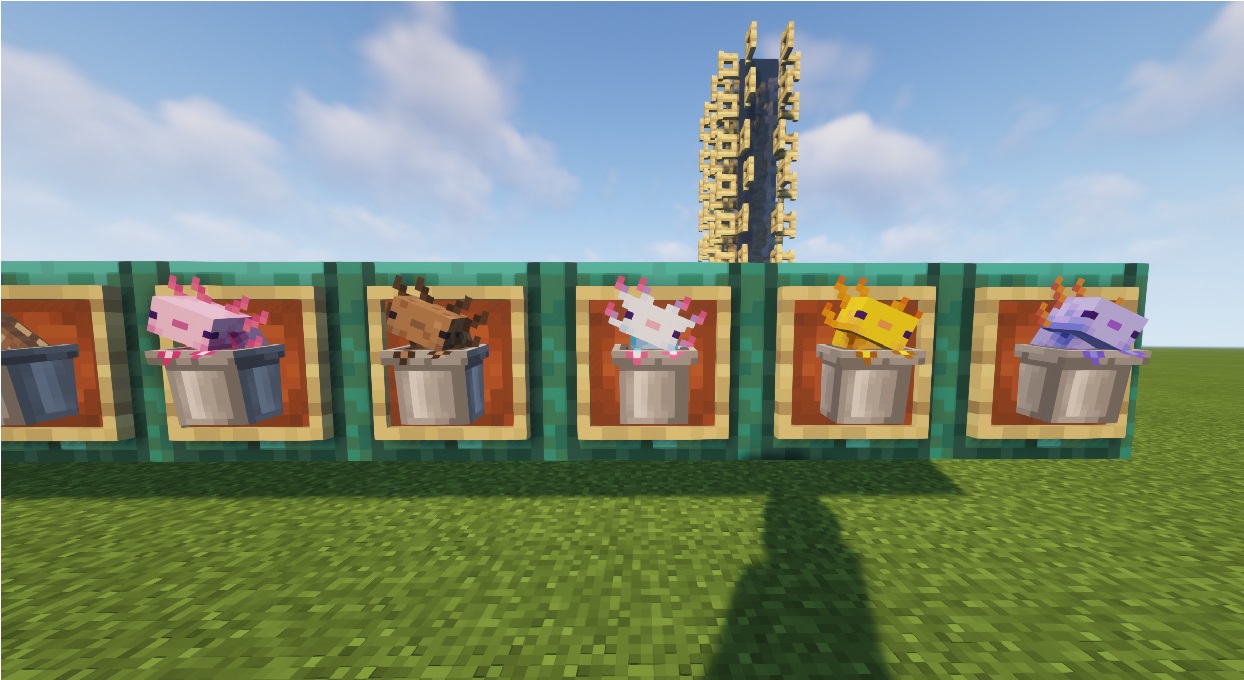
little animated 3d friends in buckets
by Traben
Download Claim this project
Add a badge to your pageLink to Alittl Axolotl & Friends- Animated 3D bucket friends! [Java Version] from a README, website or forum post.
Preview: Badge

Badges update automatically and link to the resource pack page on MineUniverse.

395,785 downloads
0 likes
0 followers
Updated Oct 14, 2026
0 hypes
Follow0
16x Animated Mod Support
Advertisement Remove ads with Premium →

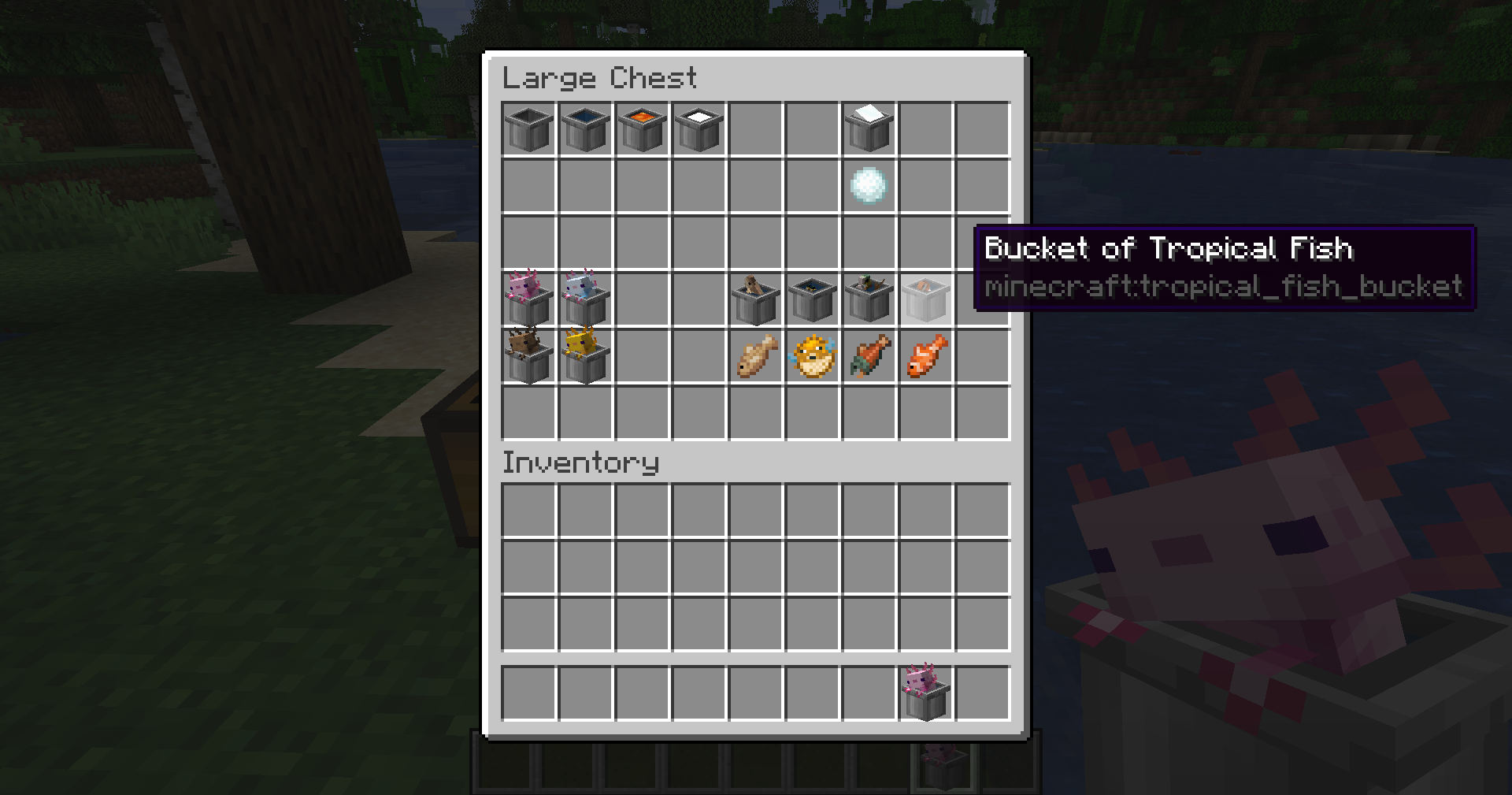
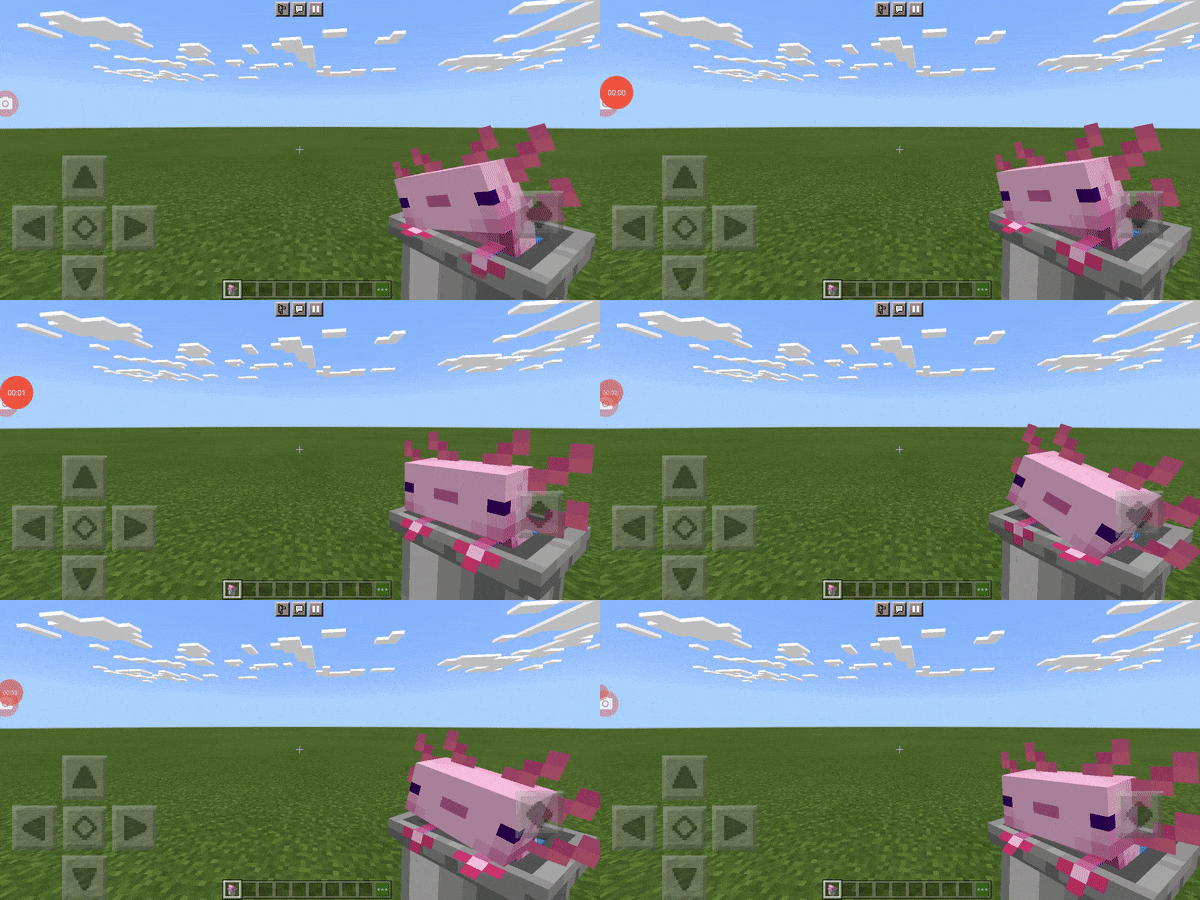
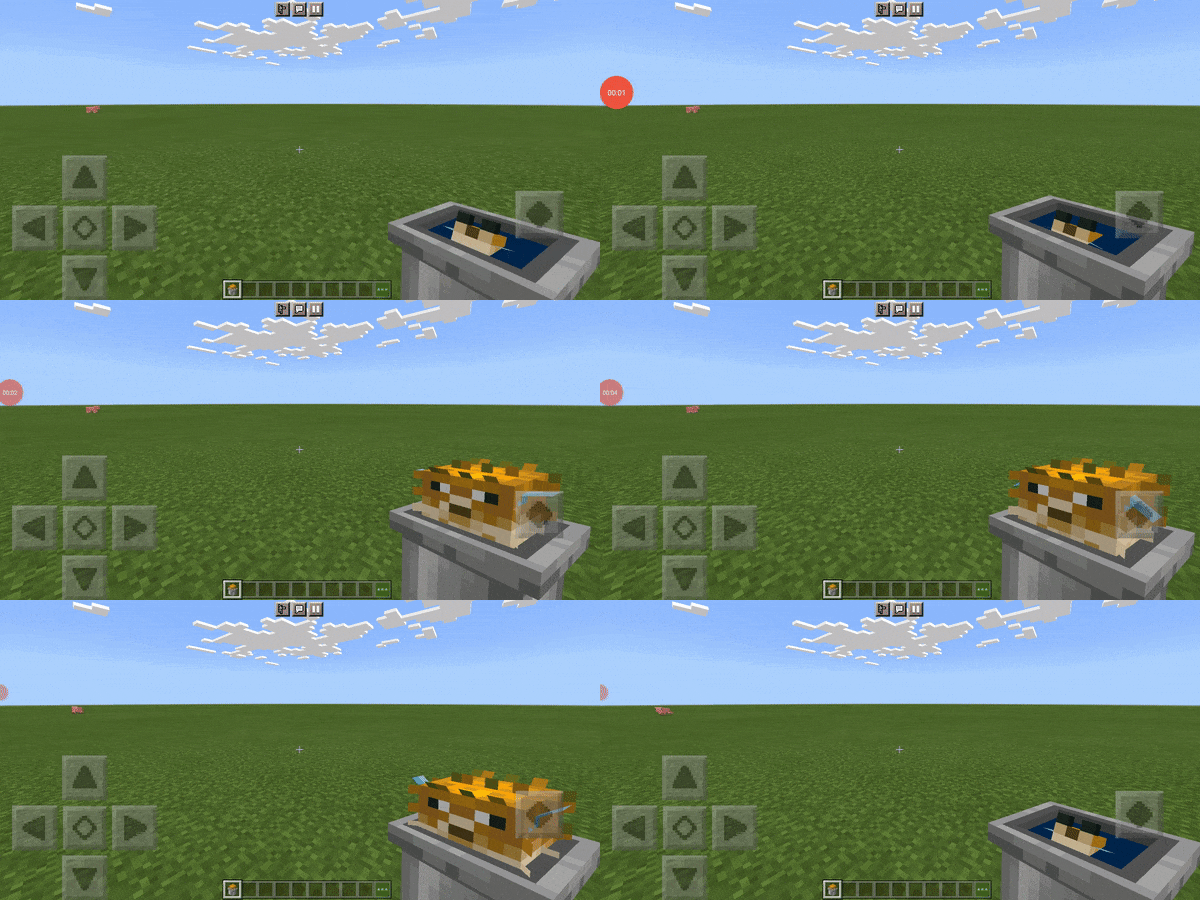
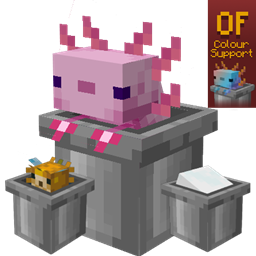
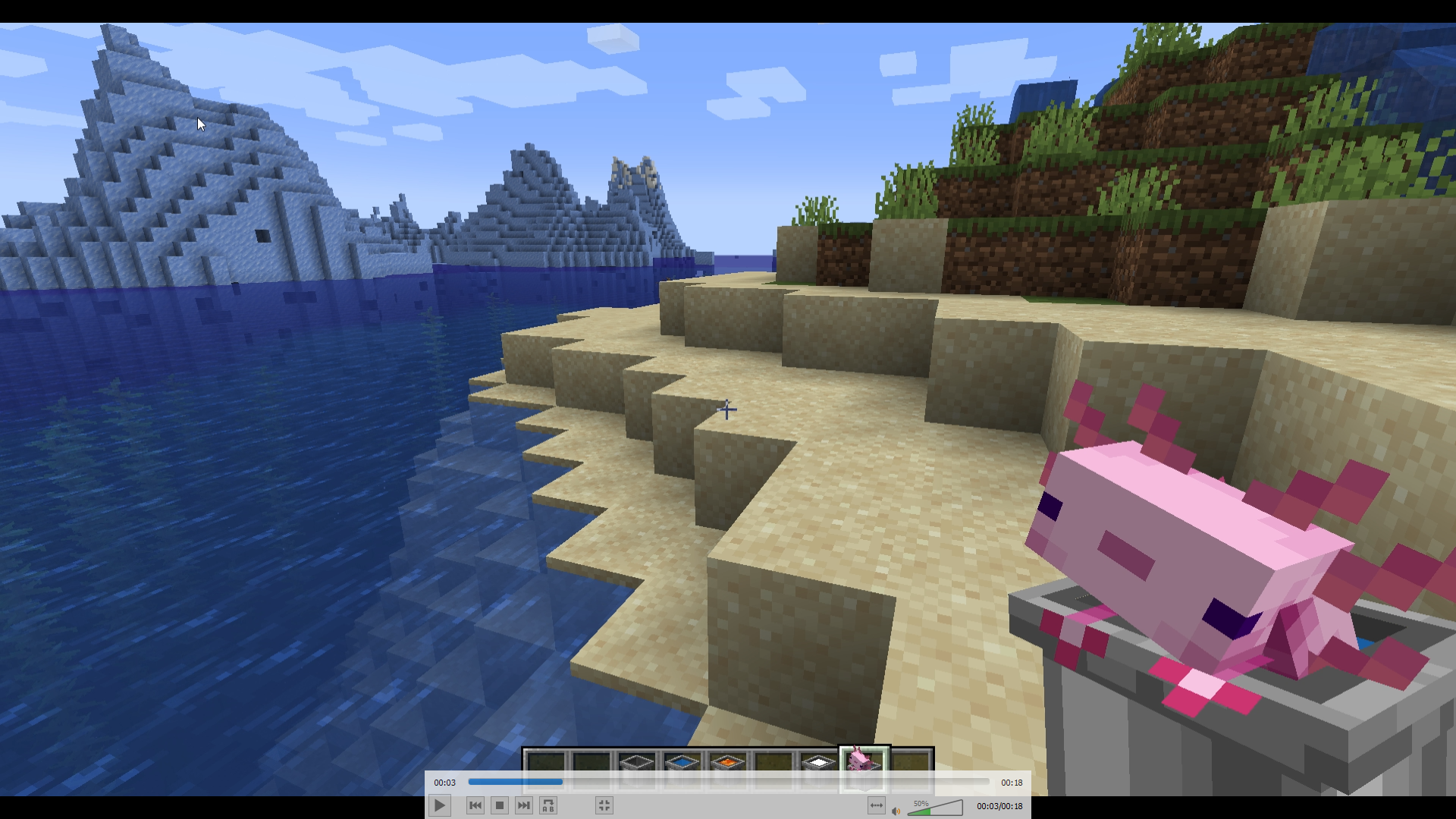
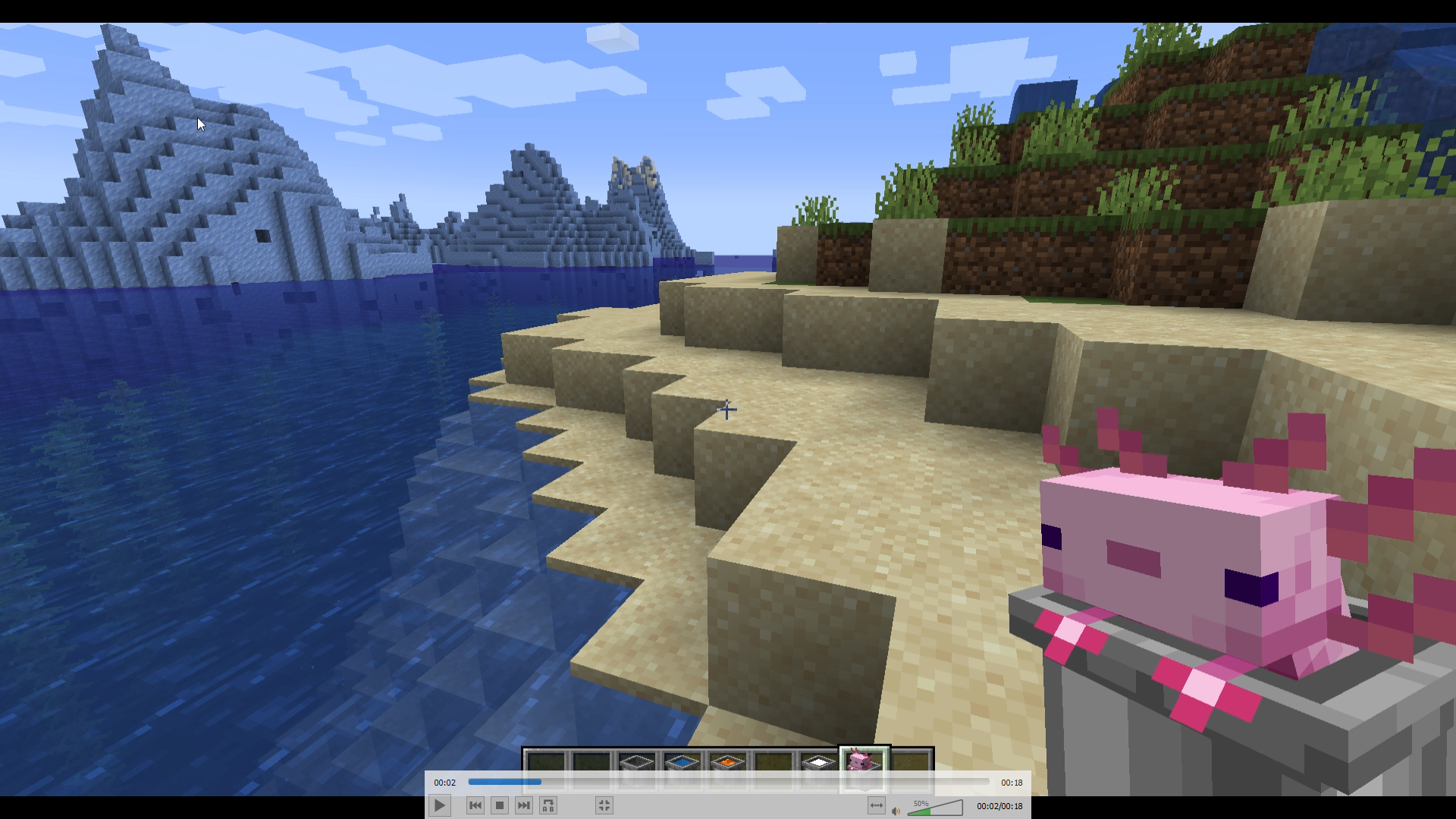
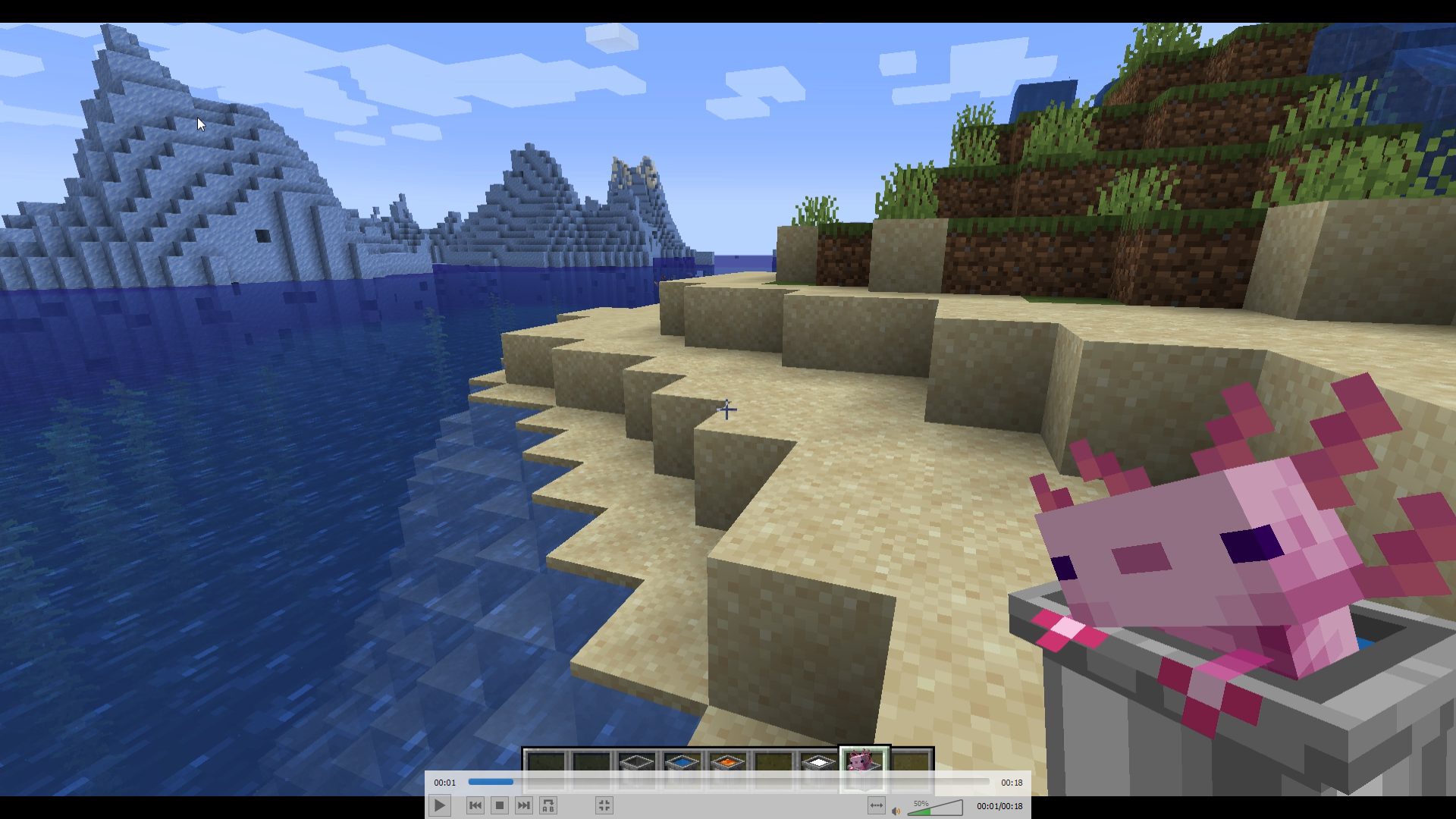
This pack turns Axolotl, Fish & asll other buckets into little animated and 3d versions

why? because its cute as!


Java Version [V6.0]

Changelog:

- added Tadpoles from 1.19

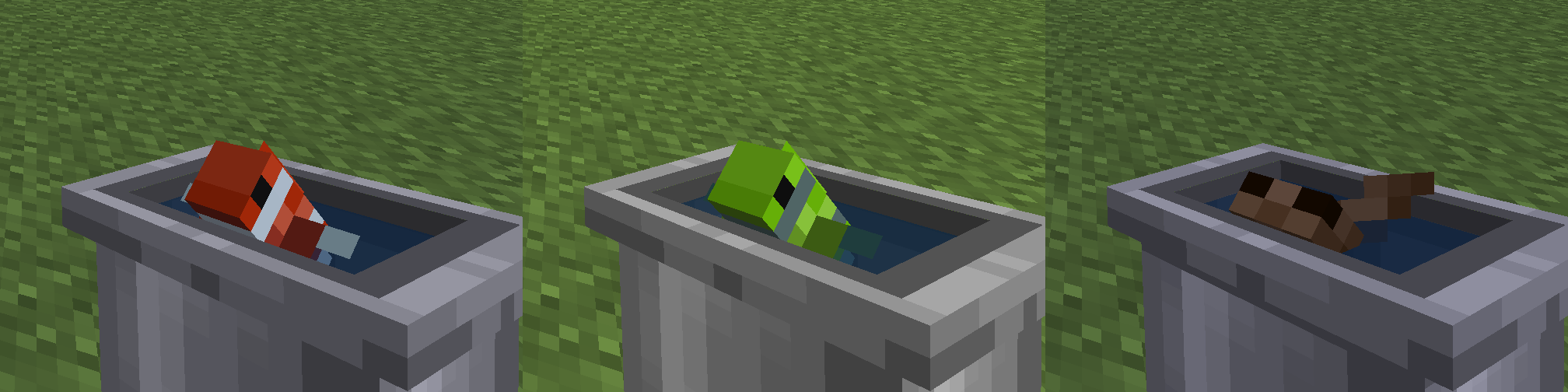
- tropical fish changes colour over time and will rarely have the same coloured patterns (optifine CIT support for tropical fish is being looked into)

There is also an addon to disable the animation (but why would you want that?) .
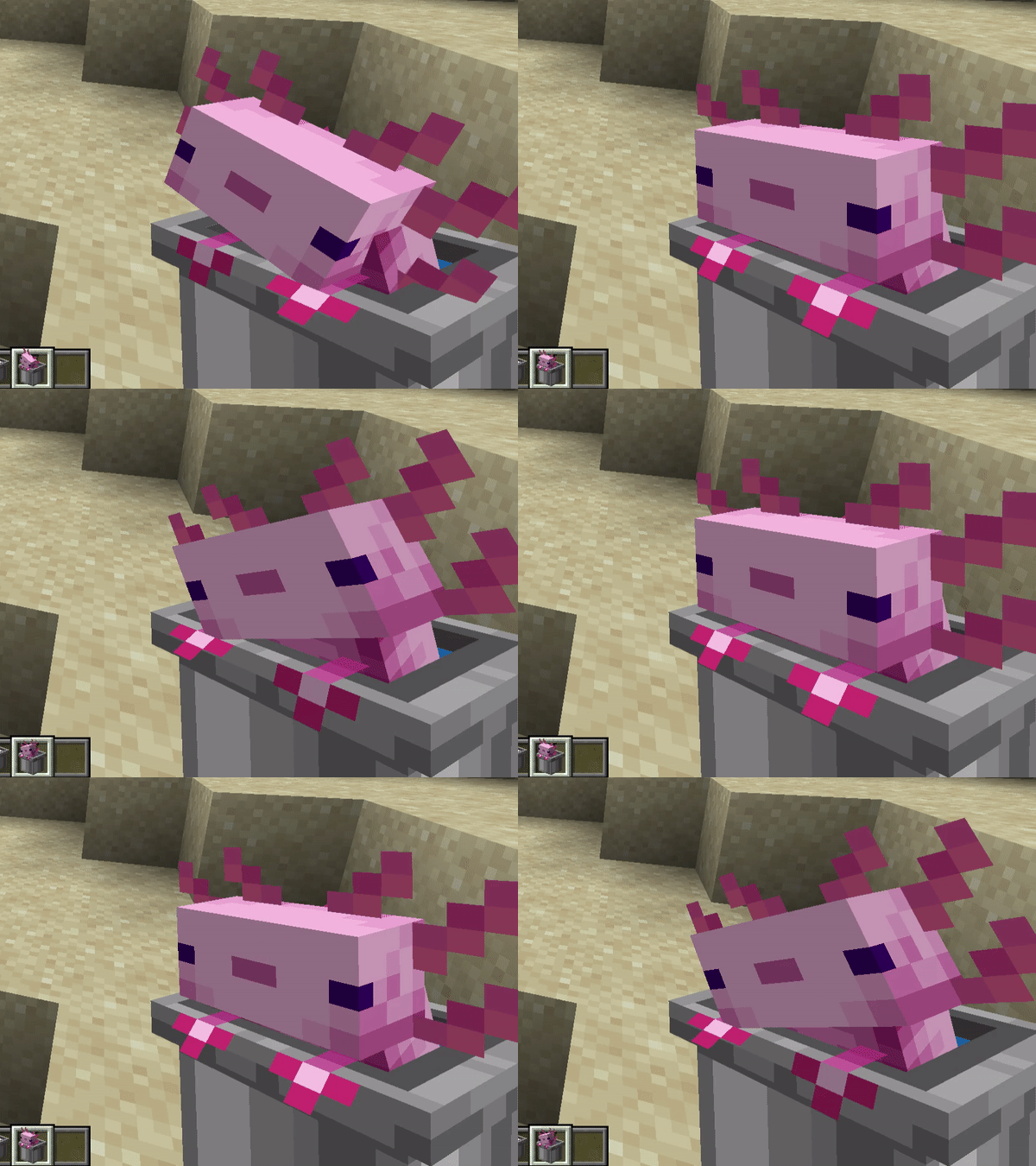
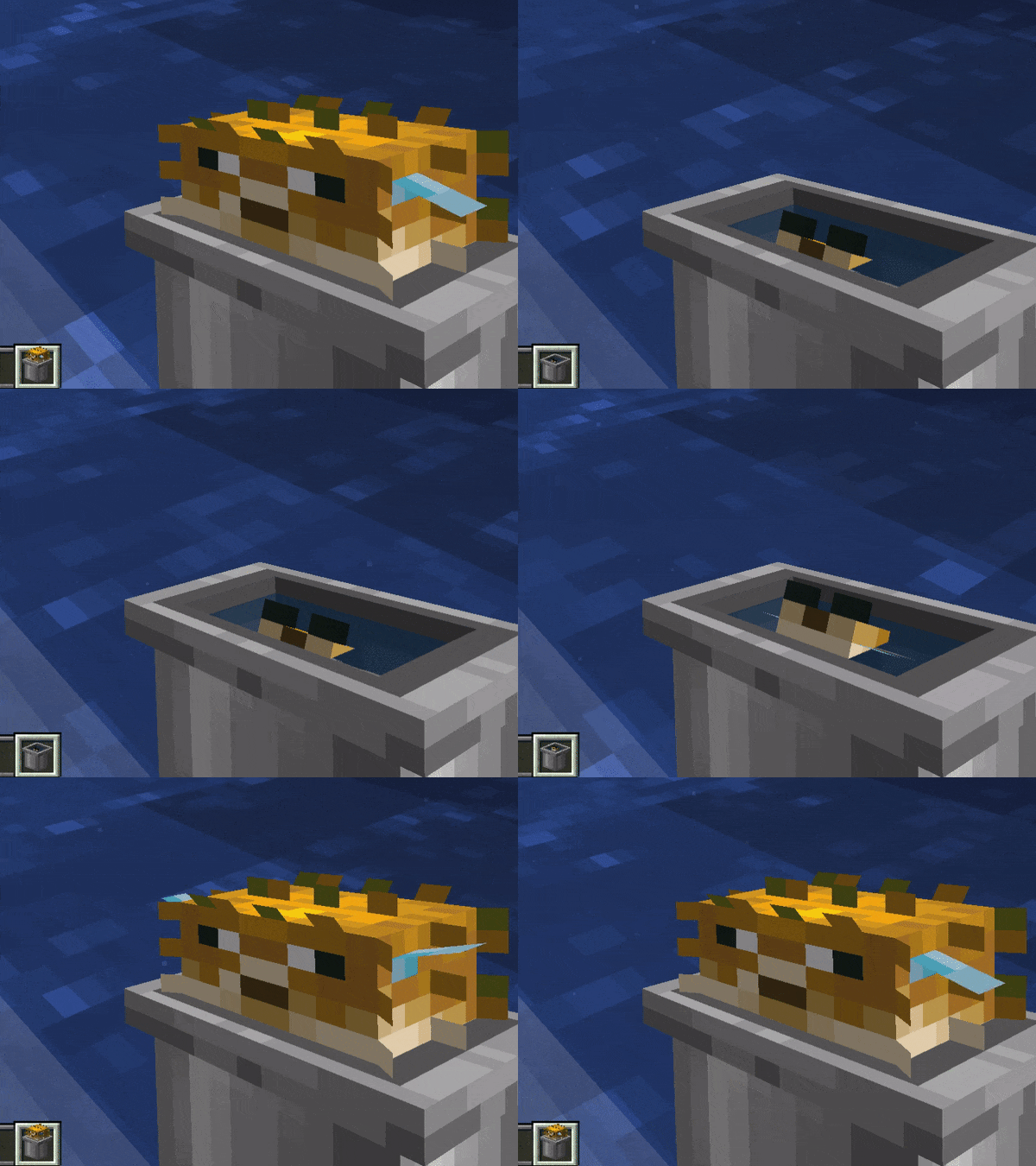
axolotl

[v 5.0] - All buckets supported & axolotl's item changes colour if you have optifine custom items enabled  - thanks to Toromeii
Download latest Java Version From [HERE]!!


Bedrock version [V1.1]

provided by @vactricaKing - smoother animations & sound!

Download Latest Bedrock version [HERE]!!!


 (improved bucket texture and cyan axolotl provided by Simo__28)


Alittle_Axolotl.zip
MC 1.21, 1.21.4, 1.21.3, 1.21.1, 1.21.2
Release 2025-02-03 Get
Alittle Axolotl [6.1]
MC 1.19.3, 1.19.4, 1.19.2, 1.20.1, 1.20, 1.19.1, 1.19
Release 2023-06-17 Get
No Animations Addon [6.1] [Requires Main Pack!]
MC 1.19.3, 1.19.4-Snapshot, 1.19.4, 1.19-Snapshot, 1.19.2, 1.20.1, 1.20, 1.19.1, 1.20-Snapshot, 1.19, 1.19.3-Snapshot
Beta 2023-06-17 Get
Alittle Axolotl [6.0]
MC 1.17.1, 1.16.5, 1.18.2, 1.19
Release 2022-06-13 Get
No Animations Addon [6.0] [Requires Main Pack!]
MC 1.17.1, 1.16.5, 1.18.2, 1.19
Beta 2022-06-13 Get

Requirements & install

How to use this resource pack in Minecraft
Resolution
16x
Minecraft
1.20-Snapshot – 1.21.4
Install folder
.minecraft/resourcepacks

How to install resource packs

  1. Download the resource pack .zip file (do not extract it).
  2. In Minecraft open Options → Resource Packs → Open Pack Folder.
  3. Drop the .zip into the resourcepacks folder (.minecraft/resourcepacks).
  4. Move the pack to the Selected column and click Done.
Browse more: 16x resource packs 32x resource packs 64x resource packs 128x resource packs 256x resource packs 512x+ resource packs Resource Packs for 1.21.4 All resource packs

More from Traben

Advertisement Remove ads with Premium →

You Might Also Like