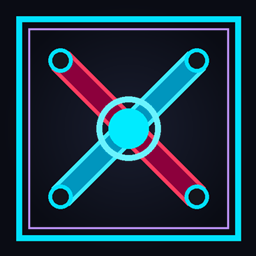
☣ TOXIC FALLOUT PvP ☣ The wasteland calls. Will you survive?
The world has ended. Cities are ash. The survivors fight with rusted blades coated in radioactive sludge, breathe contaminated air, and walk on soil that glows green in the dark.
Toxic Fallout PvP transforms your Minecraft into a post-apocalyptic warzone — every weapon drips with toxic residue, every block tells the story of a world that collapsed, and your HUD looks like it belongs in a Vault-Tec survival terminal.
⚔ WEAPONS & TOOLS
Every weapon has been redesigned from scratch with a rusted metal → toxic green gradient, war damage details, and radioactive glow on the edges.
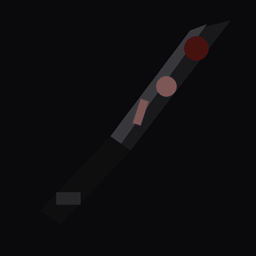
- Diamond Sword — lâmina com glow tóxico e manchas de ferrugem
- Iron / Stone / Golden / Netherite Sword
- Diamond / Iron / Stone / Golden / Netherite Axe
- Diamond / Iron / Stone / Golden / Netherite Pickaxe
- Bow (3 animation frames) + Crossbow (4 animation frames)
- Trident — 3 toxic blades with neon tips
- Shield — battle-worn with ☣ biohazard symbol
- Netherite & Diamond Hoe (war scythe style)
🧱 BLOCKS
The world itself has been contaminated. Every block reflects a planet in decay.
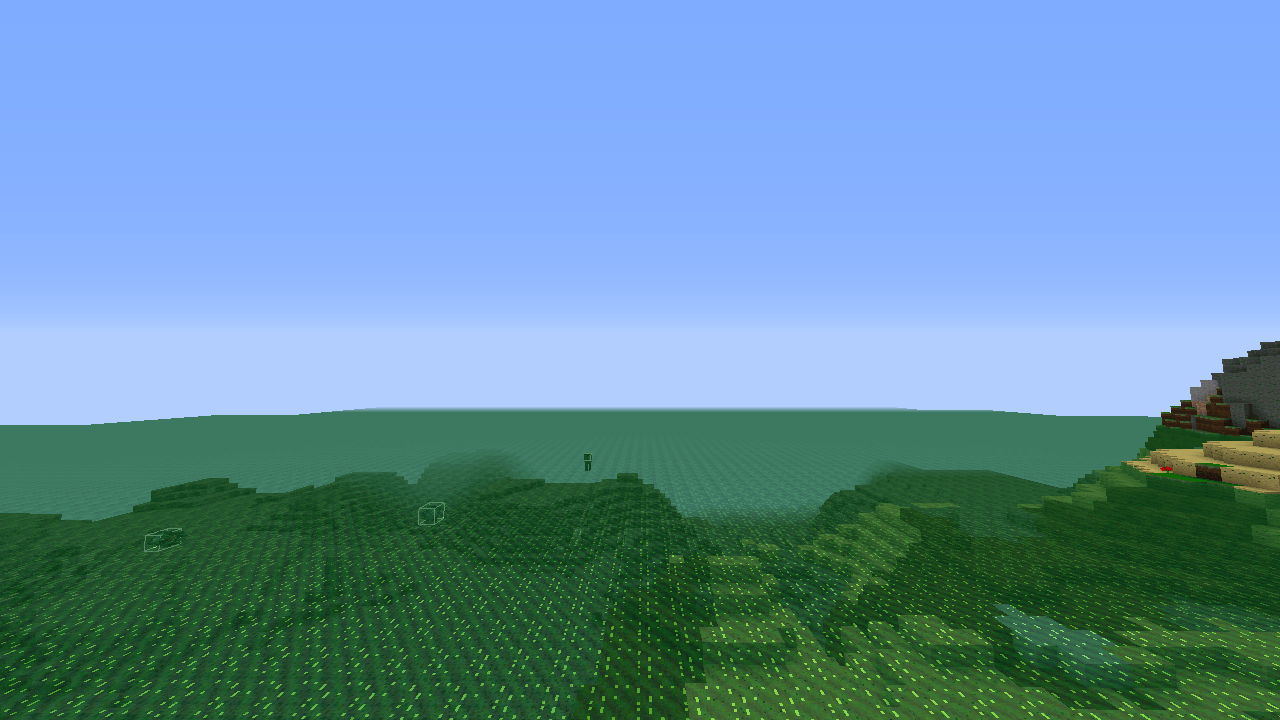
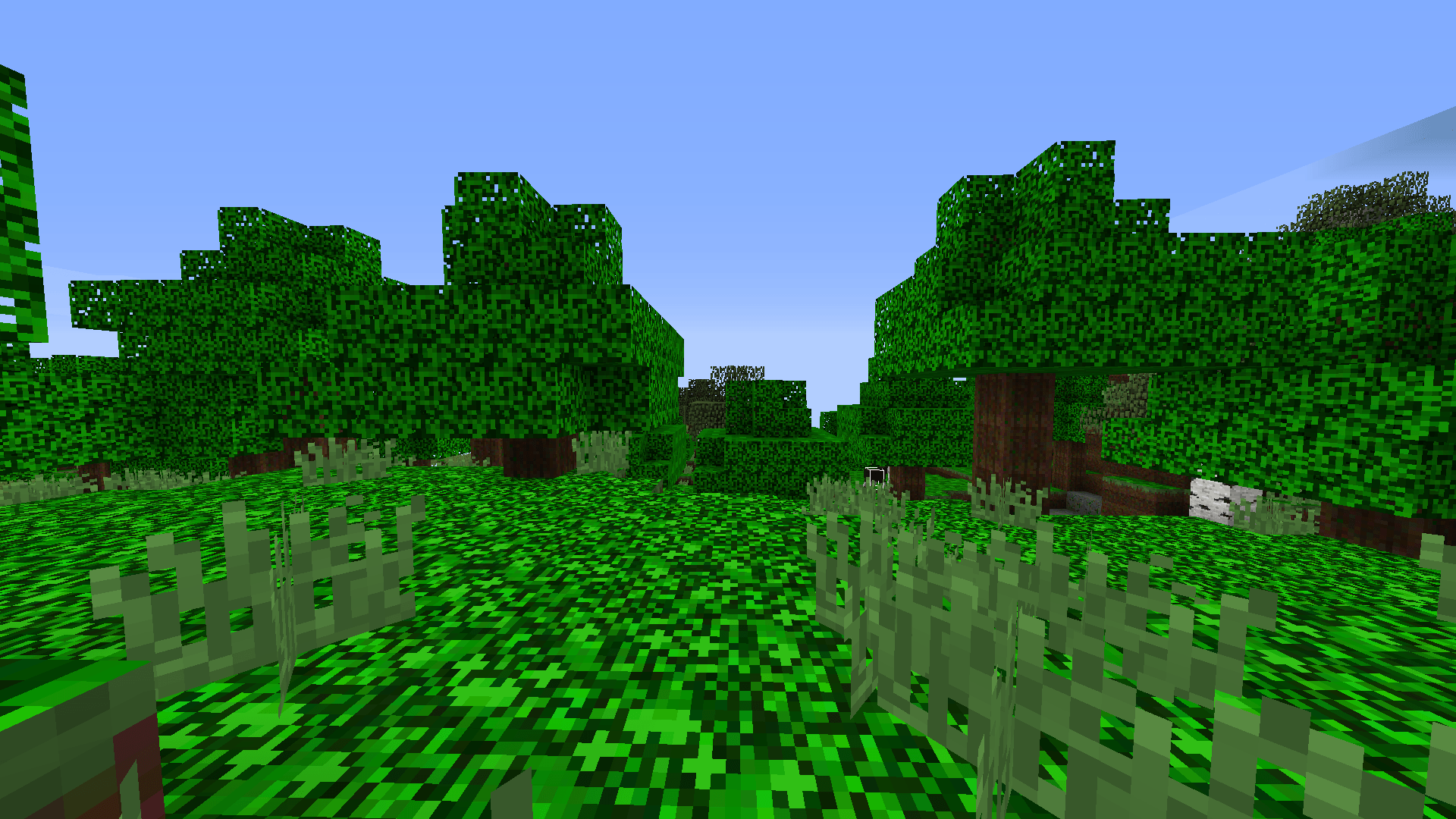
- Grass — glowing toxic green, radioactive patches
- Dirt — dark contaminated soil with toxic veins
- Stone — cracked grey rock with glowing fissures
- Cobblestone — ruins-style with toxic highlights
- Sand — radioactive contamination spreading through the grains
- Gravel — post-apocalyptic rubble
- Oak Log / Leaves / Planks — rotting wood with toxic moss
- Glass — broken green tinted glass
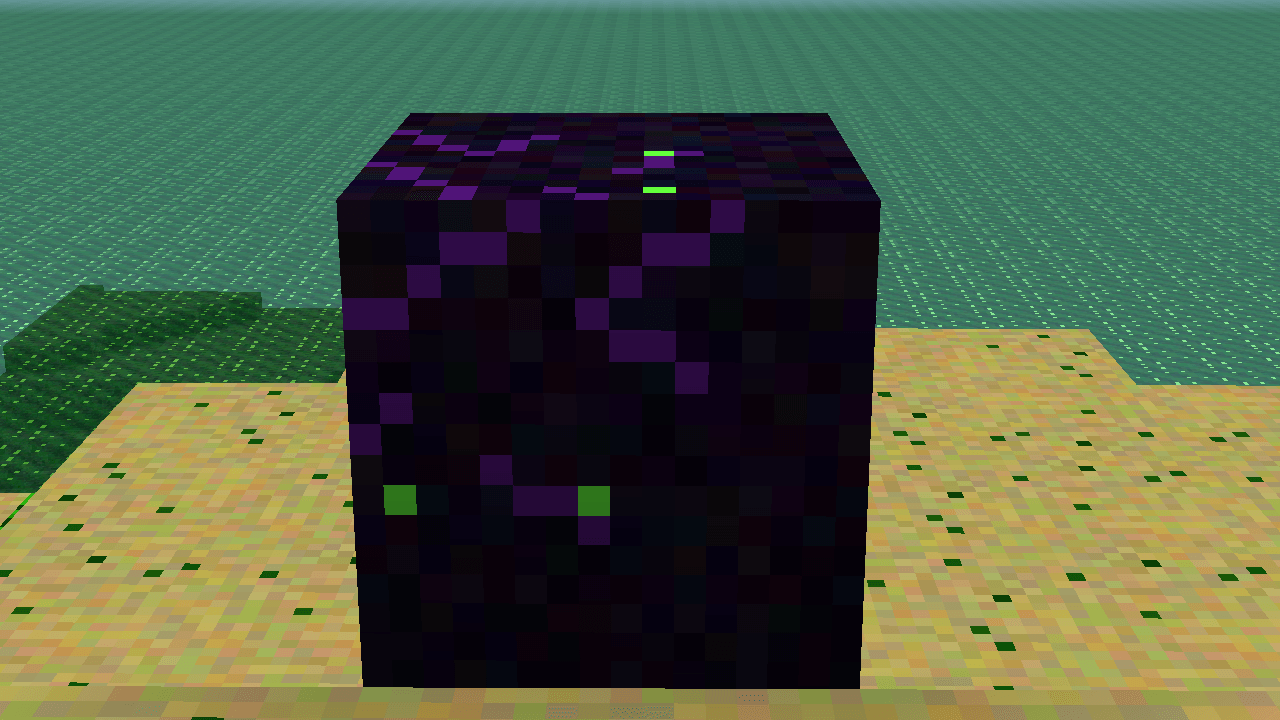
- Obsidian — dark void with purple/toxic veins
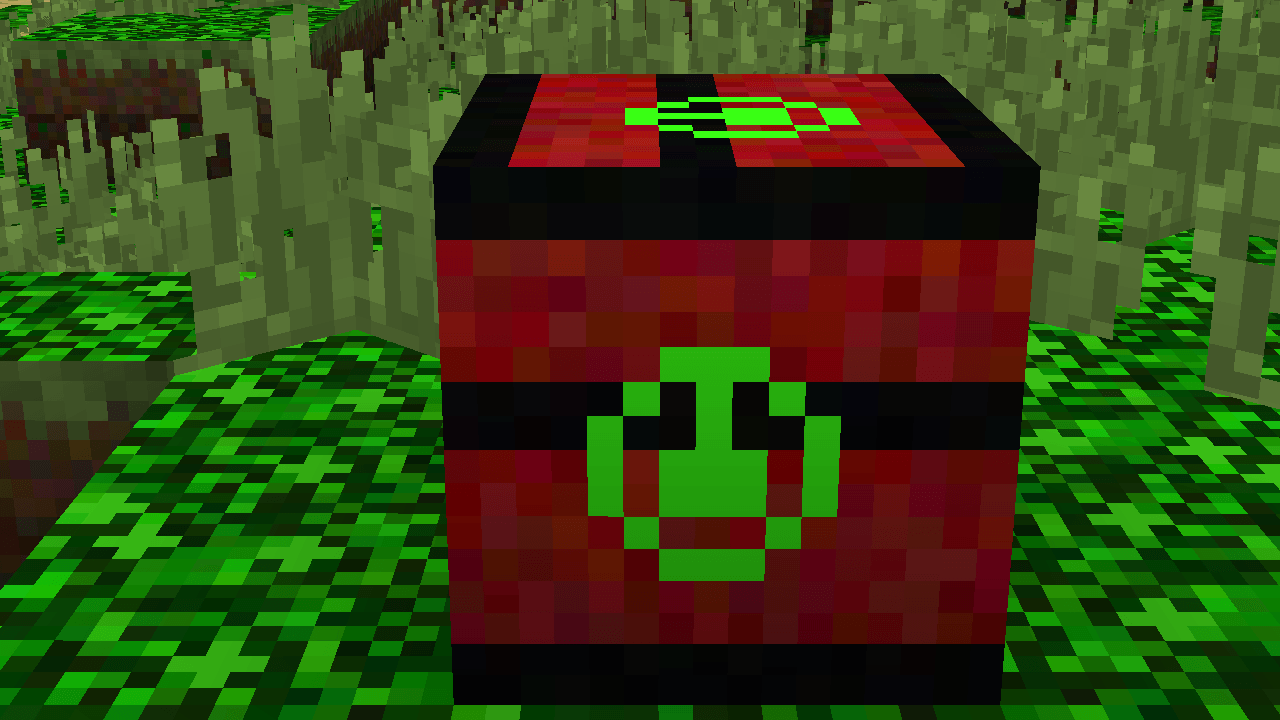
- TNT — red and black with ☣ biohazard symbol
- Water — toxic green liquid
- Lava — molten radioactive flow
🖥 HUD & GUI
Your interface looks straight out of a fallout shelter terminal.
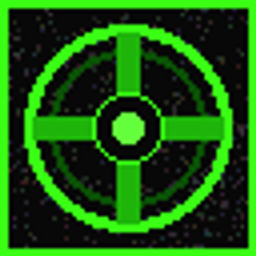
- Crosshair — military-style cross with toxic glow at the tips
- Hotbar — dark metal bar with toxic green slot borders and glowing selected slot
- Inventory — dark panel with toxic slots and ☣ watermark
- Hearts — toxic green health bar
- Armor bar — rusted metal icons
- Food bar — contaminated ration icons
- Air bubbles — toxic green bubbles
🌌 ENVIRONMENT
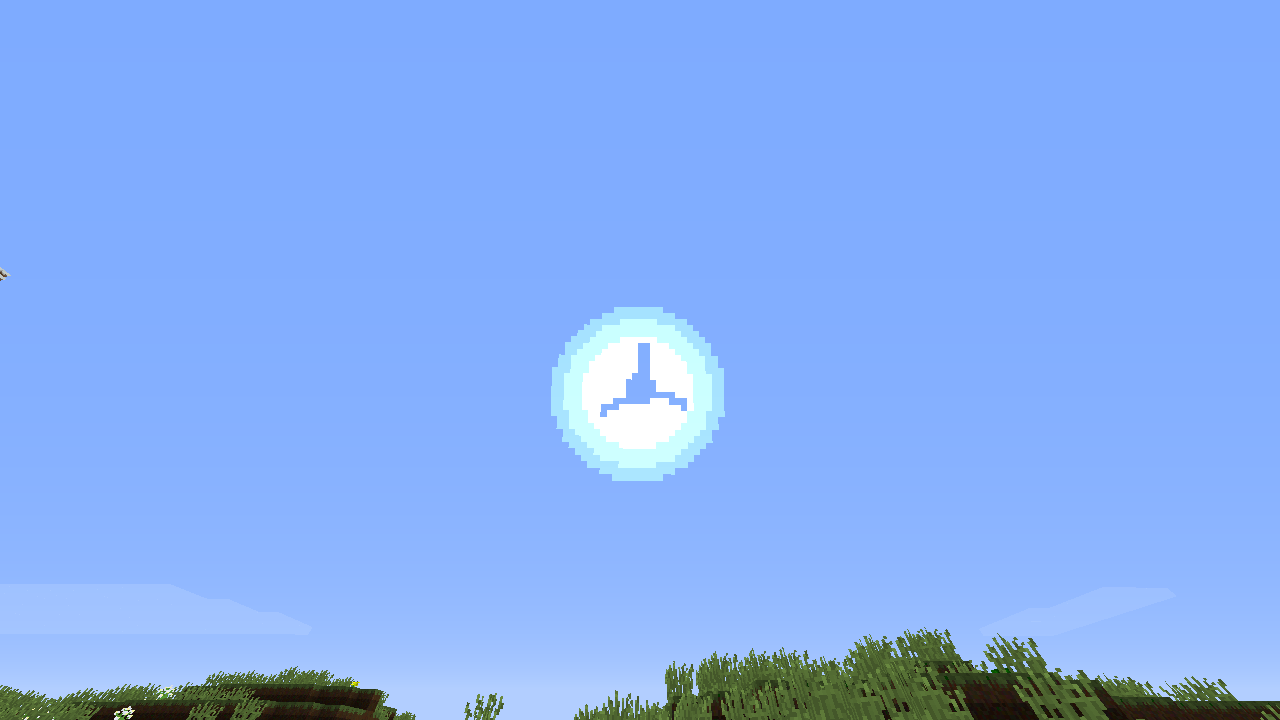
- Sun — radioactive disc with ☣ symbol and yellow-green halo
- Moon — toxic green crescent with craters
- Clouds — toxic smoke drifting across the sky
- Rain — acid rain in dark green
- Snow — toxic green snowflakes
📋 COMPATIBILITY
| Version |
Support |
| 1.8.9 |
✅ Full |
| 1.9 – 1.12.2 |
✅ Full |
| 1.13 – 1.16.5 |
✅ Full |
| 1.17 – 1.20.1 |
✅ Full |
Works with OptiFine, Lunar Client, and Vanilla. 16x resolution — optimized for PvP performance.