Mineuniverse
Resource Packs
Totems Pack

Totems Pack

RESOURCE PACK
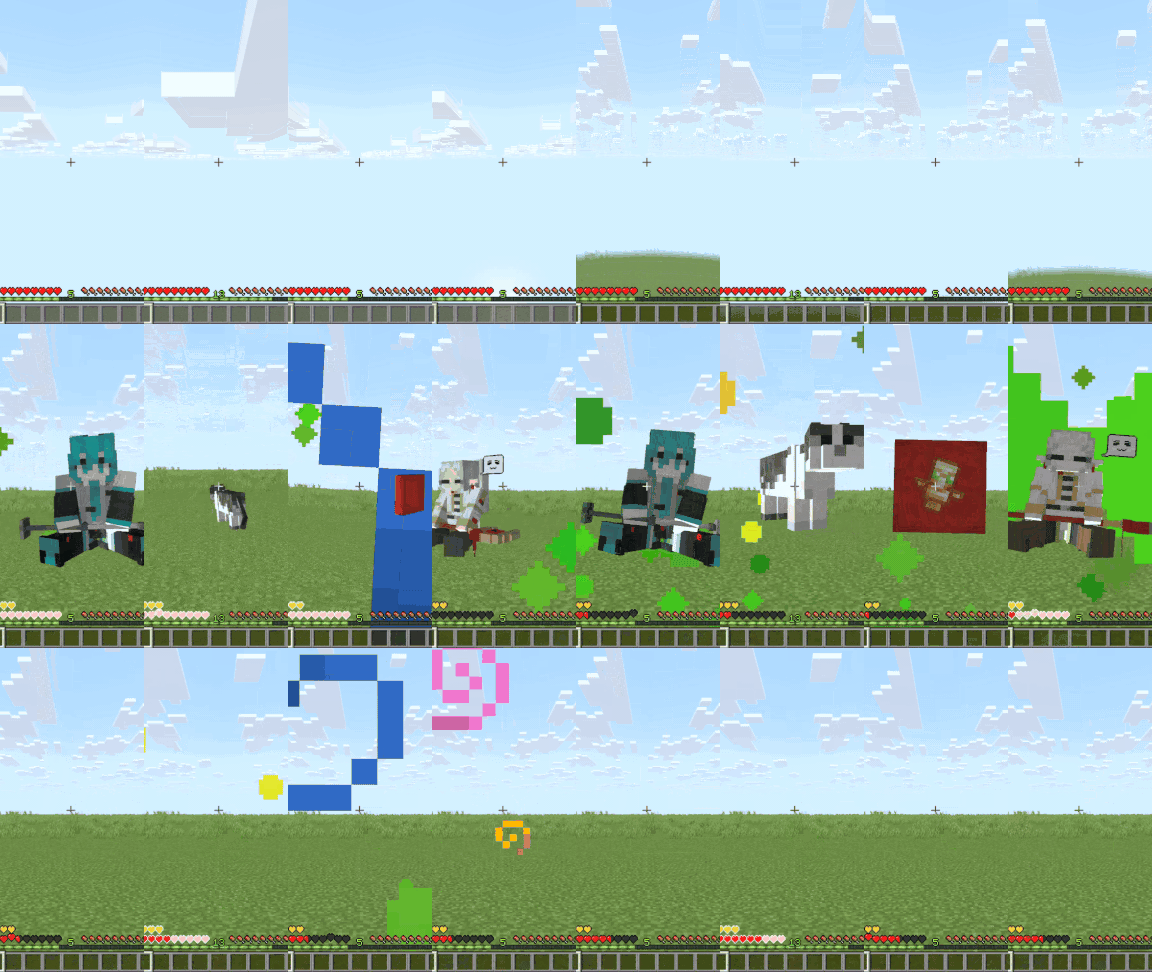
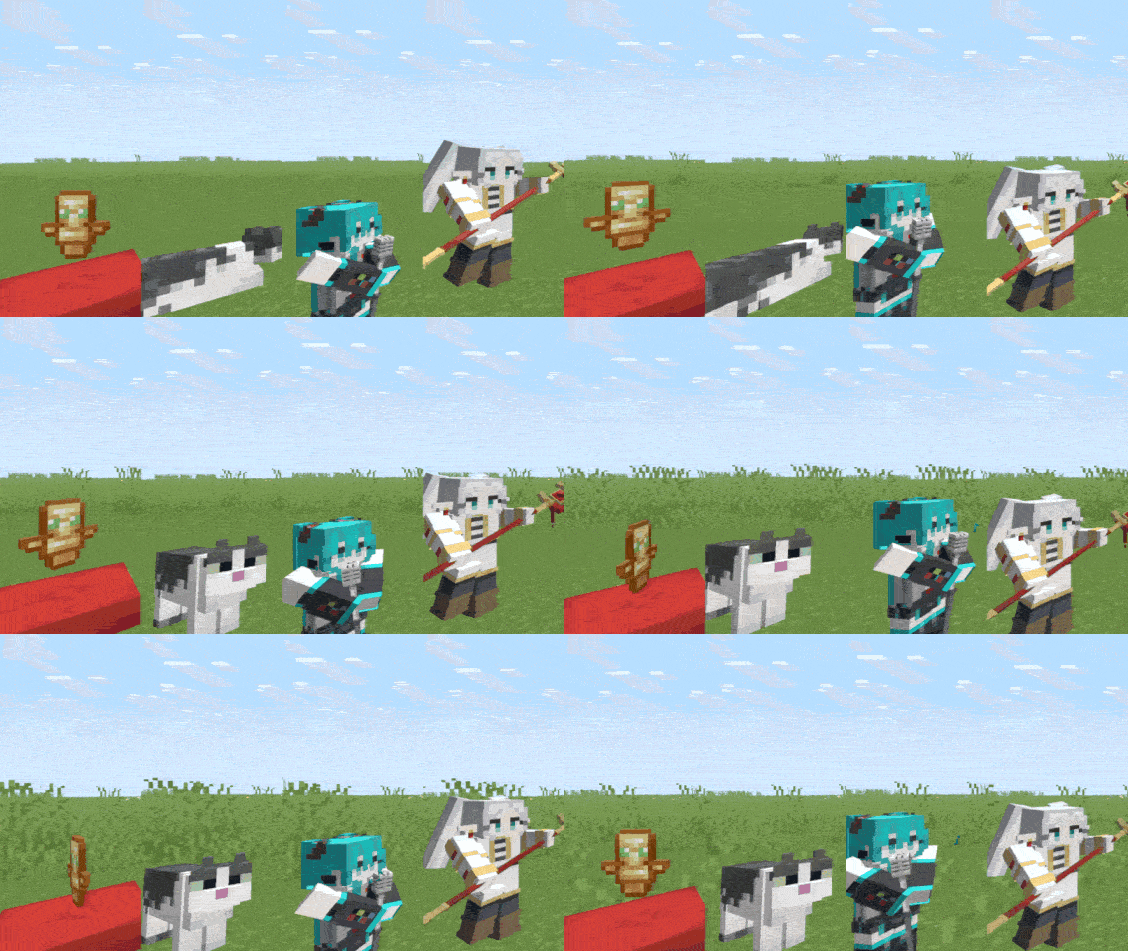
A collection of 3d Models for Totem of Undying, including animated ones
by Lapietous
Download Claim this project
397 downloads
0 likes
Updated Oct 14, 2026
0 hypes
64x Animated Miscellaneous Traditional
Advertisement Remove ads with Premium →

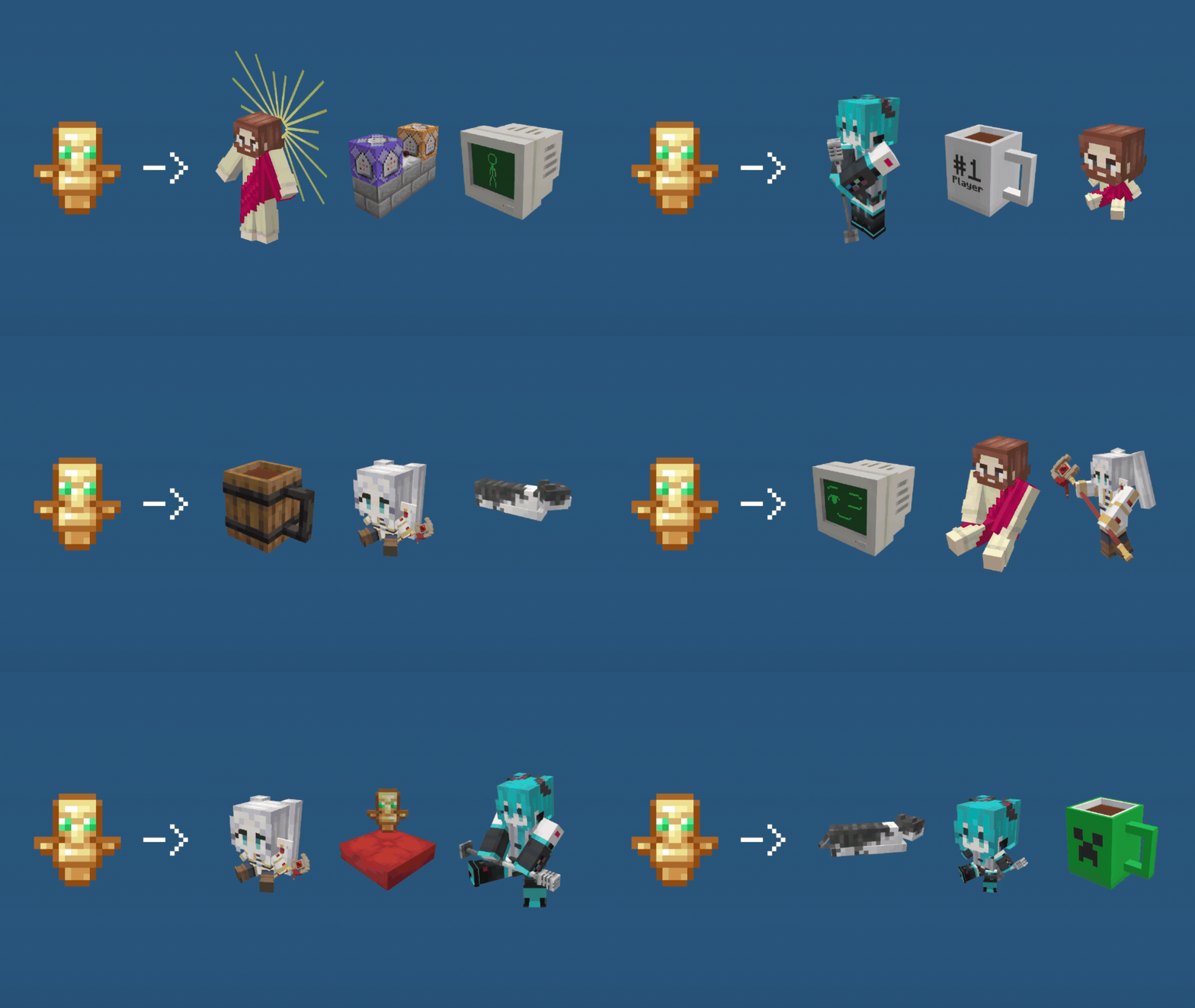
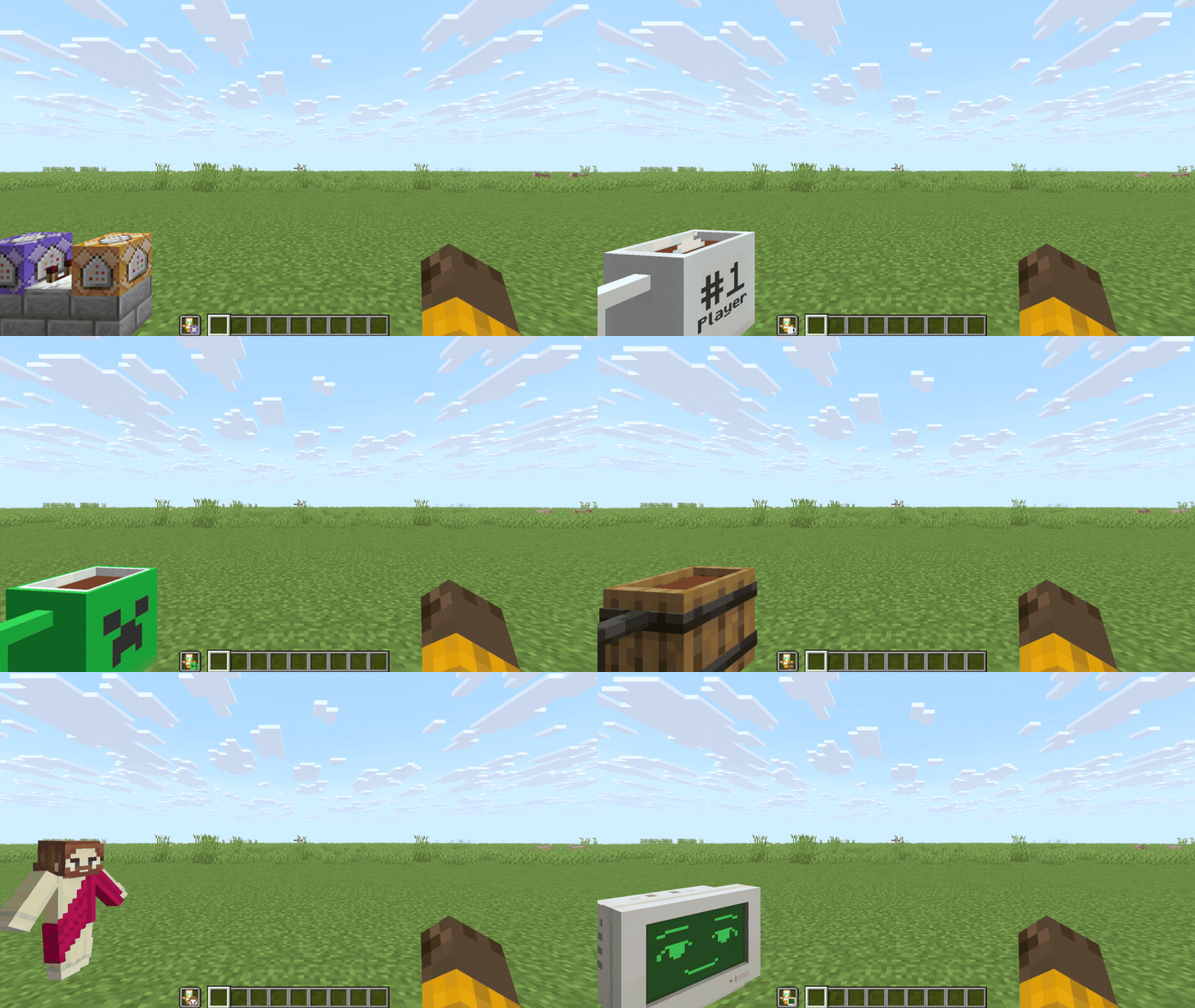
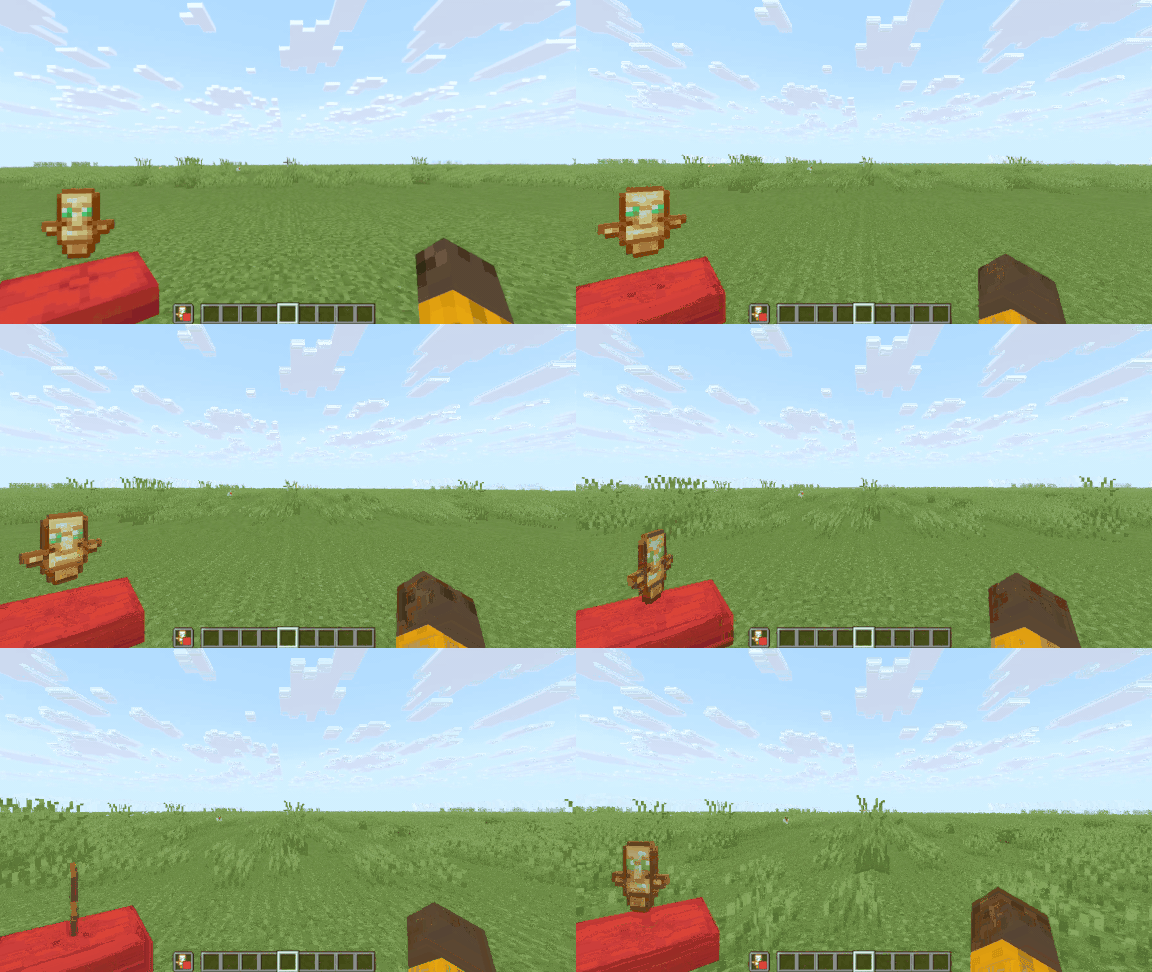
This Resource pack will turn your Totem of Undying into a 3D model from my 3D art just by naming it with an anvil.


Features:

  • This resource pack works in Vanilla.
  • It has a built-in totem name list on the pack, so you don't need to leave the game just to look up the totem names.
  • It also contains 3D animated ones that also work in Vanilla.

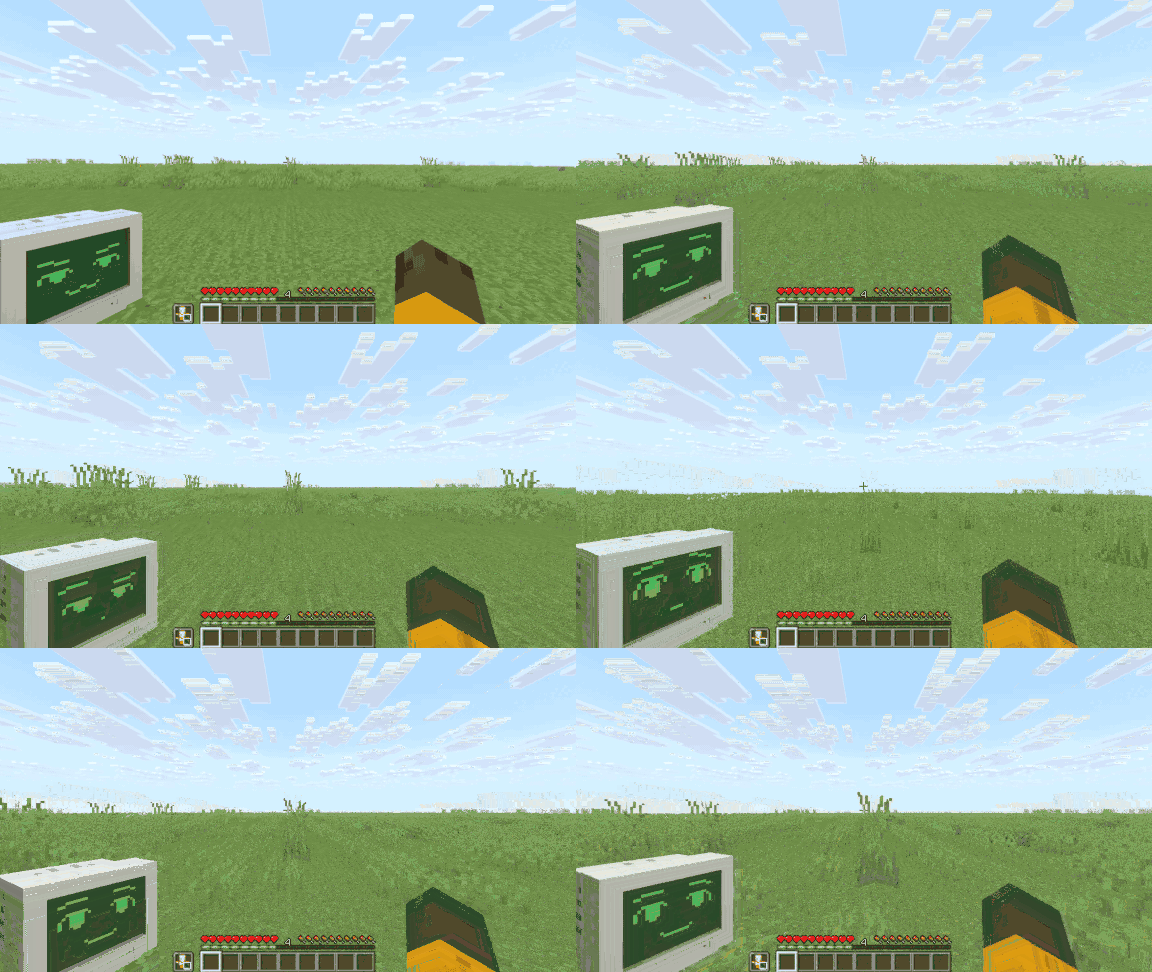
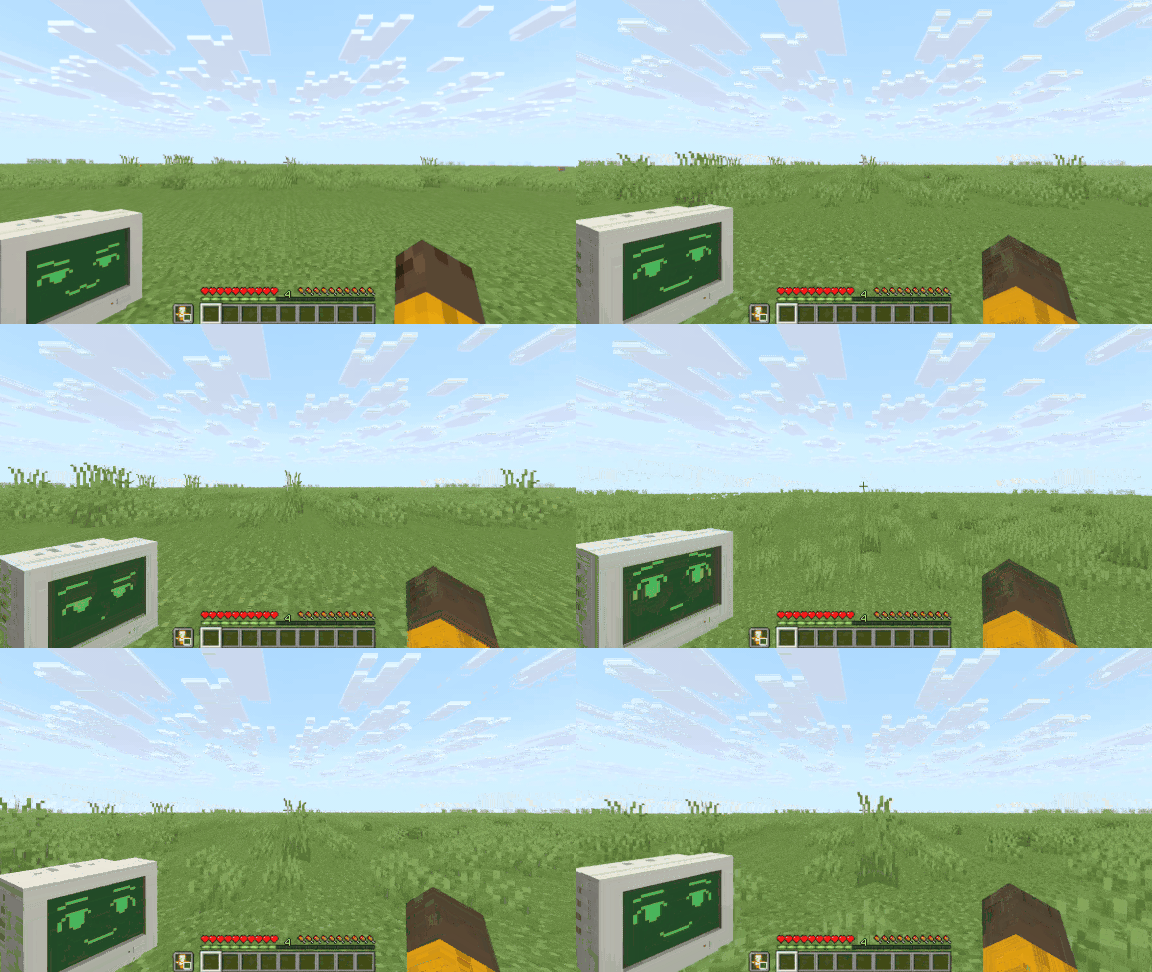
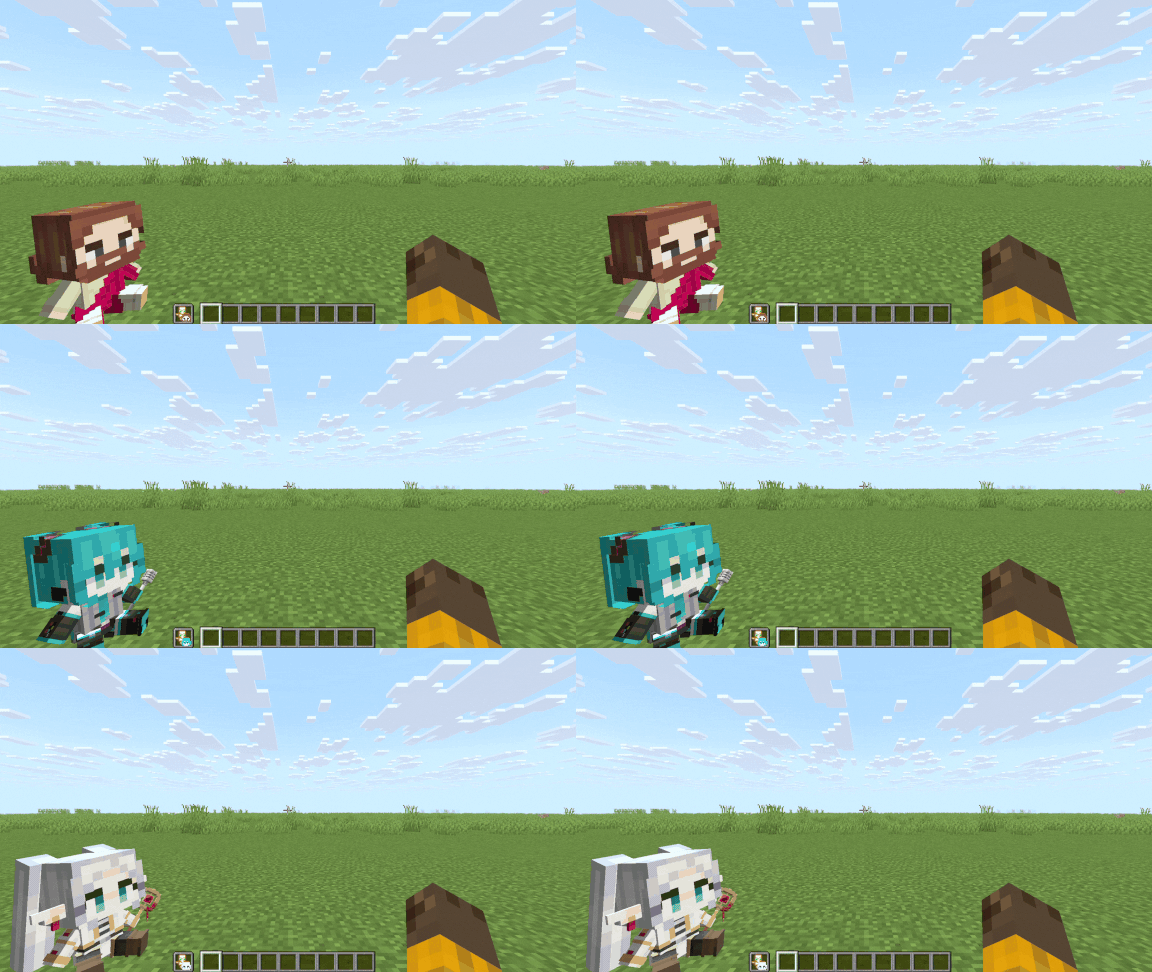
Showcase crt monitor | off-hand showcase

You can find more in the Gallery & Changelog


How to Use:

  • Use an anvil to change a totem name like "pedestal" to change its appearance for that given name.
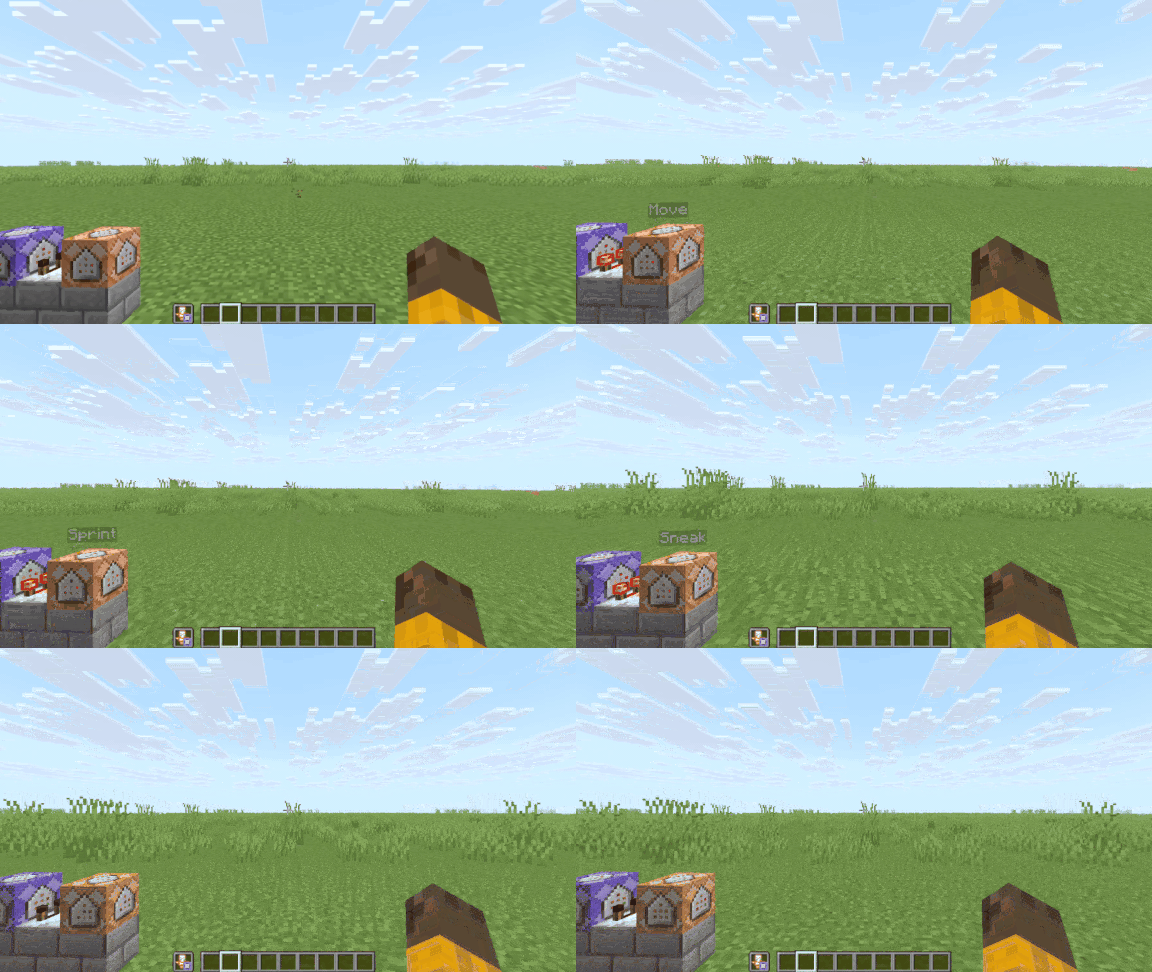
  •  If you don't know the totem names, you can recall them by renaming a paper to "lapietous totem", and it will show all the given totem names in a list.
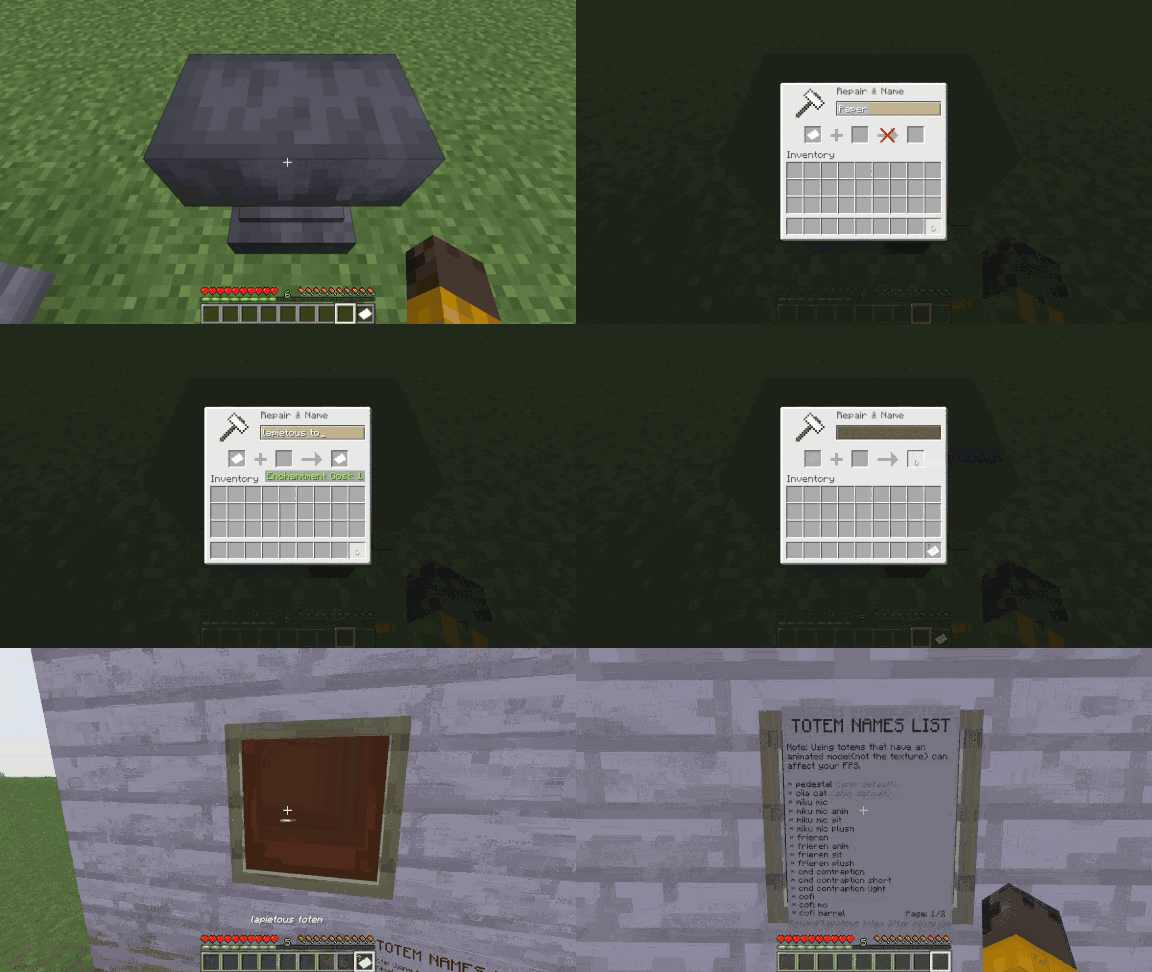

How to see the totem name list on game  


Additional Info:

  • Most of the totems don't really go well with mods like Punchy.
  • In Vanilla, some of the animated 3d model have glitchy shading.
  • The animated 3D models (not the texture), especially the humanoid type, can affect your FPS if you use them.

You can also see the Resource Pack on:


v1.1
MC 1.21.6-snapshot, 1.21.8, 1.21.5, 1.21.4, 1.21.5-Snapshot, 1.21.6, 1.21.7, 1.21.9-snapshot, 1.21.9, 1.21.10, 1.21.11-snapshot, 1.21.11, 26.1, 26.1.1, 26.1.2, 26.2, 26.3
Release 2026-08-12 Get
1.0
MC 1.21.6-snapshot, 1.21.8, 1.21.5, 1.21.4, 1.21.5-Snapshot, 1.21.6, 1.21.7, 1.21.9-snapshot, 1.21.9, 1.21.10, 1.21.11-snapshot, 1.21.11, 26.1, 26.1.1, 26.1.2, 26.2
Beta 2026-07-28 Get

Requirements & install

How to use this resource pack in Minecraft
Resolution
64x
Minecraft
1.21.10 – 26.3
Install folder
.minecraft/resourcepacks

How to install resource packs

  1. Download the resource pack .zip file (do not extract it).
  2. In Minecraft open Options → Resource Packs → Open Pack Folder.
  3. Drop the .zip into the resourcepacks folder (.minecraft/resourcepacks).
  4. Move the pack to the Selected column and click Done.
Browse more: 16x resource packs 32x resource packs 64x resource packs 128x resource packs 256x resource packs 512x+ resource packs Resource Packs for 26.3 All resource packs

More from Lapietous

Advertisement Remove ads with Premium →

You Might Also Like