Mineuniverse
Resource Packs
Tooltips+

Tooltips+

RESOURCE PACK
Adds some useful information to item names.
by petasi
Download Claim this project
2,226 downloads
0 likes
Updated Oct 14, 2026
0 hypes
16x Miscellaneous
Advertisement Remove ads with Premium →

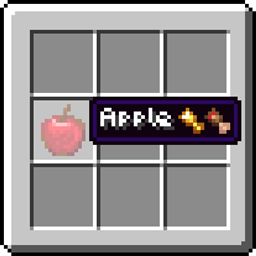
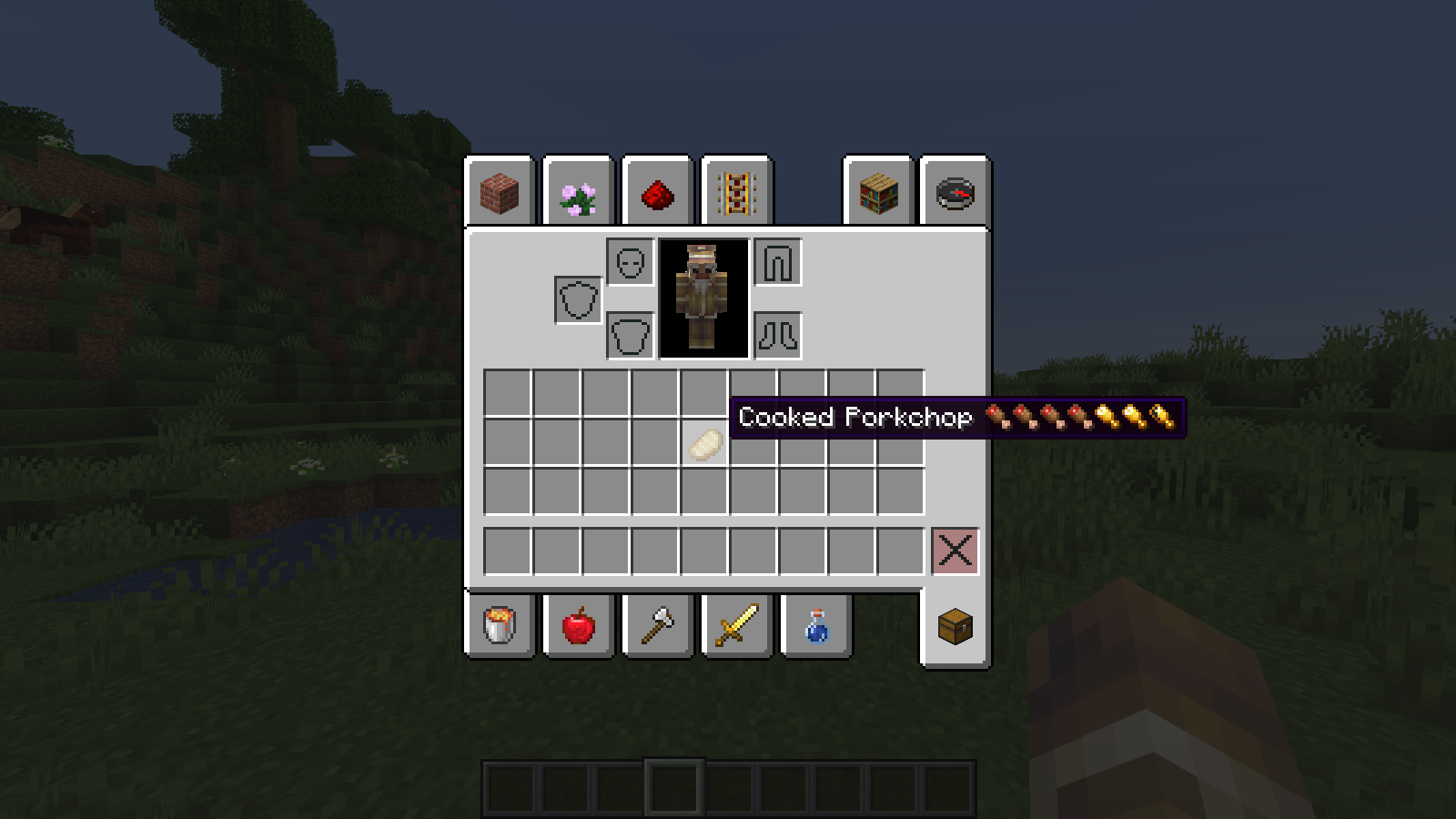
When an item has more saturation than hunger, the hunger is overlayed on top, like so:


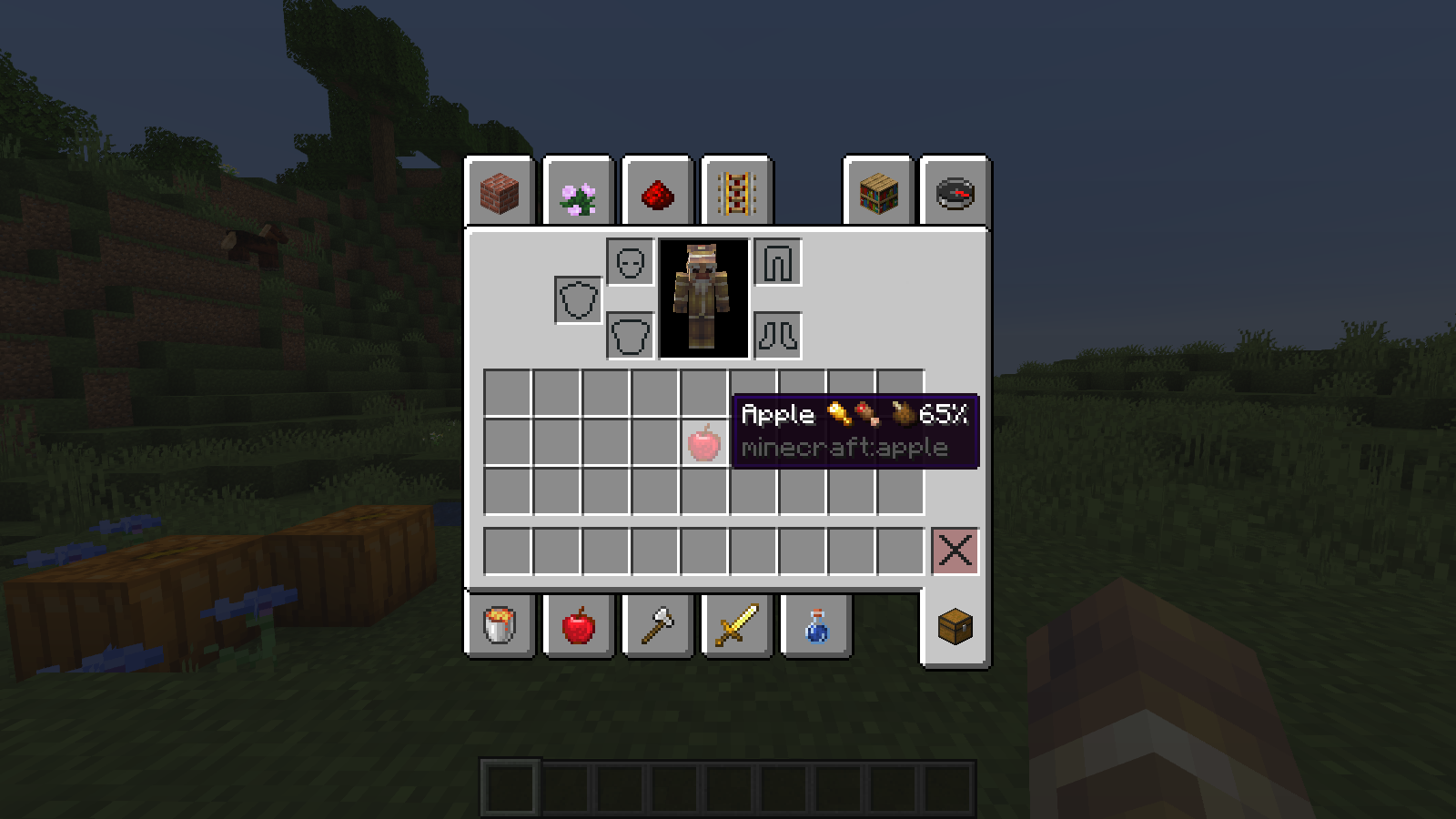
When an item has less or equal saturation than hunger, the saturation is overlayed on top, like so:


If that didn't make sense, here's a chart:


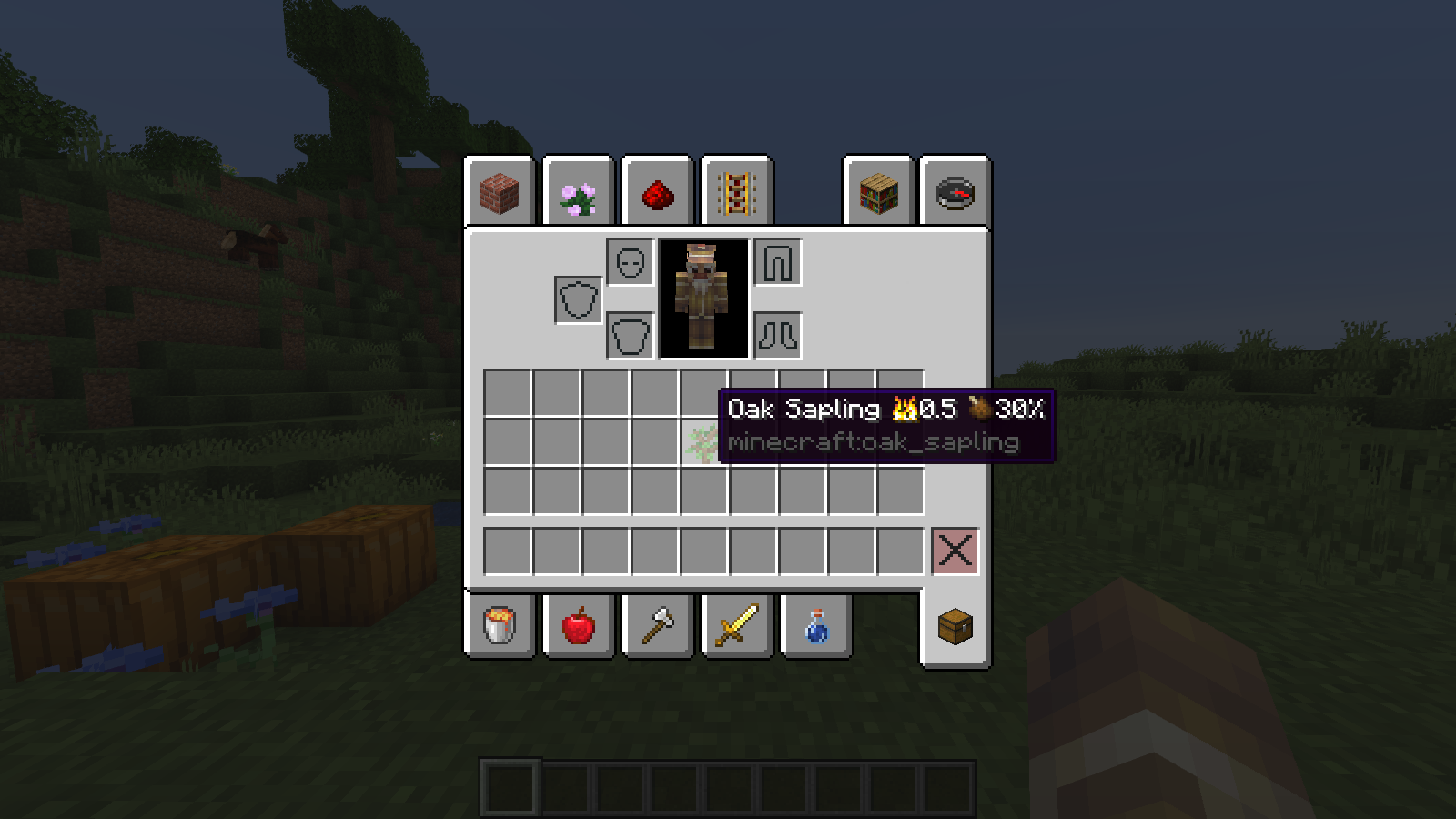
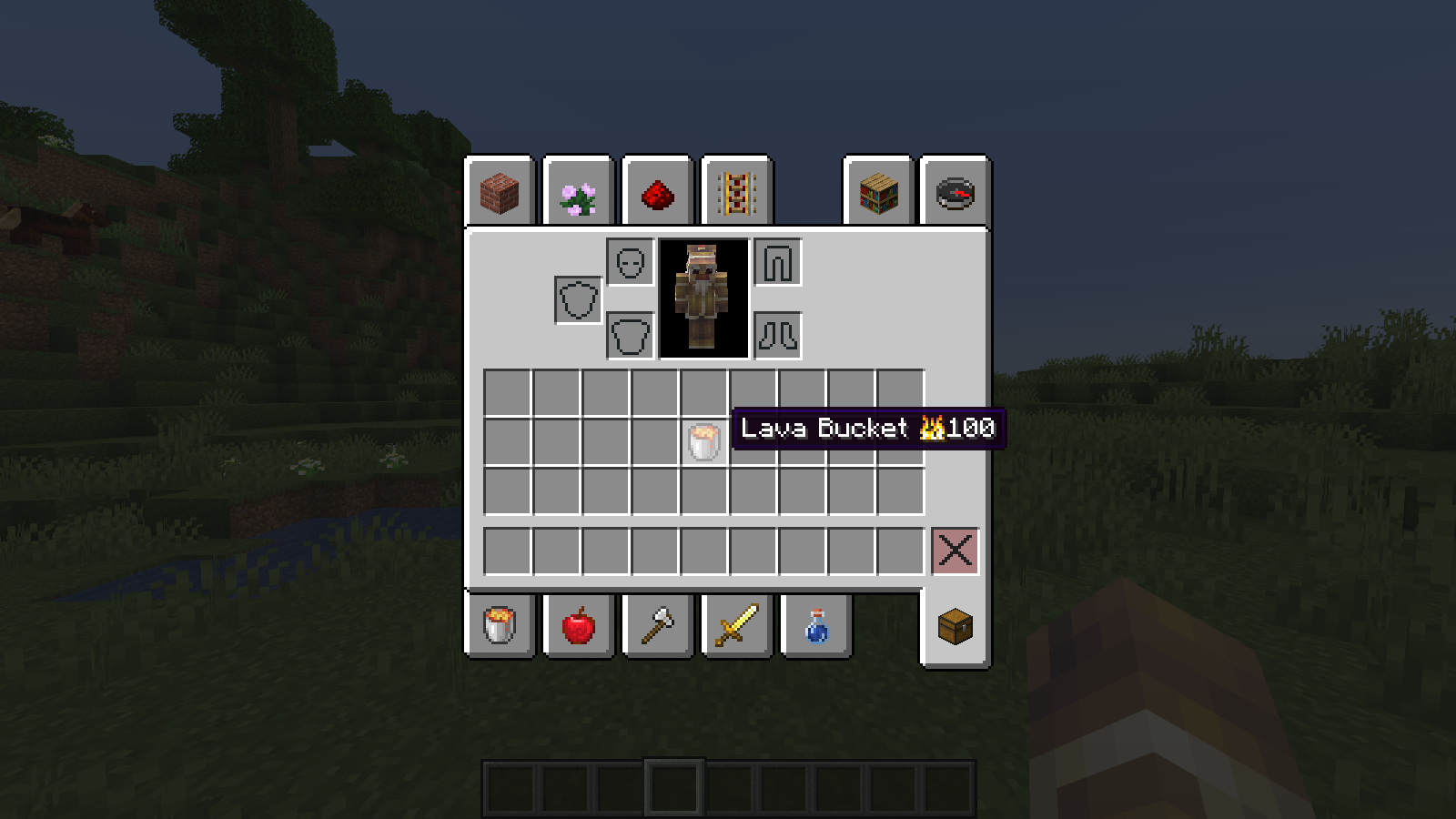
Burn amount is self-explanatory: it's the number of items this item can smelt when used as fuel.


Compost chance shows the percentage chance an item has to fill a layer in a composter.


If you have any suggestions for additional tooltip information, leave them below!



Tooltips+ v1.2
MC 1.18.1, 1.17, 1.18
Release 2021-06-29 Get
Tooltips+ v1.1
MC 1.16, 1.16.5
Release 2021-05-19 Get
Tooltips+.zip
MC 1.15, 1.16, 1.13, 1.16.5, 1.14
Release 2021-01-23 Get

Requirements & install

How to use this resource pack in Minecraft
Resolution
16x
Minecraft
1.13 – 1.18.1
Install folder
.minecraft/resourcepacks

How to install resource packs

  1. Download the resource pack .zip file (do not extract it).
  2. In Minecraft open Options → Resource Packs → Open Pack Folder.
  3. Drop the .zip into the resourcepacks folder (.minecraft/resourcepacks).
  4. Move the pack to the Selected column and click Done.
Browse more: 16x resource packs 32x resource packs 64x resource packs 128x resource packs 256x resource packs 512x+ resource packs Resource Packs for 1.18.1 All resource packs

More from petasi

Advertisement Remove ads with Premium →

You Might Also Like