Mineuniverse
Resource Packs
Shulker Box GUIs

Shulker Box GUIs

RESOURCE PACK
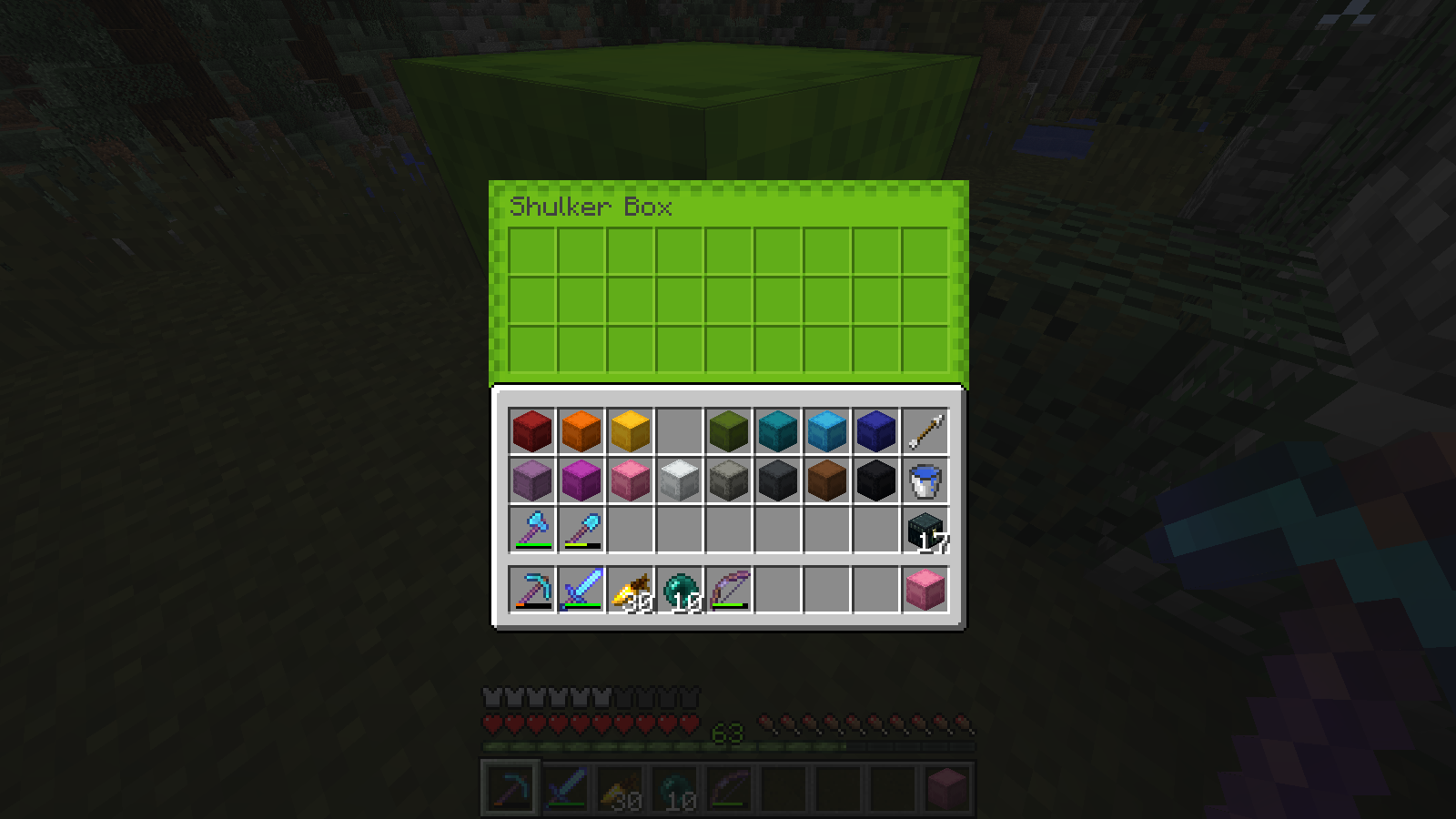
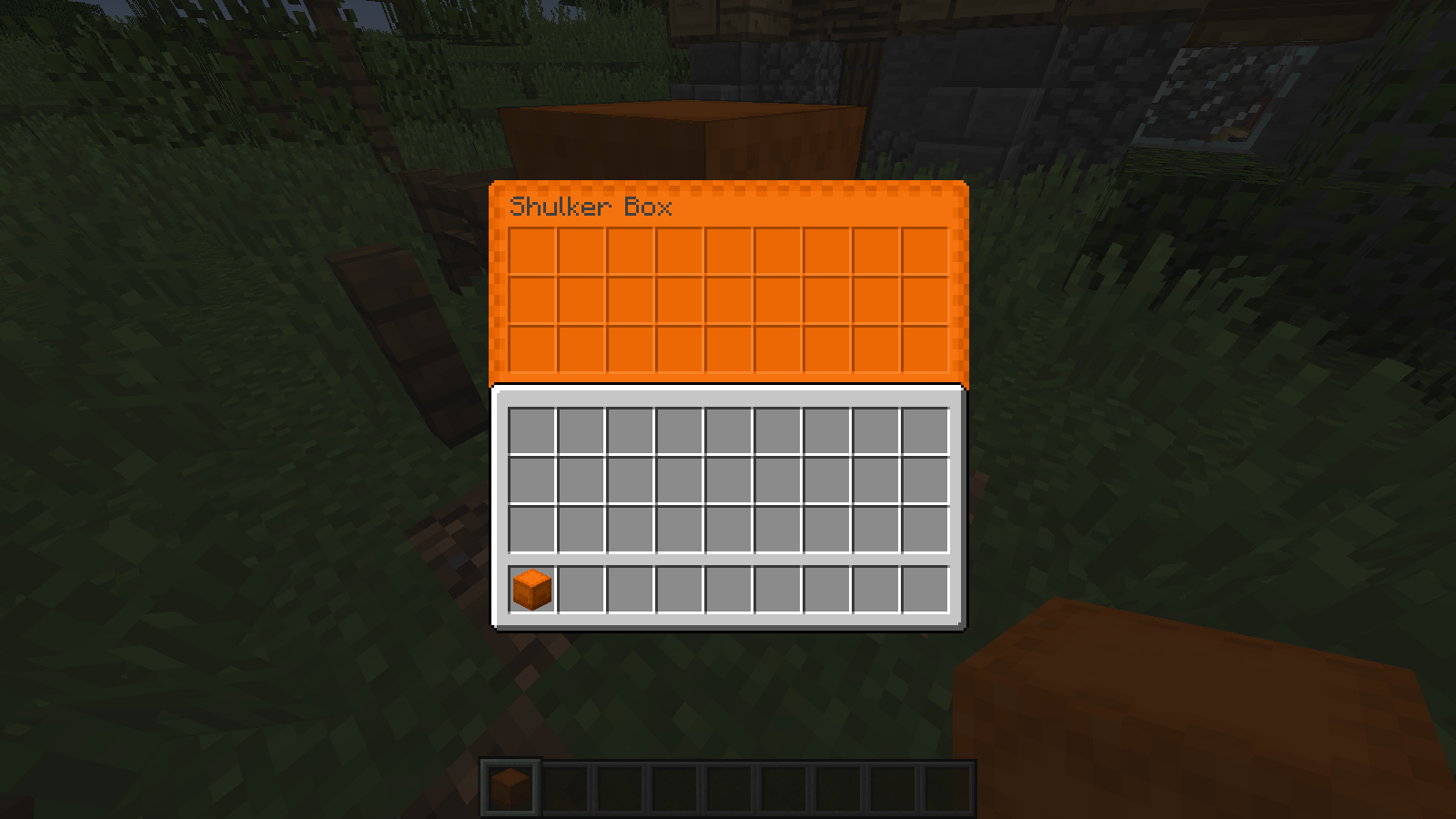
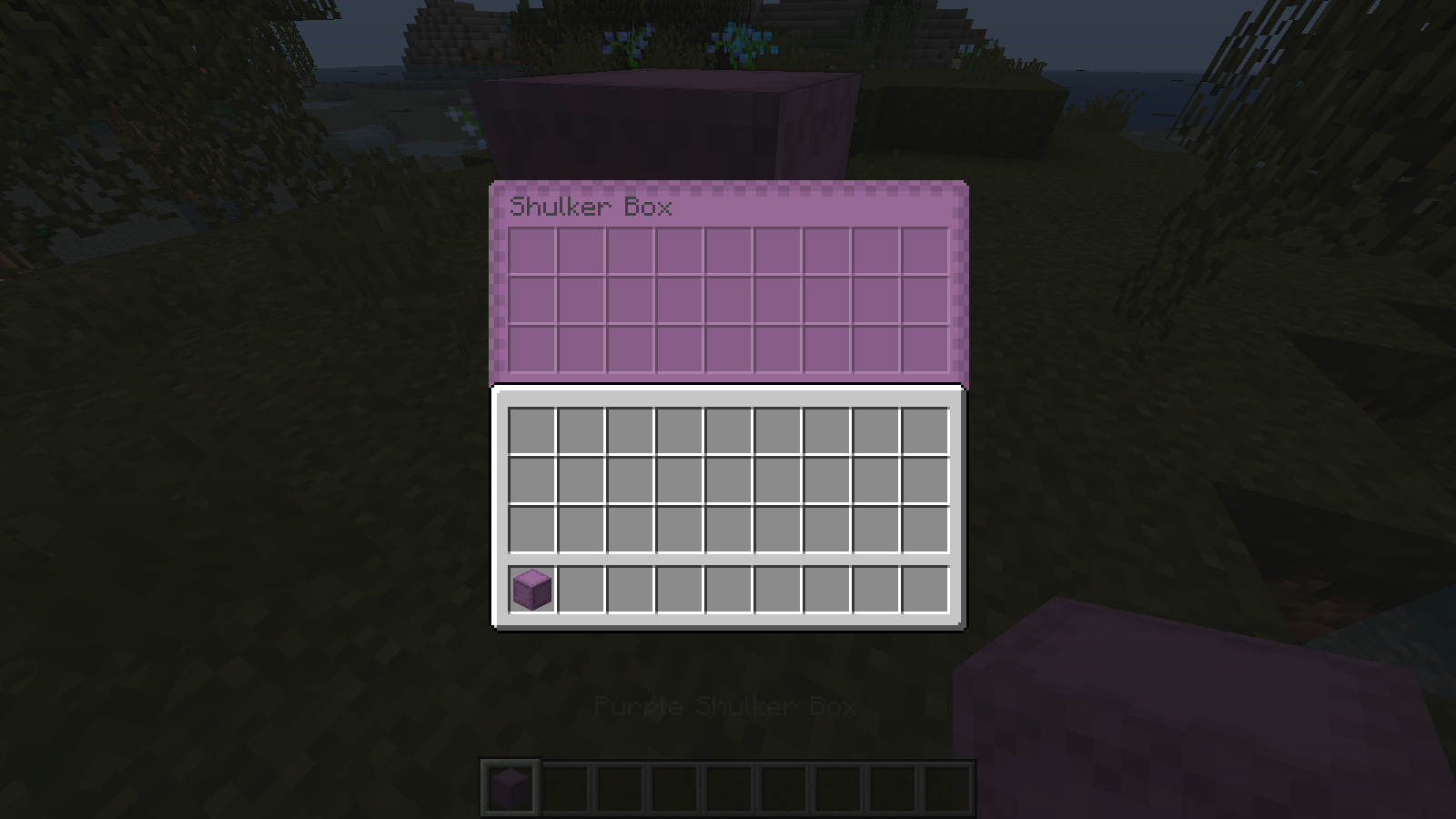
Adds a unique GUI for each Shulker Box color. Requires Optifine.
by petasi
Download Claim this project
30,642 downloads
0 likes
0 followers
Updated Oct 14, 2026
0 hypes
Follow0
16x Miscellaneous
Advertisement Remove ads with Premium →

This resource pack REQUIRES Optifine or it won't work!

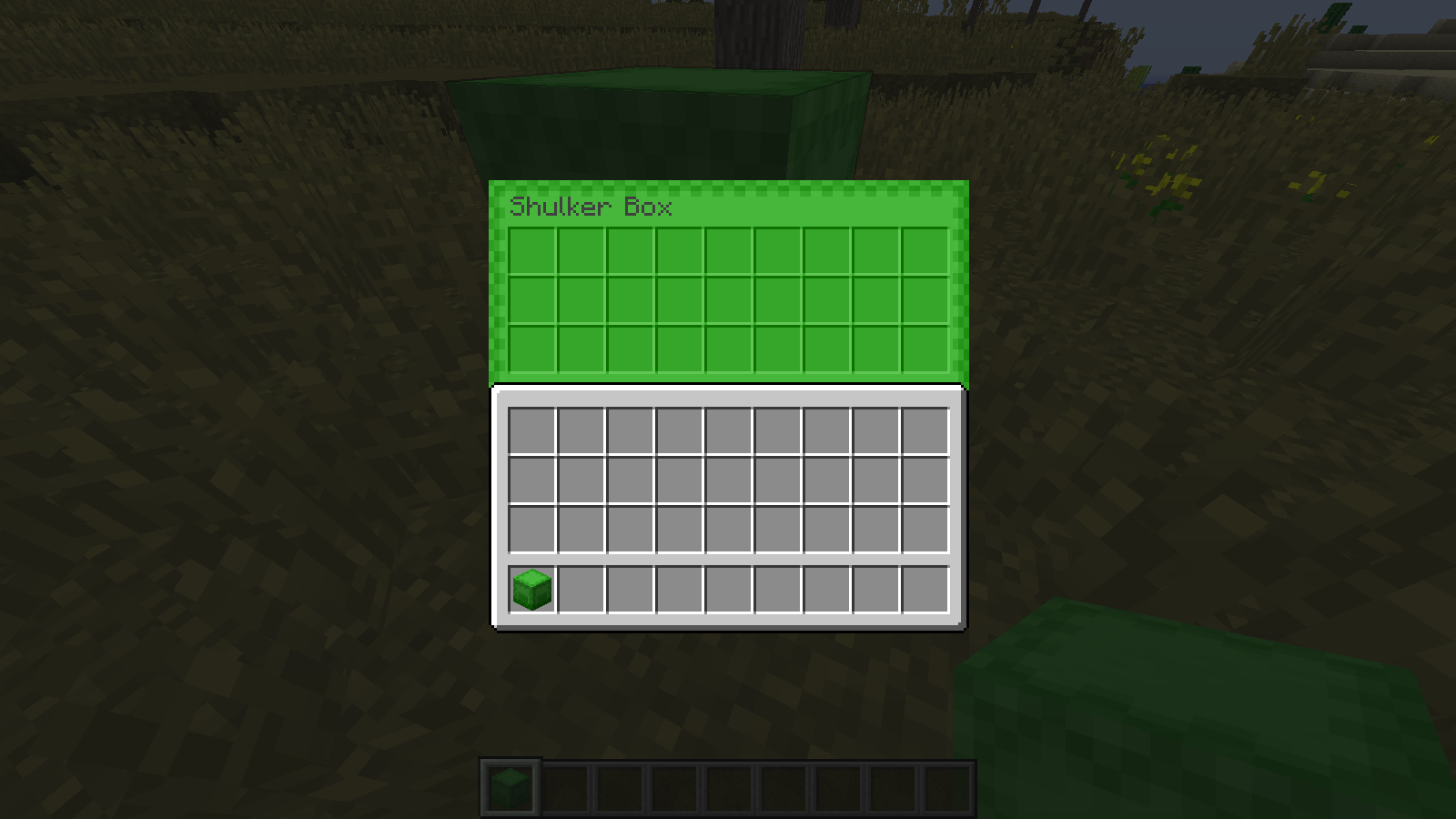
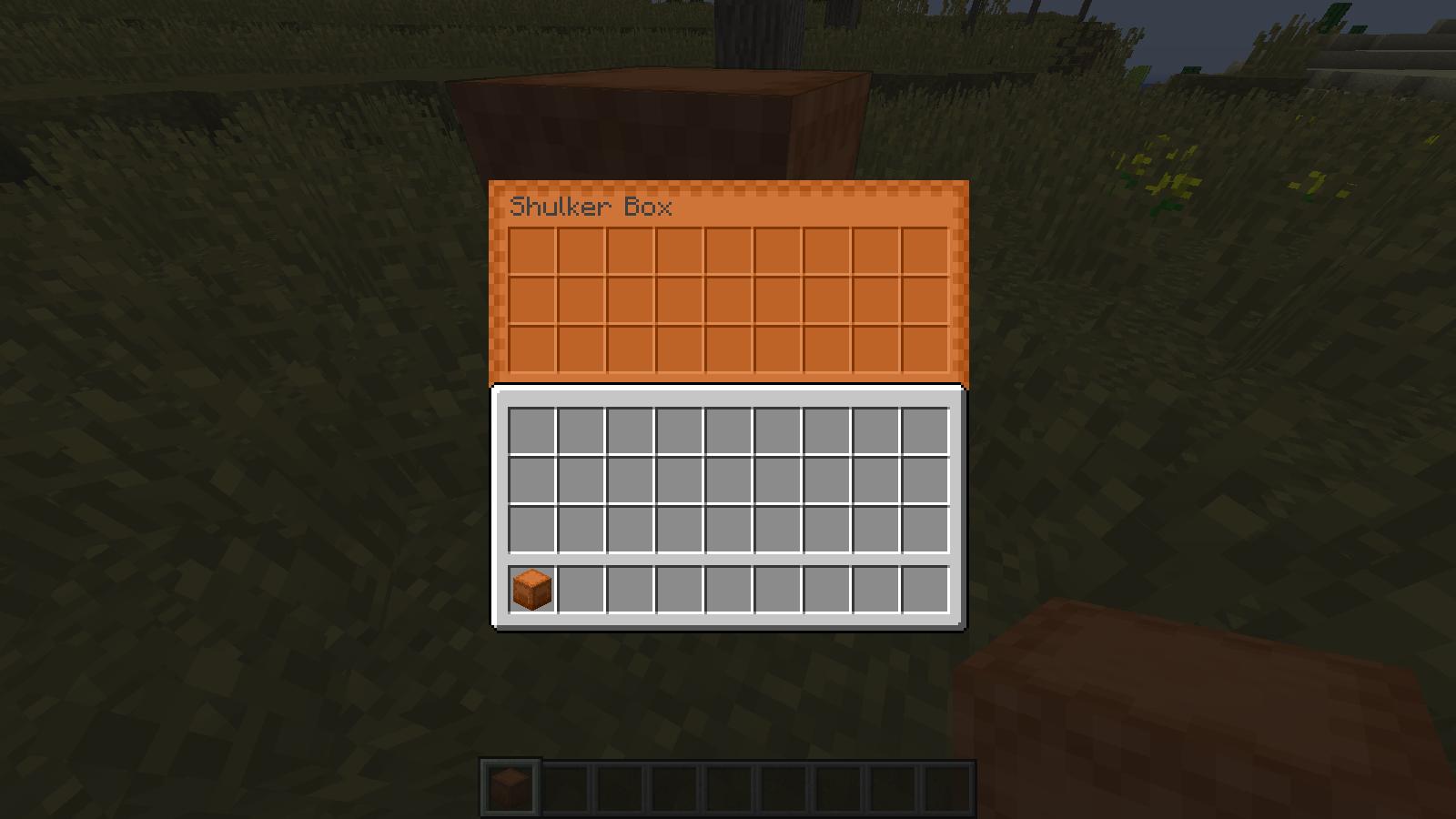
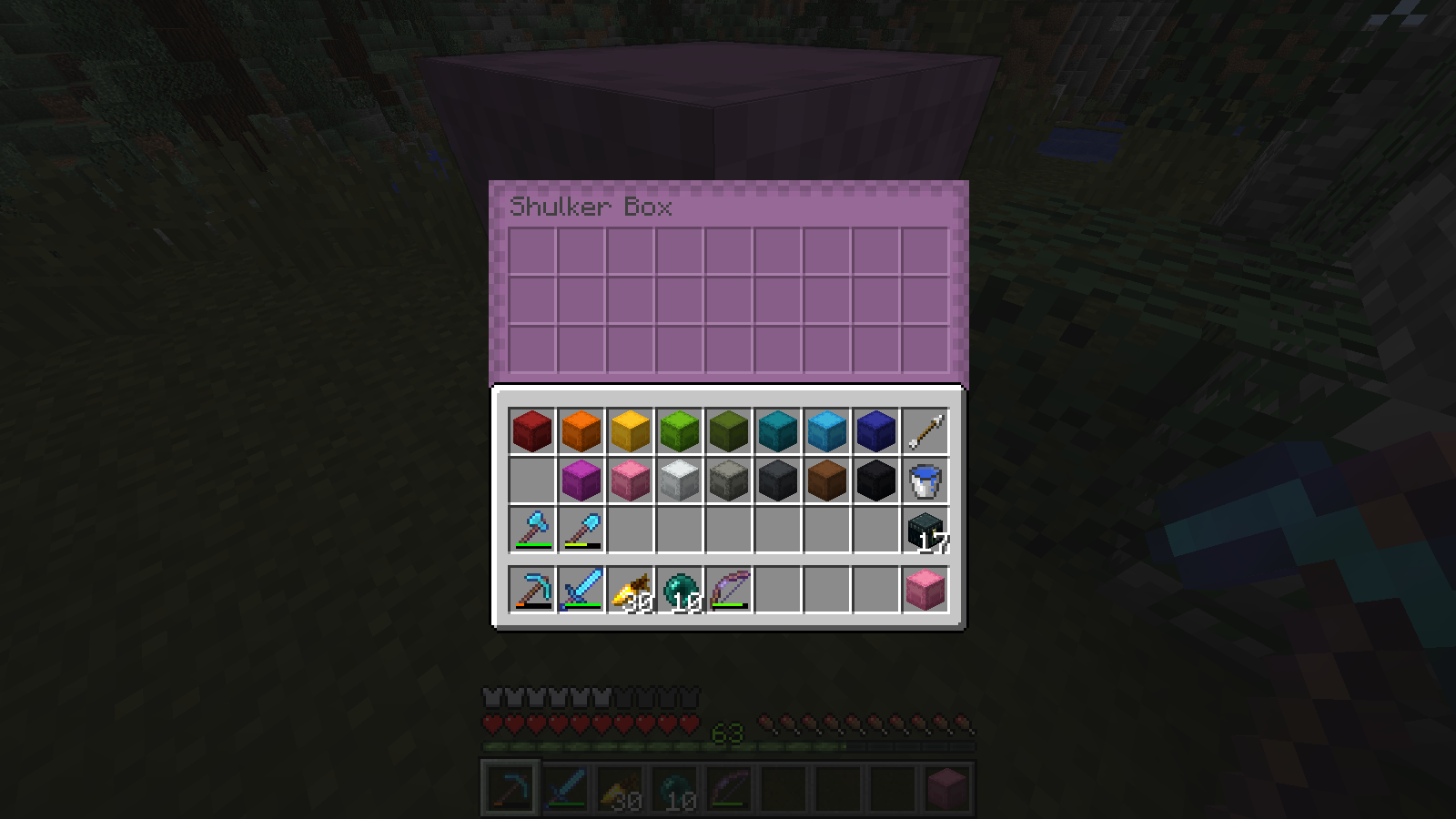
Simply adds a corresponding colored GUI for each Shulker Box color. Makes it easier to distinguish one from another when you're looking for something. Looks pretty neat, too.

Three additional files are included in the download along with the regular version: a version for legacy colors, and two tweaked versions with rounded corners for both color palettes.

Troubleshooting:

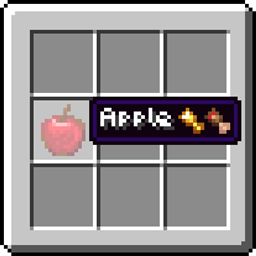
 If you get this...


..there are two things you can do. The first is change your language to any English language (Canada, UK, US, etc.).


Or, rename the en_us.json file included with the pack to the technical name of your Language.


Then it should look like this:


Shulker Box GUIs
MC 1.18.1, 1.17, 1.15, 1.16, 1.13, 1.16.5, 1.14, 1.18
Release 2020-08-03 Get
Shulker Box GUIs
MC 1.14.4, 1.13, 1.15.2, 1.14, 1.13.2
Release 2019-08-05 Get

Requirements & install

How to use this resource pack in Minecraft
Resolution
16x
Minecraft
1.14.4 – 1.18.1
Install folder
.minecraft/resourcepacks

How to install resource packs

  1. Download the resource pack .zip file (do not extract it).
  2. In Minecraft open Options → Resource Packs → Open Pack Folder.
  3. Drop the .zip into the resourcepacks folder (.minecraft/resourcepacks).
  4. Move the pack to the Selected column and click Done.
Browse more: 16x resource packs 32x resource packs 64x resource packs 128x resource packs 256x resource packs 512x+ resource packs Resource Packs for 1.18.1 All resource packs

More from petasi

Advertisement Remove ads with Premium →

You Might Also Like