Badges update automatically and link to the resource pack page on MineUniverse.
TDI is a pack that is meant to change Jappa's textures in a way that I feel improves the game without differentiating from the vanilla style.
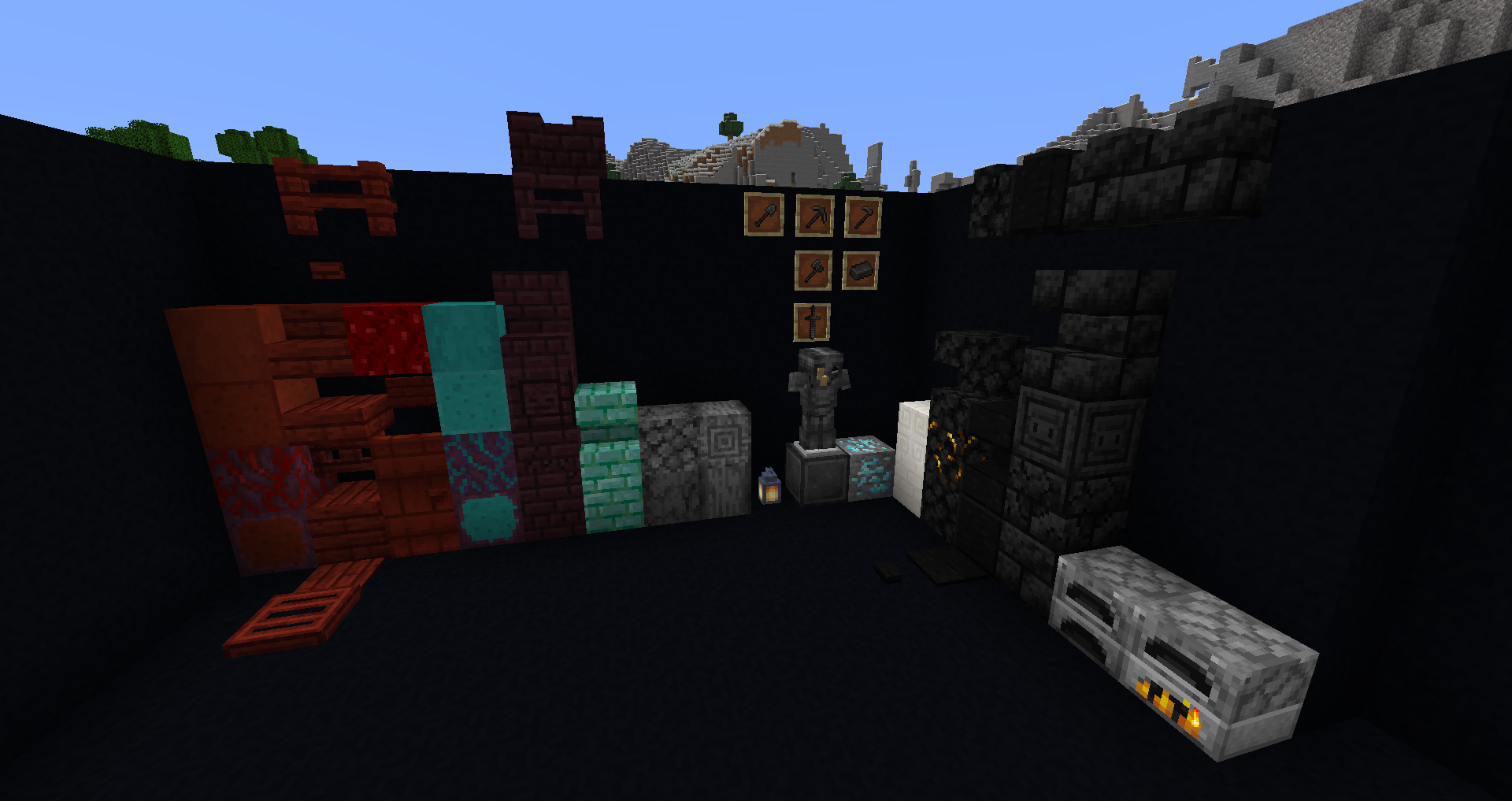
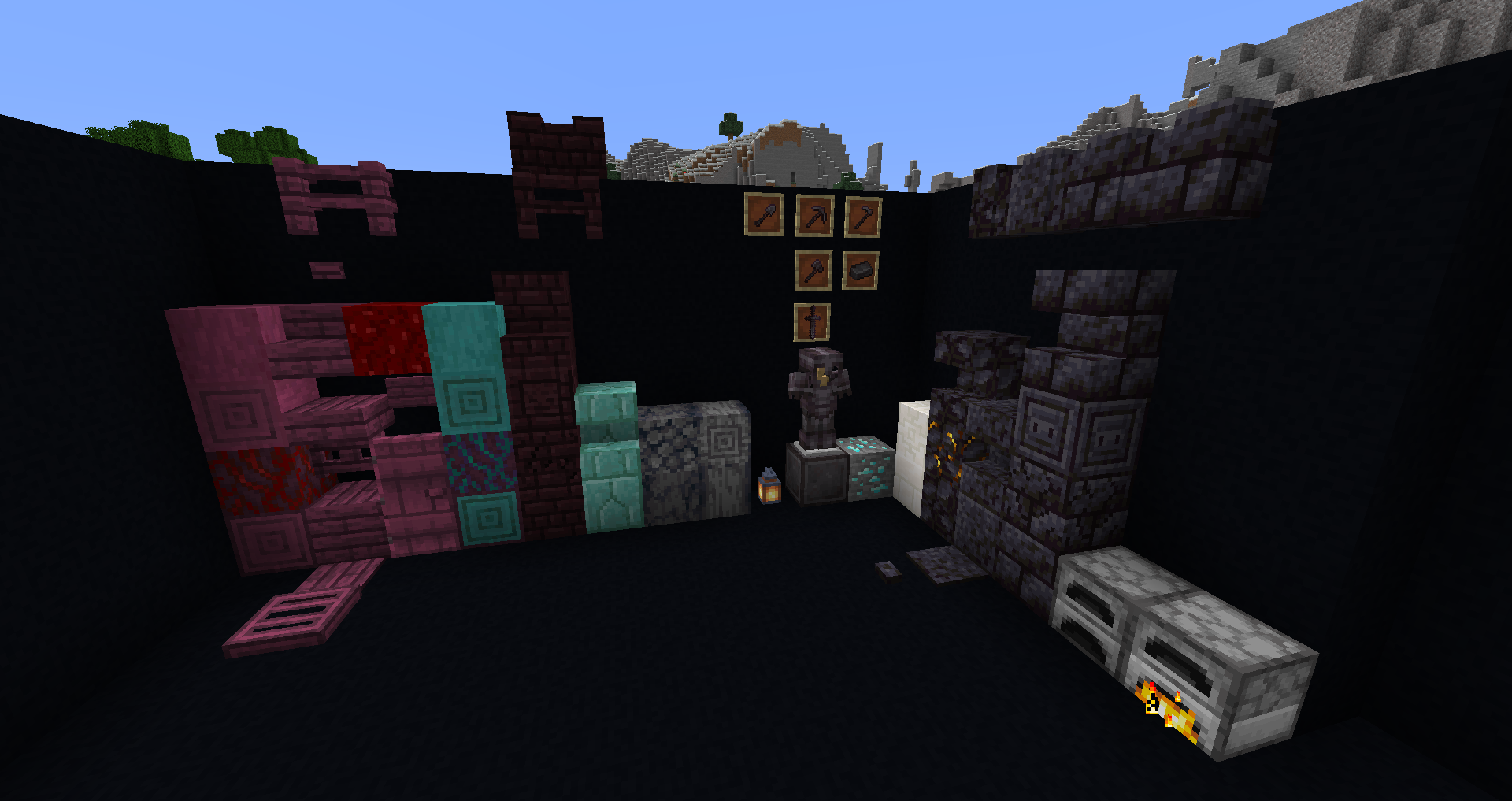
Textures:
Lantern
Soul Lantern
Diamond Ore
Prismarine Bricks
Furnace
Quartz Bricks
Chiseled Quartz
Basalt and Polished Basalt
Nether Bricks/ Cracked Nether Bricks/ Chiseled Nether Bricks
Blackstone/Gilded Blackstone
Polished Blackstone
Blackstone Bricks
Crimson Blocks/items
Warped Stems
Netherite Armor/Tools/Block/Ingot
*Shout out to Lumelore on Planet Minecraft for the inspiration for the Crimson/Warped Stems
*You may use assets in your own PRIVATE pack, but may not release it as your own. You may use this pack in your server, if credit is given. If there are any questions, leave a comment.*