[ES]
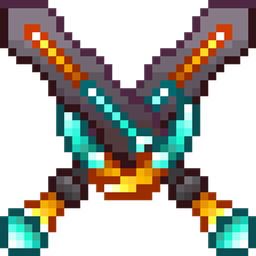
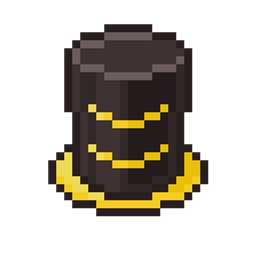
Este paquete de texturas cambia la apariencia de la netherite, haciendo que luzca como un rey
Los aspectos que cambia este paquete de texturas son los siguientes:
- Los nombres de los ítems en el juego, cambiando el color de estos y añadiendo negrita (solo en los siguientes idiomas: Español de España y de México, como también en Inglés Estadounidense y del Reino Unido).
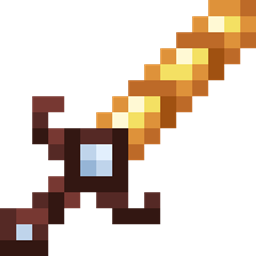
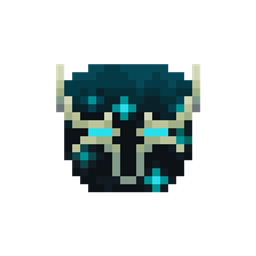
- Cambia la apariencia de las herramientas y armadura de netherite, añadiendo detalles de oro y diamante
- Este paquete también contiene múltiples variantes, como por ejemplo, una variante sin la aura celeste, teniendo solo la herramienta
[EN] Using a translator
This texture pack changes the appearance of the netherite, making it look like a king
The aspects that this texture pack changes are the following:
- The names of the items in the game, changing the color of these and adding bold (only in the following languages: Spanish of Spain and Mexico, as well as in English American and the United Kingdom).
- Change the appearance of netherite tools and armor, adding gold and diamond details
- This pack also contains multiple variants, such as a variant without the sky aura, having only the tool