[ES]
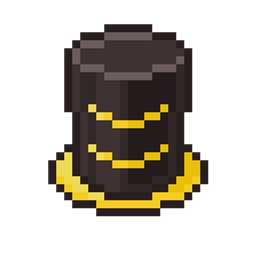
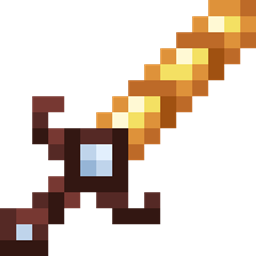
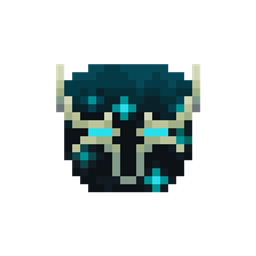
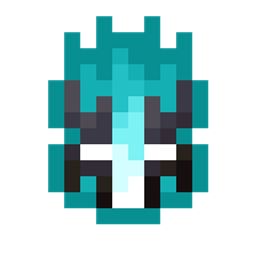
Este paquete de texturas modifica las texturas de las herramientas y armaduras de diamante para darles un aspecto un aspecto diferente con detalles de pizarra profunda (deepslate para los amigos), además de aumentar la resolución a 32 pixeles para más detalles.
Sé que el titulo dice "Blue Knight" aunque el texture pack no es precisamente azul, simplemente lo dejé así porque me gustaba como sonaba. Cualquier sugerencia es bienvenida.Este texture pack está pensado pincipalmente para el diamante, pero si desean, puedo añadir un menú de selección para el mineral que deseen modificar, por ultimo, estoy intentando hacer una version 16x16 de este texture pack. no es una resolucion que me guste mucho pero haré mi mejor intento para aquellas que aquellas personas que solo usan no se priven de poder usar este texture pack.
[EN]
This texture pack modifies the textures of diamond tools and armor to give them a different look with deep slate details, as well as increasing the resolution to 32 pixels for more detail.
I know the title says "Blue Knight" even though the texture pack isn't exactly blue, I just left it that way because I liked the sound of it.
Any suggestion is welcome
This texture pack is mainly designed for diamond, but if you want, I can add a selection menu for the mineral you want to modify, lastly, I'm trying to make a 16x16 version of this texture pack. It is not a resolution that I like very much but I will do my best for those who only use this texture pack.