Mineuniverse
Resource Packs
The 'Juicy' Pack

The 'Juicy' Pack

RESOURCE PACK
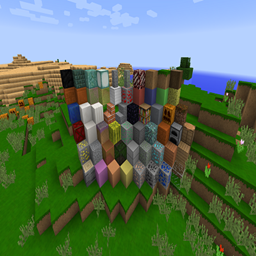
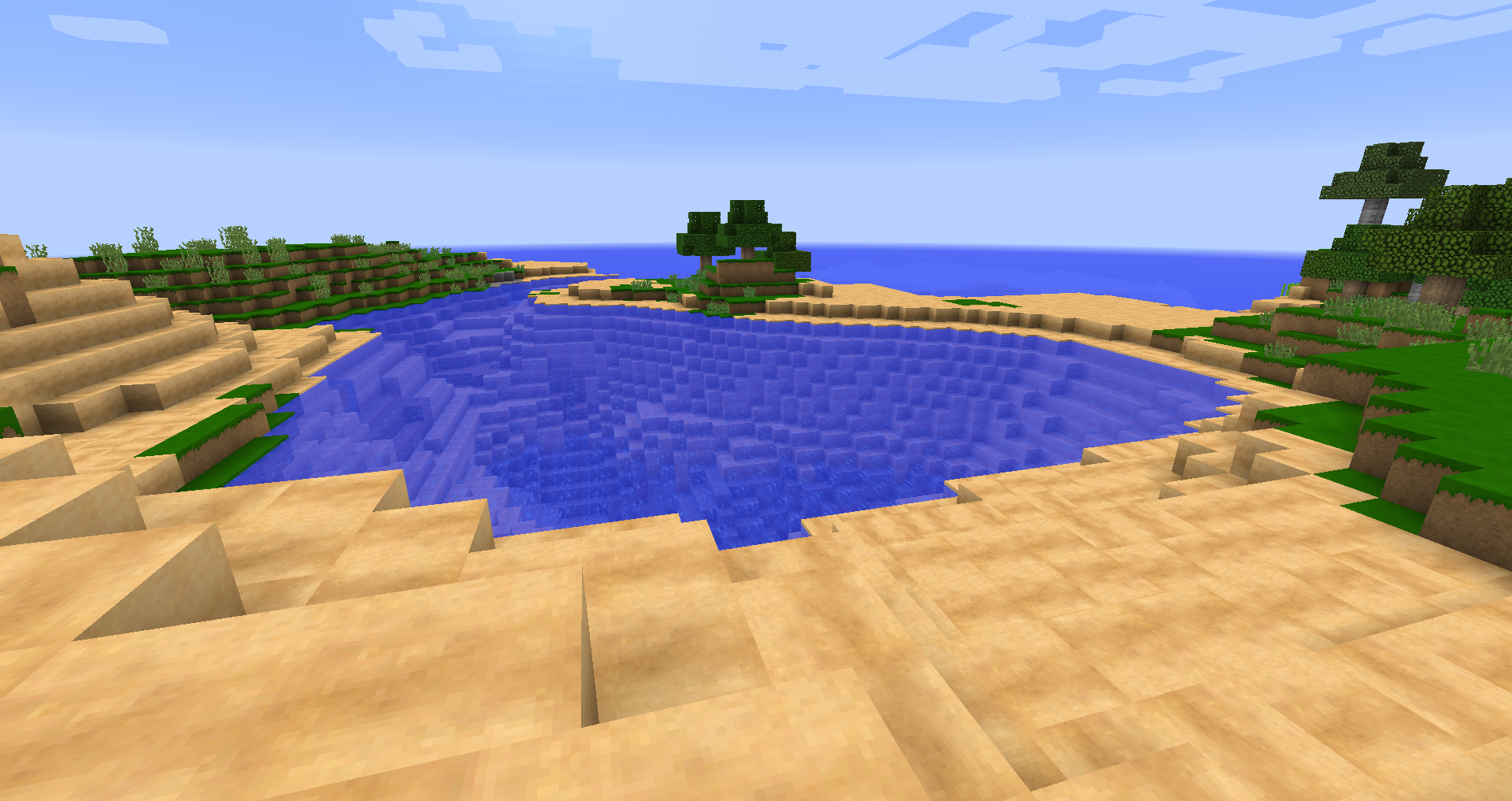
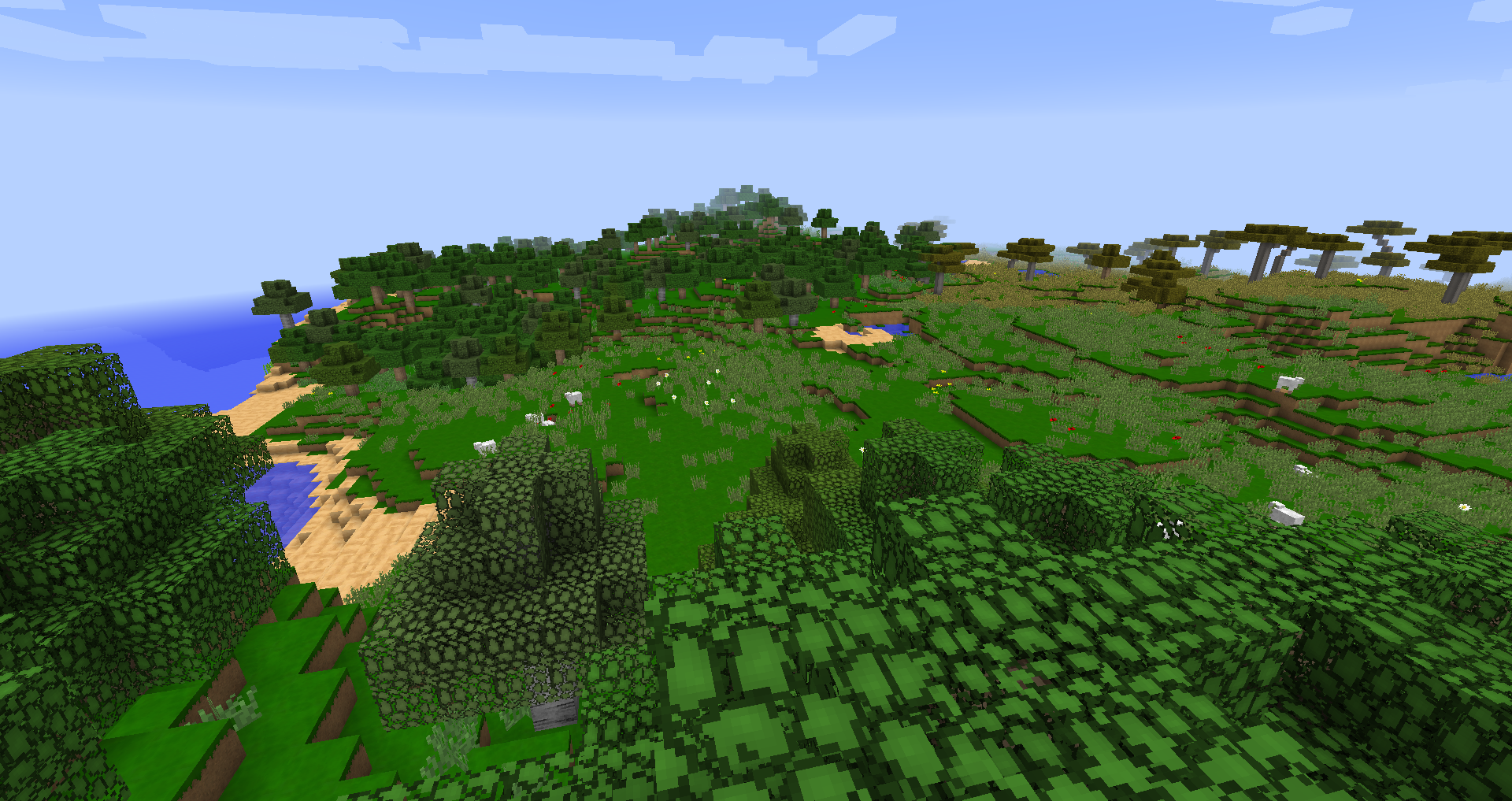
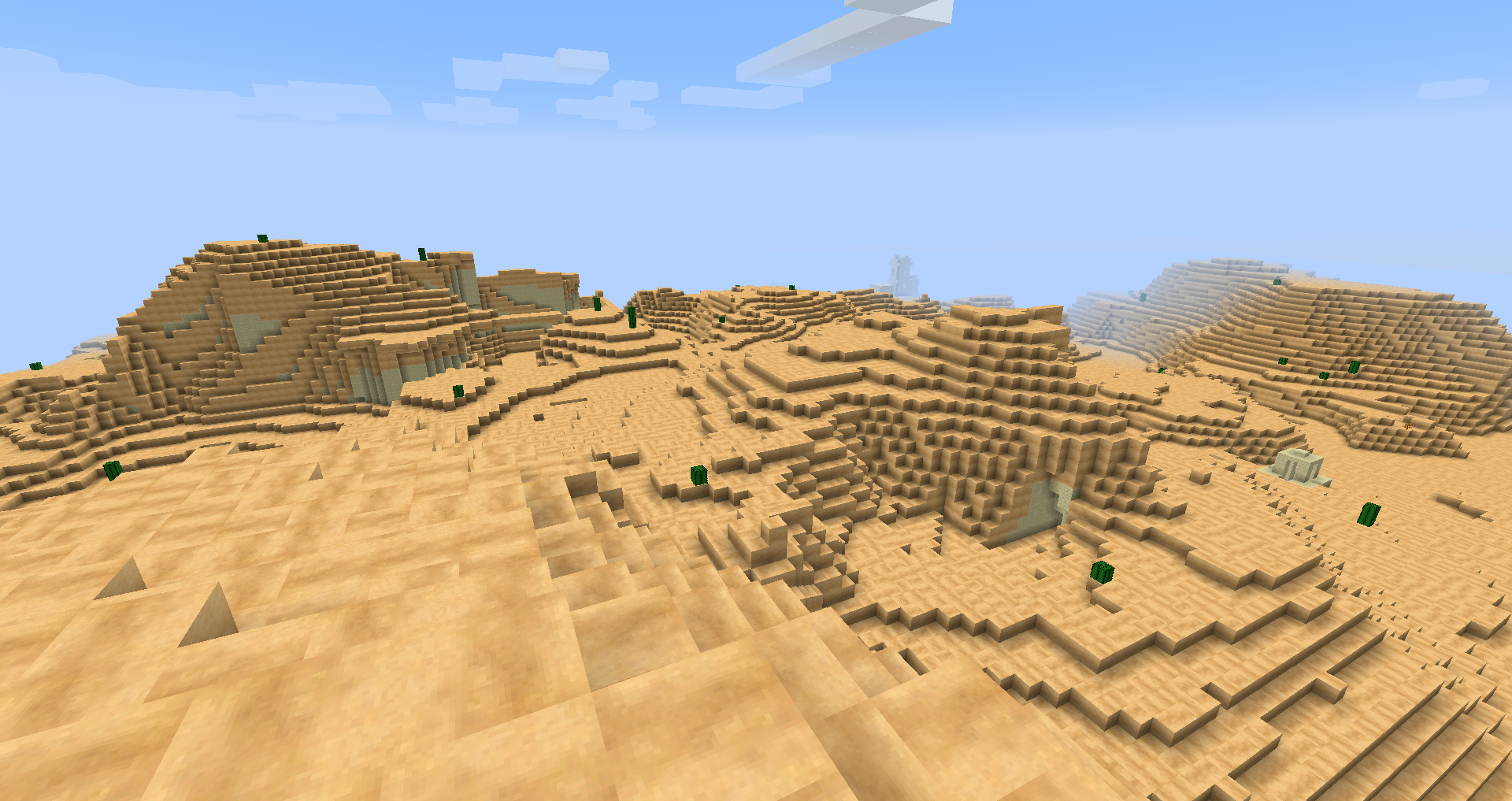
It keeps the beautiful basics of original minecraft, but changes them for a difference.
by _ForgeUser20840164
Download Claim this project
640 downloads
0 likes
0 followers
Updated Oct 14, 2026
0 hypes
Follow0
64x Animated Miscellaneous Traditional
Advertisement Remove ads with Premium →

Hey guys! This is my first pack, so let me know what you think! I'm open to criticism.


This texture pack reminds me of basic minecraft but with a little bit of a twist. Just see for yourselves <3


Once you download it, go to your %appdata% then to your .minecraft then click on the resourcepacks folder and put the texture pack inside of it.


If it doesn't work, you did something wrong ;)


Enjoy!

JuicyPack1.8.zip
MC 1.8.7, 1.8.4, 1.8-Snapshot, 1.8.3, 1.8.6, 1.8, 1.8.2, 1.8.5, 1.8.1
Release 2015-07-01 Get

Requirements & install

How to use this resource pack in Minecraft
Resolution
64x
Minecraft
1.8 – 1.8.7
Install folder
.minecraft/resourcepacks

How to install resource packs

  1. Download the resource pack .zip file (do not extract it).
  2. In Minecraft open Options → Resource Packs → Open Pack Folder.
  3. Drop the .zip into the resourcepacks folder (.minecraft/resourcepacks).
  4. Move the pack to the Selected column and click Done.
Browse more: 16x resource packs 32x resource packs 64x resource packs 128x resource packs 256x resource packs 512x+ resource packs Resource Packs for 1.8.7 All resource packs
Advertisement Remove ads with Premium →

You Might Also Like