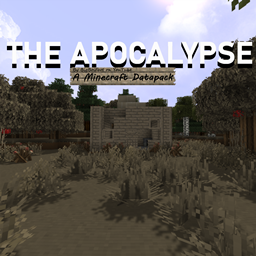
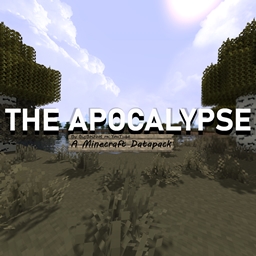
Hello! Welcome to The Apocalypse, made by BigBoiFoot on YouTube!
"The Apocalypse" is an Adventure, Survival, Zombie-themed project I started around 2017, still being worked on to this day!
If you're here, you've either stumbled upon here over curiosity, or you follow my updates on YouTube!
This is the "Resource Packs" category of this project, simply downloadable for the texture pack alone!
If you're looking for the Official Maps, it can be found bellow in the "Other Downloads"
If you're looking for anything else, keep reading!

!!! ATTENTION !!! PLEASE FOLLOW !!!
-This pack/map REQUIRES Optifine to work correctly!
-This pack/map does NOT combine/work well with other texture packs, please only use the official texture pack!
-This pack is VERY LARGE and not well optimizable, it will require a good-end PC to work well!
-Shader Packs are allowed for use in this pack at your own risk, but some mess with this packs custom lighting, please do not use Shaders that mess with the custom lighting (SEUS for example)

!!! TROUBLE SHOOTING !!!
If the Resource Pack does not load in Minecraft, the custom maps should come built in with it!
If you are experiencing further issues with the Resource Pack loading, please follow a guide on how to install one! I will make one eventually!
If the map isn't showing up in Minecraft, please follow a guide on how to install one!

!!! OTHER DOWNLOADS !!!
Other downloads for this pack can be found here!
OptiFine: https://optifine.net/home
The Apocalypse Worlds: https://www.curseforge.com/minecraft/worlds/the-apocalypse-worlds
The Apocalypse Tools: COMING SOON!