Mineuniverse
Resource Packs
The Angel Next Door Spoils Me Rotten GUI Pack

The Angel Next Door Spoils Me Rotten GUI Pack

RESOURCE PACK
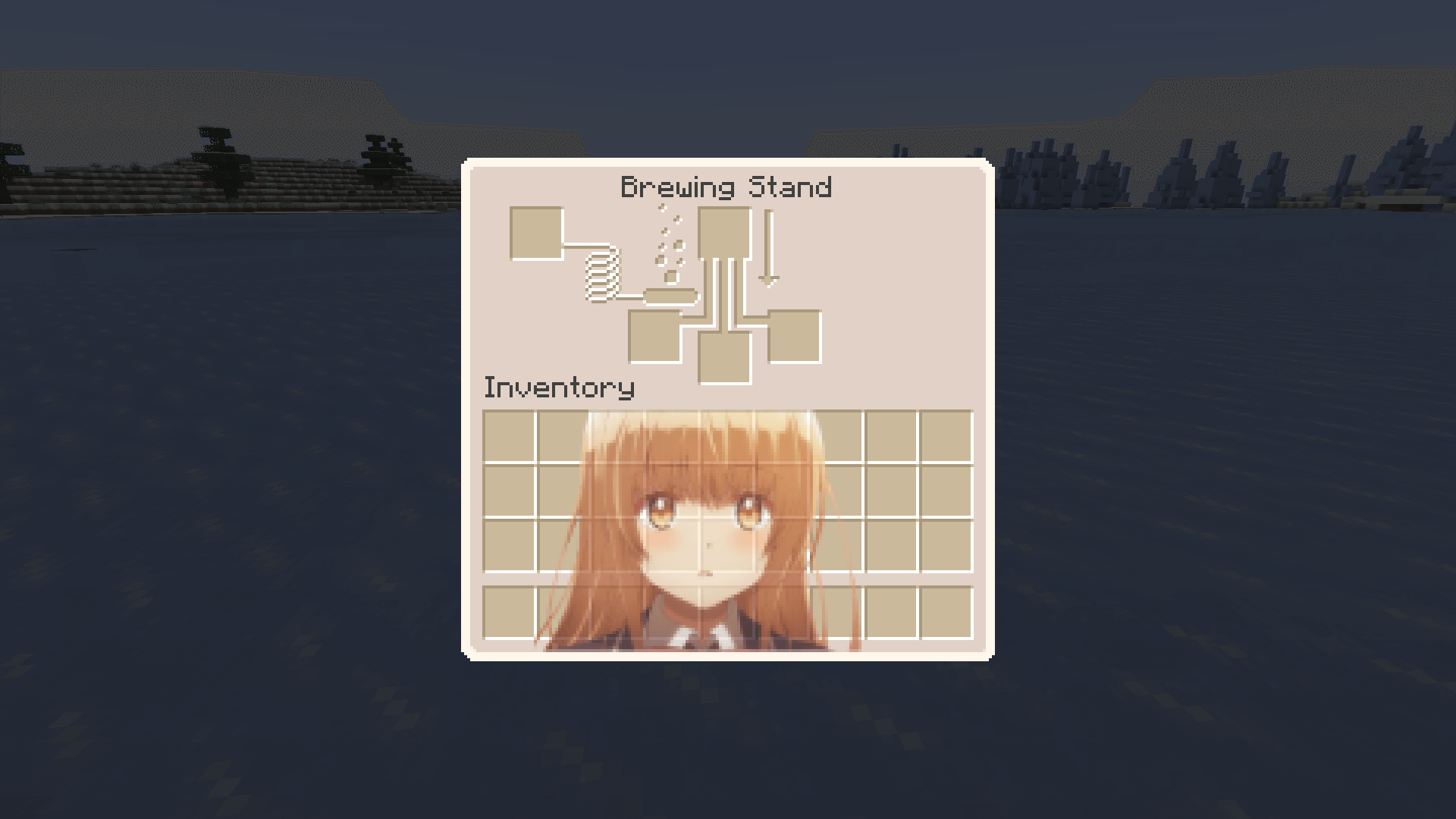
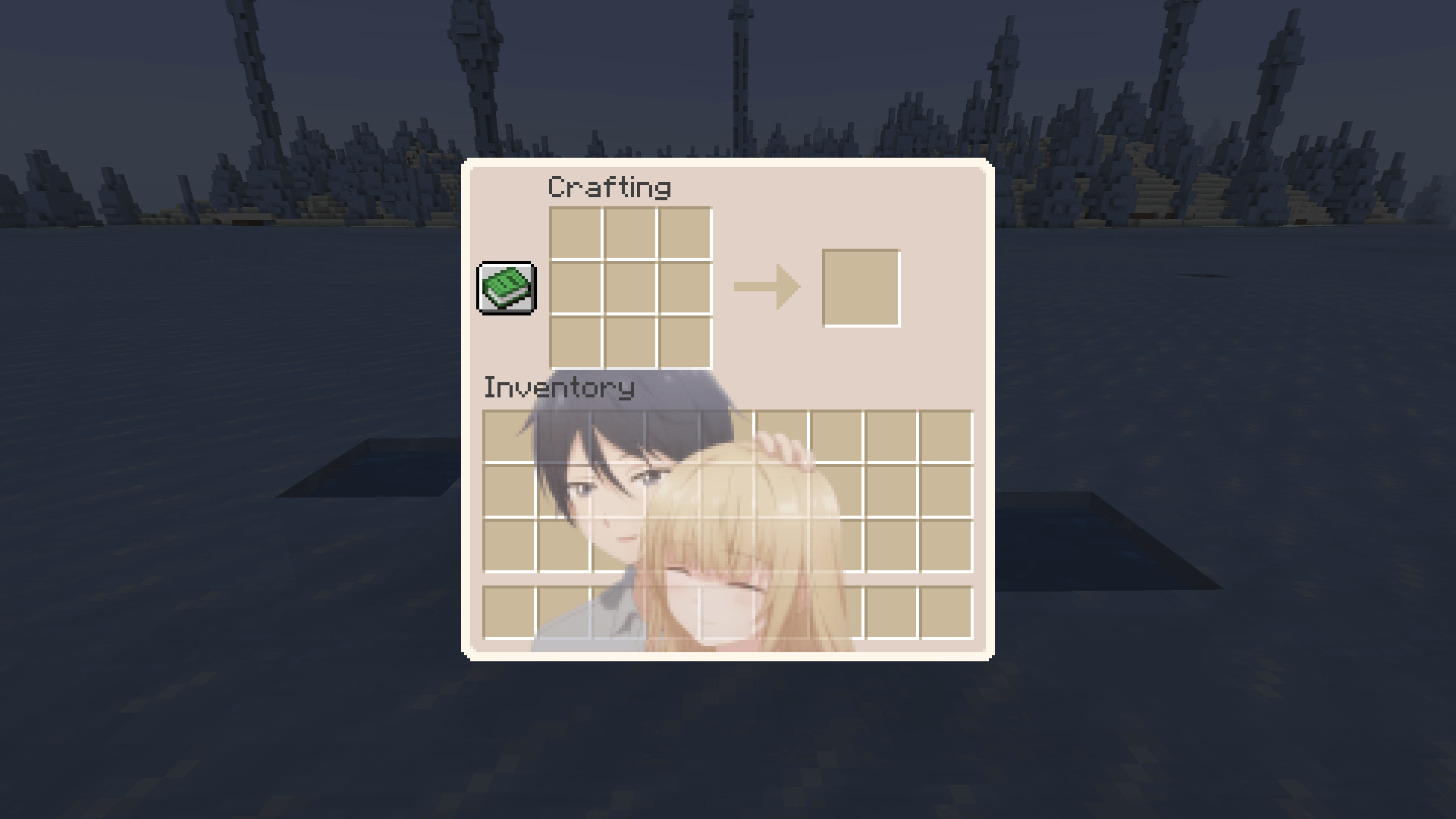
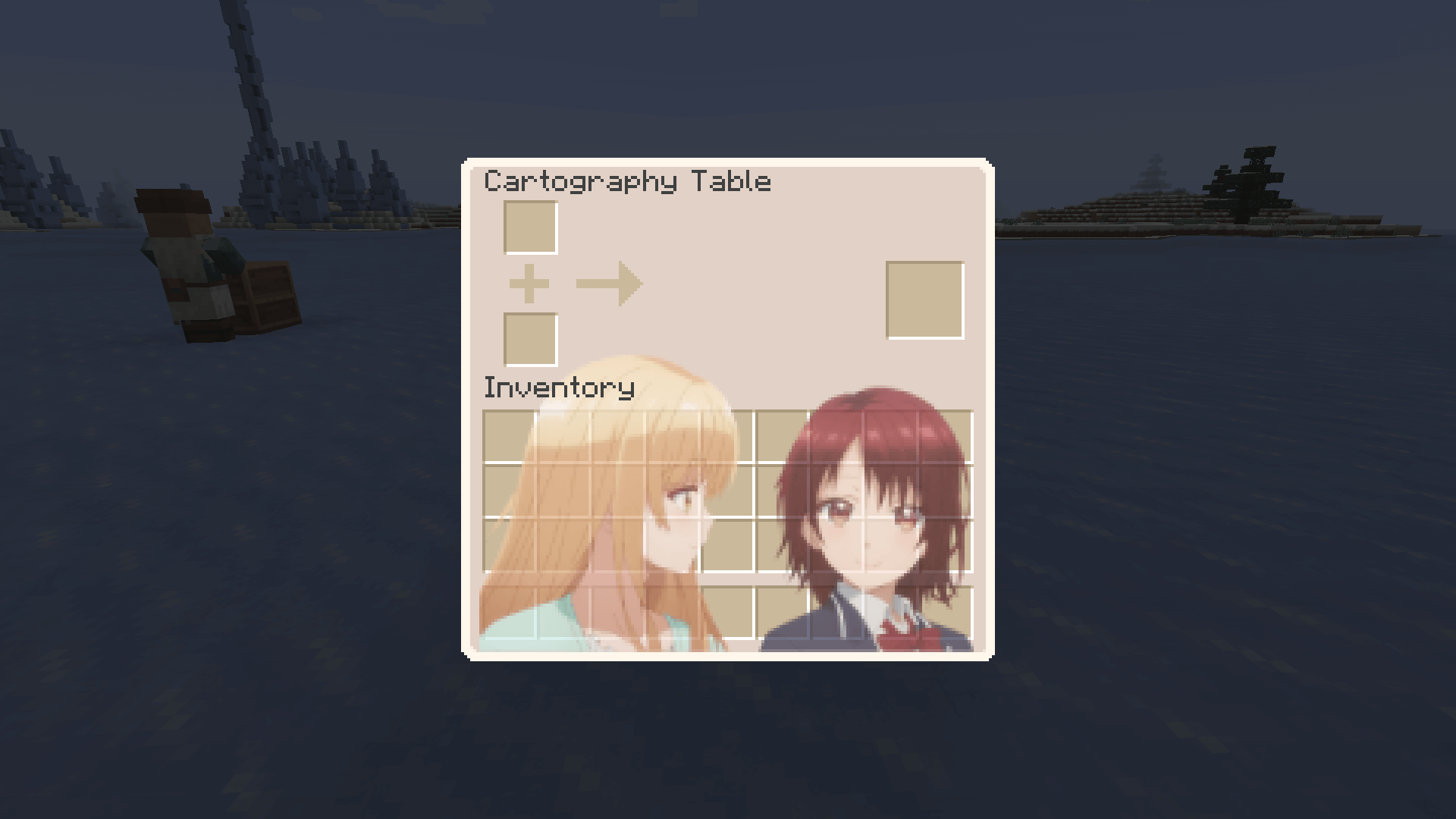
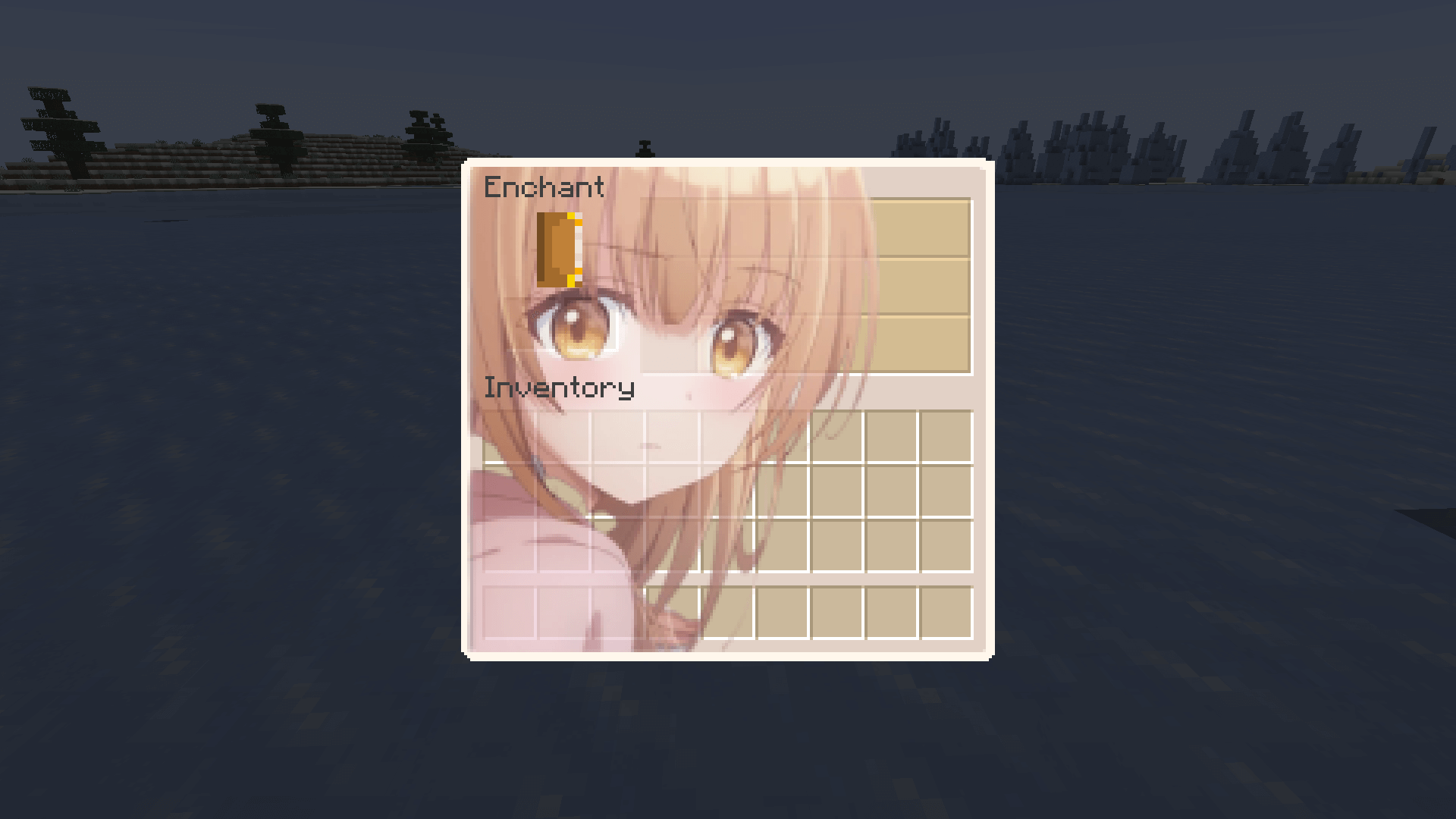
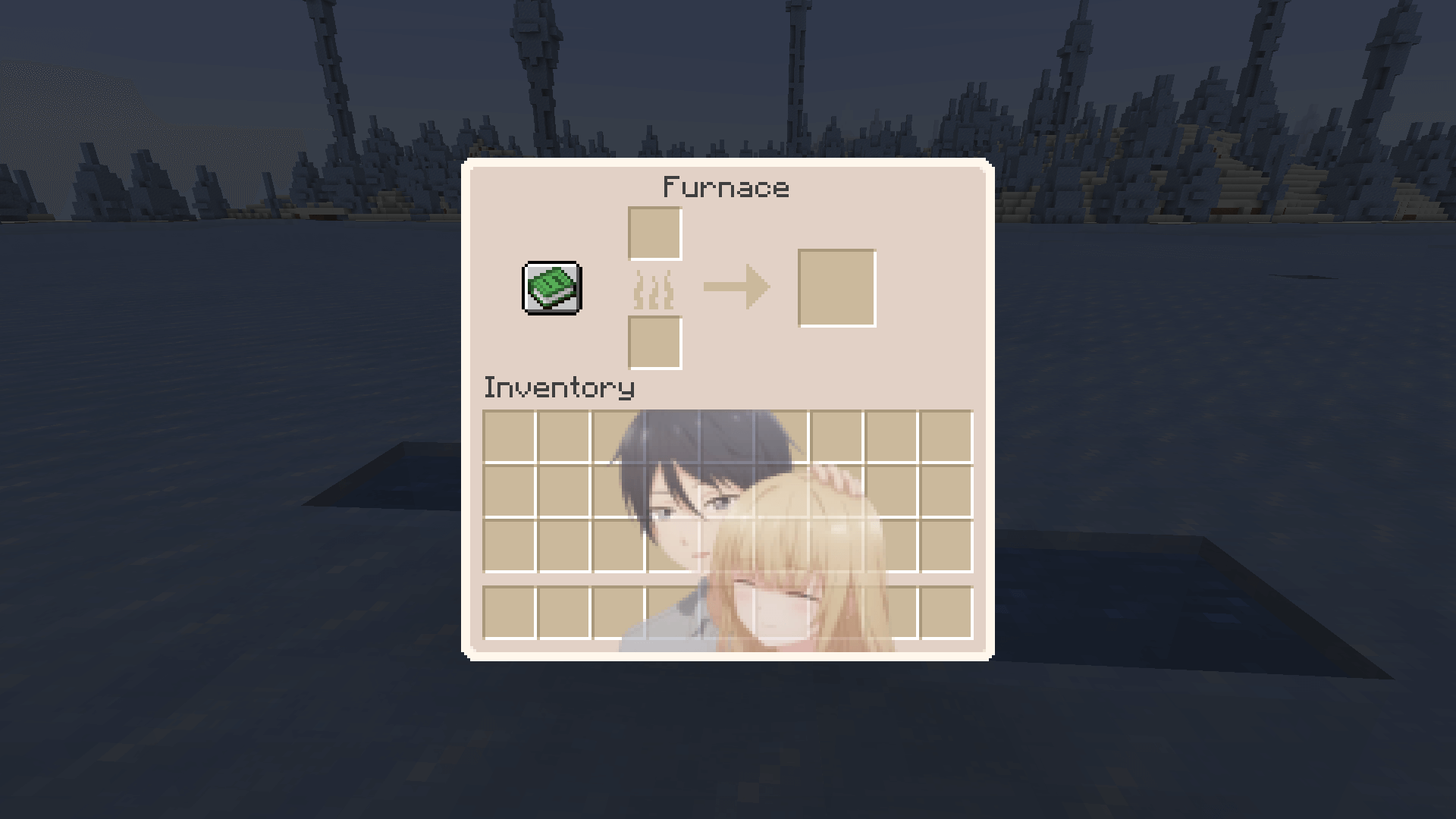
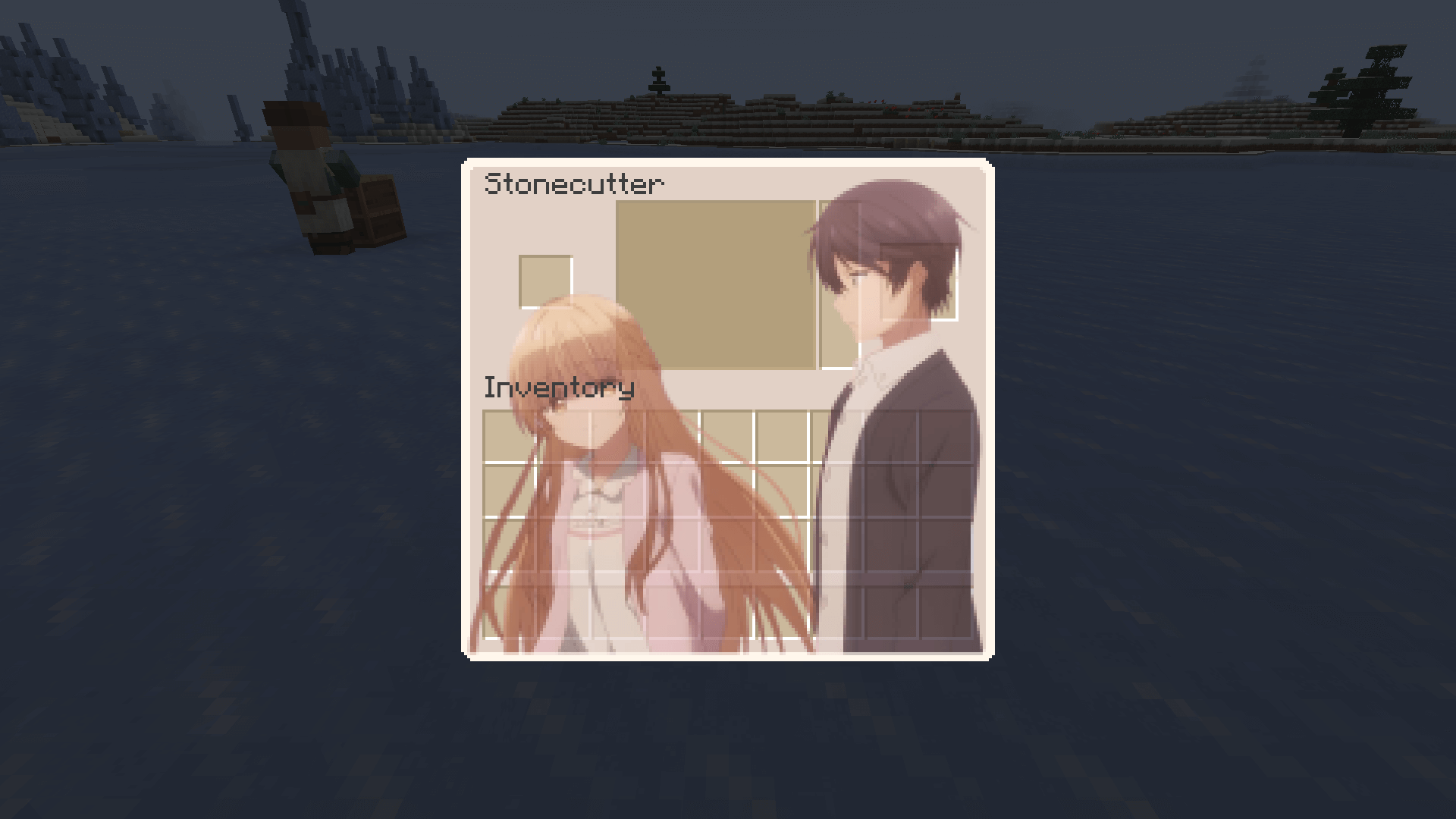
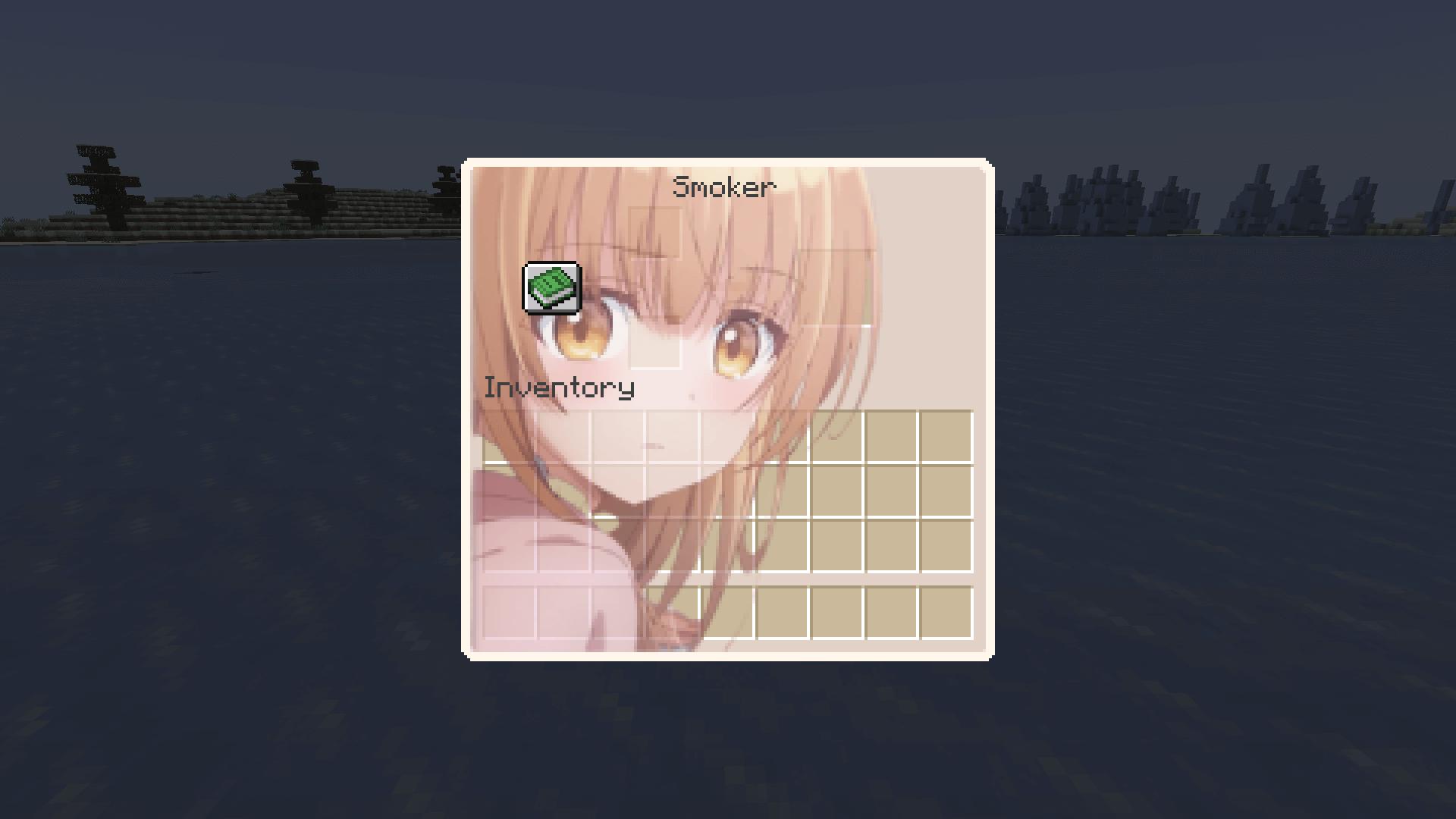
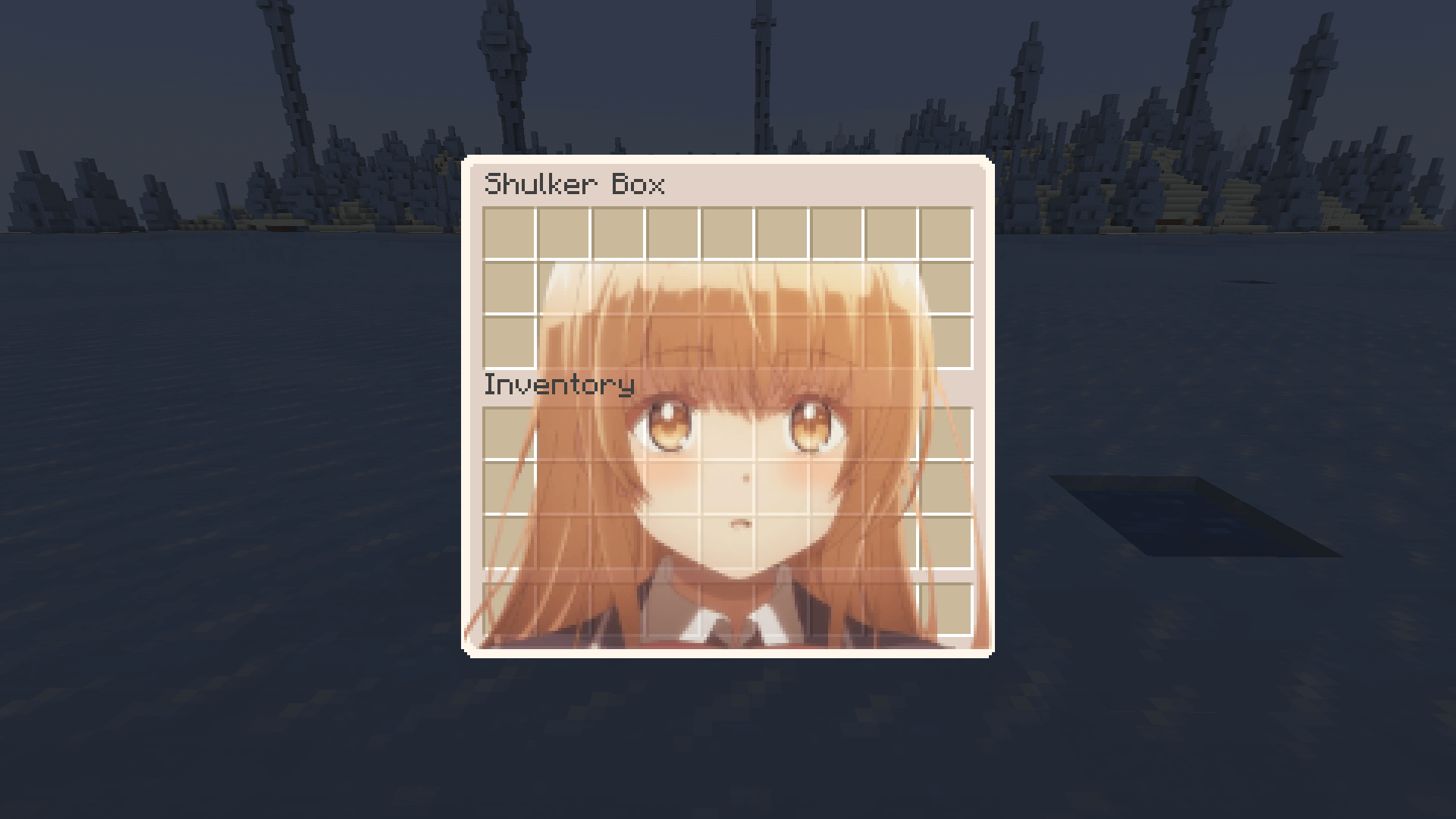
Overhauled Minecraft GUI in the theme off The Angel Next Door Spoils Me Rotten.
by kesselot
Download Claim this project
Add a badge to your pageLink to The Angel Next Door Spoils Me Rotten GUI Pack from a README, website or forum post.
Preview: Badge

Badges update automatically and link to the resource pack page on MineUniverse.


125,789 downloads
0 likes
0 followers
Updated Oct 14, 2026
0 hypes
Follow0
64x Font Packs
Advertisement Remove ads with Premium →

curseforge modrinth discord-plural

youtube-plural kofi-singular-alt website

Overview

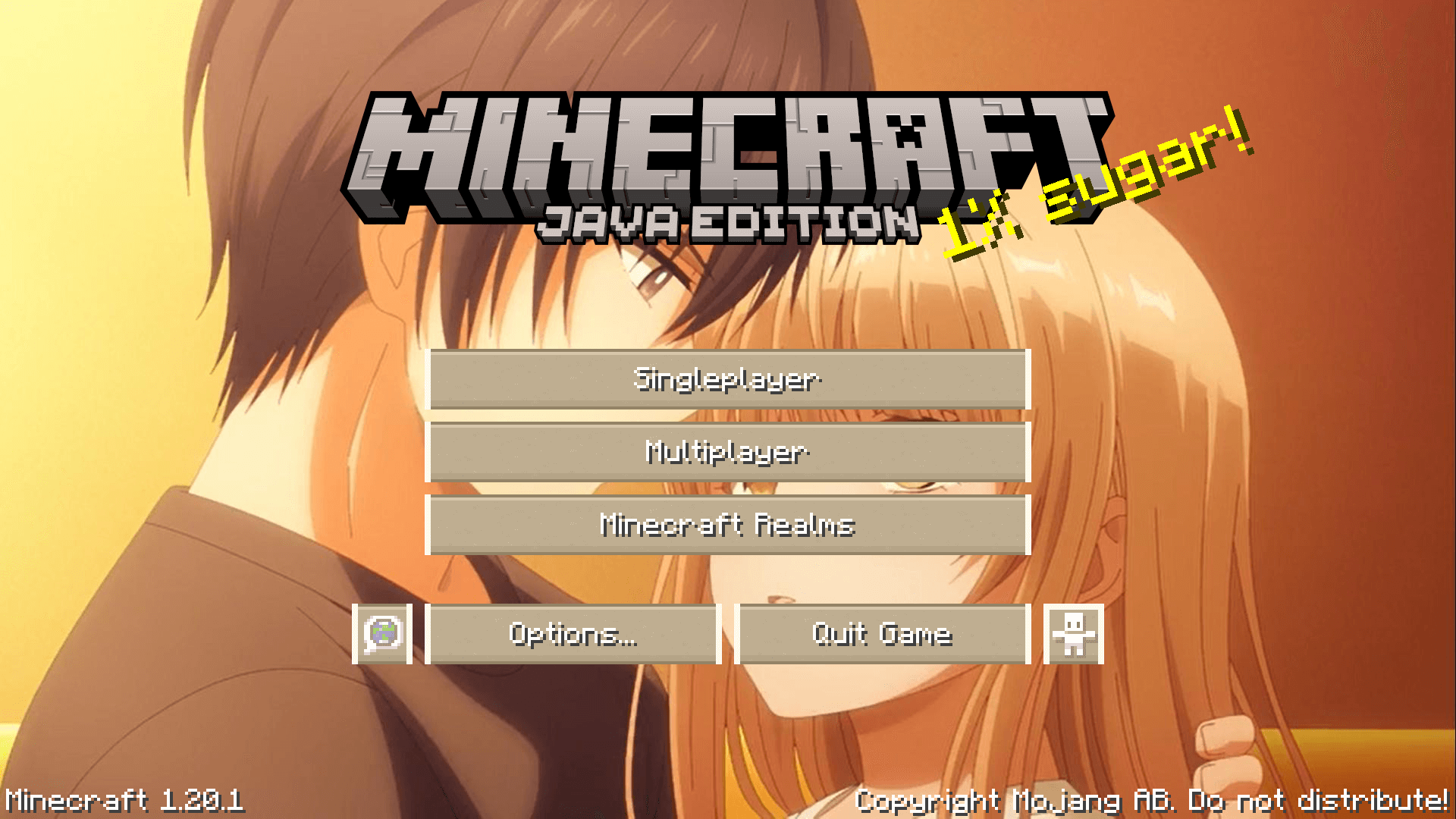
From the lovable anime/manga/light novel The Angel Next Door Spoils Me Rotten. Enjoy a overhauled GUI Minecraft experience with all the lovable characters and of course the angel Mahiru Shiina and her boyfriend Amane Fujimiya.

Previews - Check the Gallery for more!

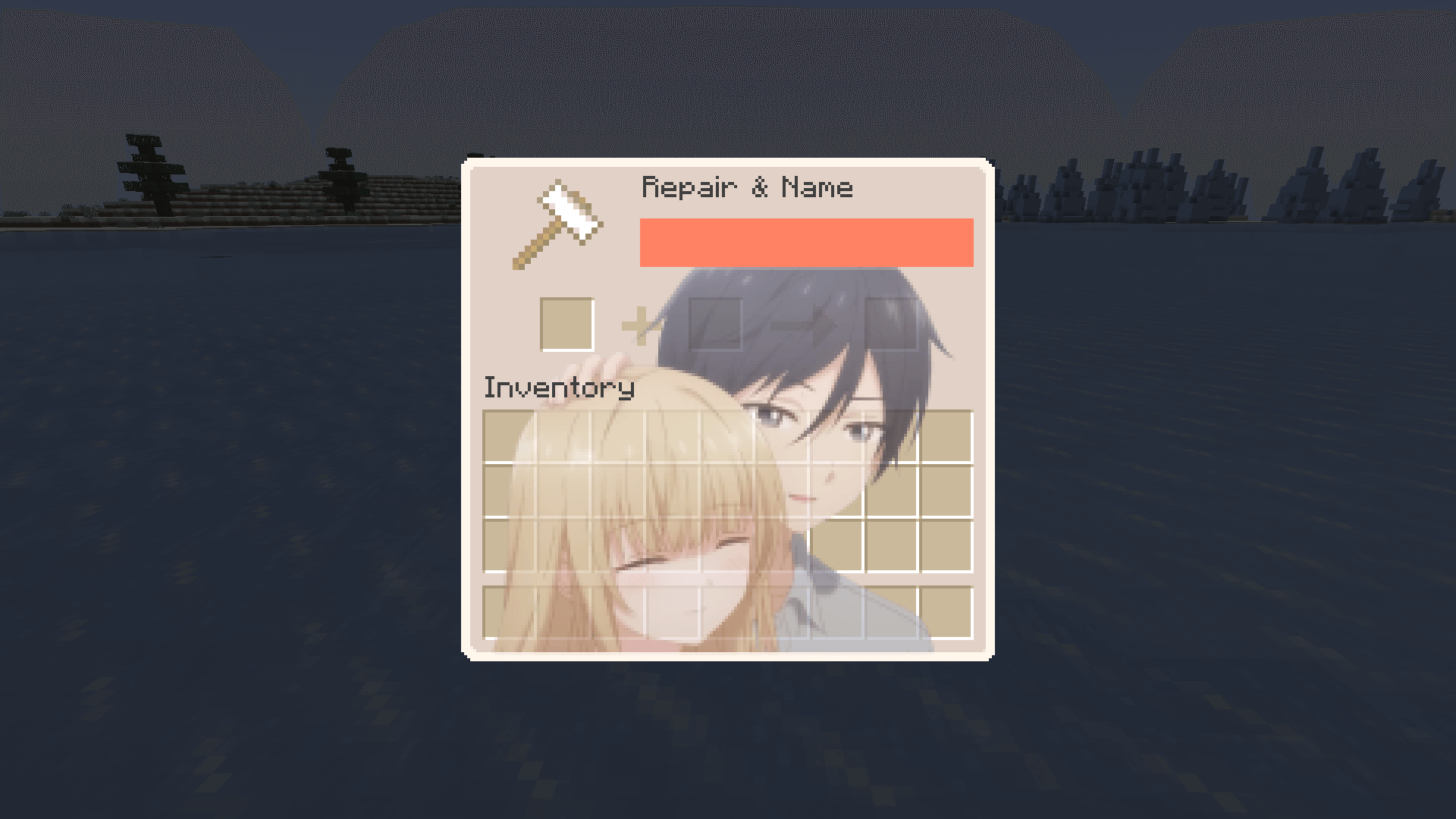
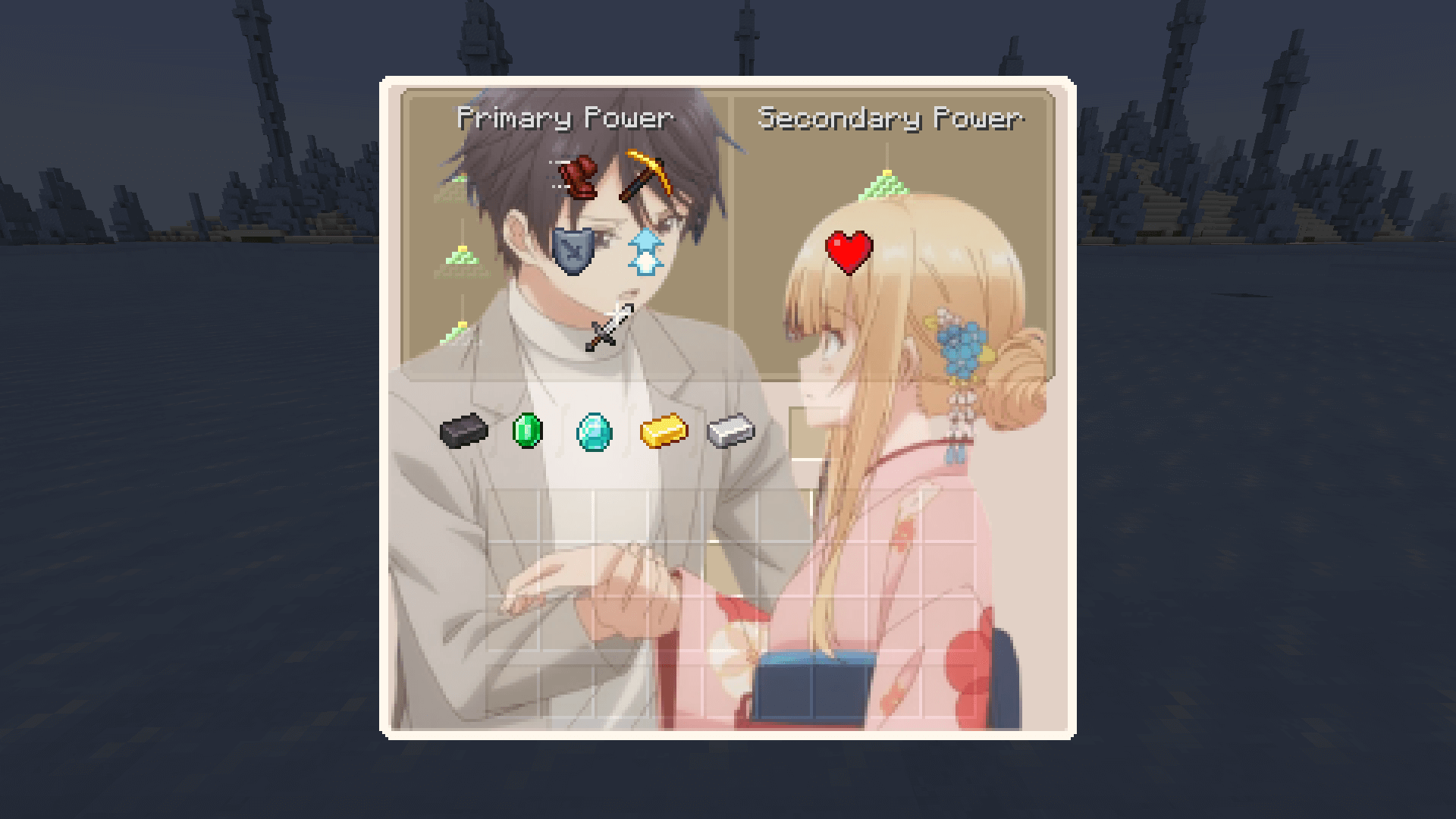
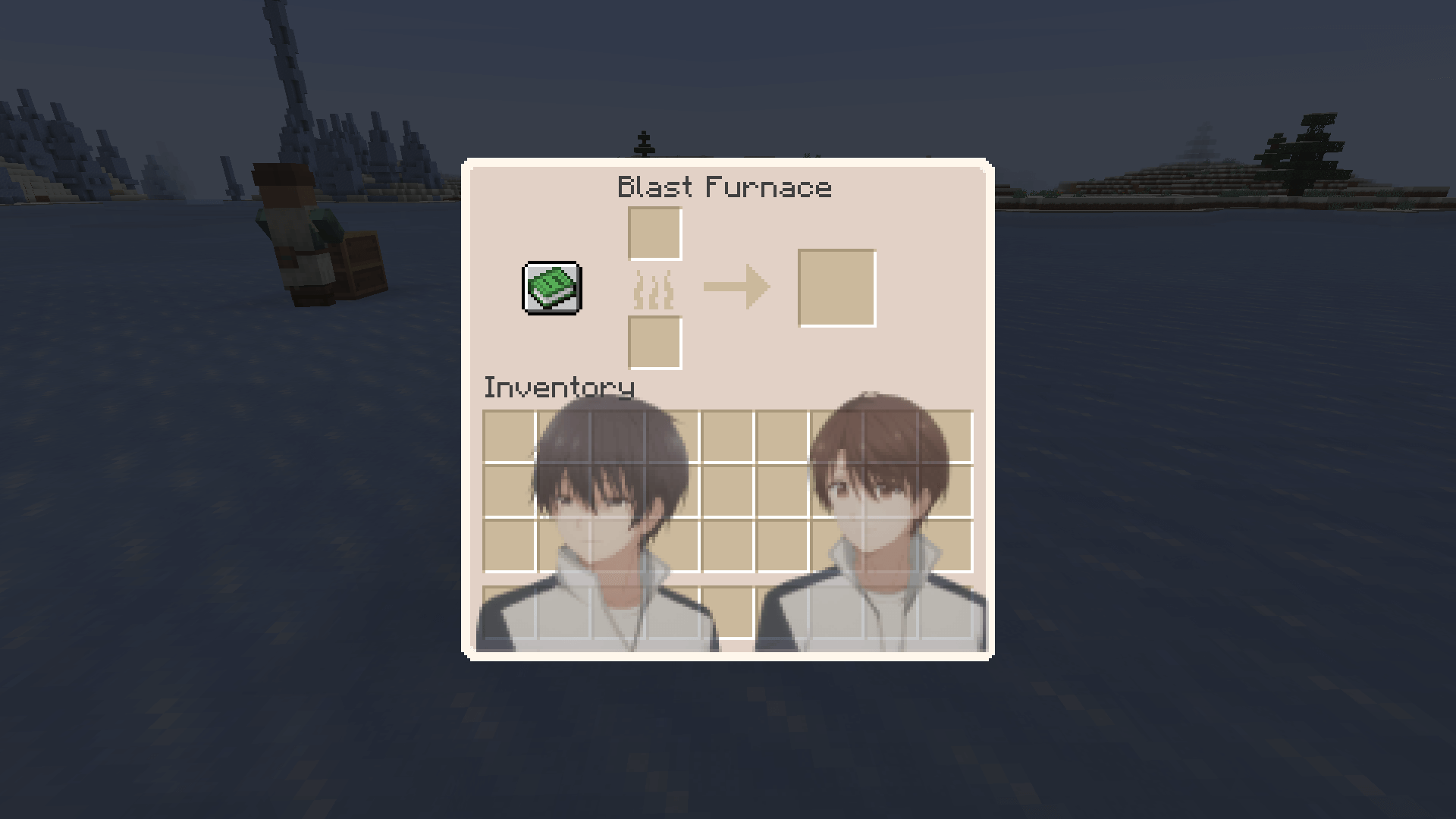
Large Chest Menu Anvil Menu Smithing Table Menu

Banner Bisecthosting

Resourcepack Notes

  • If you are a Youtuber or Content Creator using this Resourcepack, put a link in the description linking back to this page so people know the Resourcepack you are using.
  • Reupload of this Resourcepack or any modified version is not allowed allowed on Modrinth or CurseForge, this includes redistribution to any other website. (Unless given explicit permission by myself)
AngelNextDoorGUIPack-[1.20-1.20.1]
MC 1.20.1, 1.20
Release 2025-12-10 Get
AngelNextDoorGUIPack-[1.20.3-1.20.4]
MC 1.20.4, 1.20.3
Release 2025-12-10 Get
AngelNextDoorGUIPack-[1.21-1.21.11]
MC 1.21, 1.21.8, 1.21.5, 1.21.4, 1.21.1, 1.21.6, 1.21.3, 1.21.7, 1.21.2, 1.21.9, 1.21.10, 1.21.11
Release 2025-12-10 Get

Requirements & install

How to use this resource pack in Minecraft
Resolution
64x
Minecraft
1.21.4 – 1.21.11
Install folder
.minecraft/resourcepacks

How to install resource packs

  1. Download the resource pack .zip file (do not extract it).
  2. In Minecraft open Options → Resource Packs → Open Pack Folder.
  3. Drop the .zip into the resourcepacks folder (.minecraft/resourcepacks).
  4. Move the pack to the Selected column and click Done.
Browse more: 16x resource packs 32x resource packs 64x resource packs 128x resource packs 256x resource packs 512x+ resource packs Resource Packs for 1.21.11 All resource packs

More from kesselot

Advertisement Remove ads with Premium →

You Might Also Like