Mineuniverse
Resource Packs
Thaumcraft 3 Style Aura Nodes

Thaumcraft 3 Style Aura Nodes

RESOURCE PACK
Replaces the TC4 aura node sprites with their TC3 counterparts
by NoahM_5167
Download Claim this project
Add a badge to your pageLink to Thaumcraft 3 Style Aura Nodes from a README, website or forum post.
Preview: Badge

Badges update automatically and link to the resource pack page on MineUniverse.

534 downloads
0 likes
0 followers
Updated Oct 14, 2026
0 hypes
Follow0
256x Miscellaneous Mod Support
Advertisement Remove ads with Premium →

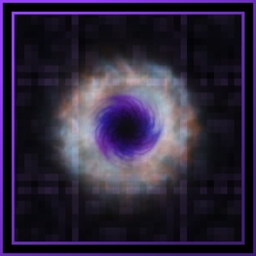
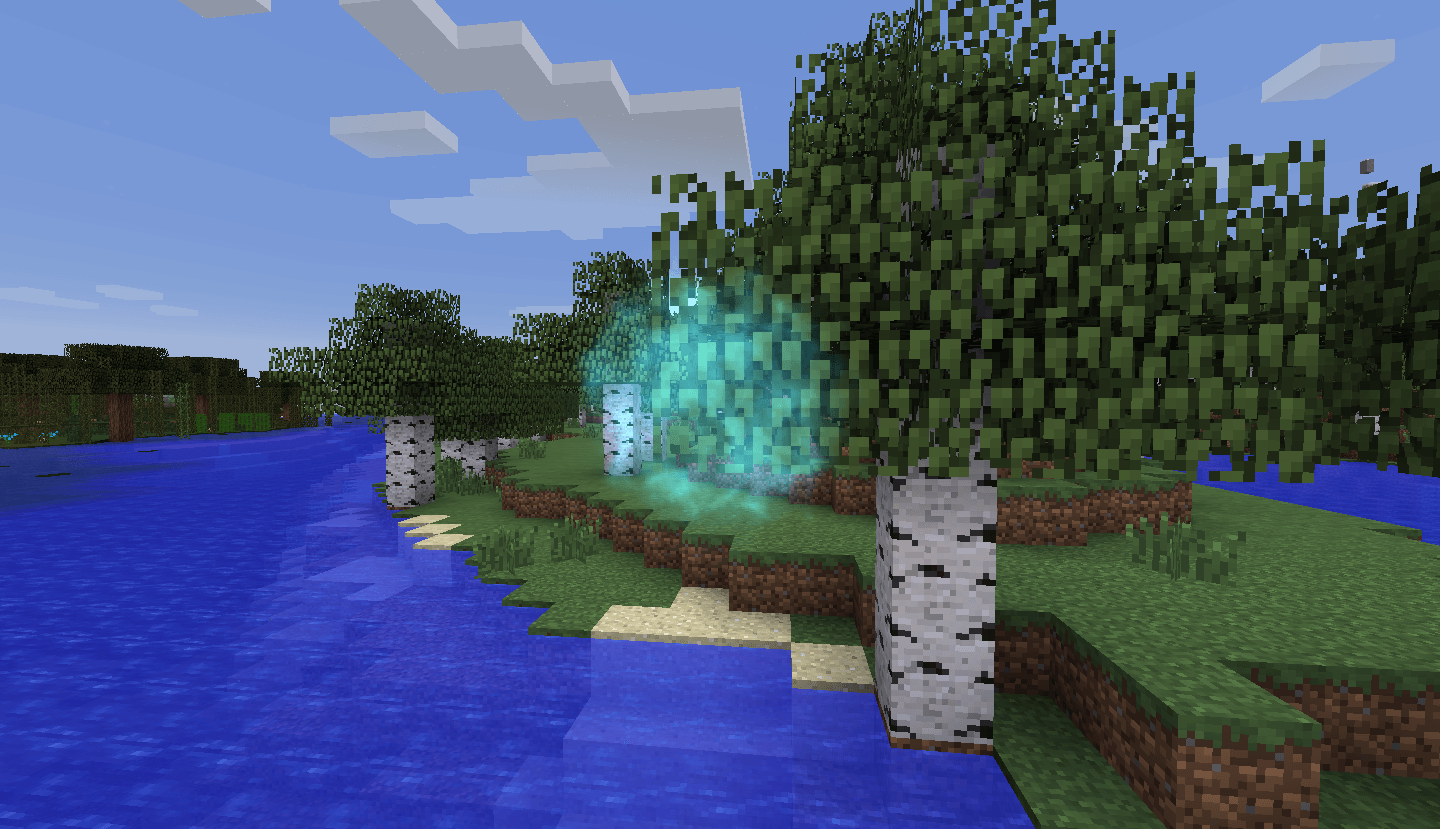
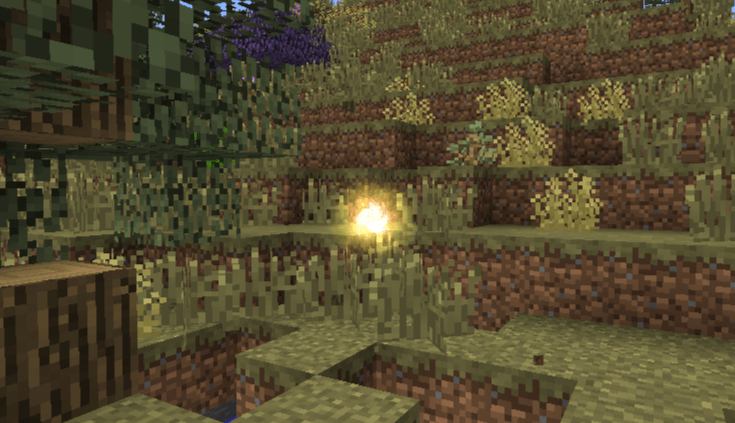
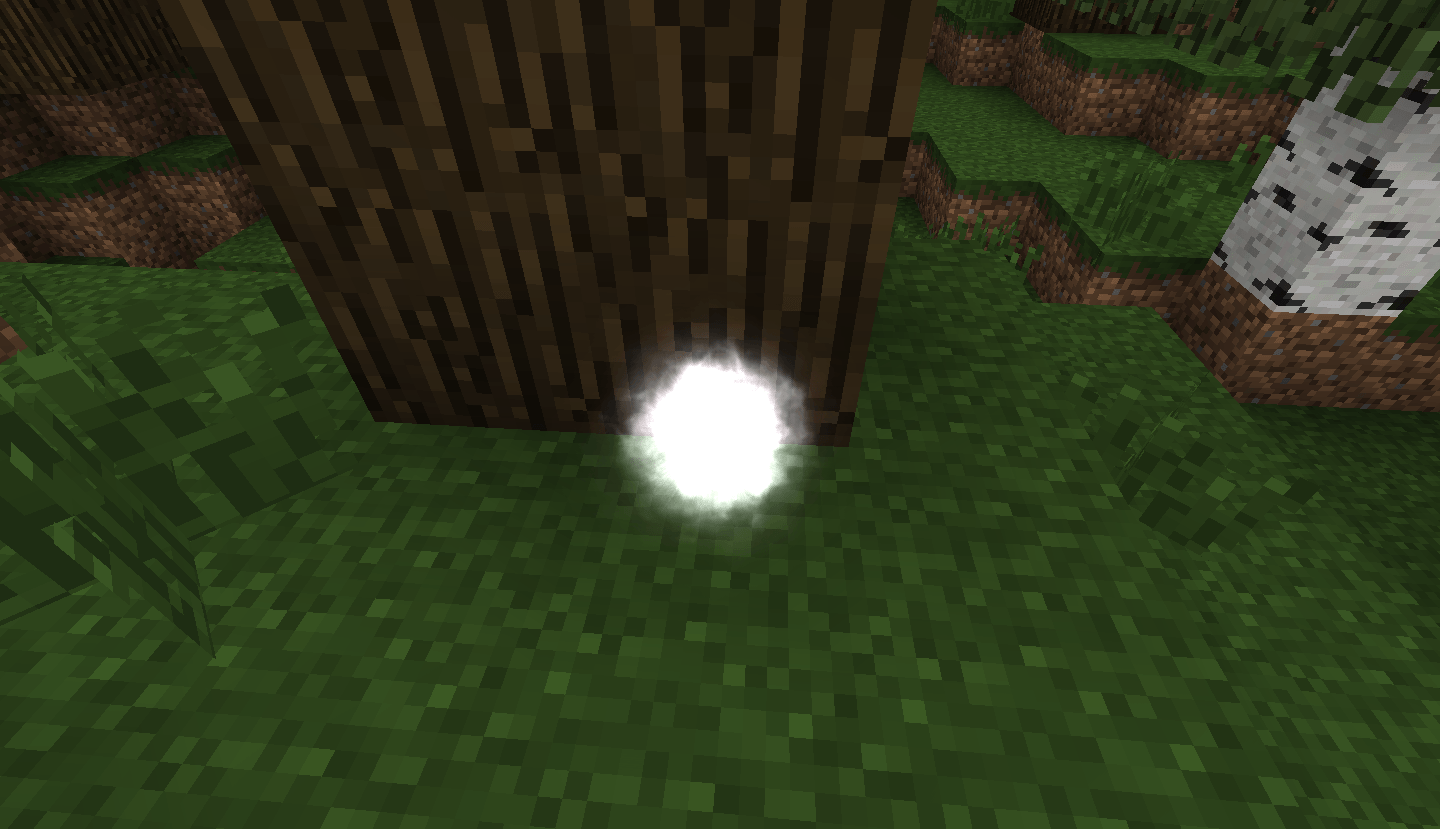
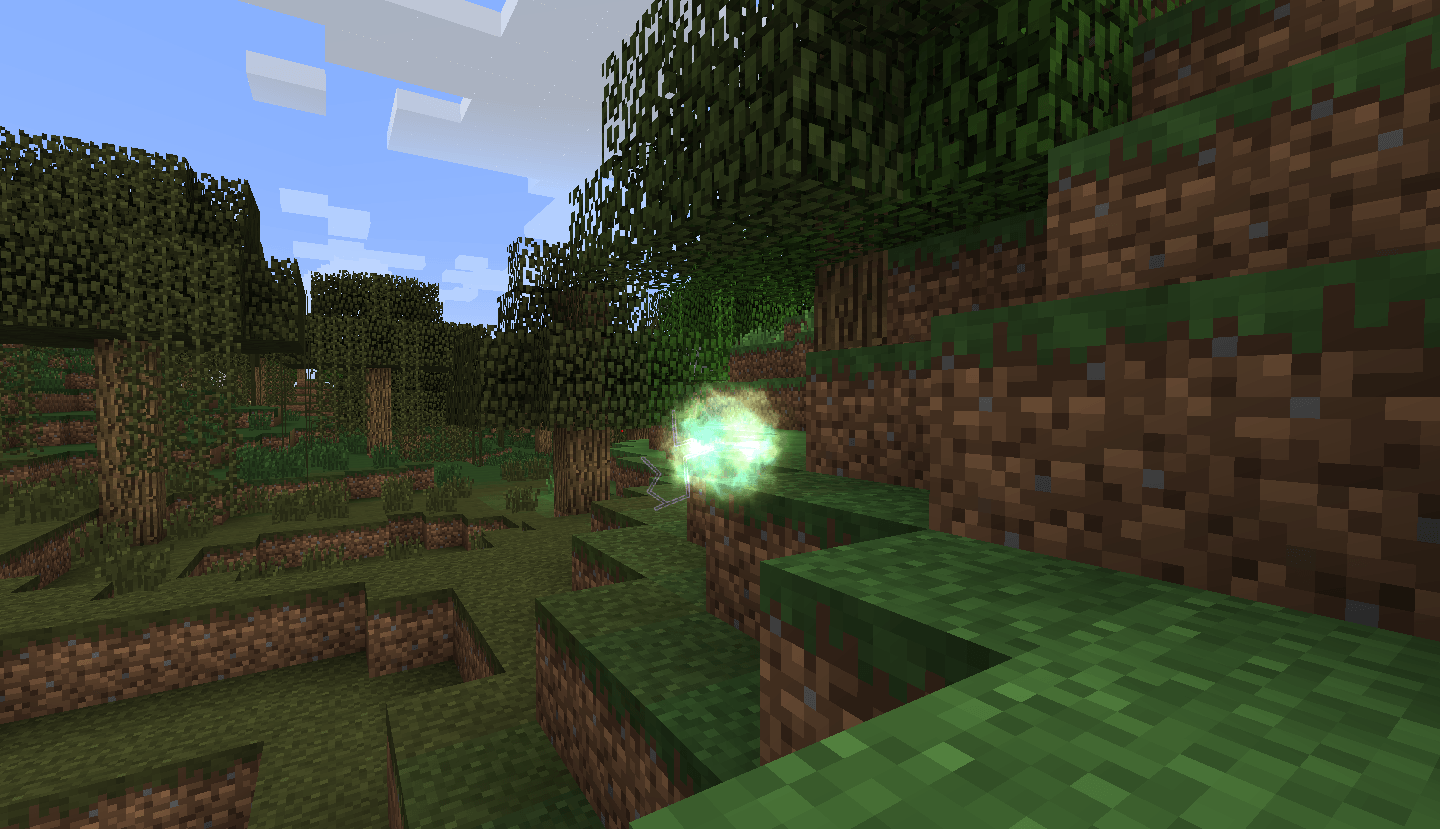
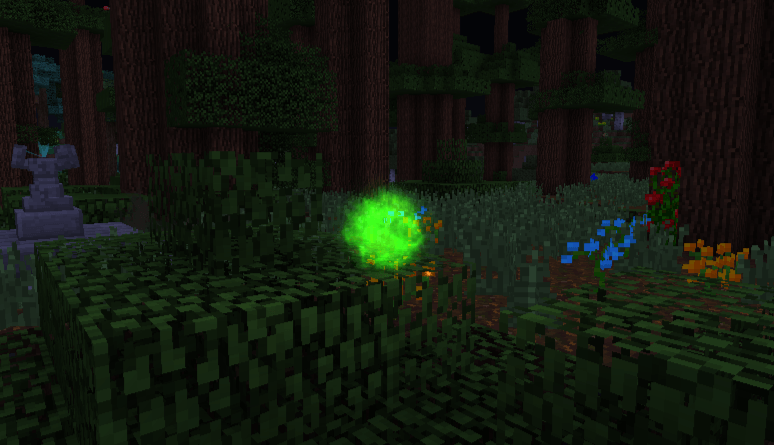
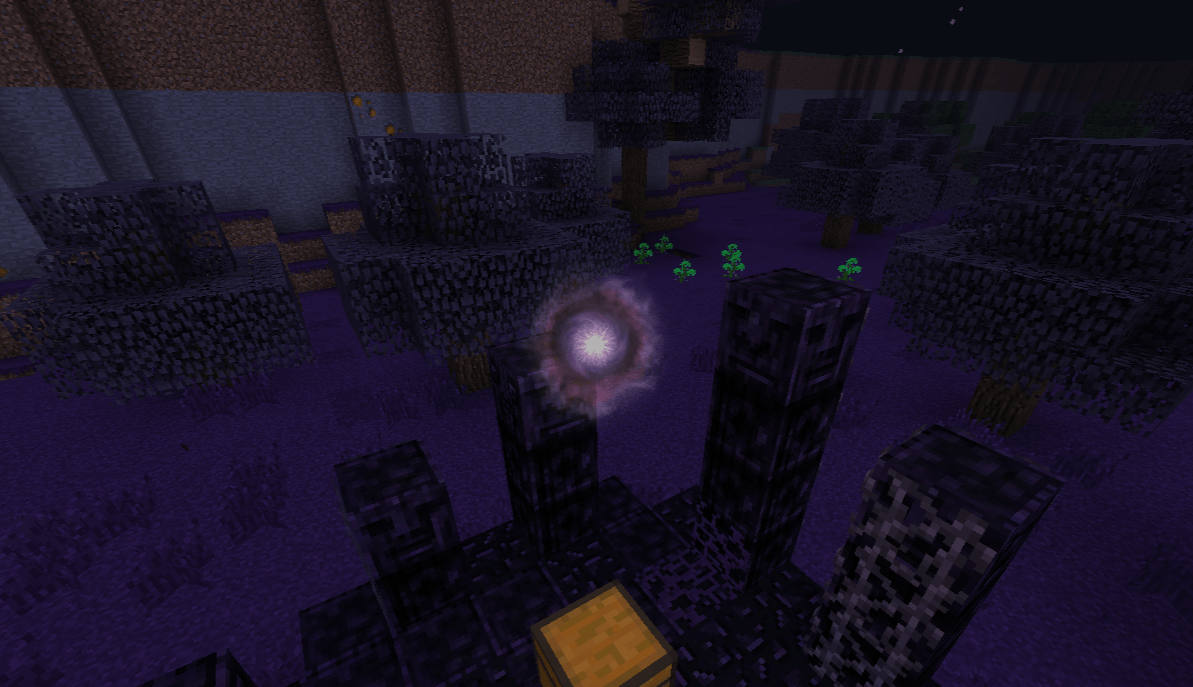
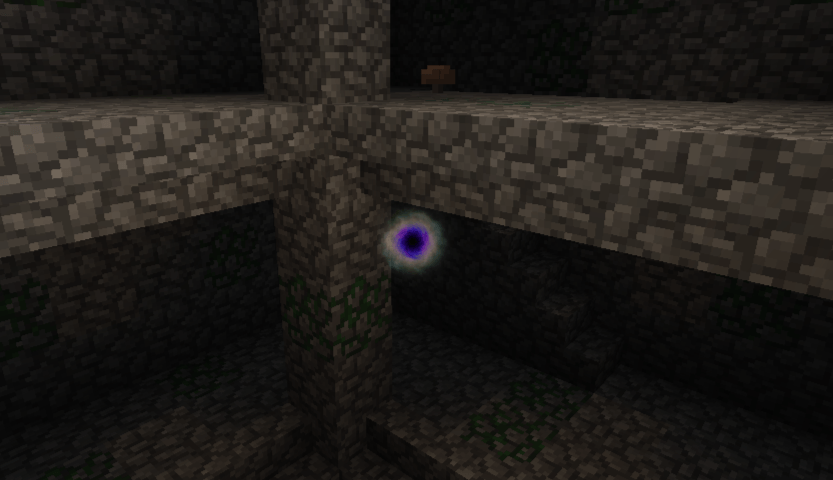
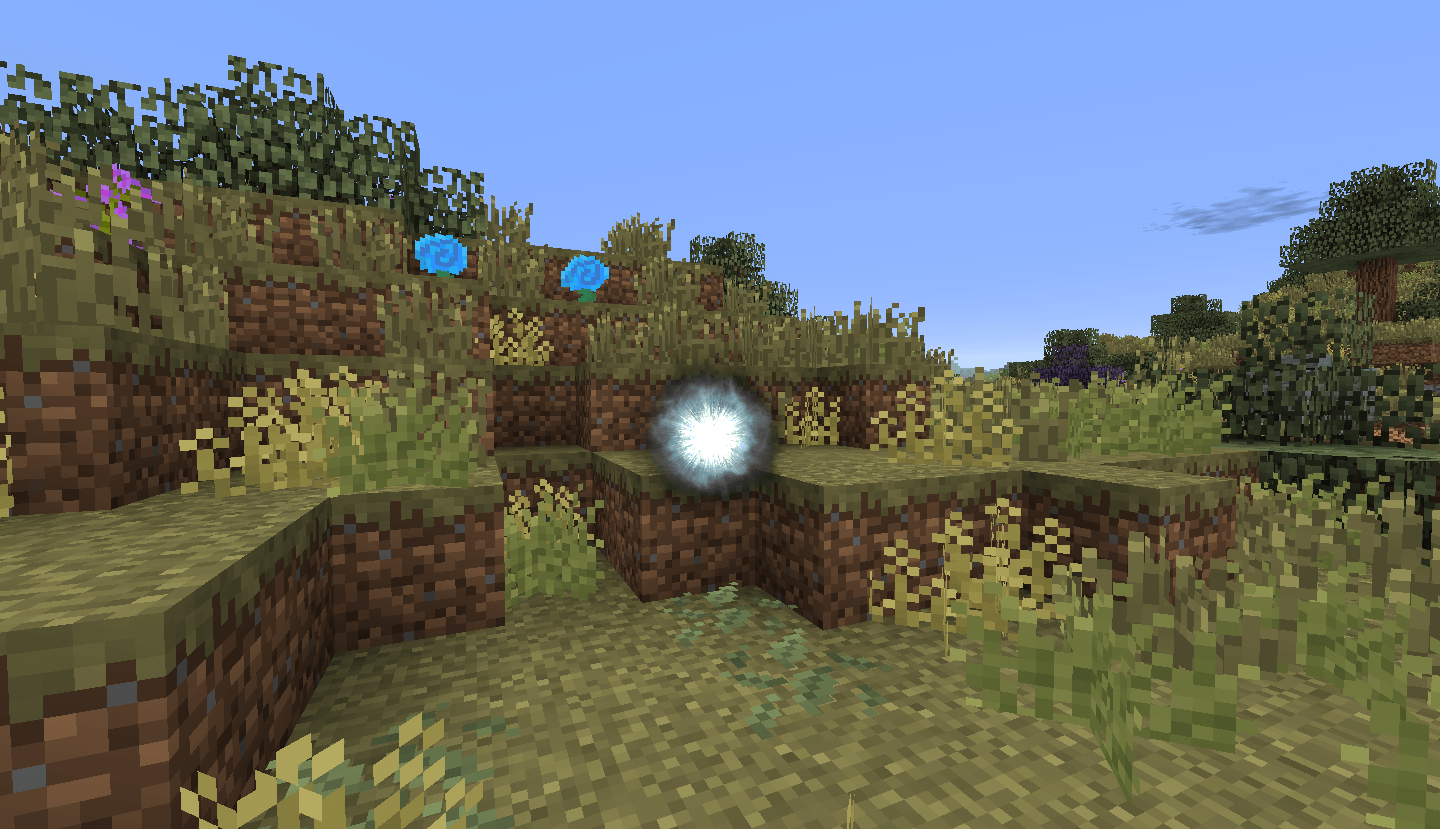
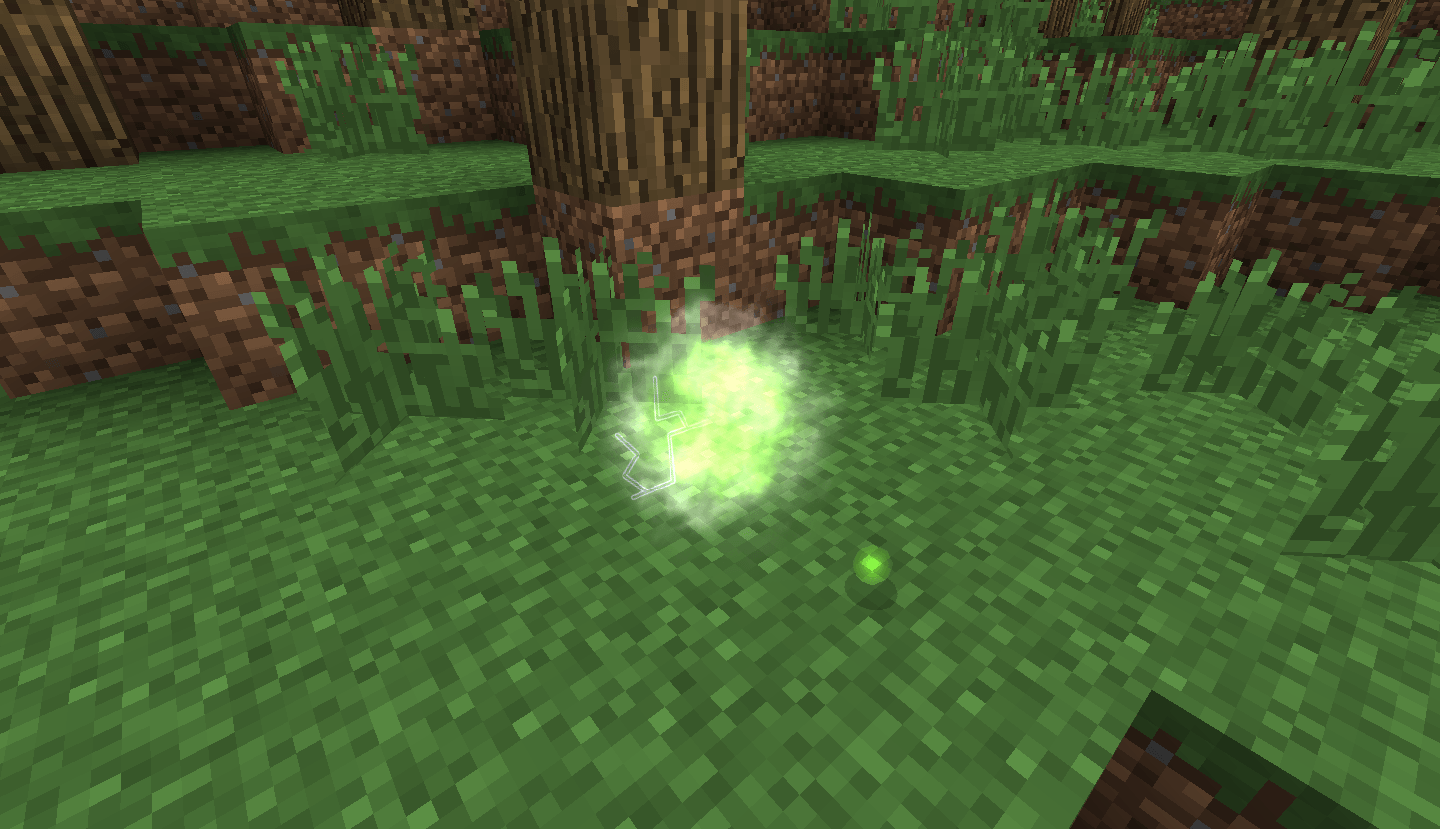
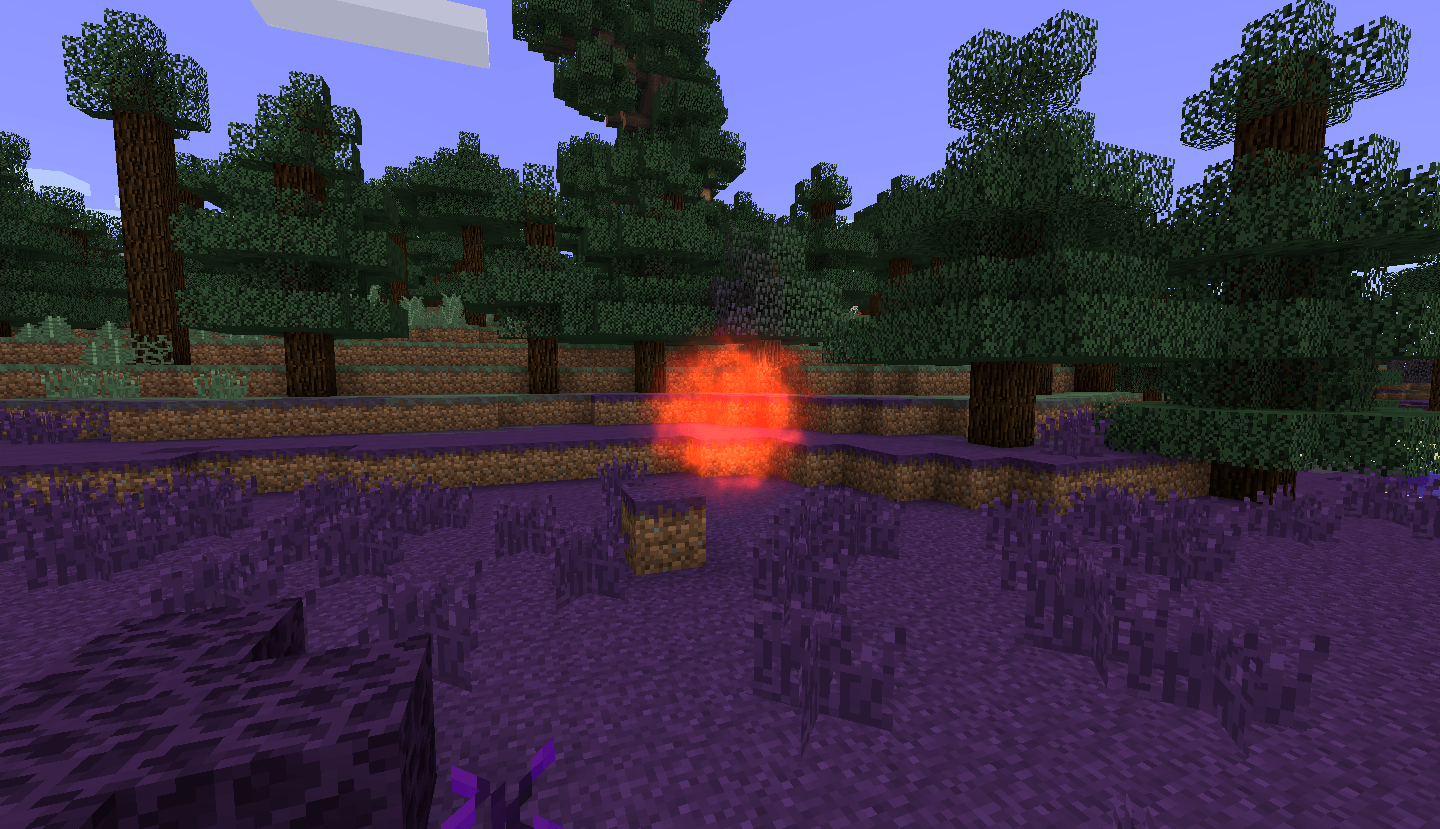
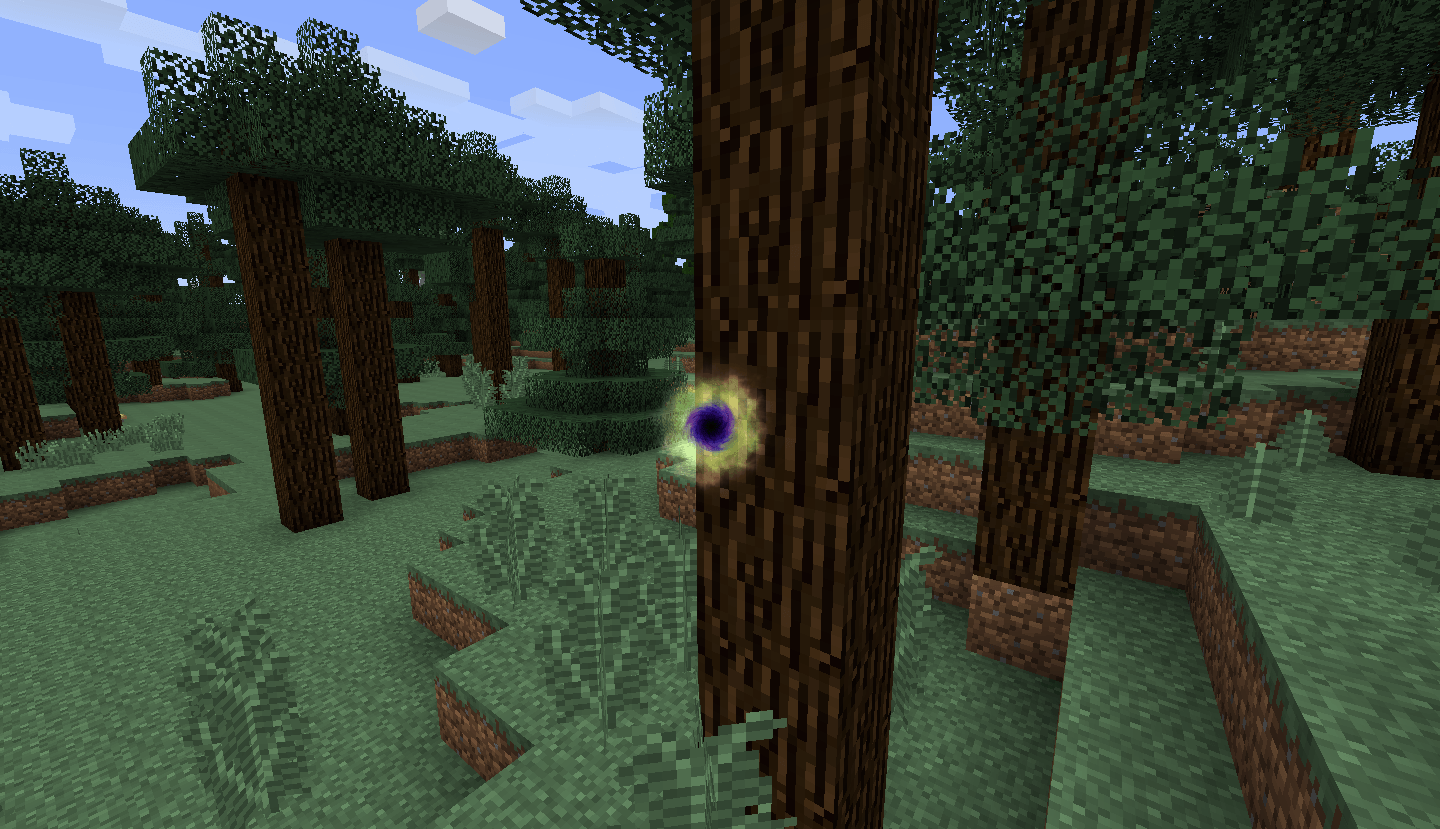
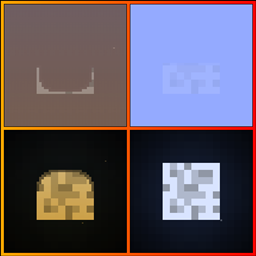
This resource pack brings back the old aura node sprites from Thaumcraft 3 into Thaumcraft 4

- Note: Requires Thaumcraft, and is only compatible for Minecraft 1.7.10

Aura node variants below are listed as follows: Normal, unstable, pure, tainted, sinister, and hungry

Additional info:

  • The old unstable texture has been repurposed for the hungry node due to technical limitations. So instead, the unstable node now has a whole new set of sprites while still remaining true to the Thaumcraft 3 style, without (hopefully) seeming too out-of-place.
  • Some other items and effects apart from nodes might also be altered since they share the same sprite sheet as the aura nodes. For example: Warped research icons using the tainted texture, the pickaxe of the core using the aura node texture, etc.

Disclaimer:

I do not own any of the assets used in the resource pack, I only extracted them from TC3 and ported them to fit into TC4. All credit goes to Azanor for the assets and sprites used to make this resource pack.

Also, feel free to feature this resource pack in any modpack, video, etc.

TC3-Nodes-v1.1
MC 1.7.10
Release 2025-05-21 Get
TC3-Nodes-v1.0
MC 1.7.10
Release 2025-05-02 Get
TC3-Nodes-v0.4
MC 1.7.10
Release 2025-04-20 Get
TC3-Nodes-v0.3
MC 1.7.10
Release 2025-04-19 Get
TC3-Nodes-v0.2
MC 1.7.10
Release 2025-04-16 Get
TC3-Nodes-v0.1
MC 1.7.10
Release 2025-04-12 Get

Requirements & install

How to use this resource pack in Minecraft
Resolution
256x
Minecraft
1.7.10
Install folder
.minecraft/resourcepacks

How to install resource packs

  1. Download the resource pack .zip file (do not extract it).
  2. In Minecraft open Options → Resource Packs → Open Pack Folder.
  3. Drop the .zip into the resourcepacks folder (.minecraft/resourcepacks).
  4. Move the pack to the Selected column and click Done.

Packs from 128x upwards need more video memory: install a performance mod such as Sodium for smooth frame rates.

Browse more: 16x resource packs 32x resource packs 64x resource packs 128x resource packs 256x resource packs 512x+ resource packs Resource Packs for 1.7.10 All resource packs
Advertisement Remove ads with Premium →

You Might Also Like