Mineuniverse
Resource Packs
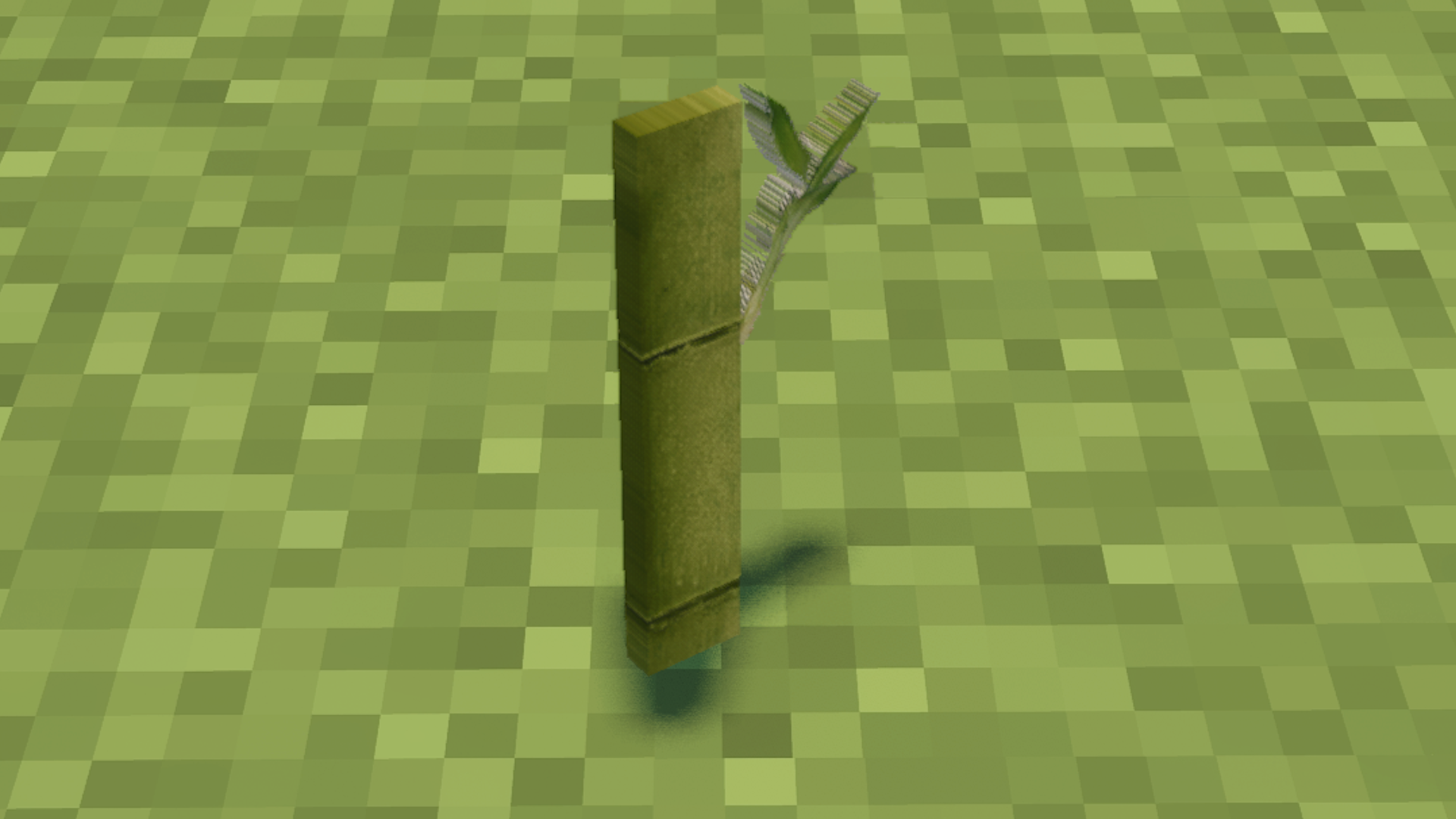
Syprate's Better Bamboo Blocks

Syprate's Better Bamboo Blocks

RESOURCE PACK
Improved textures for 1.19.3 - 1.20+ bamboo building blocks and items
by Syprate
Download Claim this project
Add a badge to your pageLink to Syprate's Better Bamboo Blocks from a README, website or forum post.
Preview: Badge

Badges update automatically and link to the resource pack page on MineUniverse.

785 downloads
0 likes
0 followers
Updated Oct 14, 2026
0 hypes
Follow0
256x Photo Realistic
Advertisement Remove ads with Premium →

Project will no longer be Updated. Assets are FREE to use in your own projects.

Version 4.6 Includes some fixes as well as more aesthetics.

SBBB+CONTINUM v4.6 works well with SEUS shaders!


 Works without OptiFine or IRIS and does not require forge or any other mod platform.


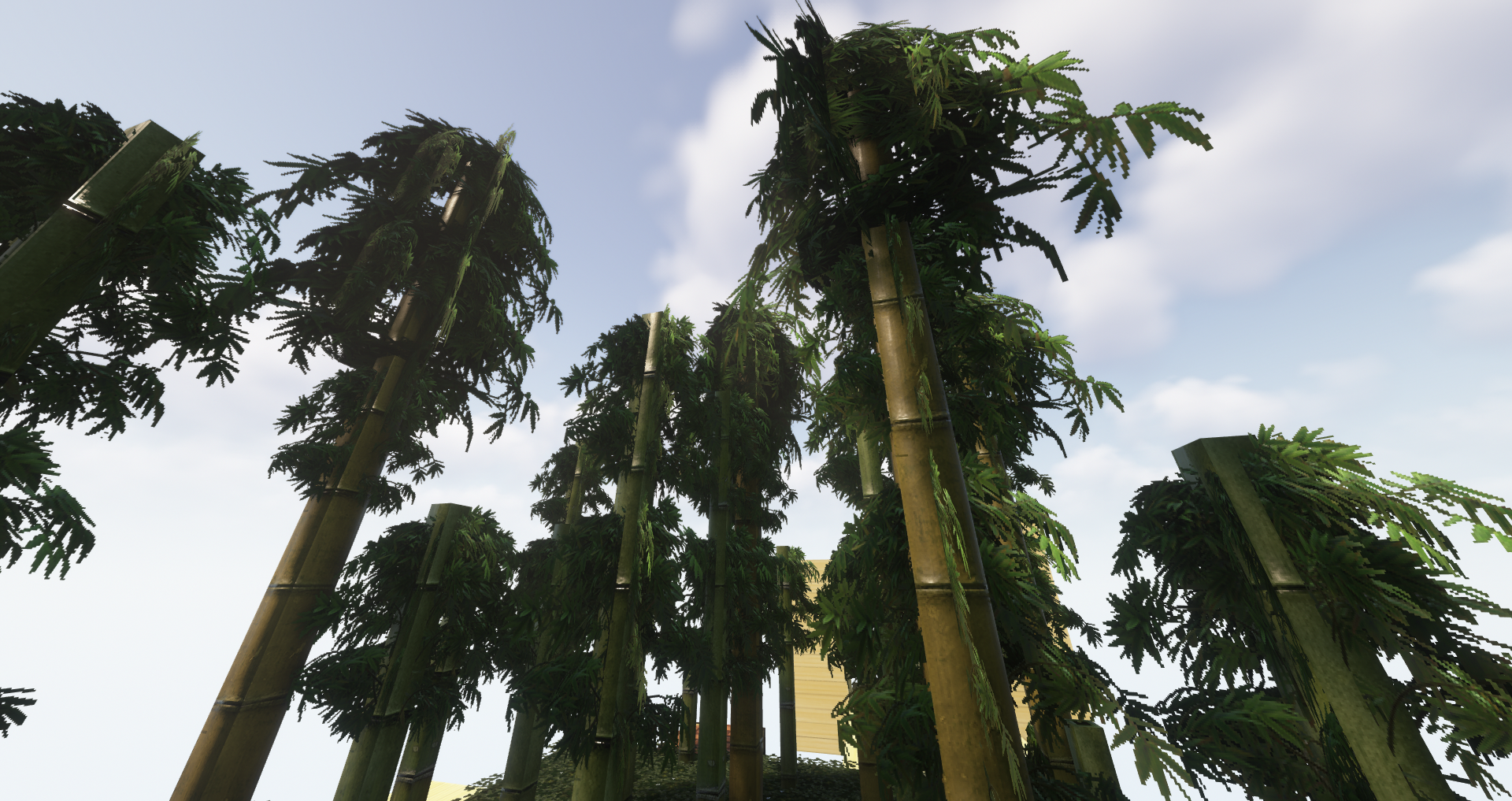
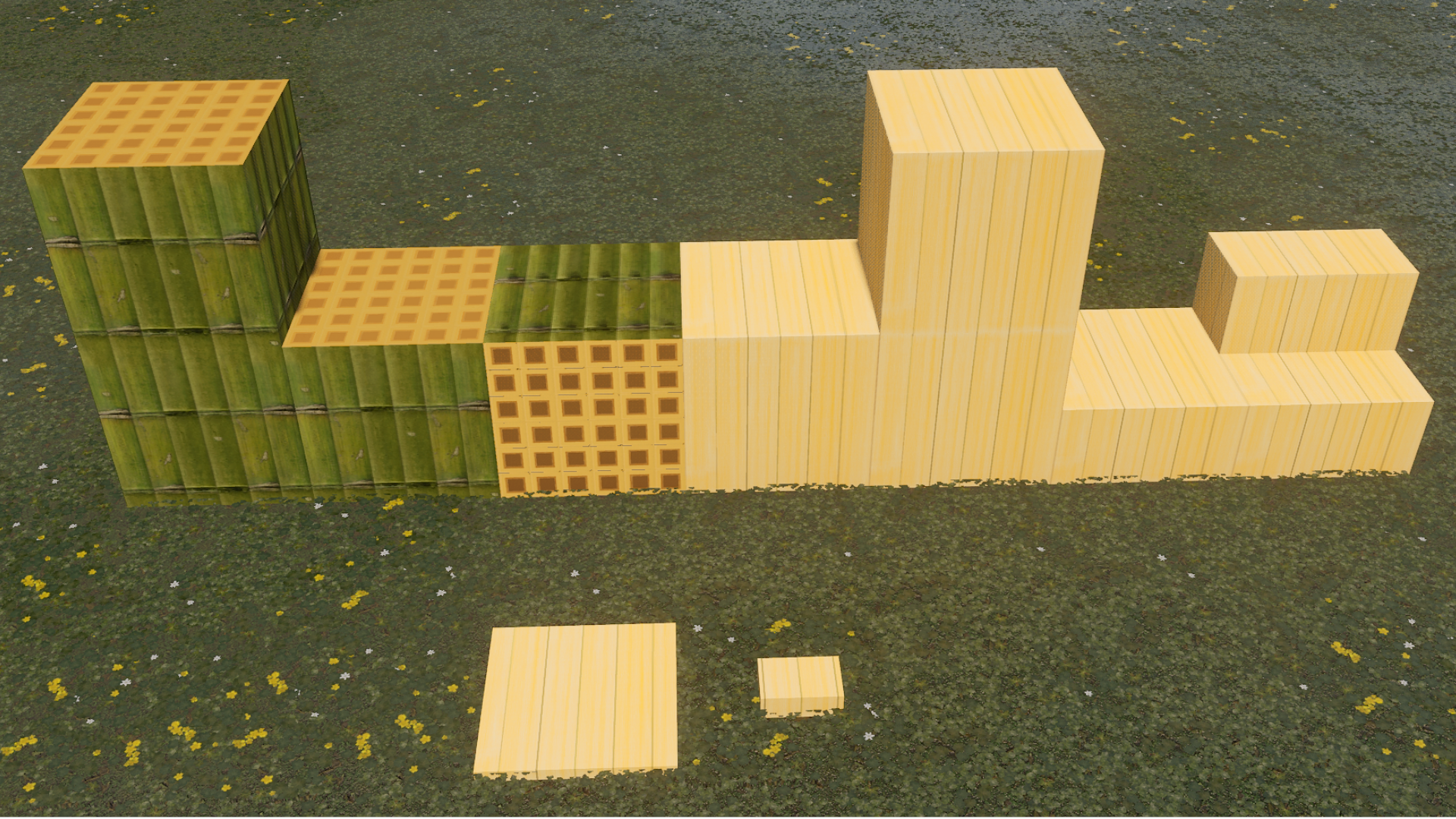
With the introduction of bamboo blocks in Minecraft snapshots and Minecraft 1.19.3 I found the default textures to be underwhelming. Thanks to Rudy102 and their "RUDY for Minecraft" (https://www.patreon.com/posts/christmas-update-32611996) bamboo textures I was able to retexture the Bamboo blocks and take inspiration for the the bamboo building blocks and make all bamboo building blocks look much nicer (items coming soon).


All textures have been tested in various shaders please reference the list below to find the compatible resource pack for your shader.

IRIS is currently required for shaders due to OptiFine not yet being updated to the most recent version of Minecraft. You can download them here: https://irisshaders.net/


SBBB+Continuum:

  • BSL_v8.2.01
  • Continuum-2.0.5
  • Complimentary Shaders v4.6 (tested with SEUS PBR, LAB PBR has emissive issues with bamboo stalk)
  • Complimentary Shaders Reimagined 1.4
  • KUDA-Shaders-All-Versions (tested on Ultra)


SBBB+SEUS:

  • SEUS PTGI E12
  • SEUS PTGI HRR Test 2.1
  • SEUS PTGI HRR 3
  • Sildur's+VIbrant+Shaders+v1.41 (tested on extreme, with some minor issues)


If you do not see the shader you use in the list above please let me know and I will attempt to update the texture and test if possible.

SBBB+Continuum+v0.4.6.zip
MC 1.19.3, 1.19.4-Snapshot, 1.19.4, 1.20, 1.20-Snapshot, 1.19.3-Snapshot
Release 2023-06-09 Get
SBBB+SEUS+v0.4.4.zip
MC 1.19.3
Release 2023-01-16 Get
SBBB+Continuum+v0.4.4.zip
MC 1.19.3
Release 2023-01-16 Get
SBBB+SEUS+v0.4.1.zip
MC 1.19.3
Release 2022-12-19 Get
SBBB+Continuum+v0.4.1.zip
MC 1.19.3
Release 2022-12-19 Get
SBBB+SEUS+v0.4.3.zip
MC 1.19.3
Release 2022-12-19 Get
SBBB+Continuum+v0.4.3.zip
MC 1.19.3
Release 2022-12-19 Get

Requirements & install

How to use this resource pack in Minecraft
Resolution
256x
Minecraft
1.19.3-Snapshot – 1.20
Install folder
.minecraft/resourcepacks

How to install resource packs

  1. Download the resource pack .zip file (do not extract it).
  2. In Minecraft open Options → Resource Packs → Open Pack Folder.
  3. Drop the .zip into the resourcepacks folder (.minecraft/resourcepacks).
  4. Move the pack to the Selected column and click Done.

Packs from 128x upwards need more video memory: install a performance mod such as Sodium for smooth frame rates.

Browse more: 16x resource packs 32x resource packs 64x resource packs 128x resource packs 256x resource packs 512x+ resource packs Resource Packs for 1.20 All resource packs
Advertisement Remove ads with Premium →

You Might Also Like