This resource pack requires Syez Death Animation 1.2.0 and Fabric API.
Download the resource pack.
Place the ZIP file in .minecraft/resourcepacks.
Open Minecraft and enable it under Options → Resource Packs.
Use /syezdeath test to preview the animation.
Extract the resource pack ZIP.
Open assets/syezdeath/textures/animation/.
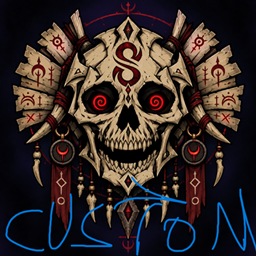
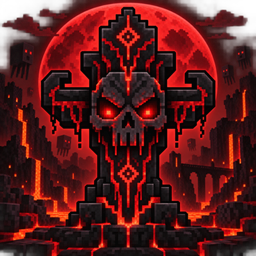
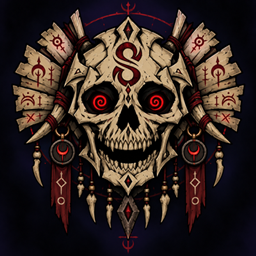
Replace the existing images with your own PNG frames.
Name them in order: frame_001.png, frame_002.png, frame_003.png, etc.
Use images with transparent backgrounds and identical dimensions.
Replace assets/syezdeath/sounds/death.ogg with your own OGG audio.
Open assets/syezdeath/animation.json and update the frame count, FPS, width and height.
Compress pack.mcmeta and the assets folder into a new ZIP.
Make sure pack.mcmeta is located directly at the root of the ZIP.
Reload resource packs with F3 + T, then run /syezdeath test again.
Each player sees the animation from their currently enabled resource pack. If everyone should see the same animation, every player must install and enable the same pack.