Mineuniverse
Resource Packs
SV High Definition Textures

SV High Definition Textures

RESOURCE PACK
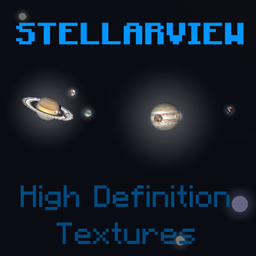
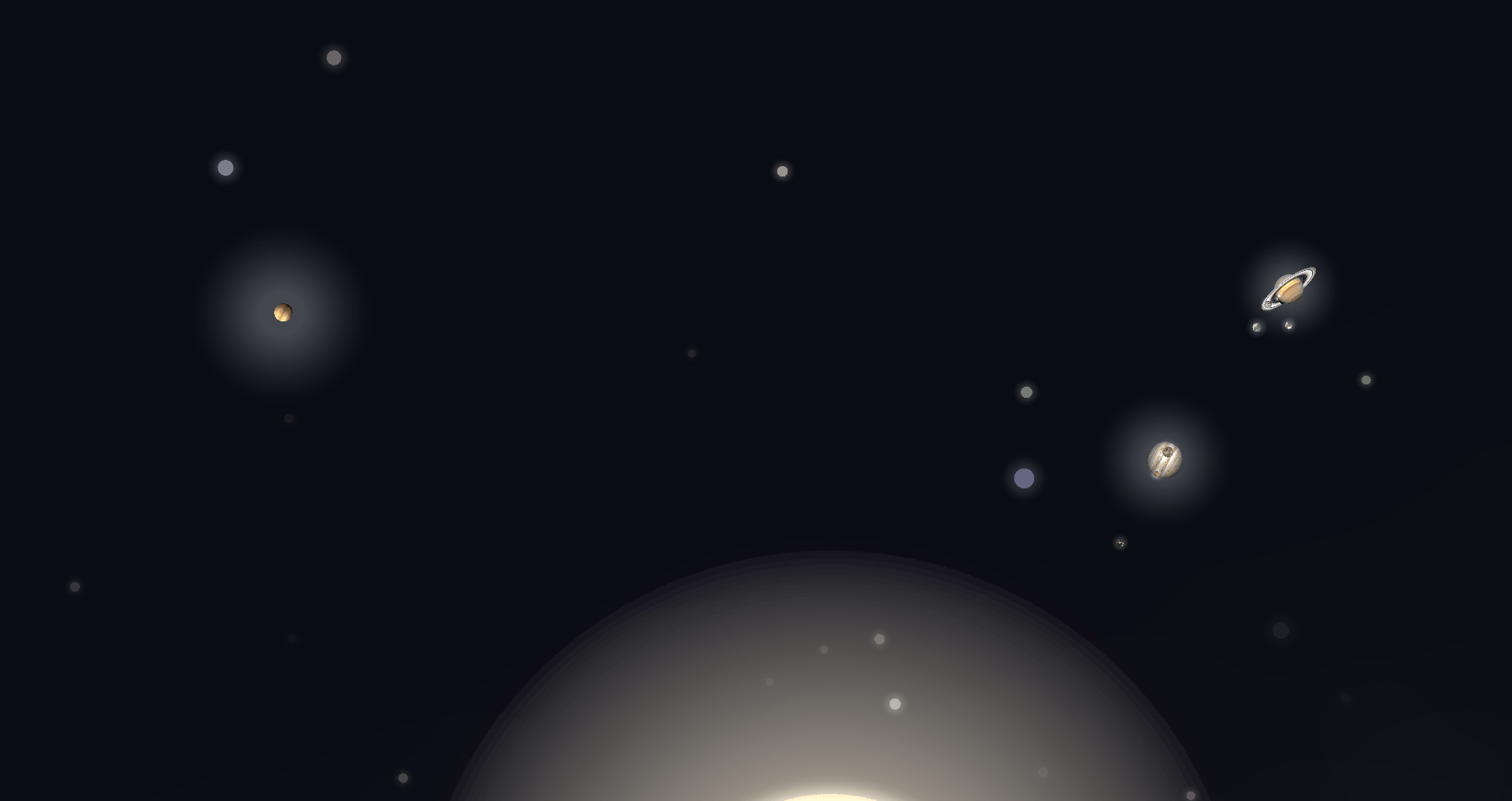
Replaces the textures of objects in Stellar View's sky with high resolution versions based on photos and renders from NASA and others.
by Noobly20932
Download Claim this project
1,001 downloads
0 likes
Updated Oct 14, 2026
0 hypes
512x and Higher Mod Support
Advertisement Remove ads with Premium →

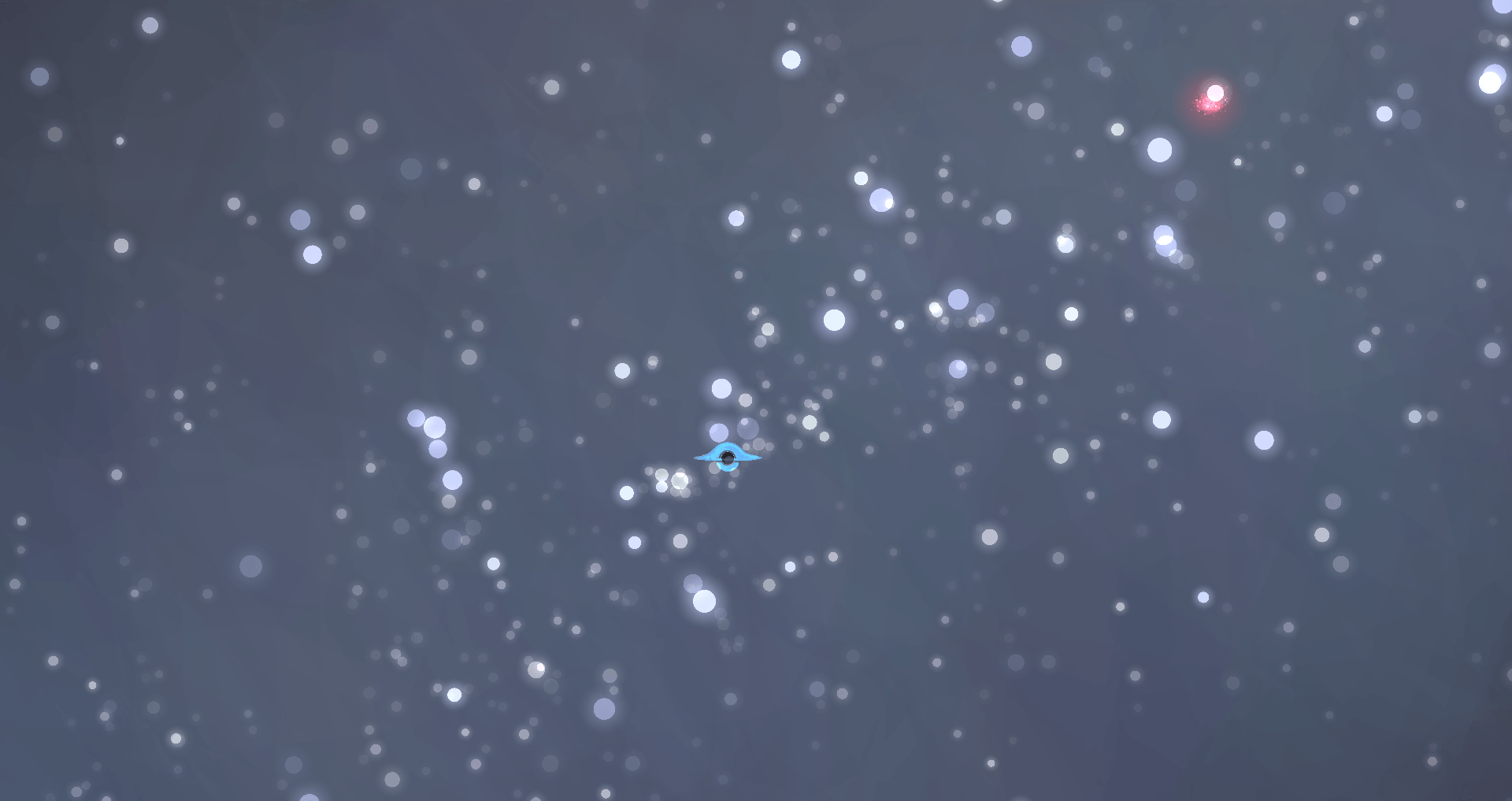
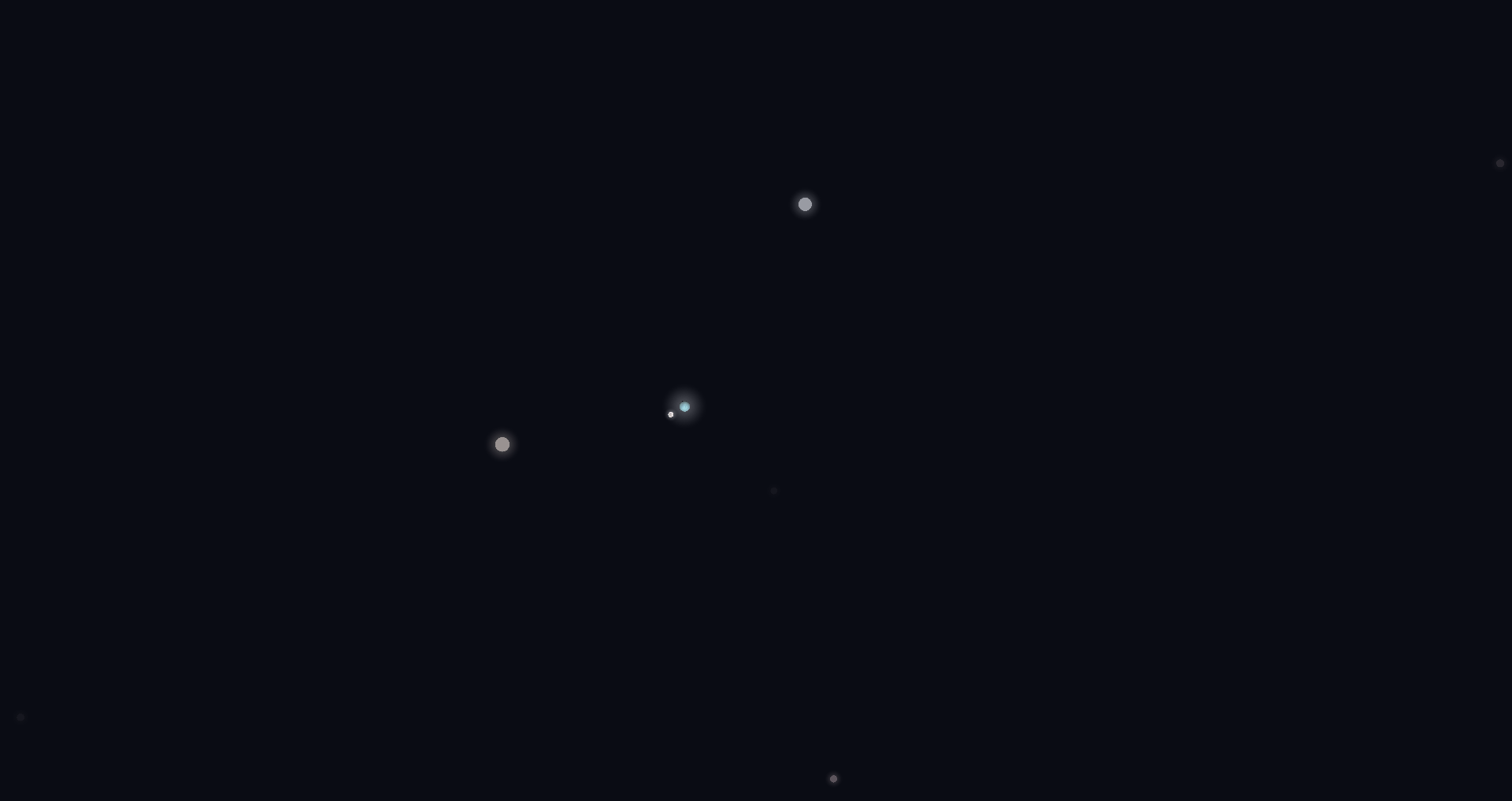
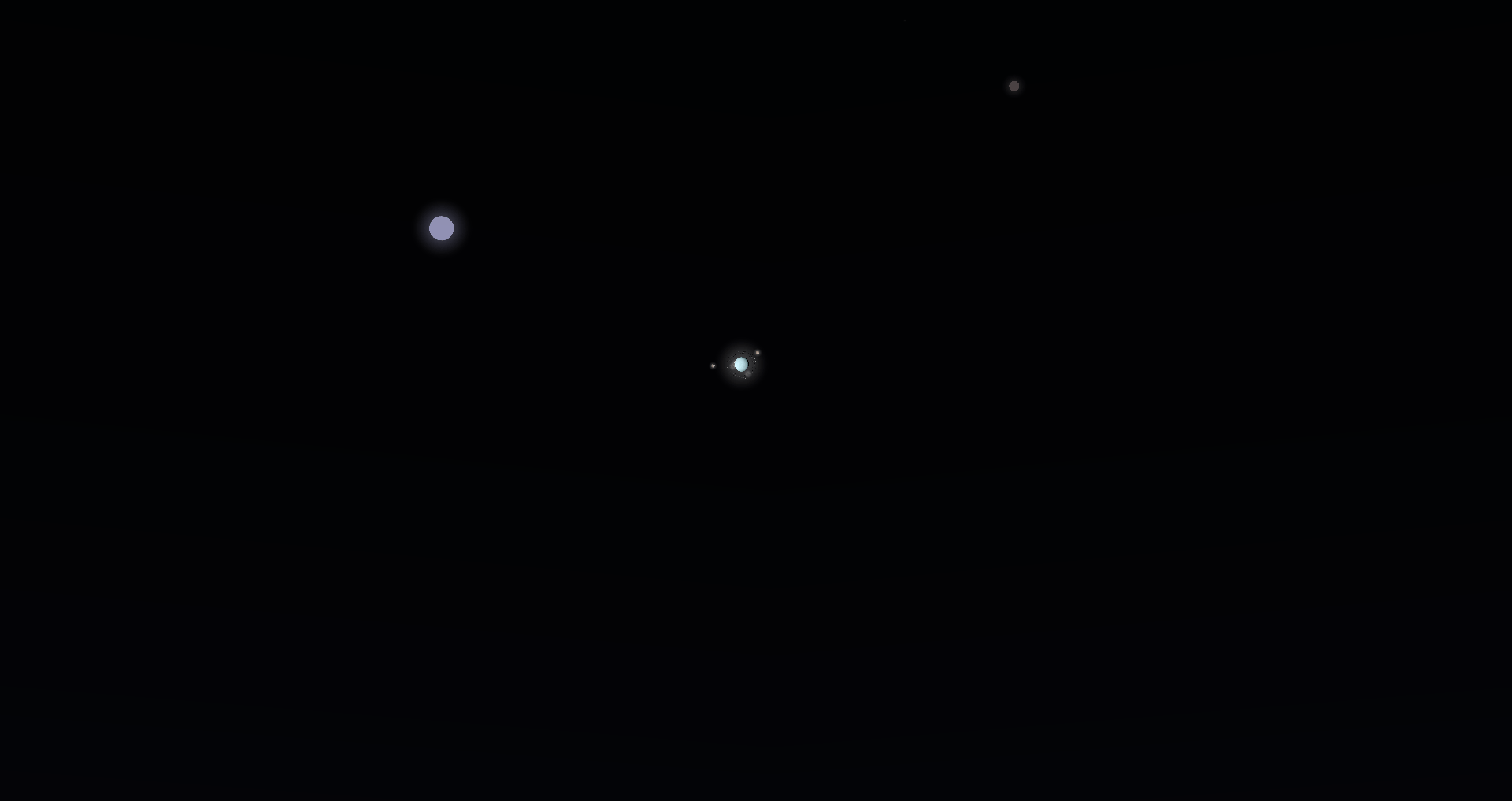
Replaces the textures of objects in Stellar View's sky with high-resolution versions based on photos and renders from NASA and others. Stellar View is not required, though this resource pack doesn't change the vanilla stars.

SV Better Milky Way and SV Realistic Sun & Moon are recommended to be paired with this. Resource packs that add new bodies aren't supported at this time. Additionally, bodies in other systems (Proxima b, c & d), or minor moons of the Sol system (Phobos, Amalthea, etc.), and certain dwarf planets don't have alternate textures.

Compatible with StellarView: Redshift!

StellarView High Definition Textures v3.zip
MC 1.19.3, 1.19.4, 1.20.1, 1.21.1, 1.19.2, 1.12.2
Release 2026-08-01 Get

Requirements & install

How to use this resource pack in Minecraft
Resolution
512x+
Minecraft
1.12.2 – 1.21.1
Install folder
.minecraft/resourcepacks

How to install resource packs

  1. Download the resource pack .zip file (do not extract it).
  2. In Minecraft open Options → Resource Packs → Open Pack Folder.
  3. Drop the .zip into the resourcepacks folder (.minecraft/resourcepacks).
  4. Move the pack to the Selected column and click Done.

512x packs need a strong GPU and at least 4 GB of RAM for Minecraft; a performance mod such as Sodium is strongly recommended.

Browse more: 16x resource packs 32x resource packs 64x resource packs 128x resource packs 256x resource packs 512x+ resource packs Resource Packs for 1.21.1 All resource packs

More from Noobly20932

Advertisement Remove ads with Premium →

You Might Also Like