Mineuniverse
Resource Packs
Subtly Glowing Ores

Subtly Glowing Ores

RESOURCE PACK
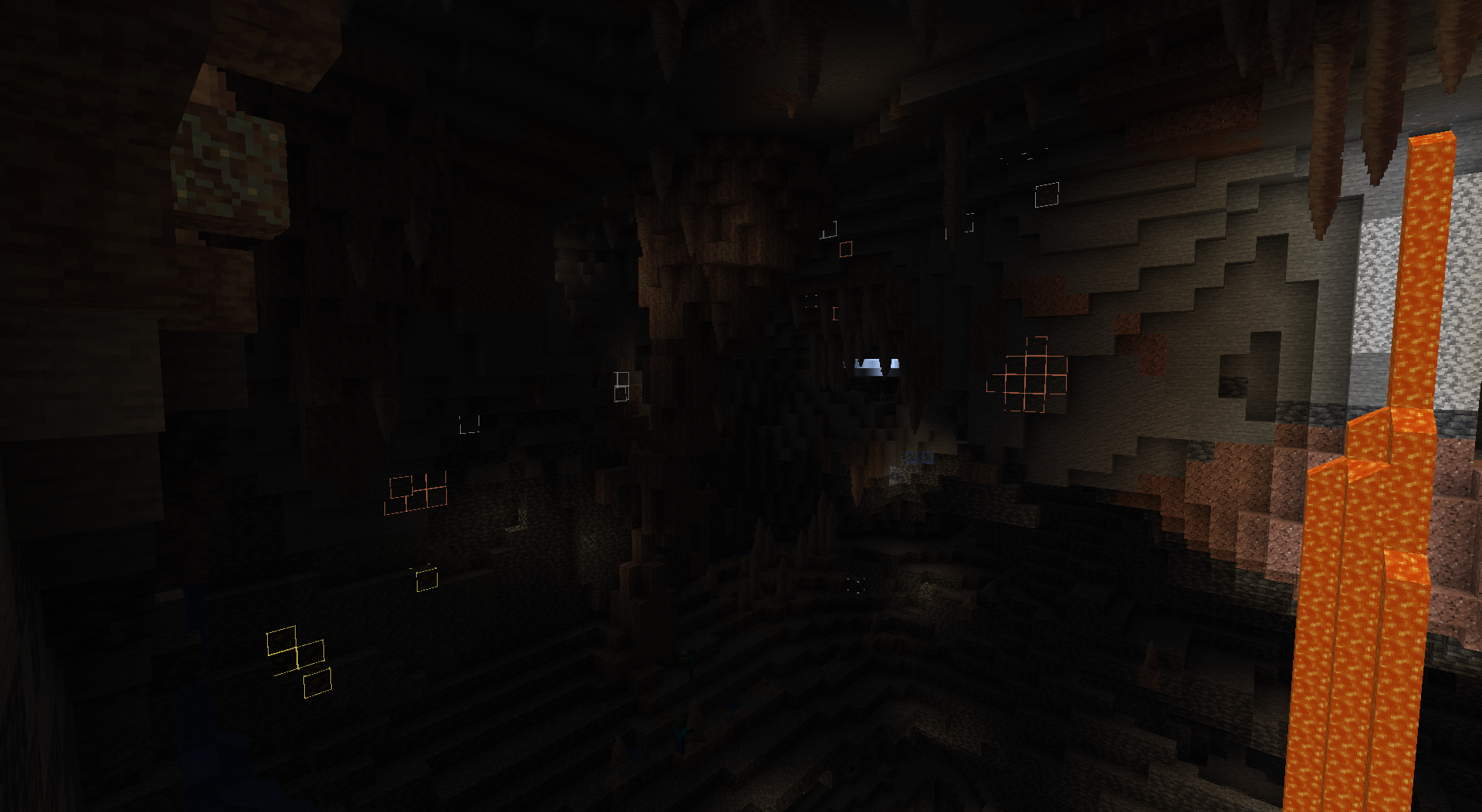
Adds an emissive colored outline to the ores! Works with most resource packs!
by robotkoer
Download Claim this project
42,631 downloads
0 likes
0 followers
Updated Oct 14, 2026
0 hypes
Follow0
64x Animated Miscellaneous Mod Support
Advertisement Remove ads with Premium →

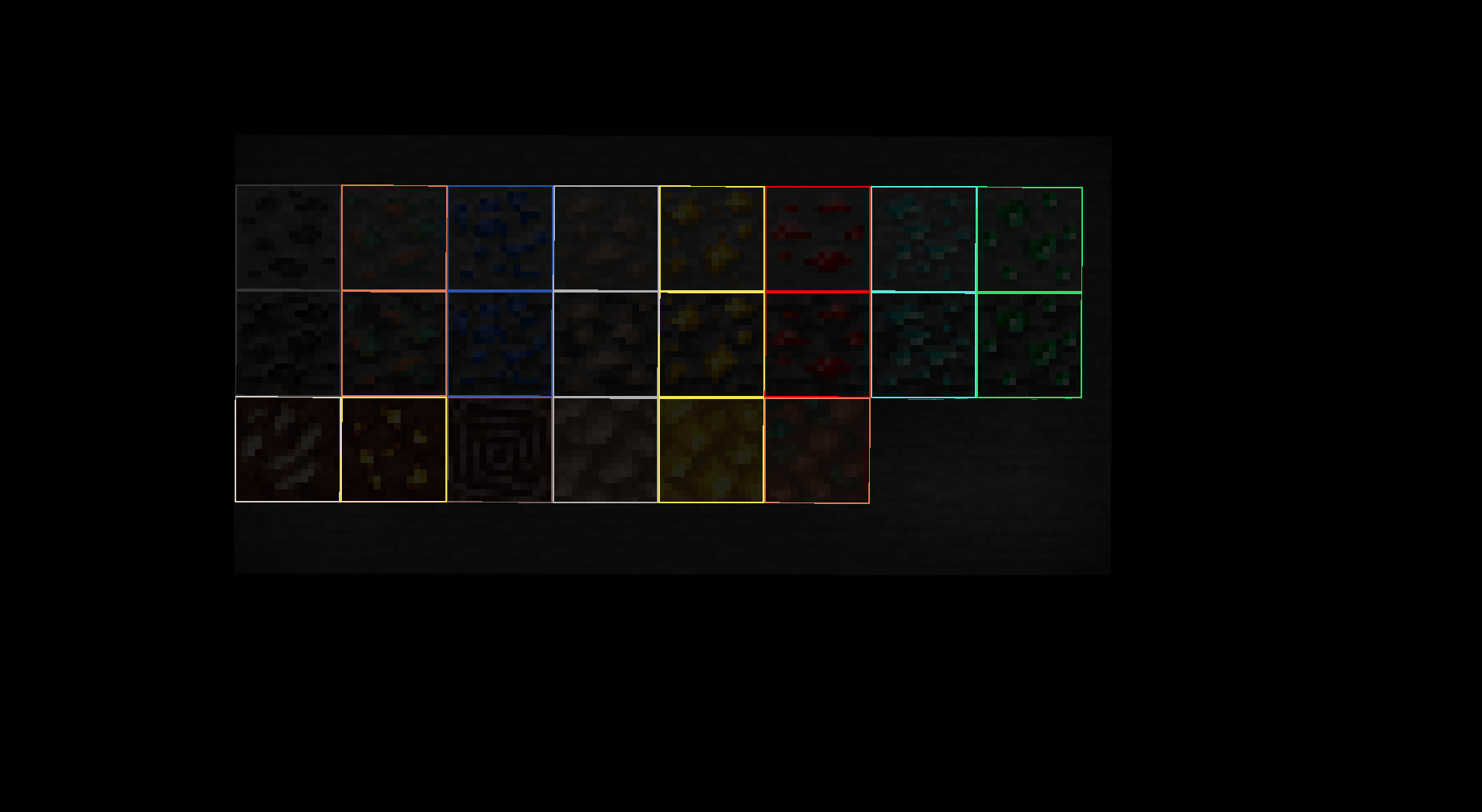
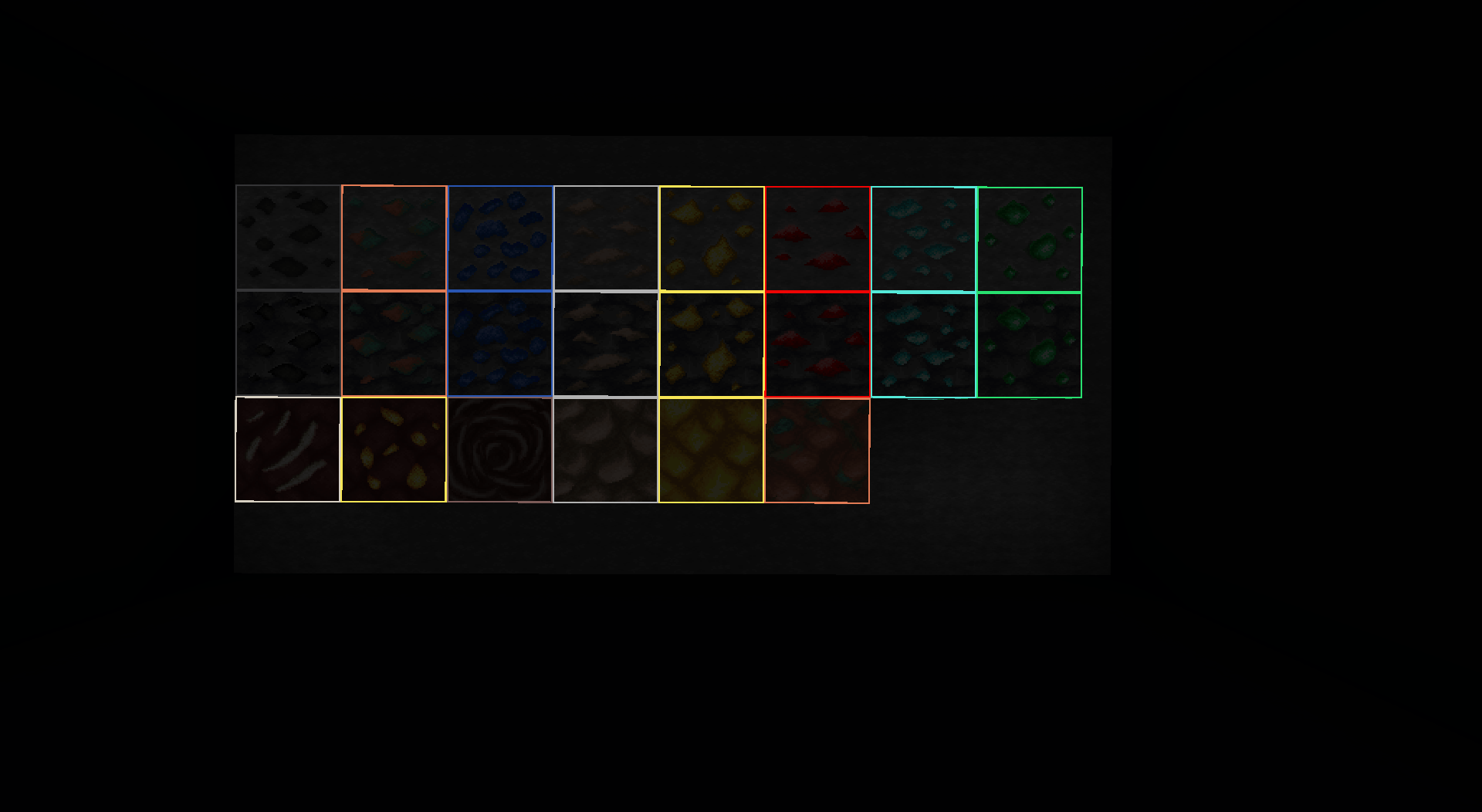
This resource pack adds colored and glowing outlines to vanilla ores. The glow does not affect other blocks or the world, it is just a visual effect. It works with most resource packs (set this one as topmost).

The pack has two variants:

This pack works on

  • Coal (Deepslate) Ore
  • Copper (Deepslate) Ore
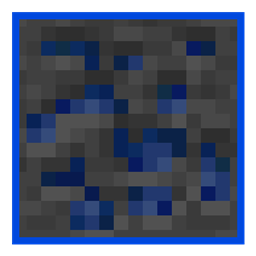
  • Lapis Lazuli (Deepslate) Ore
  • Iron (Deepslate) Ore
  • Gold (Deepslate) Ore
  • Redstone (Deepslate) Ore
  • Diamond (Deepslate) Ore
  • Emerald (Deepslate) Ore
  • Nether Quartz Ore
  • Nether Gold Ore
  • Ancient Debris
  • Block of Raw Iron
  • Block of Raw Copper
  • Block of Raw Gold

FAQ:

  • Q: I don't see the outline! The ores turned dark!
    • A: Ensure you downloaded the correct variant.
  • Q: Still cannot see the outline or it doesn't glow?
    • A: Make sure it is set as the topmost resource pack and that "Emissive Textures" are enabled in Continuity or OptiFine settings. It may not work with some resource packs that modify ores in a similar way.
  • Q: Does it work with Items on Ores?
    • A: Unfortunately not. I will let you know when I find a way!
  • Q: Bedrock support?
    • A: No.
1.21.9+
MC 1.21.9, 1.21.10, 1.21.11, 26.1, 26.1.1, 26.1.2, 26.2, 26.3
Release 2026-04-19 Get
1.21.2-1.21.8 (OptiFine/Continuity)
MC 1.21.8, 1.21.5, 1.21.4, 1.21.6, 1.21.3, 1.21.7, 1.21.2
Release 2025-12-15 Get
1.21.2 (vanilla)
MC 1.21.3, 1.21.2
Beta 2024-10-24 Get
1.21.1 (vanilla)
MC 1.17.1, 1.19.3, 1.20.2, 1.21, 1.18.1, 1.20.5, 1.17, 1.19.4, 1.18.2, 1.19.2, 1.20.3, 1.20.1, 1.20, 1.20.6, 1.19.1, 1.20.4, 1.21.1, 1.18, 1.19
Beta 2024-10-18 Get
1.21.1 (OptiFine/Continuity)
MC 1.21, 1.21.1
Release 2024-10-15 Get
1.20.6 (OptiFine/Continuity)
MC 1.20.5, 1.20.6
Release 2024-06-01 Get
1.20.4 (OptiFine/Continuity)
MC 1.20.3, 1.20.4
Release 2023-12-14 Get
1.20.2 (OptiFine/Continuity)
MC 1.20.2
Release 2023-10-09 Get
1.20 (OptiFine/Continuity)
MC 1.20.1, 1.20, 1.20-Snapshot
Release 2023-05-12 Get
1.19.4 (OptiFine/Continuity)
MC 1.19.4
Release 2023-03-19 Get
1.18.2 (OptiFine/Continuity)
MC 1.18.2
Release 2023-01-28 Get
1.19 (OptiFine/Continuity)
MC 1.19.2, 1.19.1, 1.19
Release 2023-01-28 Get
1.19.3 (OptiFine/Continuity)
MC 1.19.3
Release 2023-01-28 Get

Requirements & install

How to use this resource pack in Minecraft
Resolution
64x
Minecraft
1.21.9 – 26.3
Install folder
.minecraft/resourcepacks

How to install resource packs

  1. Download the resource pack .zip file (do not extract it).
  2. In Minecraft open Options → Resource Packs → Open Pack Folder.
  3. Drop the .zip into the resourcepacks folder (.minecraft/resourcepacks).
  4. Move the pack to the Selected column and click Done.
Browse more: 16x resource packs 32x resource packs 64x resource packs 128x resource packs 256x resource packs 512x+ resource packs Resource Packs for 26.3 All resource packs

More from robotkoer

Advertisement Remove ads with Premium →

You Might Also Like