Mineuniverse
Resource Packs
Stormilla Dark Mode

Stormilla Dark Mode

RESOURCE PACK
Dark UI add-on for Stormilla
by StormDragon77
Download Claim this project
21,395 downloads
0 likes
Updated Oct 14, 2026
0 hypes
16x Miscellaneous Traditional
Advertisement Remove ads with Premium →

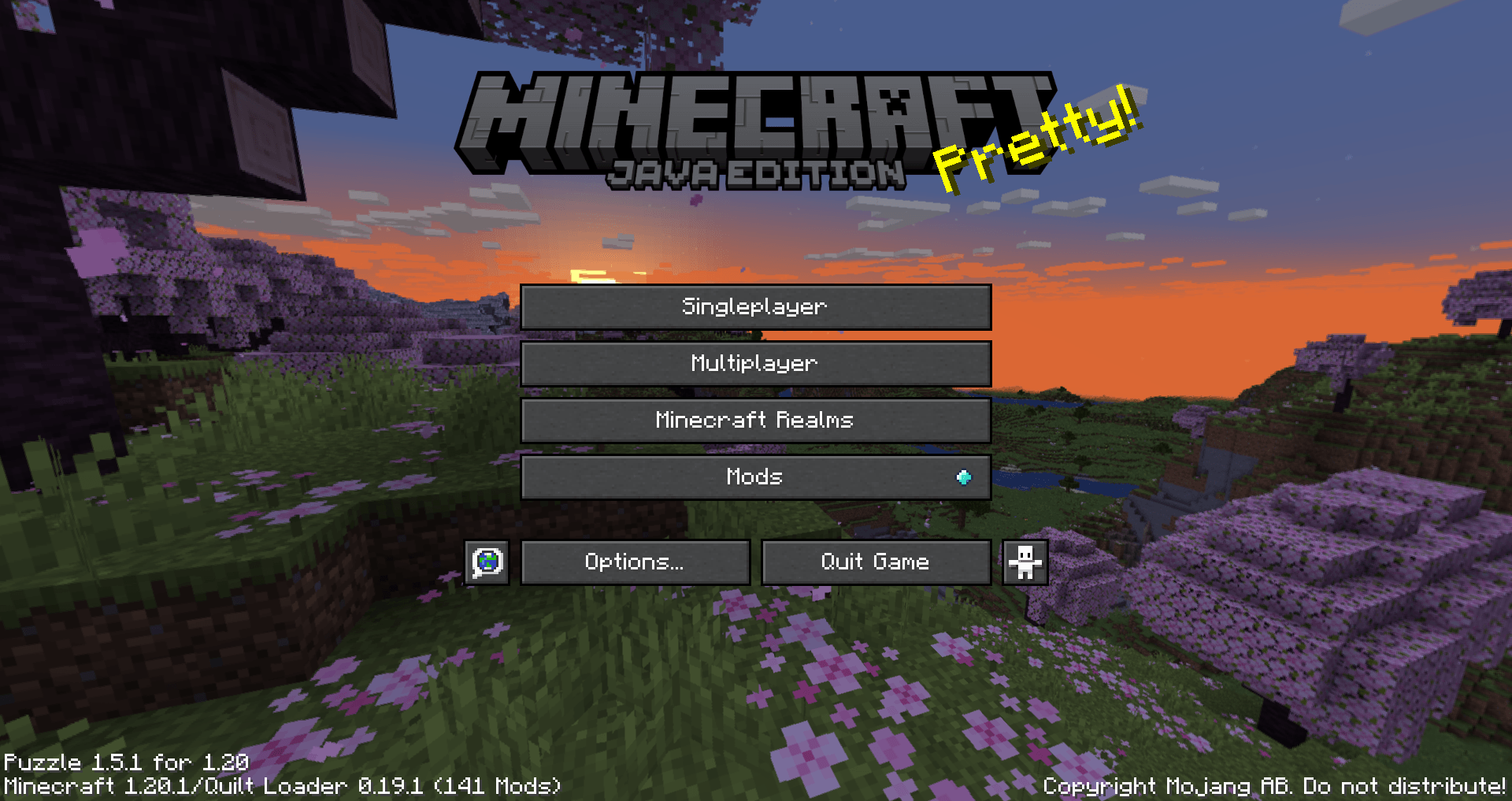
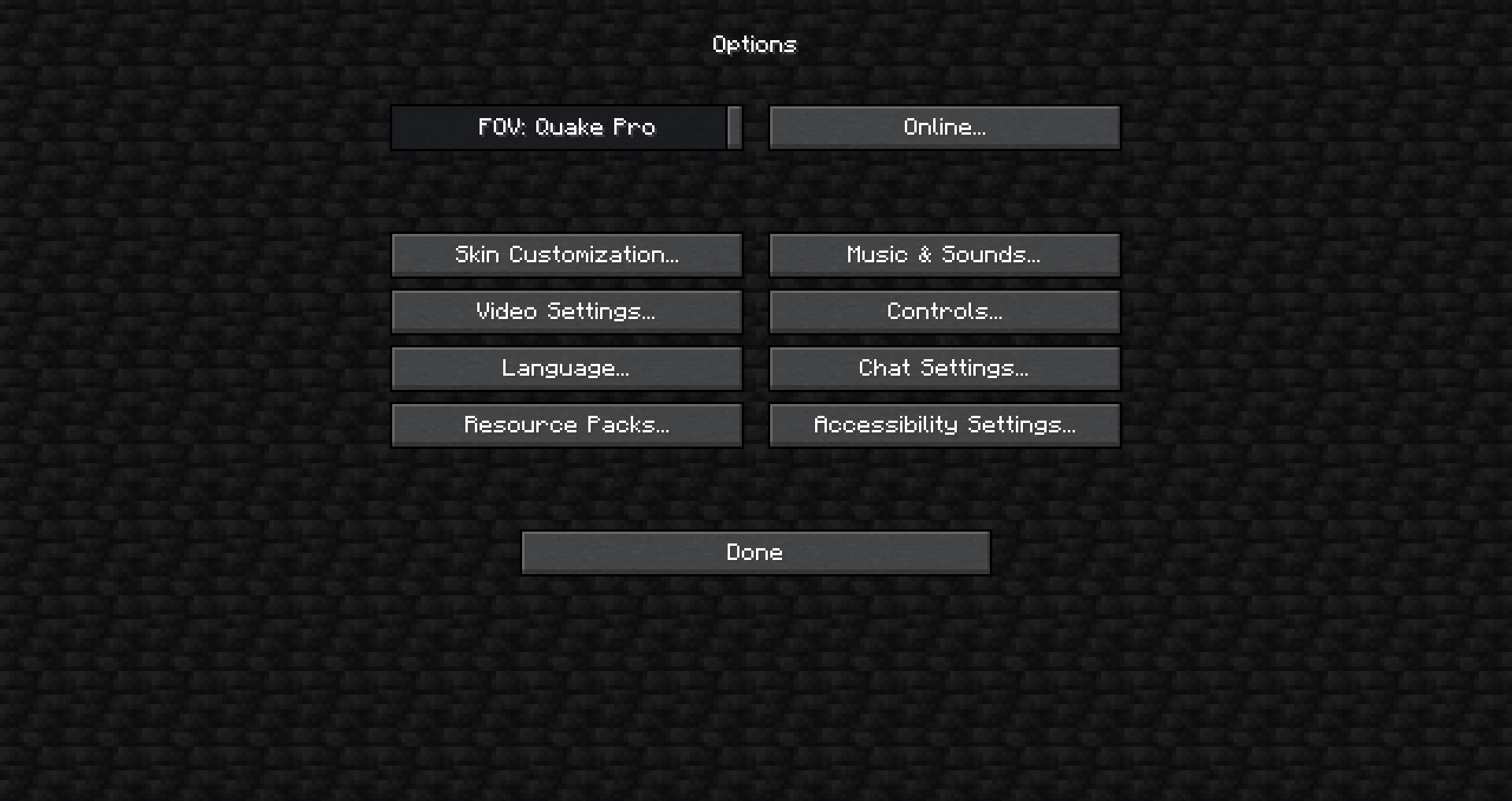
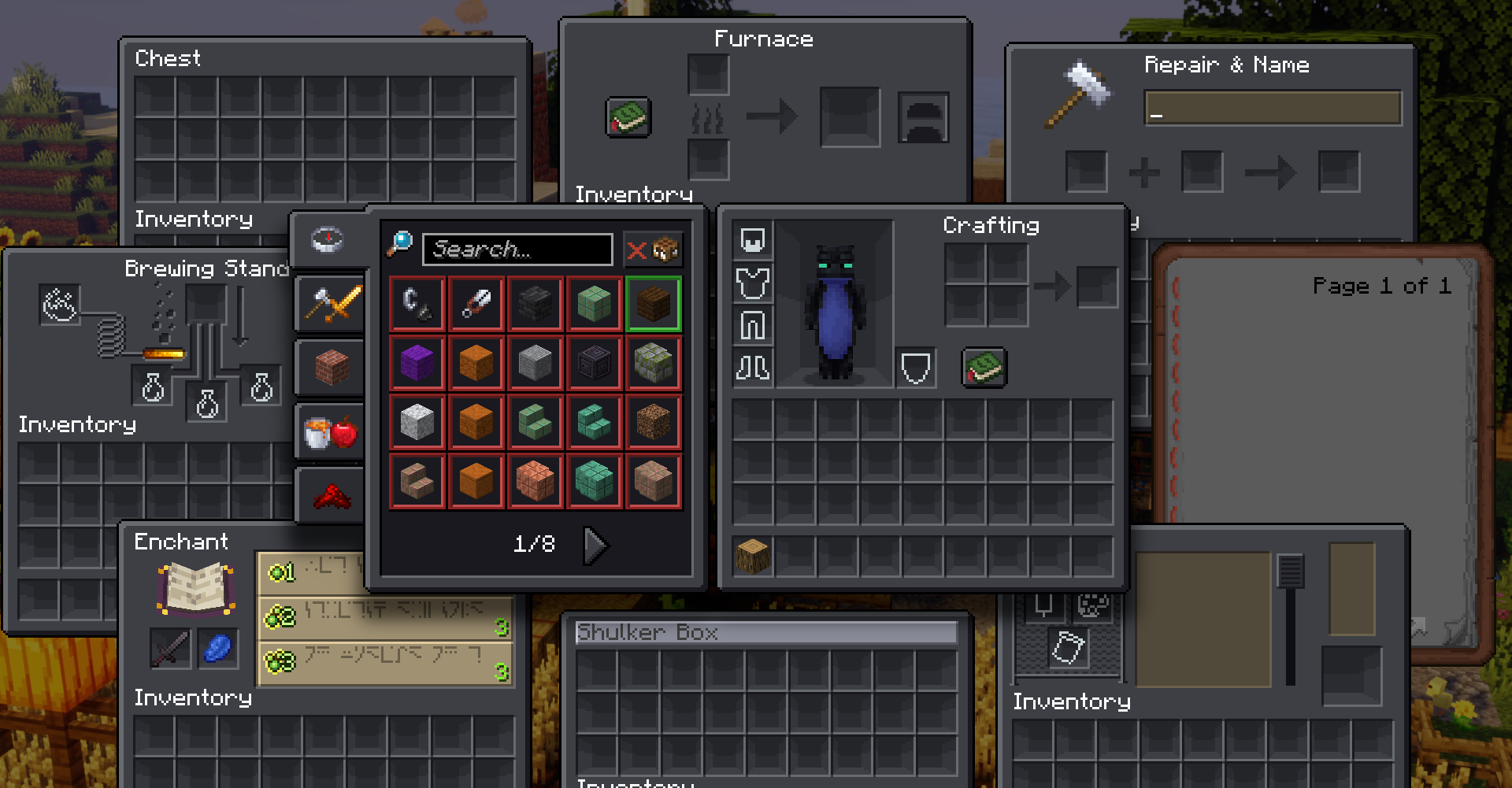
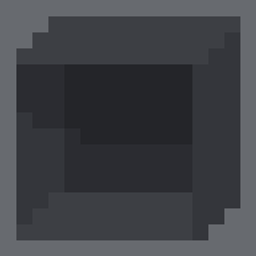
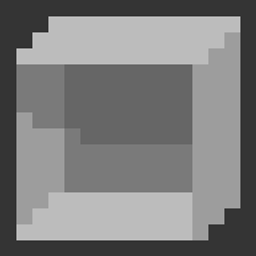
This pack changes all GUI to be darker. The reason there's a lighter box in the shulker box interface is because you can't change the color of text for renamed shulker boxes and the gray text is barely readable against this background. This pack was created for Stormilla but will still work on it's own. Currently only supports English including all (non-joke) regional variants.


Some features require OptiFine or Fabric/Quilt equivalents, pack still works without it however.

Pack utilizes: Custom Loading Screen Background


© 2021 StormDragon77 | Some Rights Reserved | CC BY-NC-SA

Stormilla Dark Mode v2.7
MC 1.20.2, 1.21, 1.20.5, 1.21.4, 1.20.3, 1.20.6, 1.20.4, 1.21.3, 1.21.1, 1.21.2
Release 2025-02-22 Get
Stormilla Dark Mode v2.6
MC 1.20.2, 1.21, 1.20.5, 1.20.3, 1.20.6, 1.20.4
Release 2024-07-08 Get
Stormilla Dark Mode v2.5 (1.20.1)
MC 1.20.1, 1.20
Release 2024-02-02 Get
Stormilla Dark Mode v2.5 (1.20.2)
MC 1.20.2
Release 2024-02-02 Get
Stormilla Dark Mode v2.5 (1.20.4)
MC 1.20.3, 1.20.4
Release 2024-02-02 Get
Stormilla Dark Mode v2.4
MC 1.20.2
Release 2023-10-19 Get
Stormilla Dark Mode v2.3
MC 1.20.1, 1.20
Release 2023-06-26 Get
Stormilla Dark Mode v2.2 (1.19.3)
MC 1.19.3
Release 2023-04-11 Get
Stormilla Dark Mode v2.2 (1.19.4)
MC 1.19.4
Release 2023-04-11 Get
Stormilla Dark Mode v2.1.3
MC 1.19.3
Release 2022-12-11 Get
Stormilla Dark Mode v2.1.2
MC 1.19-Snapshot, 1.19.2, 1.19.1, 1.19
Release 2022-07-20 Get
Stormilla Dark Mode v2.1.1
MC 1.19.1, 1.19
Release 2022-07-17 Get
Stormilla Dark Mode v2.1
MC 1.19.1, 1.19
Release 2022-07-14 Get
Stormilla Dark Mode v2.0.1
MC 1.18.1, 1.18.2, 1.18
Release 2022-05-08 Get
Stormilla Dark Mode v2.0
MC 1.18.1, 1.18.2, 1.18
Release 2022-04-24 Get

Requirements & install

How to use this resource pack in Minecraft
Resolution
16x
Minecraft
1.20.4 – 1.21.4
Install folder
.minecraft/resourcepacks

How to install resource packs

  1. Download the resource pack .zip file (do not extract it).
  2. In Minecraft open Options → Resource Packs → Open Pack Folder.
  3. Drop the .zip into the resourcepacks folder (.minecraft/resourcepacks).
  4. Move the pack to the Selected column and click Done.
Browse more: 16x resource packs 32x resource packs 64x resource packs 128x resource packs 256x resource packs 512x+ resource packs Resource Packs for 1.21.4 All resource packs

More from StormDragon77

Advertisement Remove ads with Premium →

You Might Also Like