Mineuniverse
Resource Packs
Shelves GUI Dark

Shelves GUI Dark

RESOURCE PACK
Turns your GUI into bookshelves but dark + some QOL
by StormDragon77
Download Claim this project
792 downloads
0 likes
Updated Oct 14, 2026
0 hypes
16x Miscellaneous Traditional
Advertisement Remove ads with Premium →

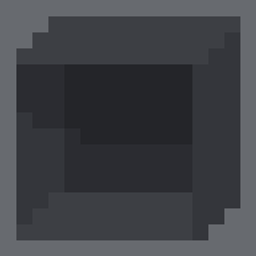
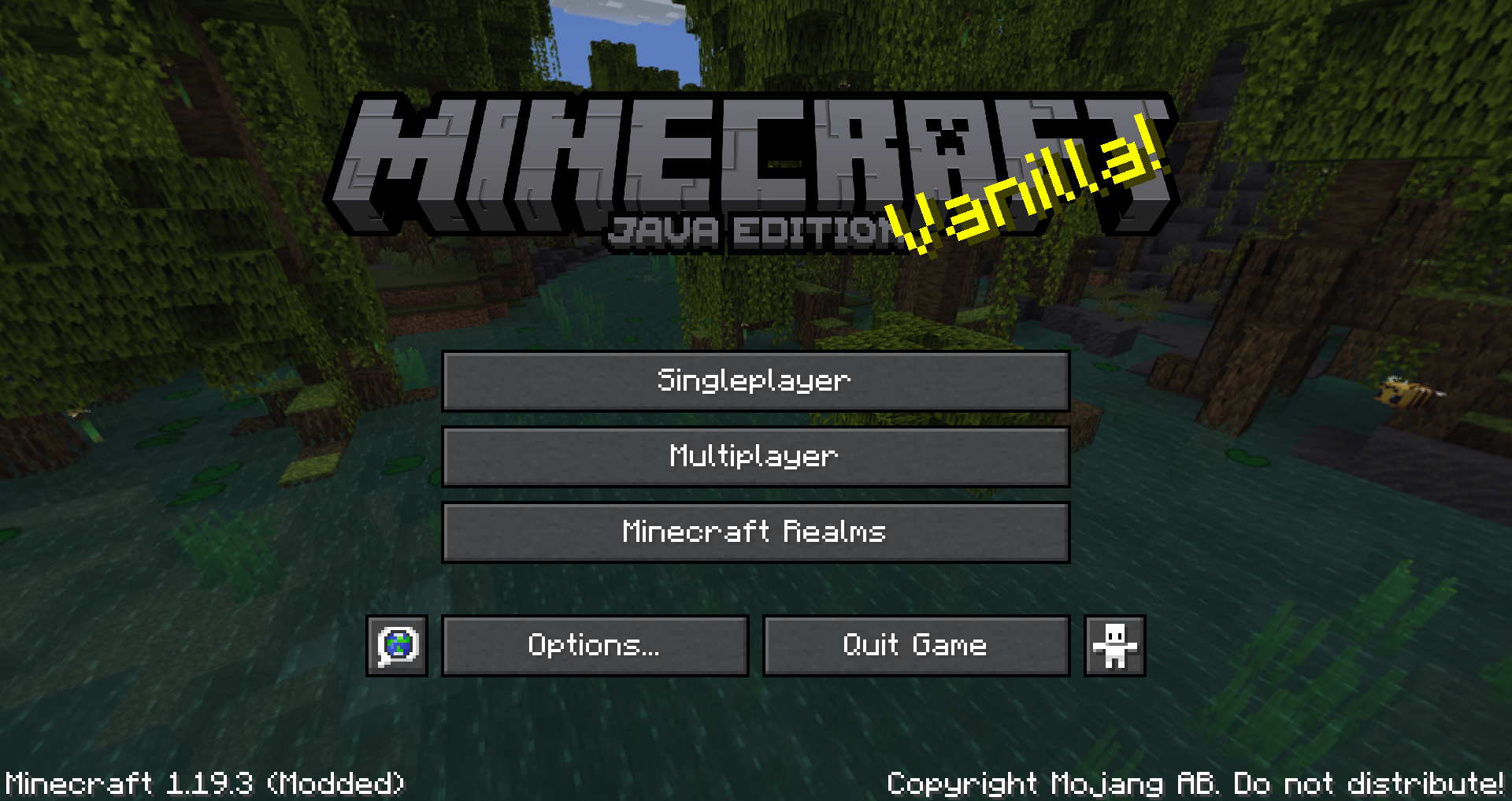
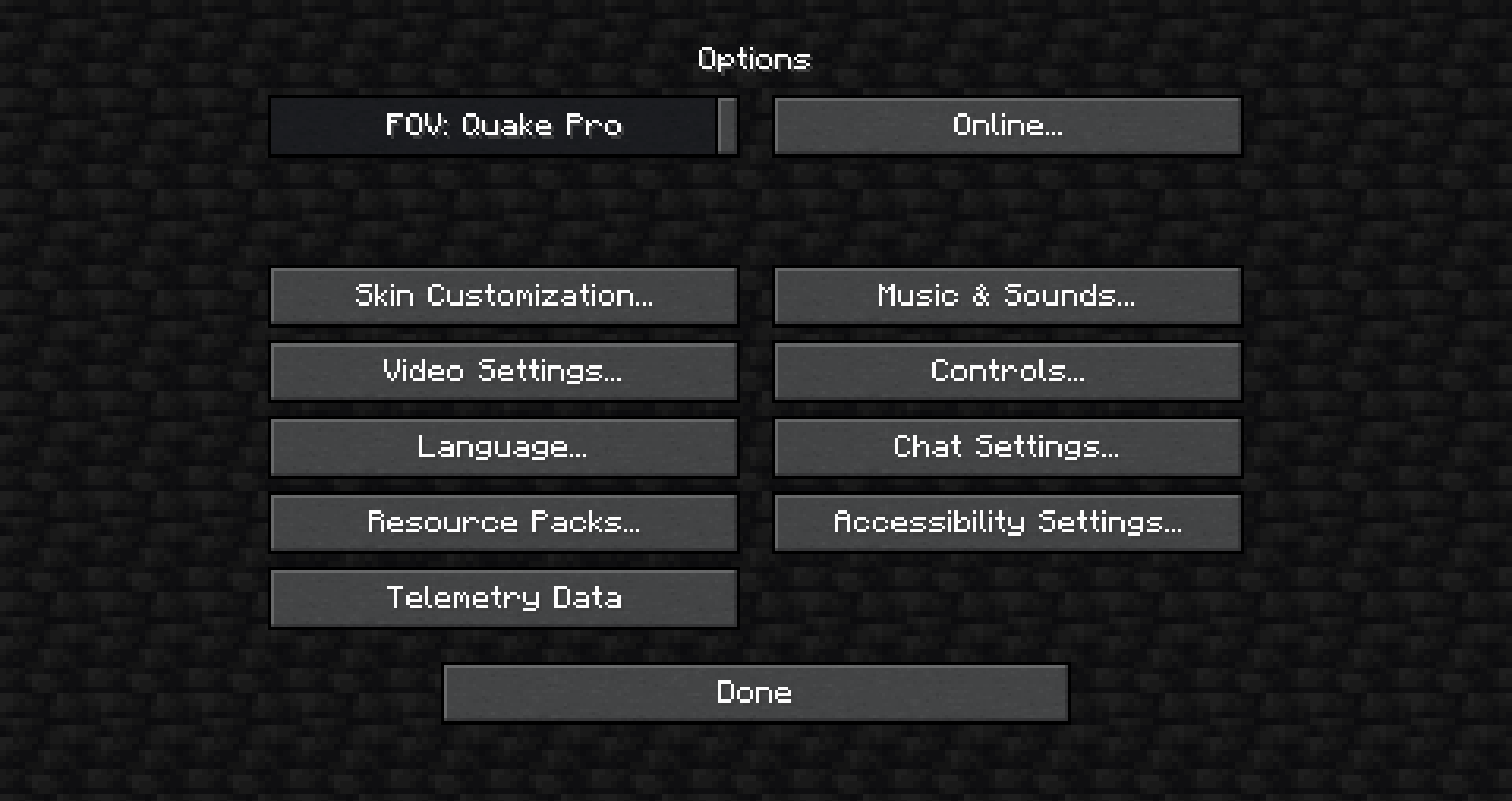
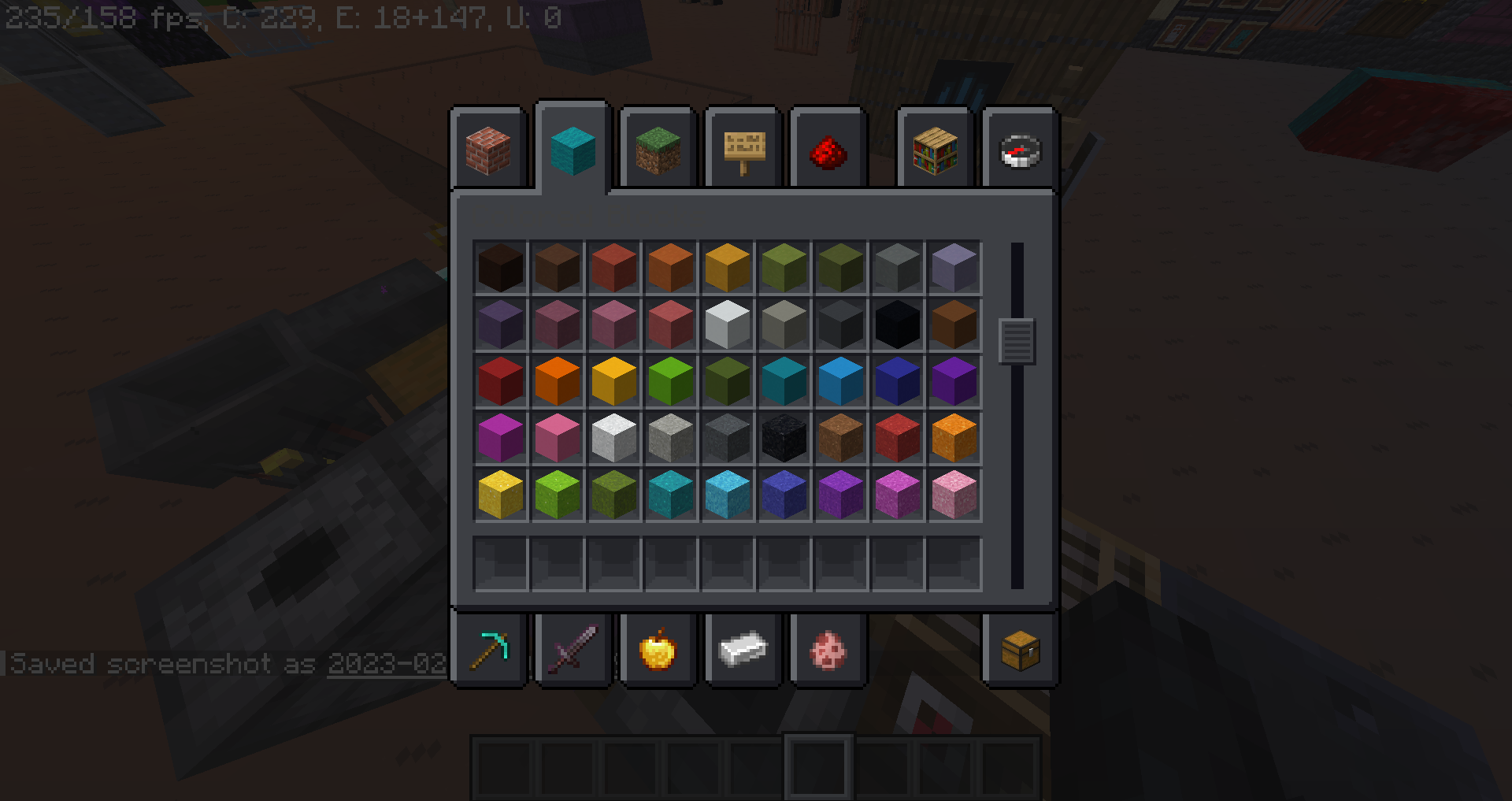
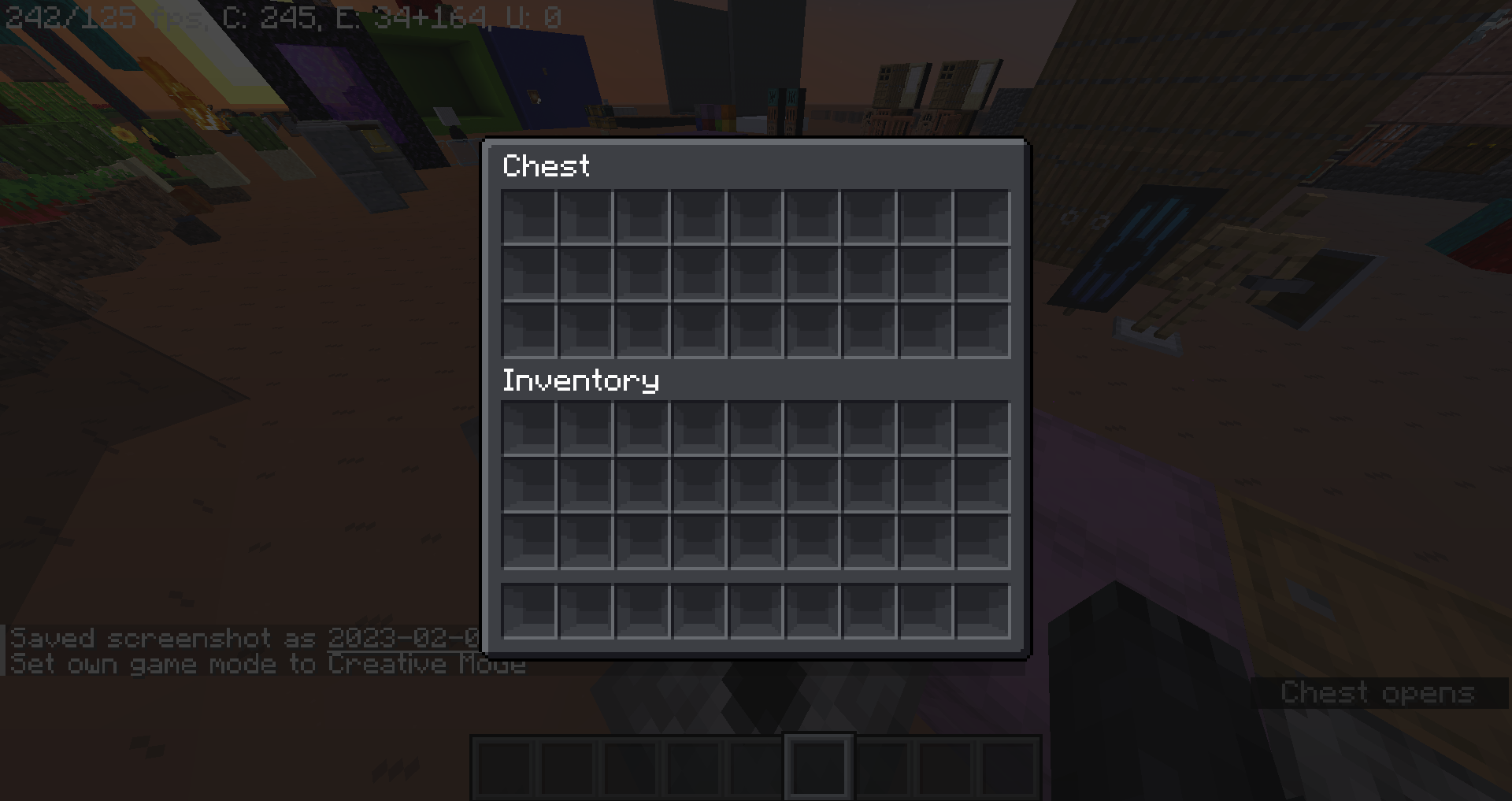
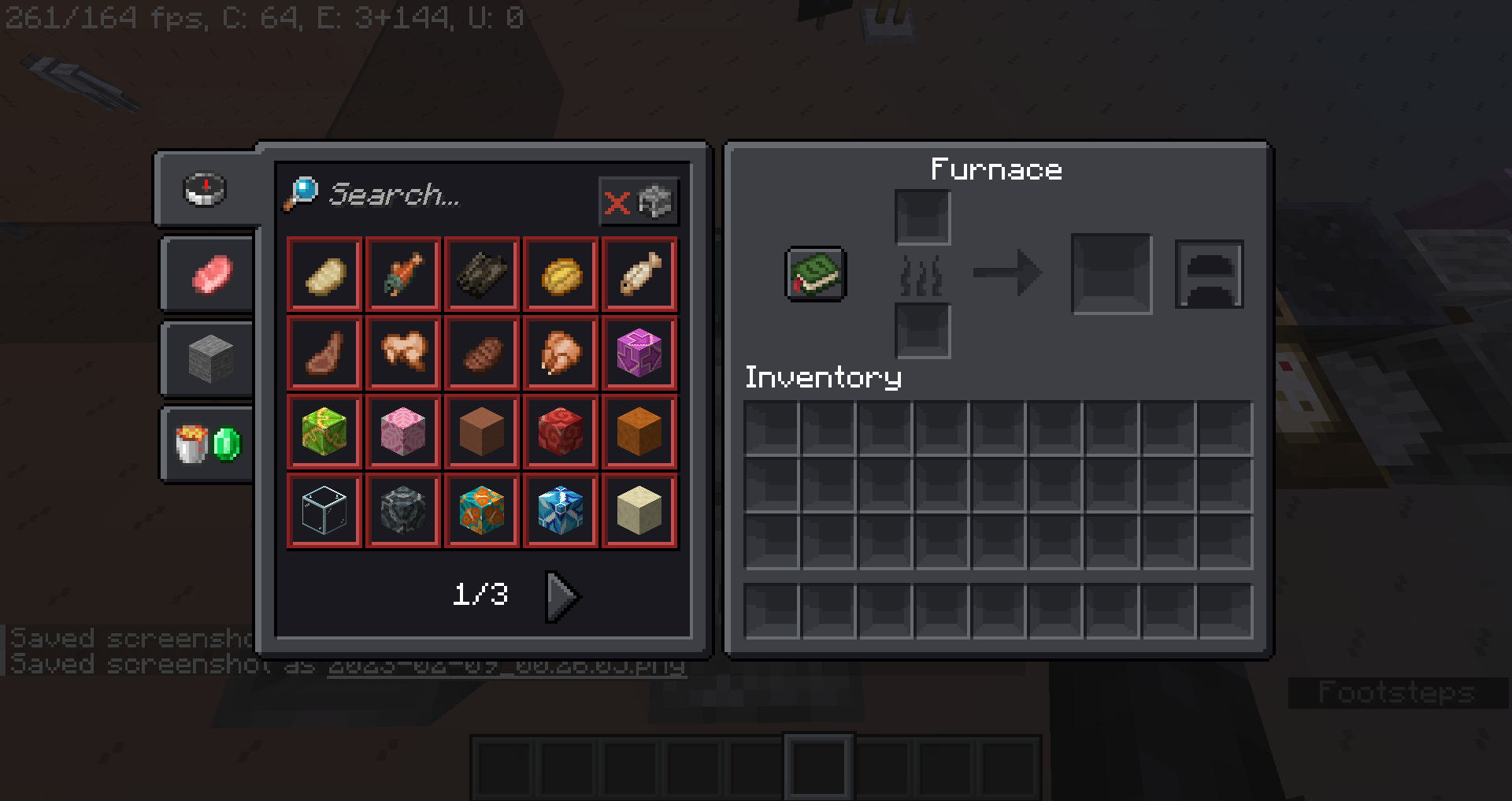
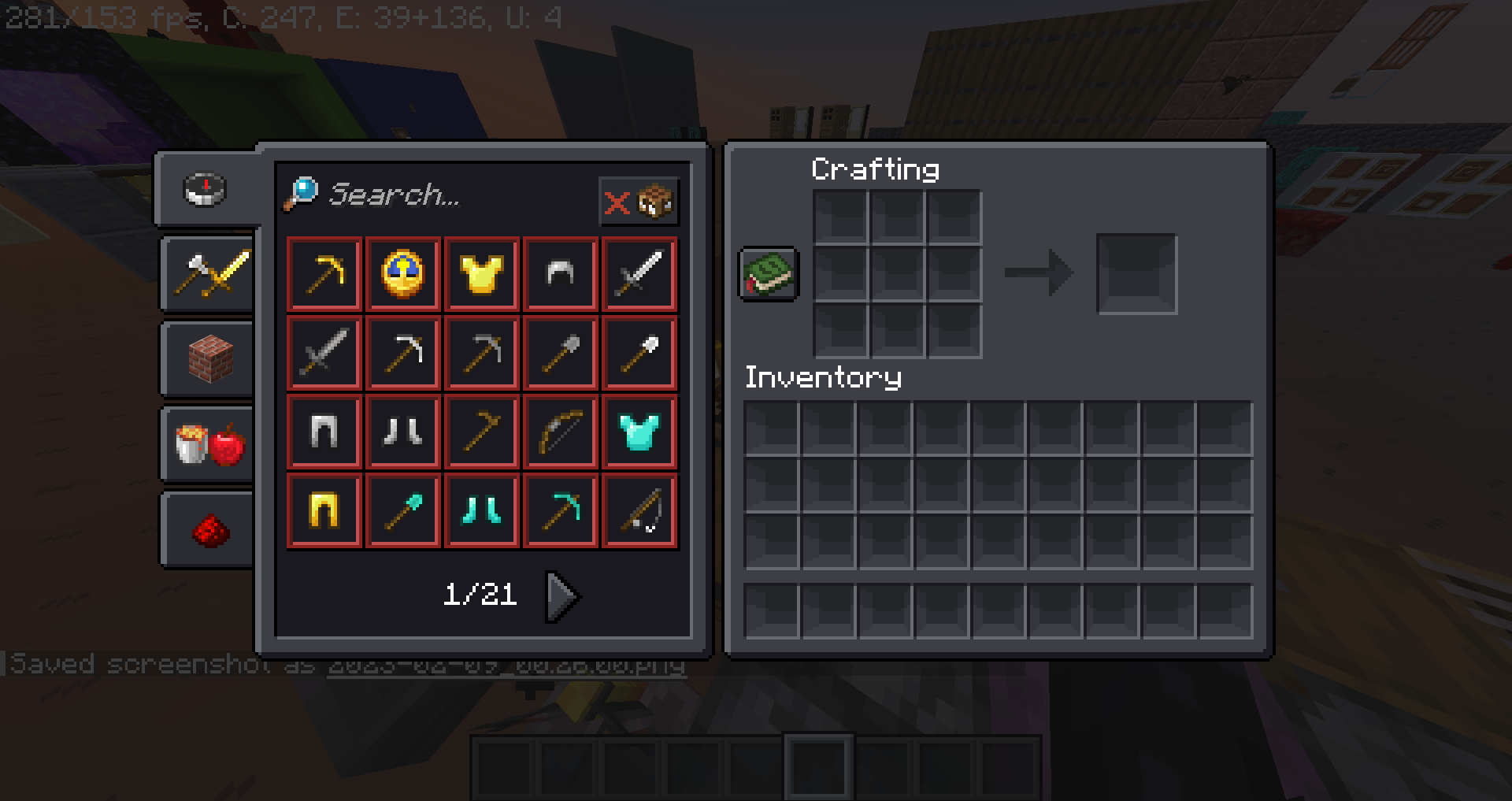
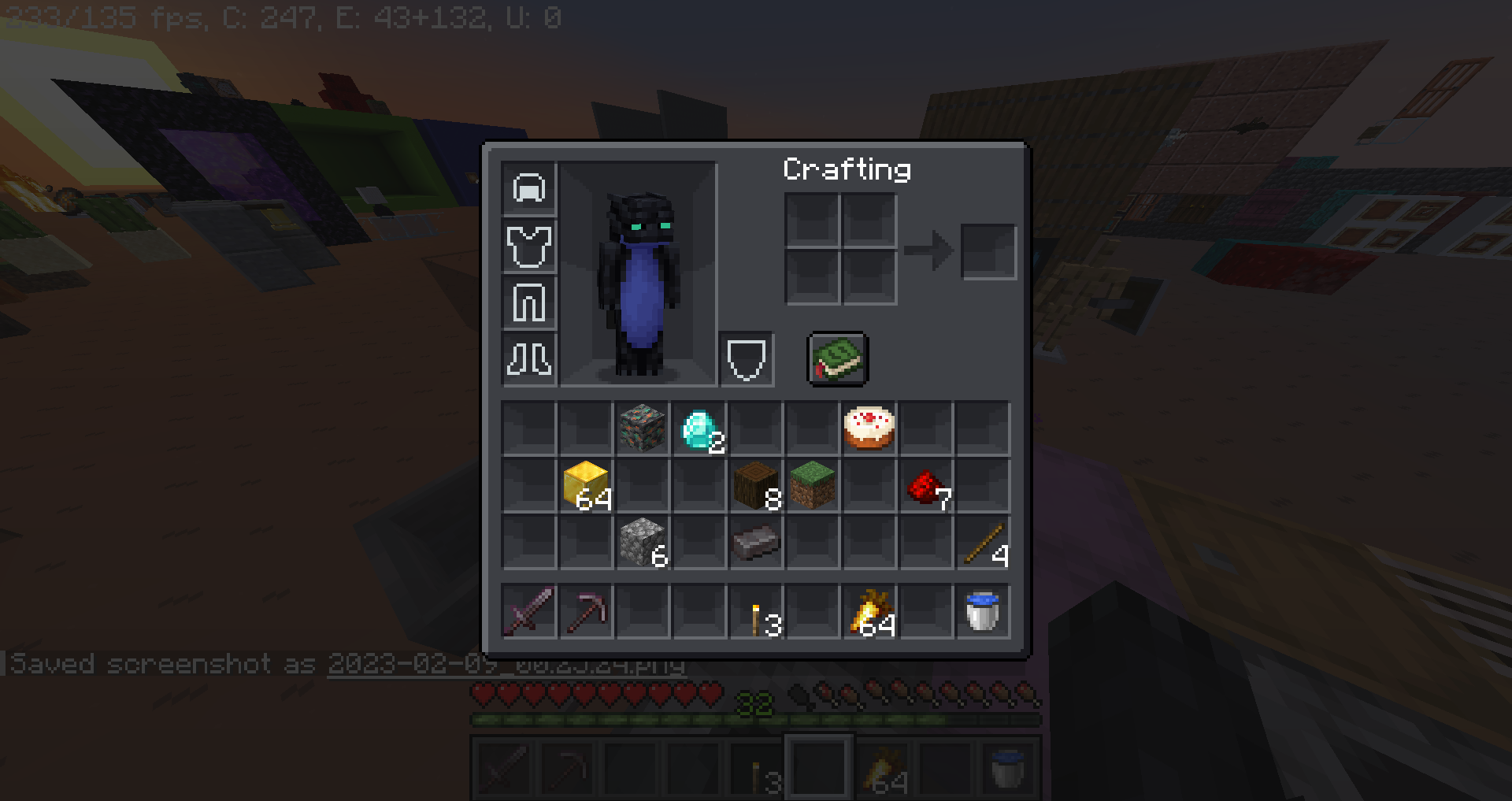
Shelves GUI Dark changes your inventories to make the slots look like shelves. This pack also makes changes to other GUI elements like updating old textures, adding extra icons in some interfaces, HD menu logo and a few other more minor changes.

This is the dark version of Shelves GUI. The regular pack is NOT required for this one to work.


Some features require OptiFine, pack still works without it however.
Pack utilizes: Custom Dimension Loading Screens


Stormilla Villa Discord Server
For pack announcements, leave feedback, exclusive previews, occasional beta releases, help


© 2023 StormDragon77 | Some Rights Reserved | CC BY-NC-SA

ShelvesDark-v1.zip
MC 1.19.3
Release 2023-02-09 Get

Requirements & install

How to use this resource pack in Minecraft
Resolution
16x
Minecraft
1.19.3
Install folder
.minecraft/resourcepacks

How to install resource packs

  1. Download the resource pack .zip file (do not extract it).
  2. In Minecraft open Options → Resource Packs → Open Pack Folder.
  3. Drop the .zip into the resourcepacks folder (.minecraft/resourcepacks).
  4. Move the pack to the Selected column and click Done.
Browse more: 16x resource packs 32x resource packs 64x resource packs 128x resource packs 256x resource packs 512x+ resource packs Resource Packs for 1.19.3 All resource packs

More from StormDragon77

Advertisement Remove ads with Premium →

You Might Also Like