Mineuniverse
Resource Packs
Stemtacular

Stemtacular

RESOURCE PACK
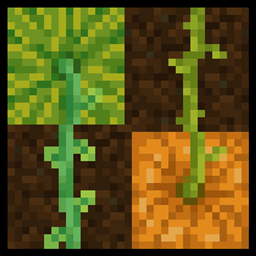
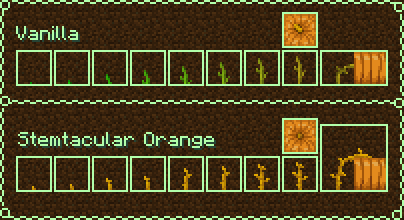
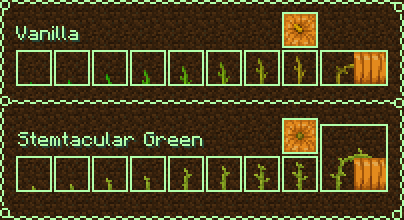
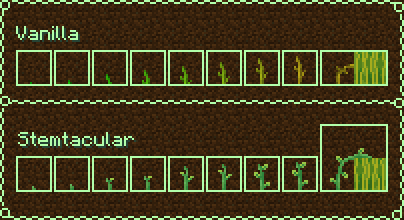
Alters pumpkin and melon stems to be more distinguishable, and properly connect with the top side of the crops.
by Amaro_Lunatico
Download Claim this project
83,025 downloads
0 likes
0 followers
Updated Oct 14, 2026
0 hypes
Follow0
16x Traditional
Advertisement Remove ads with Premium →

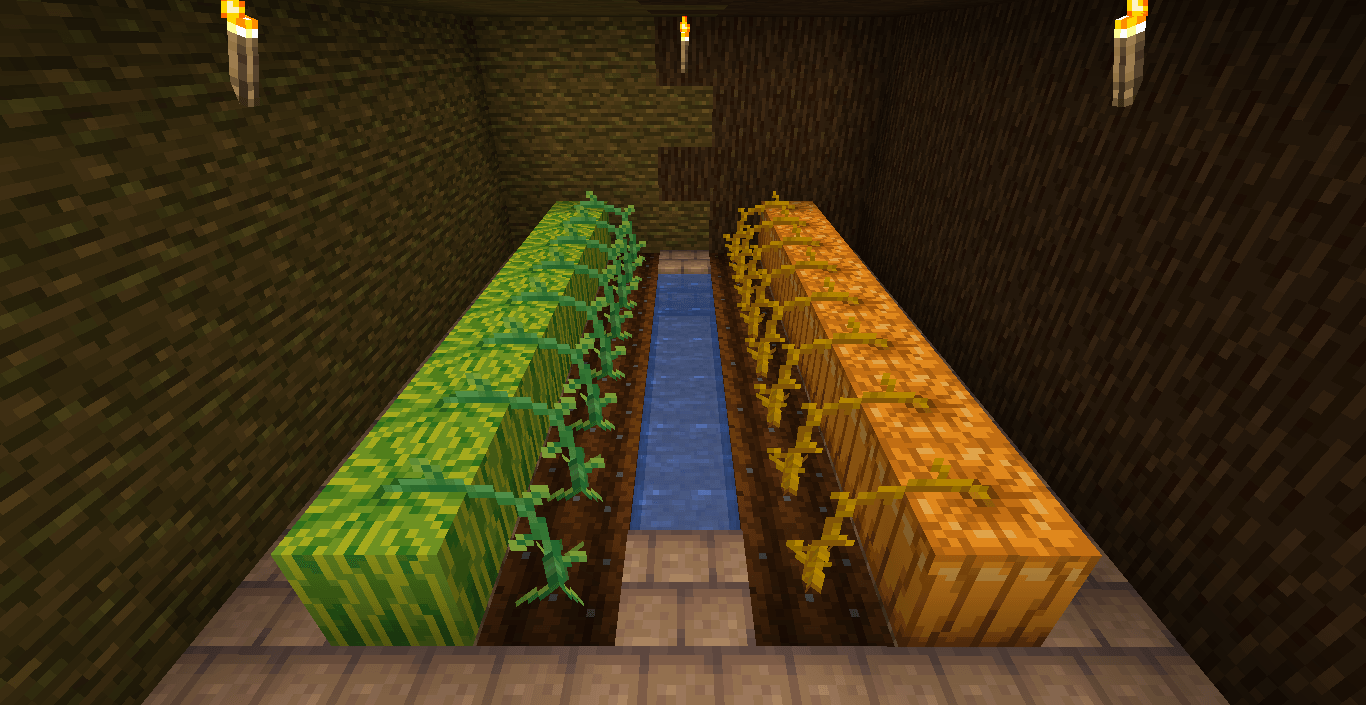
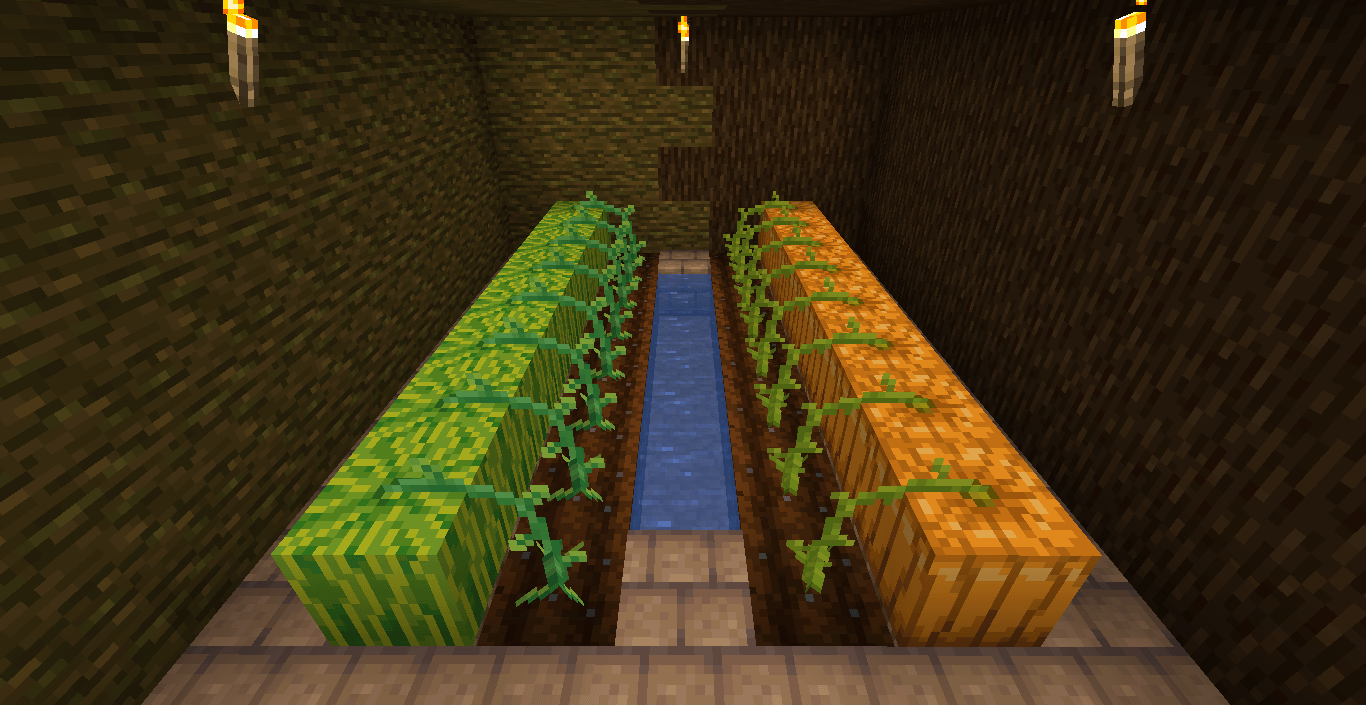
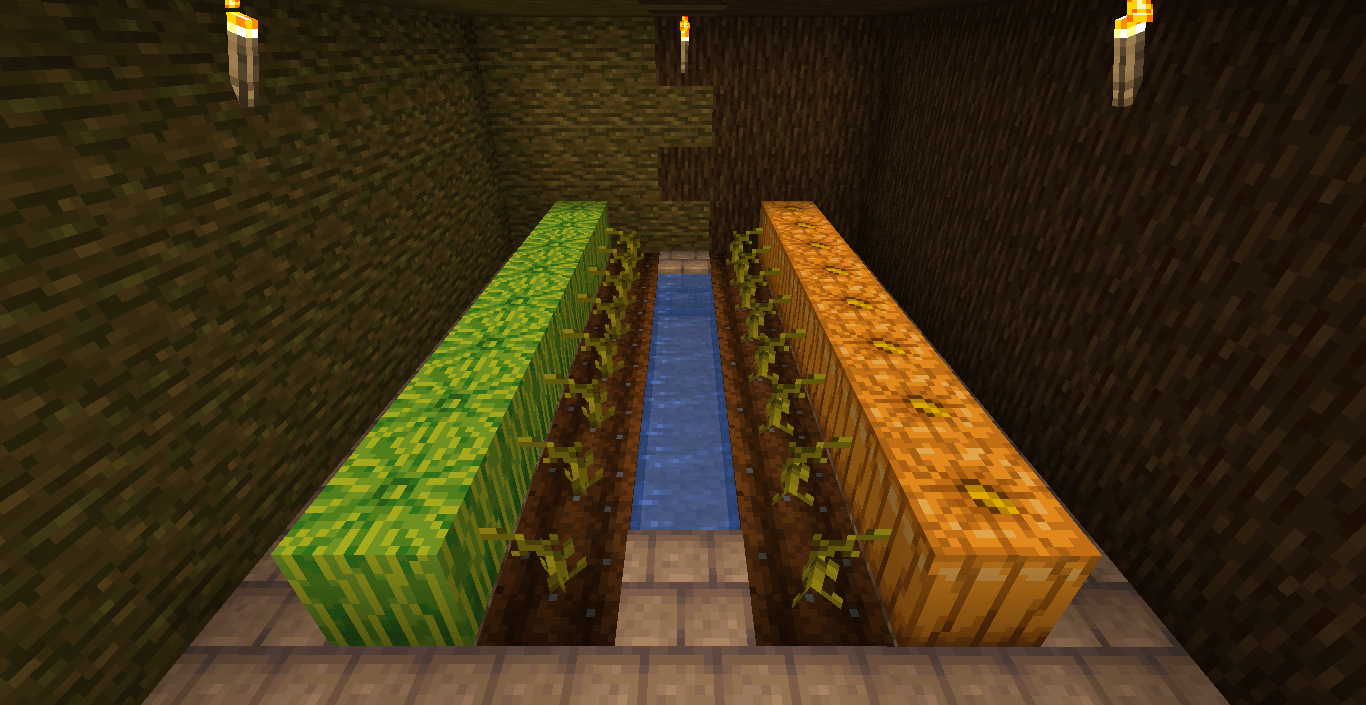
This pack alters pumpkin and melon stems to make them more distinguishable, with other added details such as more altered growth stages and having the stems connect to the top side of pumpkins/melons.

There're two versions of the pack with different colors for pumpkin stems, "Stemtacular Green" and "Stemtacular Orange". To match the stem colors of both versions, the top texture of pumpkins is also altered slightly, so keep that in mind if you are playing with any texture packs that pumpkins of different colors.

Extra details

  • the current version of the pack is compatible with 1.20-1.21.4
  • the zip file can just be dragged and dropped in your "resourcepacks" folder, unzipping isn't required;
Stemtacular_Green_v12111.zip
MC 1.21.11, 26.1, 26.1.1, 26.1.2
Release 2025-12-16 Get
Stemtacular_Orange_v12111.zip
MC 1.21.11, 26.1, 26.1.1, 26.1.2
Release 2025-12-16 Get
Stemtacular_Orange_v1219.zip
MC 1.21.9, 1.21.10
Release 2025-10-16 Get
Stemtacular_Green_v1219.zip
MC 1.21.9, 1.21.10
Release 2025-10-16 Get
Stemtacular_Orange_v120.zip
MC 1.20.2, 1.21, 1.20.5, 1.21.5, 1.21.4, 1.20.3, 1.20.1, 1.20, 1.20.6, 1.20.4, 1.21.3, 1.21.1, 1.21.2
Release 2025-02-25 Get
Stemtacular_Green_v120.zip
MC 1.20.2, 1.21, 1.20.5, 1.21.5, 1.21.4, 1.20.3, 1.20.1, 1.20, 1.20.6, 1.20.4, 1.21.3, 1.21.1, 1.21.2
Release 2025-02-12 Get

Requirements & install

How to use this resource pack in Minecraft
Resolution
16x
Minecraft
1.21.4 – 26.1.2
Install folder
.minecraft/resourcepacks

How to install resource packs

  1. Download the resource pack .zip file (do not extract it).
  2. In Minecraft open Options → Resource Packs → Open Pack Folder.
  3. Drop the .zip into the resourcepacks folder (.minecraft/resourcepacks).
  4. Move the pack to the Selected column and click Done.
Browse more: 16x resource packs 32x resource packs 64x resource packs 128x resource packs 256x resource packs 512x+ resource packs Resource Packs for 26.1.2 All resource packs

More from Amaro_Lunatico

Advertisement Remove ads with Premium →

You Might Also Like