Mineuniverse
Resource Packs
Starry GUI/Hotbar Extra Additions

Starry GUI/Hotbar Extra Additions

RESOURCE PACK
adds support for several small mods to my other pack Starry GUI!
by aeliianix
Download Claim this project
6,033 downloads
0 likes
0 followers
Updated Oct 14, 2026
0 hypes
Follow0
16x Miscellaneous Mod Support
Advertisement Remove ads with Premium →

main pack!! you will need this: Starry GUI and Hotbar

since some mods change texture formatting between the two versions, these pack versions may not work for all respective surrounding game versions. PLEASE let me know if errors are found.

-----------------

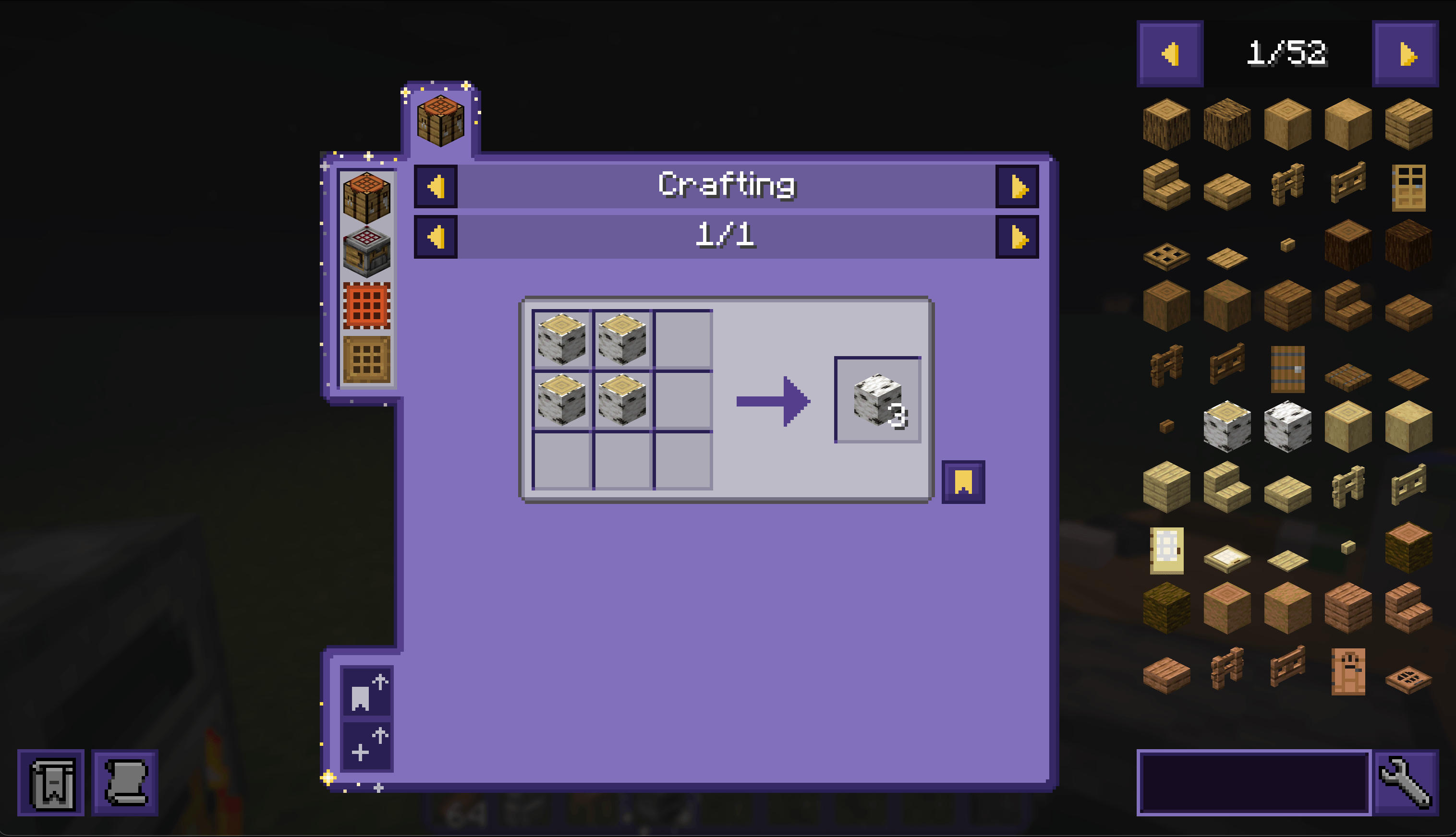
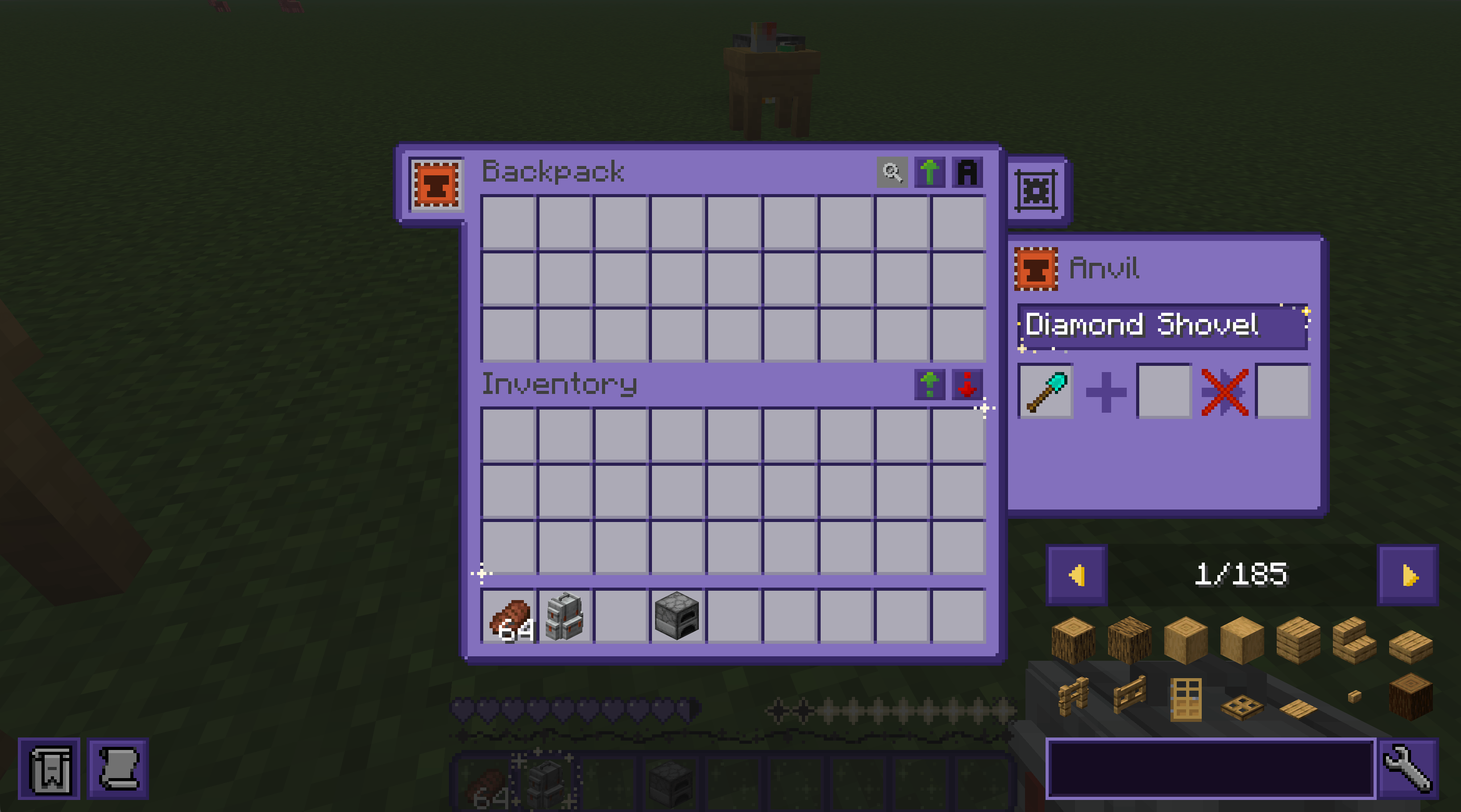
the long-awaited "i'll do this someday!" pack! extends the main pack's theme to: 

  • appleskin
  • jade
  • sophisticated backpacks + storage
  • JEI (seems to not work on any mod version other than the one i made the pack's textures for. will be removed in pack versions past 1.0)

tested using the forge versions of the mods. i am assuming any fabric version's textures are formatted the same.

more mod options will come soon! not sure when i'll get to it though

----------------

How to download:
1. Click 'download texture pack'.
2. Go to your download folder, and copy/cut the zip.
3. Locate your .minecraft resource pack folder, and paste it in.
4. Reload your Minecraft resource packs, and you'll be able to use it!

-> Please put this pack above Starry GUI and Hotbar in your load order. <-


If you have any issues with this pack, feel free to contact me at aelianix on Discord or by joining my Discord server here! The Discord also features an update channel!

find me elsewhere at https://aelianix.carrd.co <3

 

1.0 | v1.19.2
MC 1.19.2
Release 2026-07-20 Get
1.0 | v1.21.1
MC 1.21.1
Release 2026-07-17 Get
1.0 | v1.20.1
MC 1.20.1
Release 2026-06-10 Get
1.0 | v1.21.11 + 26.x
MC 1.21.11, 26.1, 26.2
Release 2026-06-10 Get

Requirements & install

How to use this resource pack in Minecraft
Resolution
16x
Minecraft
1.19.2 – 26.2
Install folder
.minecraft/resourcepacks

How to install resource packs

  1. Download the resource pack .zip file (do not extract it).
  2. In Minecraft open Options → Resource Packs → Open Pack Folder.
  3. Drop the .zip into the resourcepacks folder (.minecraft/resourcepacks).
  4. Move the pack to the Selected column and click Done.
Browse more: 16x resource packs 32x resource packs 64x resource packs 128x resource packs 256x resource packs 512x+ resource packs Resource Packs for 26.2 All resource packs

More from aeliianix

Advertisement Remove ads with Premium →

You Might Also Like