Mineuniverse
Resource Packs
Nebula GUI and Hotbar

Nebula GUI and Hotbar

RESOURCE PACK
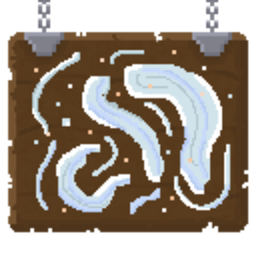
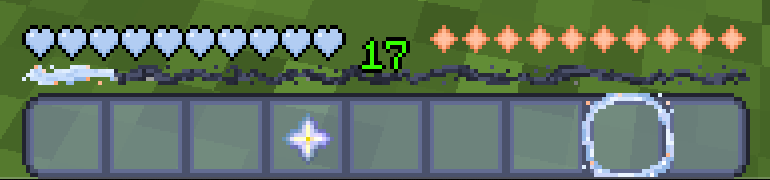
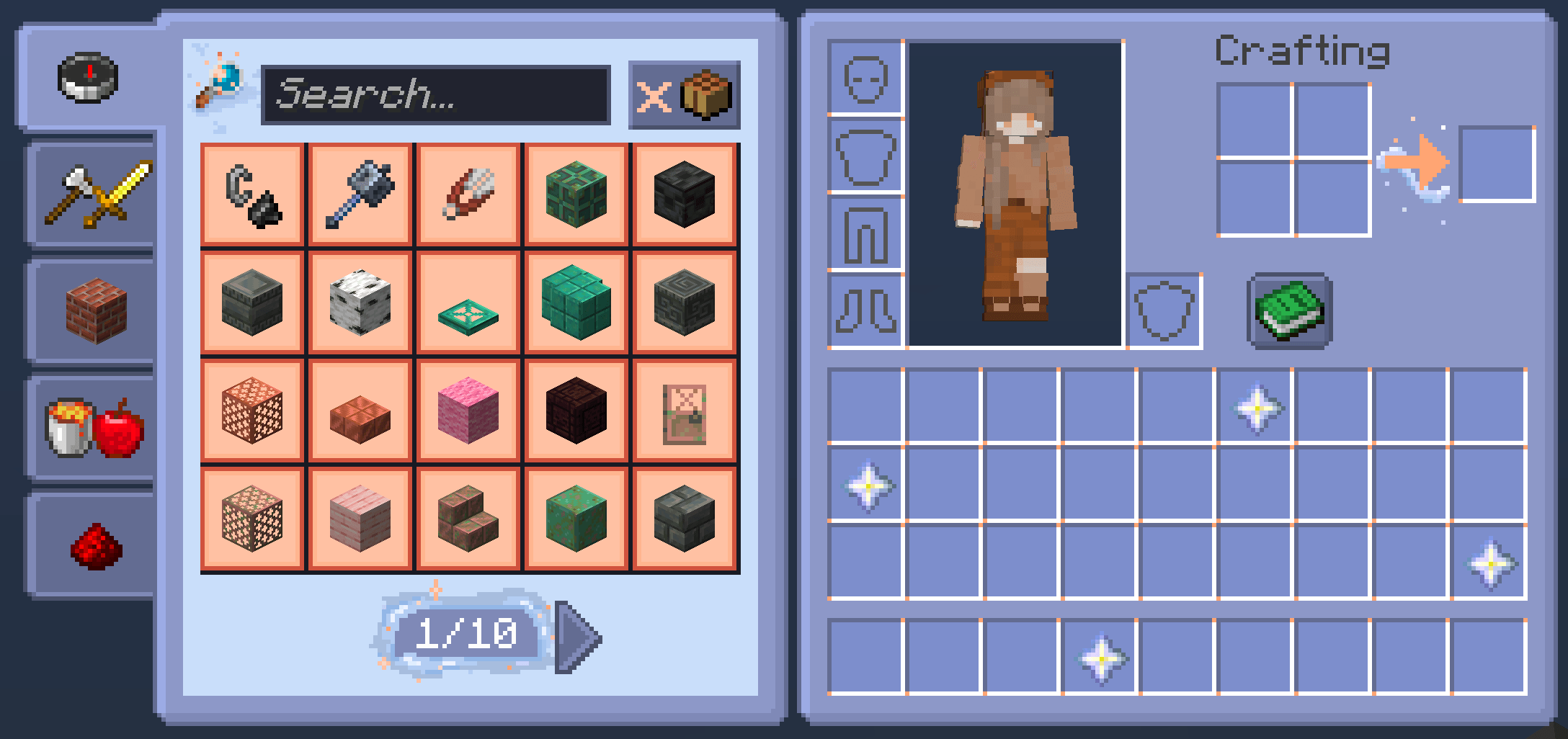
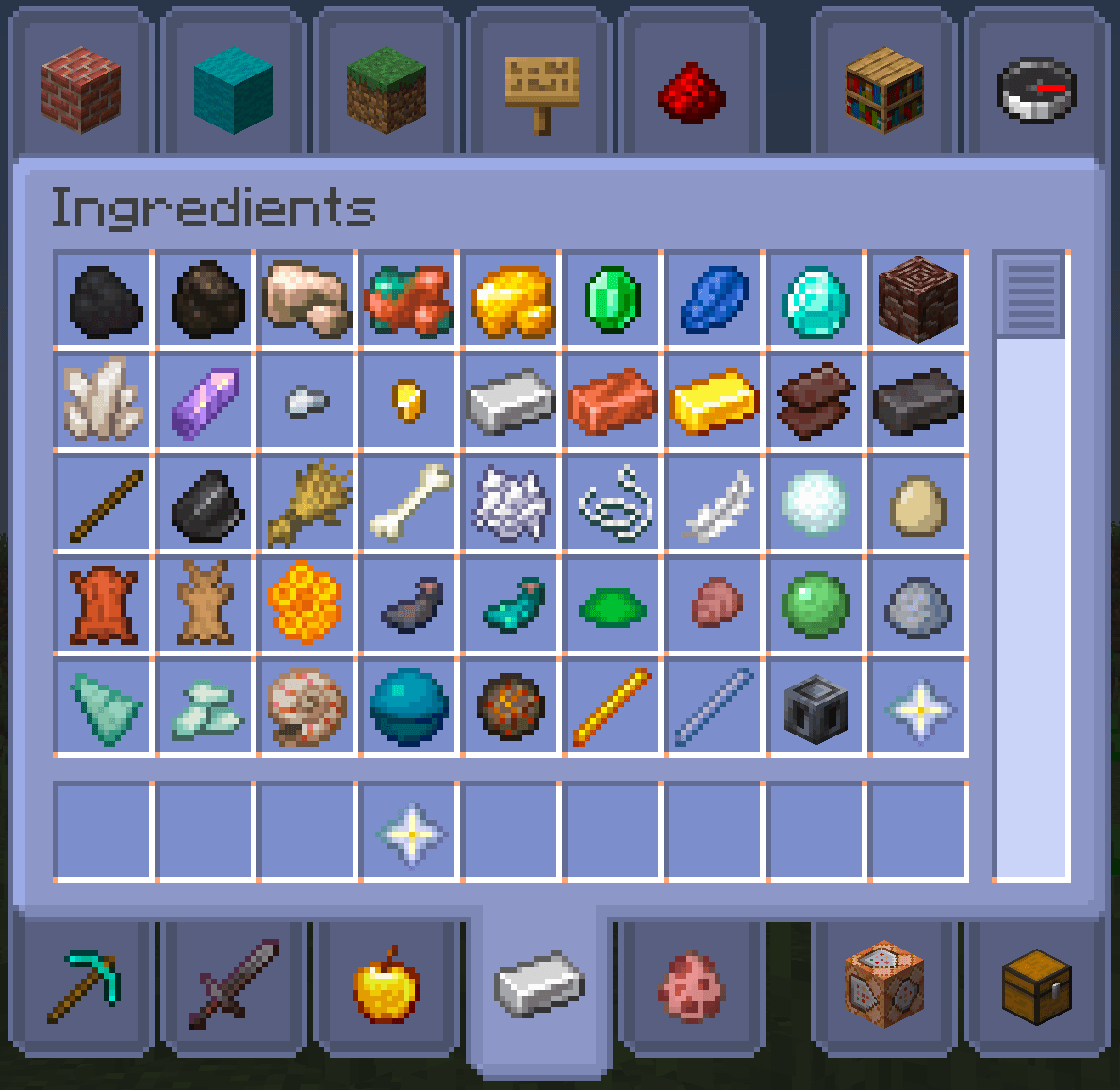
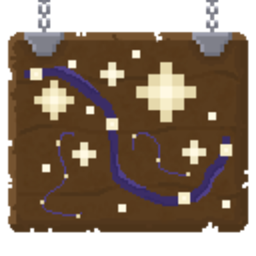
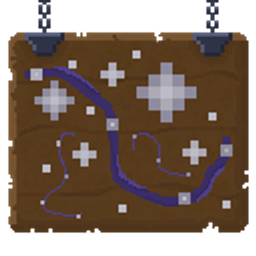
Changes all game menus to be in shades of blue with mist accents.
by aeliianix
Download Claim this project
40,769 downloads
0 likes
0 followers
Updated Oct 14, 2026
0 hypes
Follow0
16x Miscellaneous
Advertisement Remove ads with Premium →

I most likely will not be updating this pack to any new versions.
Feel free to manually update for personal use.

sorry about this! i never liked this pack as much as i did the Starry GUI, so it felt like a major chore to update and less enjoyable 

-----

With swirling clouds of mist, and a sprinkle of stars, this GUI pack changes all inventories, menus and your hotbar to be in nice, calm shades of blue with hints of orange!

NOTE: this is a java minecraft pack!! i do not make bedrock packs, i will not port this to bedrock, i do heavily apologize!

1.21.6+ NOTE: there are no locator bar textures. i do not play enough multiplayer. i will not be adding them. sorry.

How to download:
1. Click 'download texture pack'.
2. Go to your download folder, and copy/cut the zip.
3. Locate your .minecraft resource pack folder, and paste it in.
4. Reload your Minecraft resource packs, and you'll be able to use it!

-> Please put this pack above all others in your resource pack menu, or else it will not work. If you need help, please comment or if urgent, DM me at aelianix on Discord! <-

find me elsewhere at https://aelianix.carrd.co <3

nebulagui_2.5_v1.21.11.zip
MC 1.21.10, 1.21.11
Release 2025-12-10 Get
nebulagui_2.4_v1.21.9.zip
MC 1.21.9
Release 2025-10-01 Get
nebulagui_2.3_v1.21.6.zip
MC 1.21.6
Release 2025-06-17 Get
nebulagui_2.2_v1.21.5.zip
MC 1.21.5, 1.21.4, 1.21.3, 1.21.1, 1.21.2
Release 2025-03-25 Get
nebulagui_2.2_v1.21.2.zip
MC 1.21.2
Release 2024-10-22 Get
nebulagui_2.1_v1.21.zip
MC 1.20.2, 1.21, 1.20.5, 1.20.3, 1.20.6, 1.20.4
Release 2024-08-11 Get
nebulagui_2.0_v1.20.1.zip
MC 1.20.1, 1.20
Release 2024-06-07 Get
nebulagui-v1-0_1.19.zip
MC 1.19
Release 2022-06-20 Get
nebulagui-v1-0.zip
MC 1.18.1, 1.18.2, 1.18
Release 2022-06-03 Get

Requirements & install

How to use this resource pack in Minecraft
Resolution
16x
Minecraft
1.21.2 – 1.21.11
Install folder
.minecraft/resourcepacks

How to install resource packs

  1. Download the resource pack .zip file (do not extract it).
  2. In Minecraft open Options → Resource Packs → Open Pack Folder.
  3. Drop the .zip into the resourcepacks folder (.minecraft/resourcepacks).
  4. Move the pack to the Selected column and click Done.
Browse more: 16x resource packs 32x resource packs 64x resource packs 128x resource packs 256x resource packs 512x+ resource packs Resource Packs for 1.21.11 All resource packs

More from aeliianix

Advertisement Remove ads with Premium →

You Might Also Like