Mineuniverse
Resource Packs
Squishy's Miscellaneous Enchants

Squishy's Miscellaneous Enchants

RESOURCE PACK
This adds Special Texture for when you enchant items like flints & steels, shears, and fishing rods
by MrSirSquishy
Download Claim this project
857 downloads
0 likes
0 followers
Updated Oct 14, 2026
0 hypes
Follow0
16x Medieval Miscellaneous Traditional
Advertisement Remove ads with Premium →

This adds Special Texture for when you enchant items like flints & steels, shears, and fishing rods.


Enchants


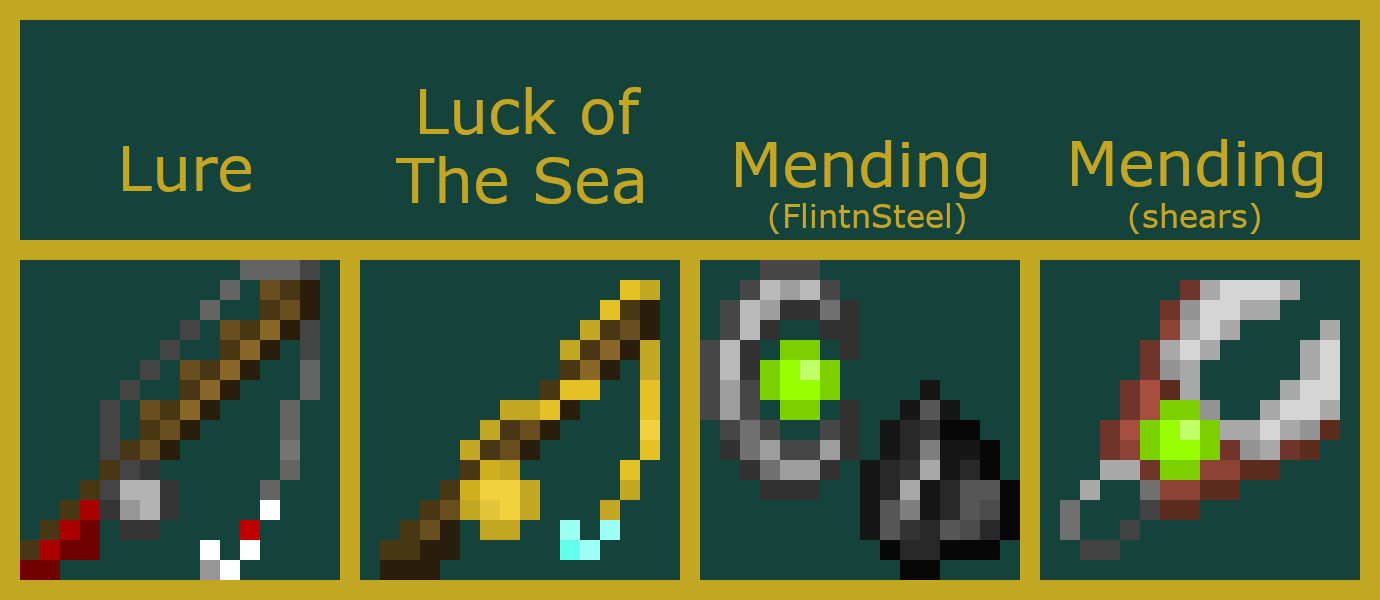
Lure(Fishing Rod): Makes the fishing rod longer and larger, adds a red handle, pulls the line over the rod, and also adds the red bauble to the hook.


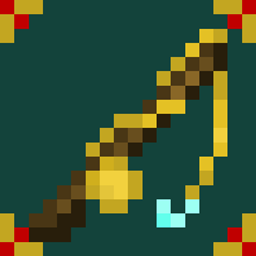
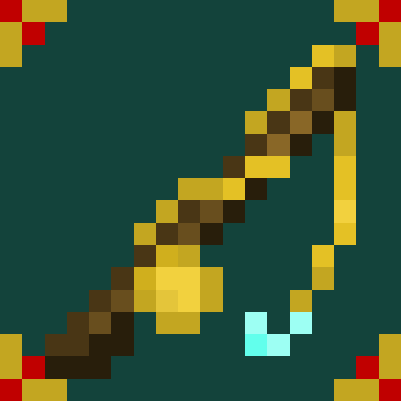
Luck of the sea(Fishing Rod): The Line now Wraps around the Rod(to look cool, not conventionally), The line and Real are now Golden and the hook is diamond. It's also slightly longer.


Mending(Flint & Steel): The Flint and steel is larger and there is an experience orb in the steel (This one may change, If you have any Ideas leave them Below and I might use them)


Mending(Shears): The shears have an experience orb on it, as well as being longer and sharper. 


A link With a higher Quality Version of the image can be found Here: https://docs.google.com/document/d/1p-nINAkHDPLIGHD_ySouAjQbWhEybOqPNHRVbO8C8II/edit?usp=sharing


Want more Textures from me? I have a Fiverr page where I can take requests!

https://www.fiverr.com/share/WkzjA7


Come check out my other Resource packs:

 

Squishy's Enchanted Axes


Squishy's Enchanted Picks


Squishy's Enchanted Tridents


Squishy's Enchanted Bows


Squishy's Enchanted Swords


Squishy's Miscellanious Enchants.zip
MC 1.16-Snapshot, 1.16.3, 1.16.1, 1.16, 1.16.5, 1.16.4, 1.16.2
Release 2021-08-07 Get

Requirements & install

How to use this resource pack in Minecraft
Resolution
16x
Minecraft
1.16-Snapshot – 1.16.5
Install folder
.minecraft/resourcepacks

How to install resource packs

  1. Download the resource pack .zip file (do not extract it).
  2. In Minecraft open Options → Resource Packs → Open Pack Folder.
  3. Drop the .zip into the resourcepacks folder (.minecraft/resourcepacks).
  4. Move the pack to the Selected column and click Done.
Browse more: 16x resource packs 32x resource packs 64x resource packs 128x resource packs 256x resource packs 512x+ resource packs Resource Packs for 1.16.5 All resource packs

More from MrSirSquishy

Advertisement Remove ads with Premium →

You Might Also Like