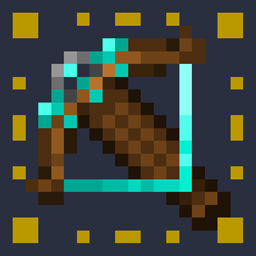
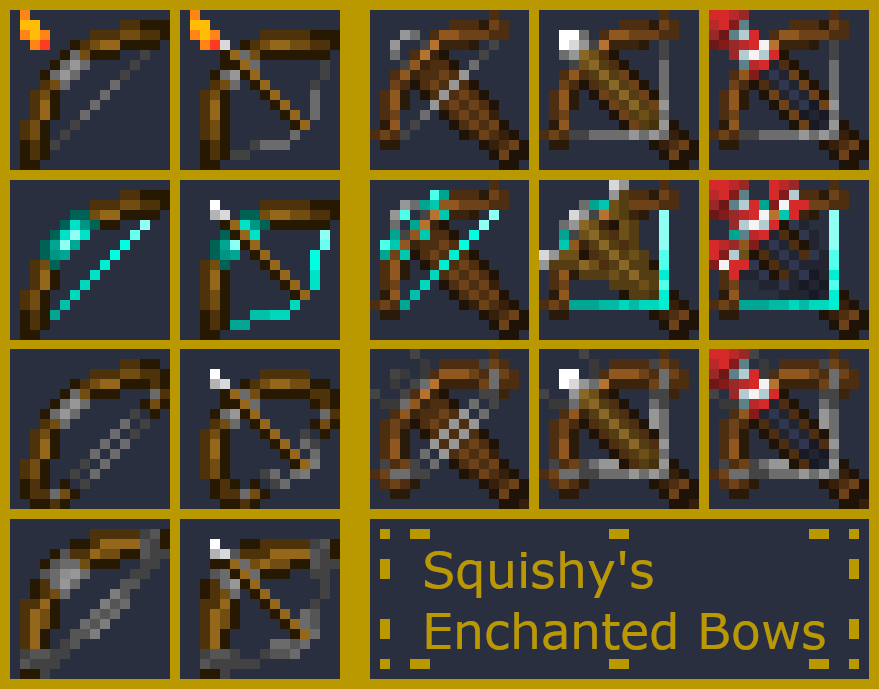
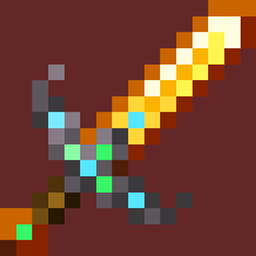
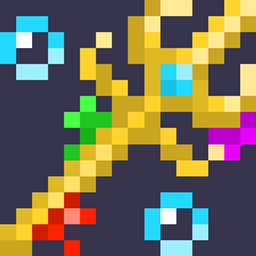
This adds special textures depending on the enchantment you place on you bow or crossbow.(This pack should work 1.16+)
Enchantments:
Bow:
- Flame: adds an animated flame texture to the tip of the bow which is compatible with each enchantment.(NOTE: this animation was not made by me, it was created for a different resource
pack called Enchanted Tools which was by Milles de Millas. also, the flame amination doesn't appear in the image.)
- Infinity: makes the string and grip a bright aqua color, as well as adding a sparkle animation when pulling the bow to signify an arrow being summoned.
- Power: makes the bow curvier, and also doubles up on strings for more Power
- Punch: makes the bow and string thicc to add some punch to it's projectiles.
Crossbow
- (basic)
- Multishot: has an aqua tint similar to the bow's infinity and also actually shows the 3 arrows or 3 rockets when loaded.
- Piercing: the crossbow is larger and curvier, it has a cooler looking tip, and it also has double strings.
There should be in image here but the quality keeps getting messed up, a google doc with all the features can be found here
- There are also Values for each enchantment that determine which enchantment will show when the axe has more than one enchantment, you can edit these all you like in the files
Want more Textures from me? I have a Fiverr page where I can take requests!
https://www.fiverr.com/share/WkzjA7
Check out my Other Resource Packs!