Mineuniverse
Resource Packs
Spryzeen's Better Glint - Ported

Spryzeen's Better Glint - Ported

RESOURCE PACK
Original of Spryzeen's Better Glint ported to 1.19.2
by Toxicide
Download Claim this project
Add a badge to your pageLink to Spryzeen's Better Glint - Ported from a README, website or forum post.
Preview: Badge

Badges update automatically and link to the resource pack page on MineUniverse.

4,133 downloads
0 likes
0 followers
Updated Oct 14, 2026
0 hypes
Follow0
16x Animated
Advertisement Remove ads with Premium →

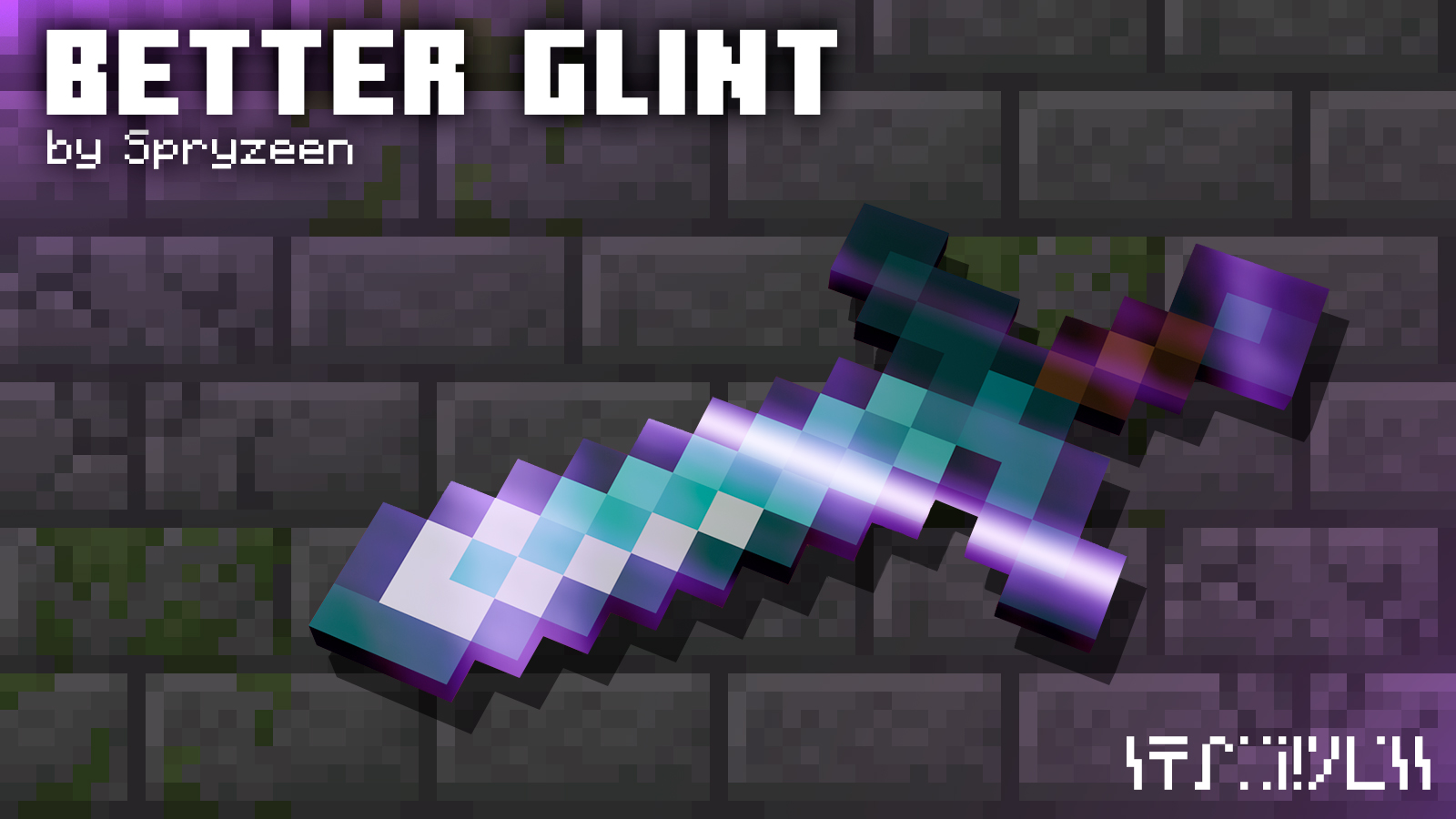
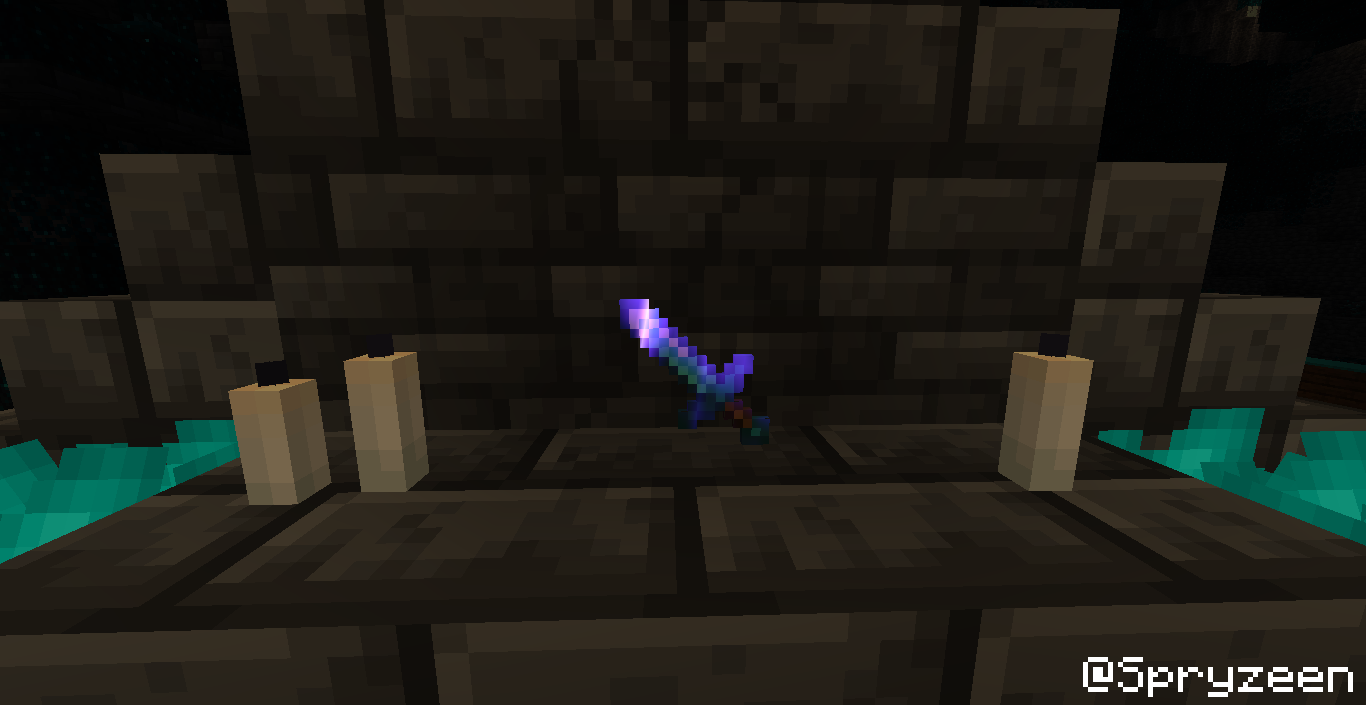
This is simply a port of Spryzeen's Better Glint resource pack, that I ported to 1.19.2.

All credits for this pack goes to Spryzeen, as I did not make any of it, I simply just ported it.

You can visit Spryzeen's page HERE.


Please Note: I have no intentions to port this project to other versions. 

For other versions of this resource pack, please refer to Spryzeen's original upload located HERE.


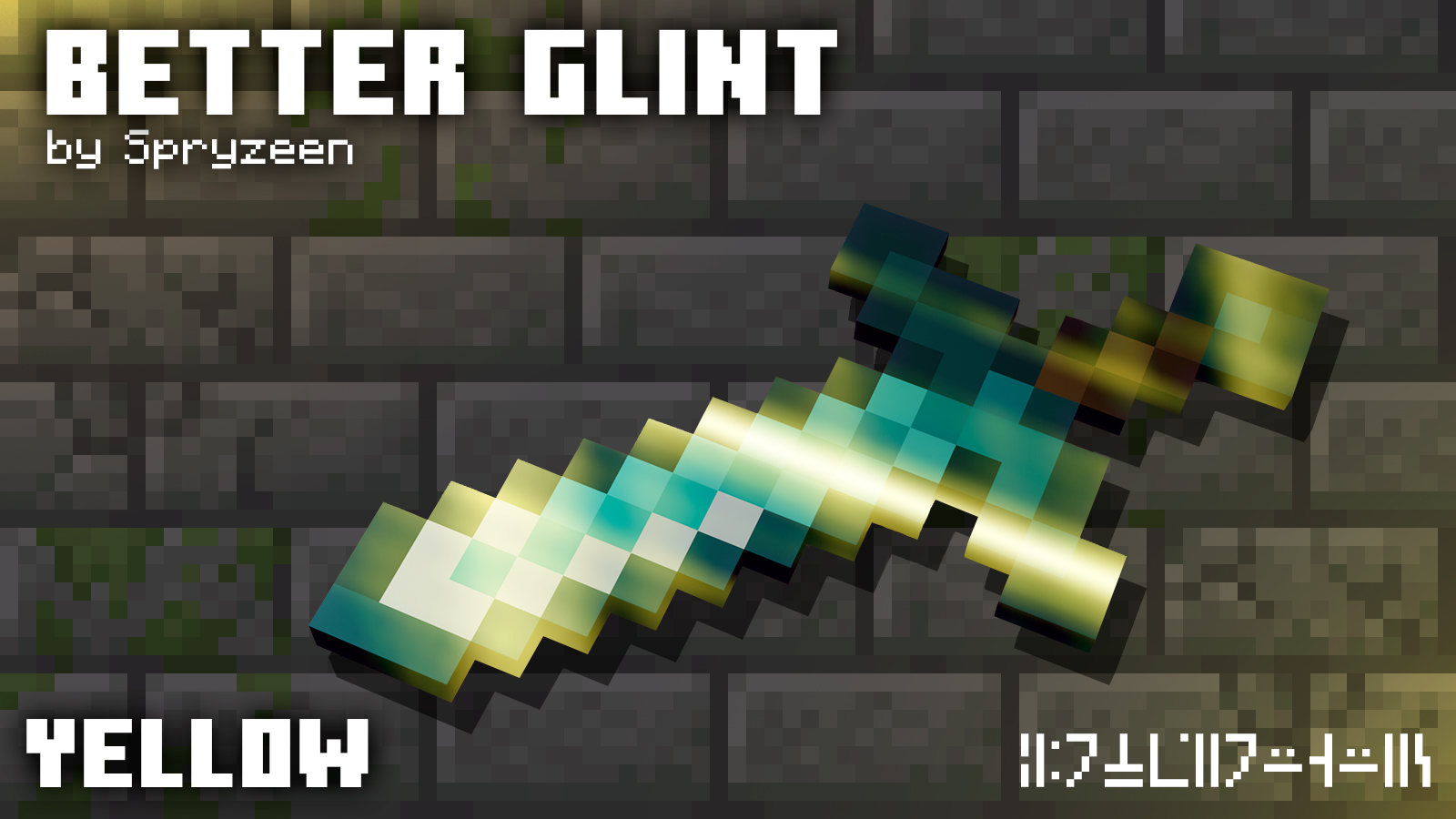
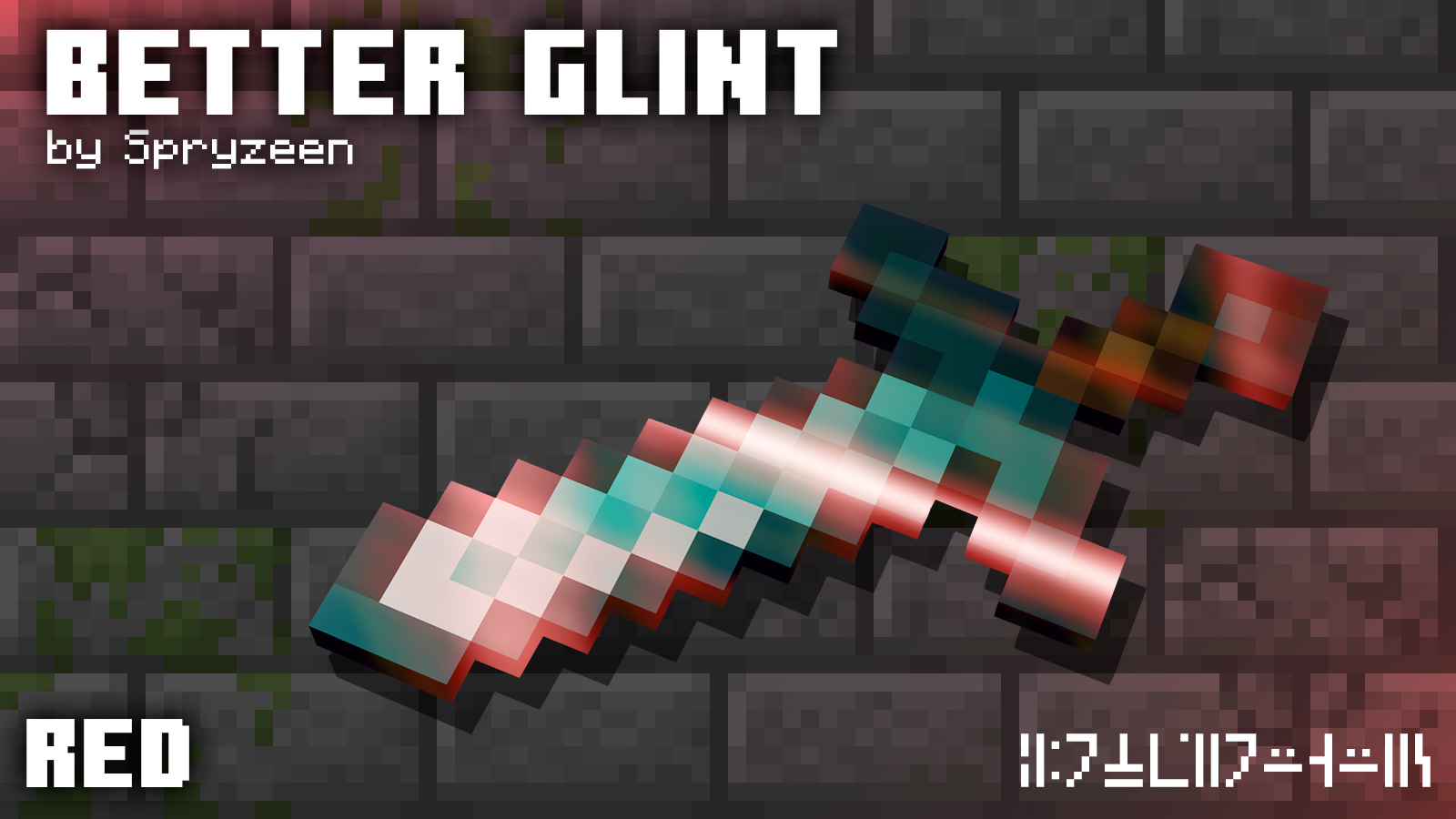
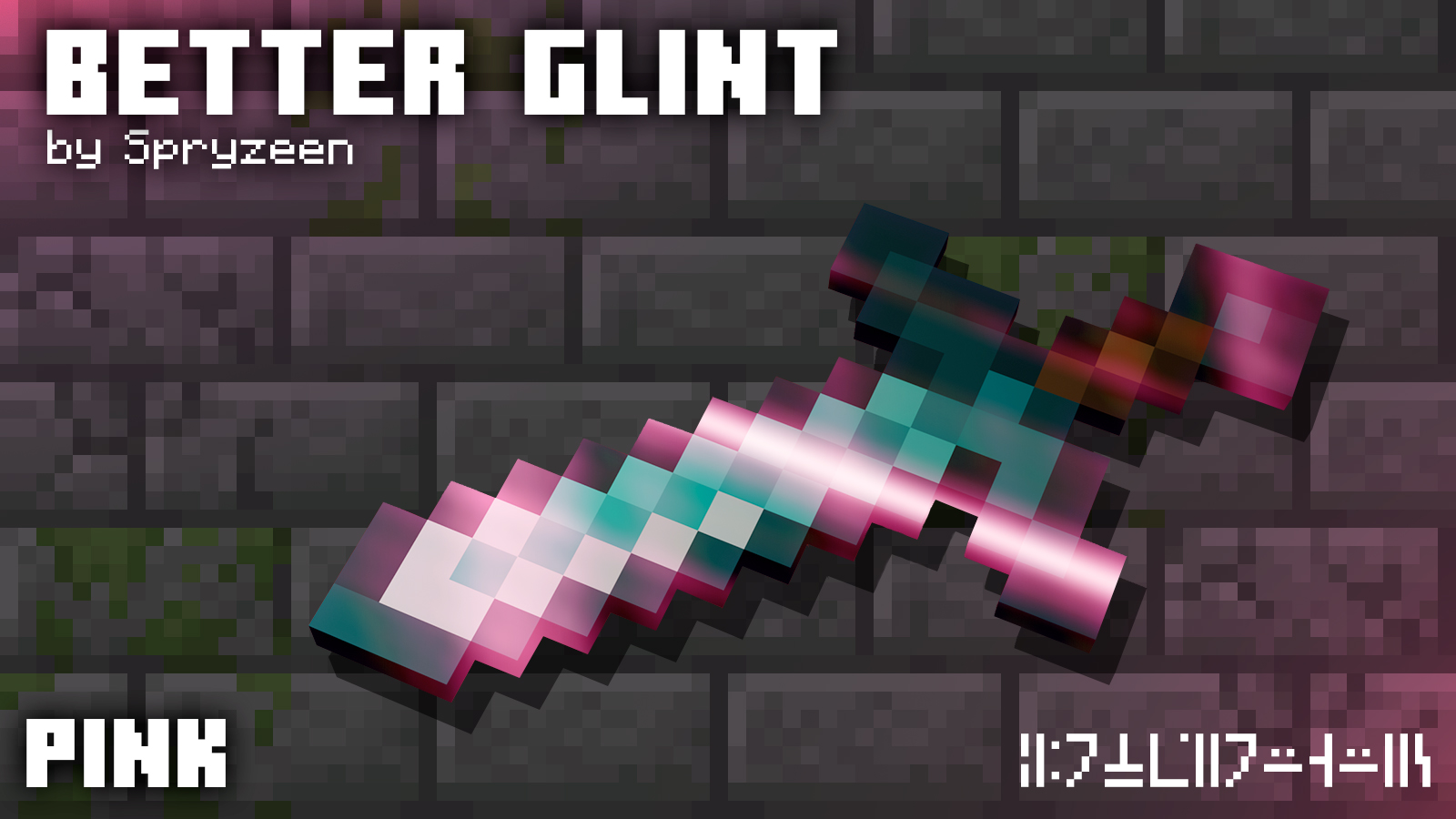
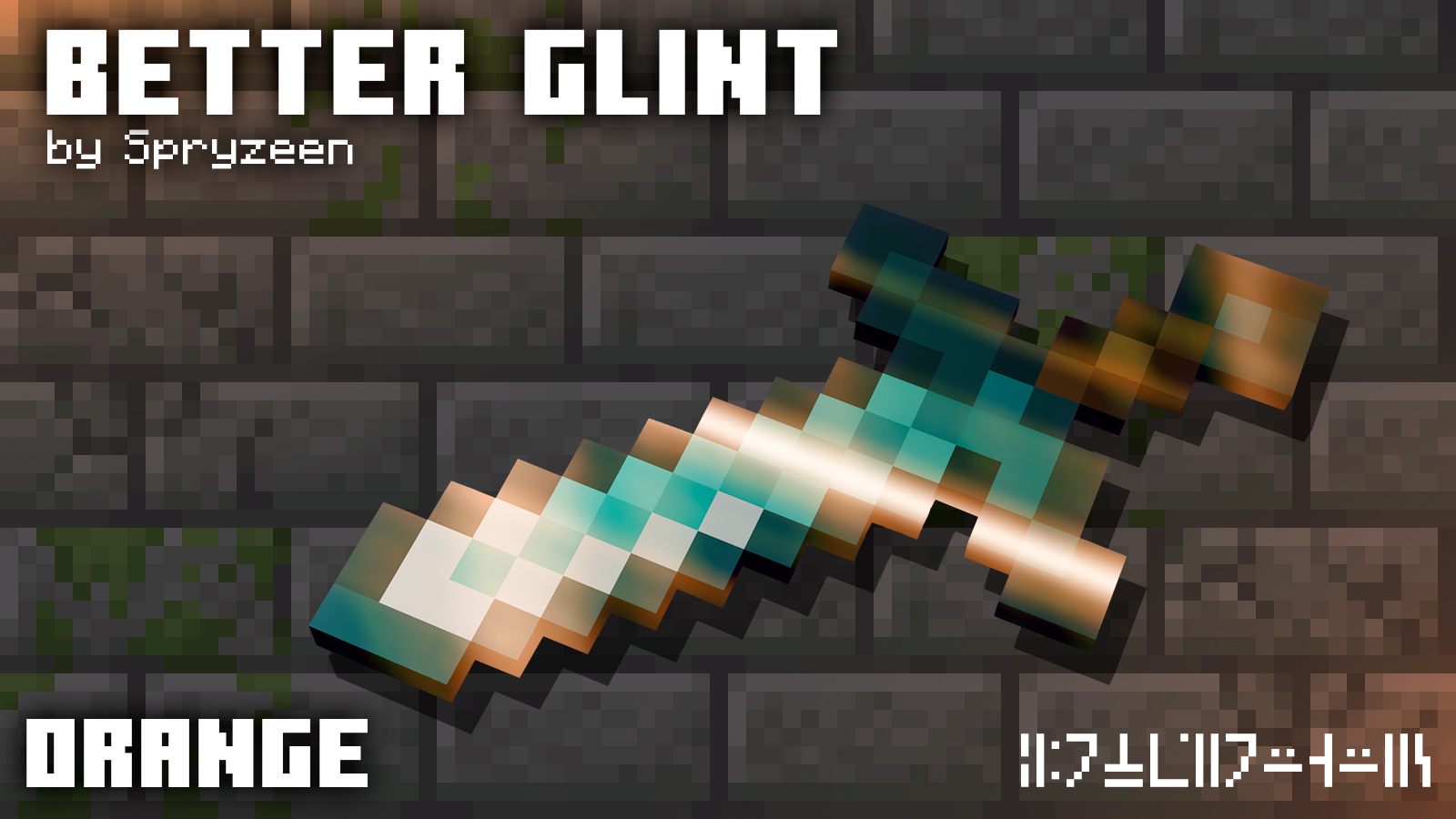
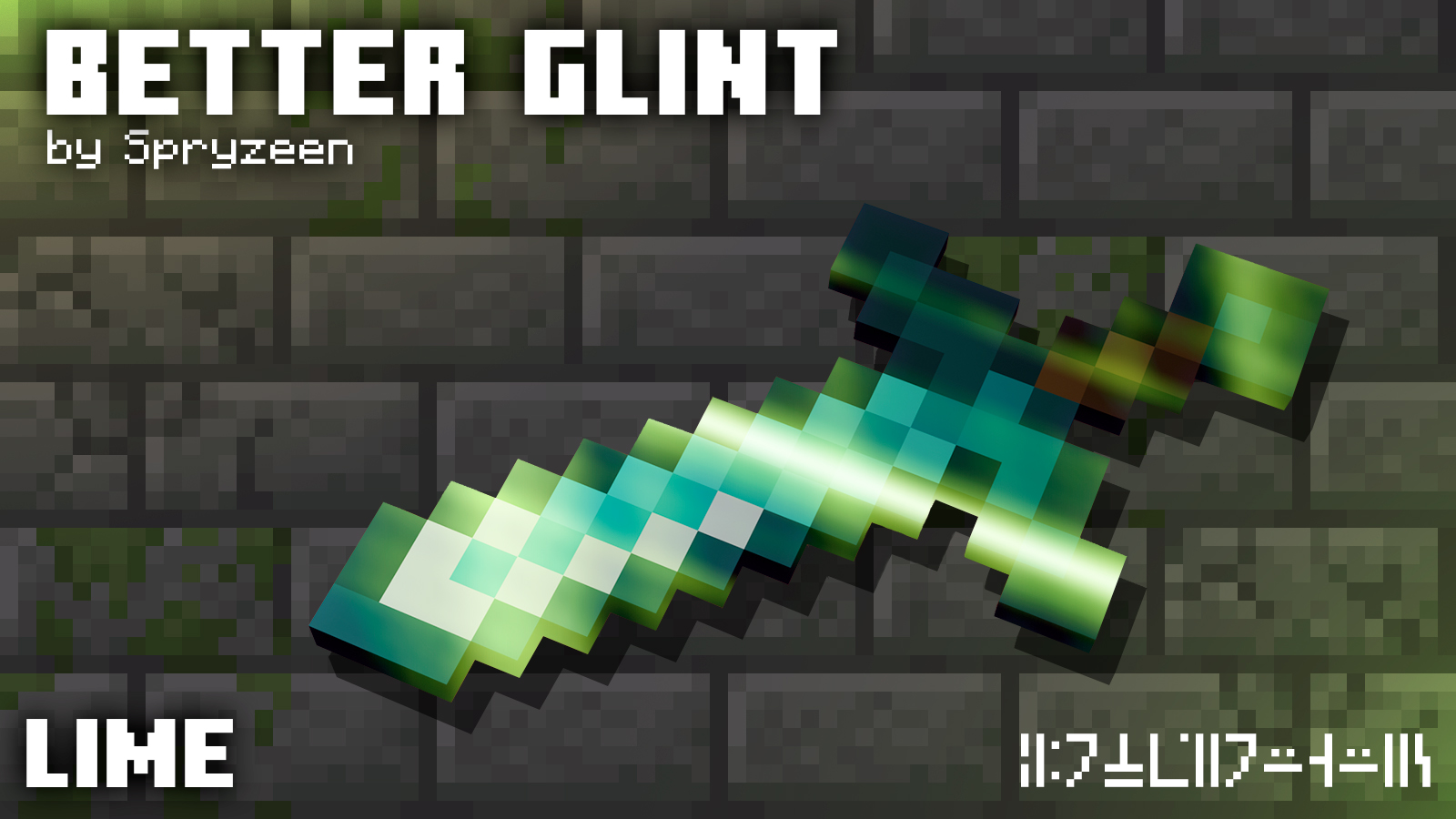
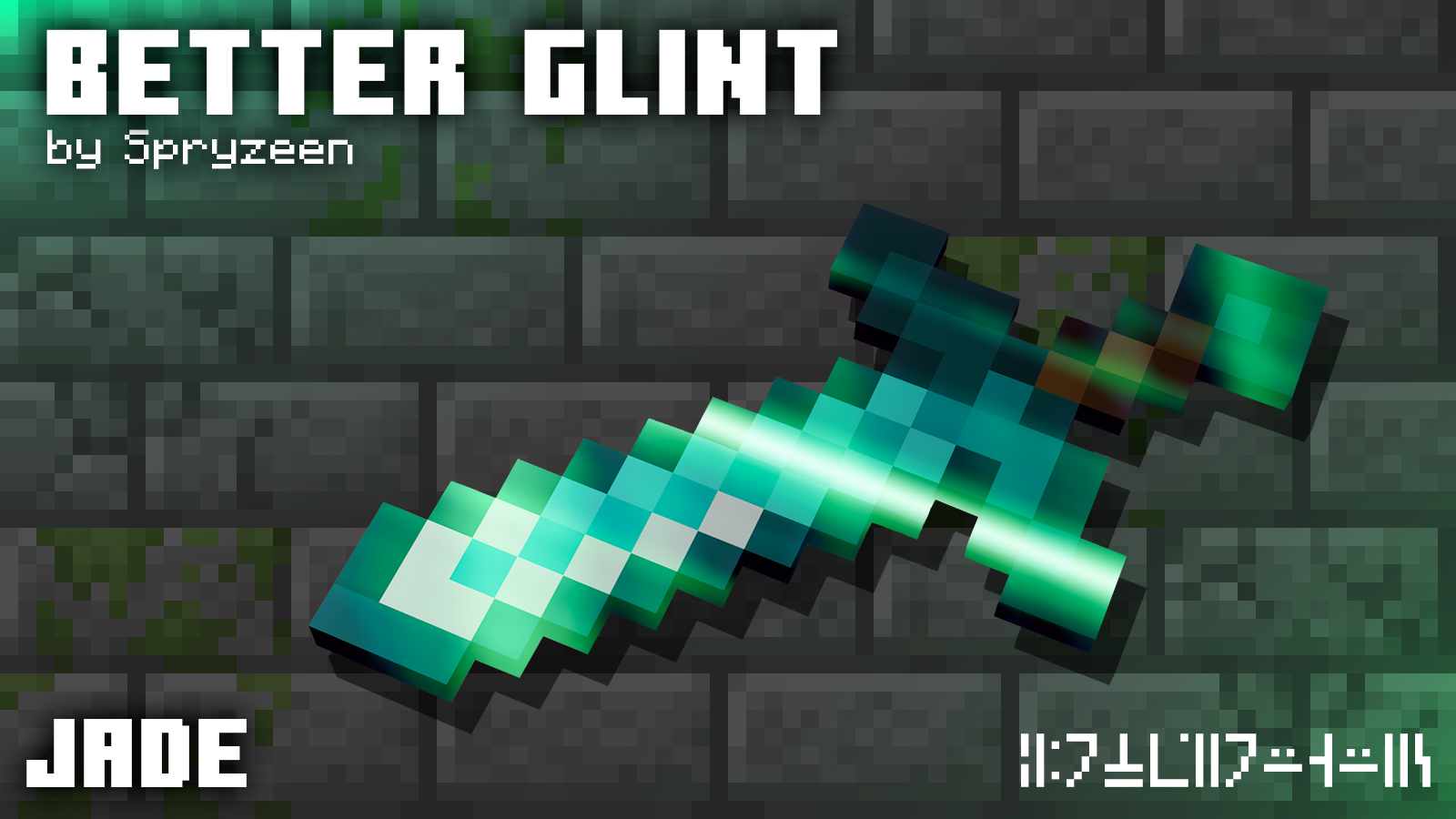
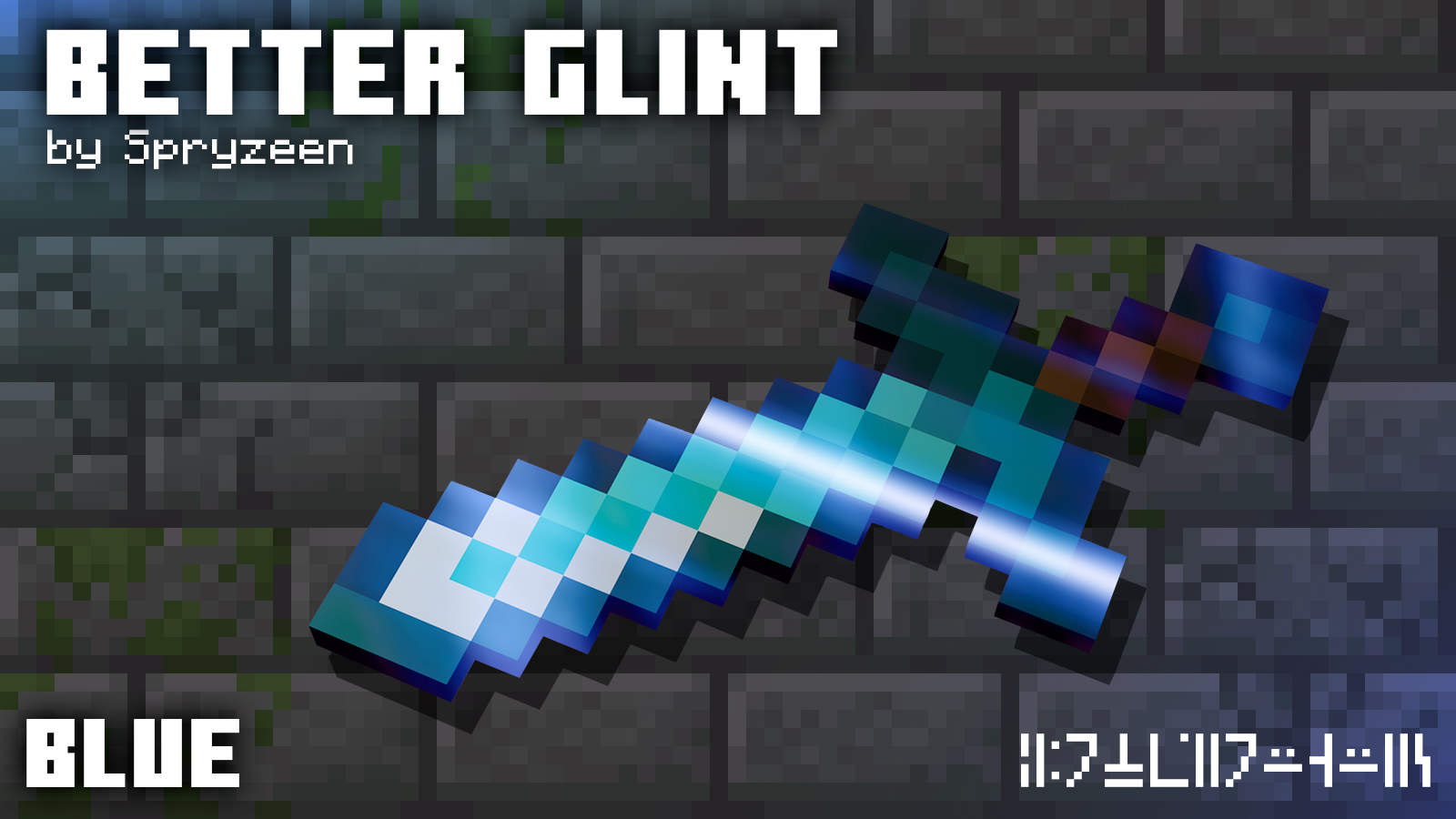
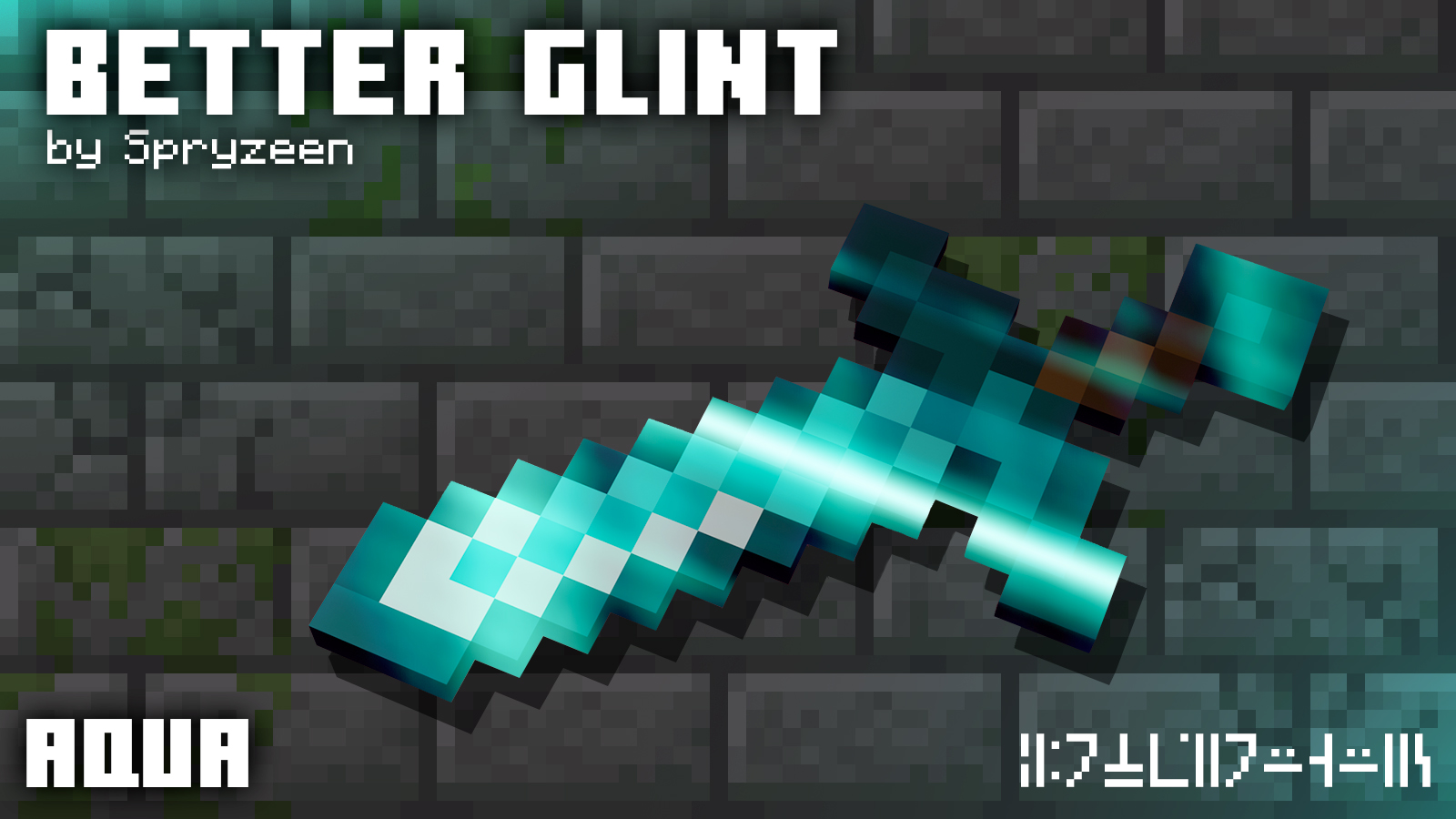
Spryzeen's Video showcasing each variant;


Installation guide


Simply download and place the pack within your resourcepack folder to use the default variant.

Installing directly from CurseForge automatically places it there.


To use a different variant other than default, open the pack using 7z, Winrar, etc.

Within, you'll find a folder called "color_variants".

Within the color_variants folder is 16 different colors to choose from, all of which are their own packs. PACK-CEPTION!

Simply move whichever one you desire, or all, to your resourcepack folder.

Select your desired variant pack in-game.

Enjoy!


Requirements


Minecraft Java Edition - Version 1.19.2

No dependencies.

Better Glint.zip
MC 1.19.2
Release 2024-02-08 Get

Requirements & install

How to use this resource pack in Minecraft
Resolution
16x
Minecraft
1.19.2
Install folder
.minecraft/resourcepacks

How to install resource packs

  1. Download the resource pack .zip file (do not extract it).
  2. In Minecraft open Options → Resource Packs → Open Pack Folder.
  3. Drop the .zip into the resourcepacks folder (.minecraft/resourcepacks).
  4. Move the pack to the Selected column and click Done.
Browse more: 16x resource packs 32x resource packs 64x resource packs 128x resource packs 256x resource packs 512x+ resource packs Resource Packs for 1.19.2 All resource packs

More from Toxicide

Advertisement Remove ads with Premium →

You Might Also Like