Mineuniverse
Resource Packs
SpongeCraft GUI – Jellyfish & Krabby Patty HUD

SpongeCraft GUI – Jellyfish & Krabby Patty HUD

RESOURCE PACK
A SpongeBob-inspired GUI pack with custom hotbar, HP, hunger, settings, and inventory for a fun undersea vibe.
by PSSDrops
Download Claim this project
Add a badge to your pageLink to SpongeCraft GUI – Jellyfish & Krabby Patty HUD from a README, website or forum post.
Preview: Badge

Badges update automatically and link to the resource pack page on MineUniverse.
3,965 downloads
0 likes
0 followers
Updated Oct 14, 2026
0 hypes
Follow0
16x Miscellaneous Mod Support Photo Realistic Traditional
Advertisement Remove ads with Premium →


🌊 SpongeCraft GUI 🌊 1.20-Latest

Bring the world of SpongeBob into Minecraft with this fully custom GUI pack!


New!

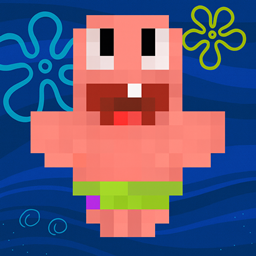
Added Patrick Star Totem!
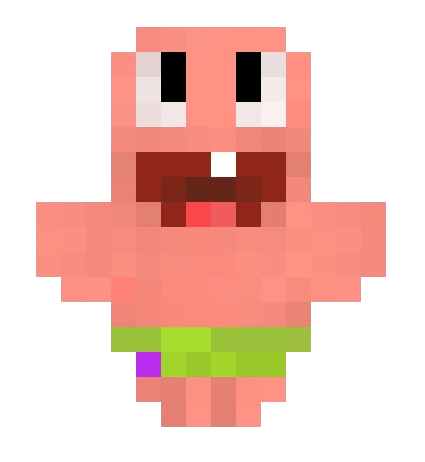
  • Renames Totem Of Undying To "Patrick Star"
  • Works While Activated Also!


✨ Features

---------------------------------------------------------------------------------------------------------------------------

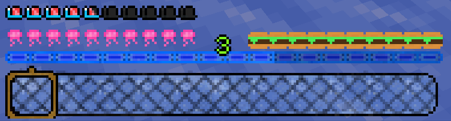
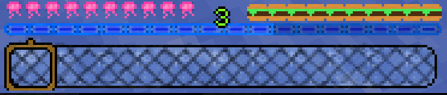
🪼 Jellyfish HP Bar – Replace your hearts with glowing jellyfish that float across your health bar.
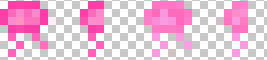
🍔 Krabby Patty Hunger Bar – Forget drumsticks—fill up on delicious Krabby Patties!


🐌 Gary The Snail Armor Bar - Always Protected by your Best Buddy!


🪙 Mr. Krabs’ Gold Coins for Pet & Horse HP – Pets and horses now thrive on treasure instead of hearts.
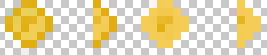
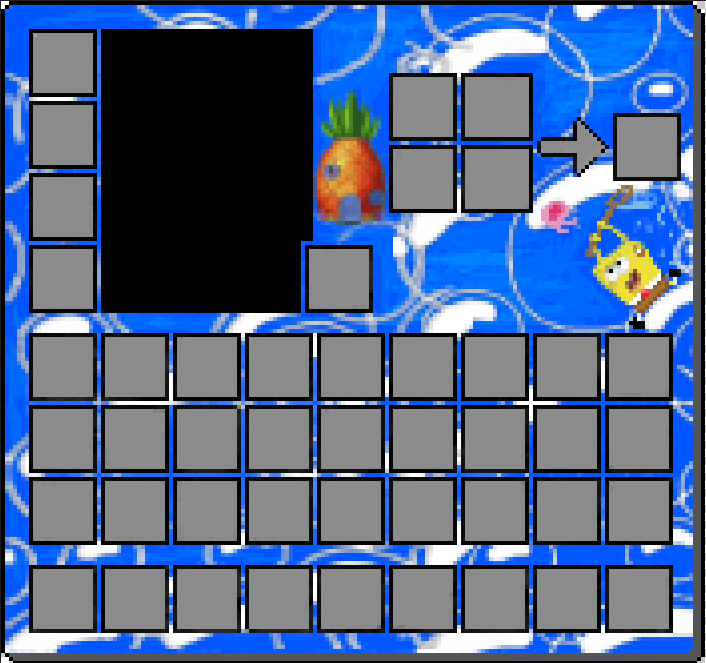
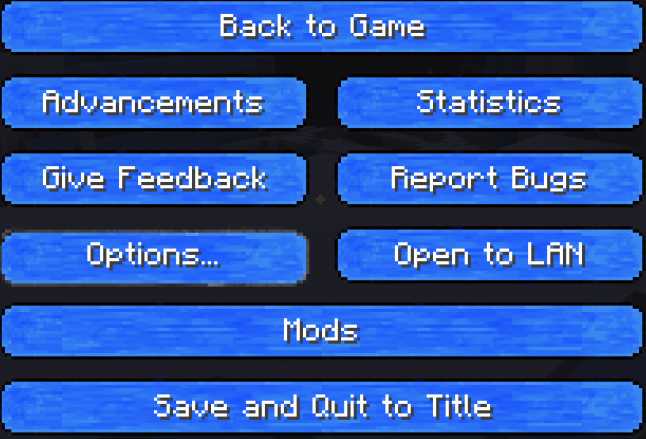
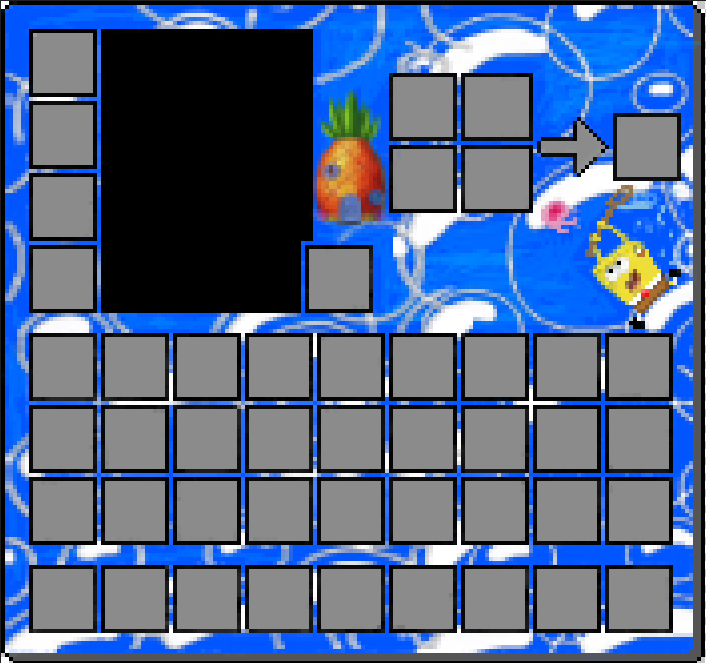
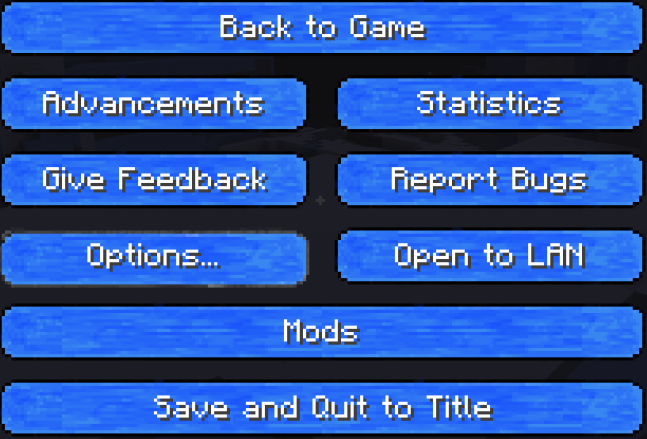
⚙️  Ocean-Themed GUI Buttons  & Inventory!– Menus come alive with smooth aqua gradients, bubbles, and wave effects.
🎮 Hotbar as SpongeBob’s Jellyfishing Net – Grab your items with a fun, custom net-shaped hotbar.
-------------------------------------------------------------------------------------------------------------------------

📦 Compatibility

✅ Works with Minecraft 1.20-Latest
⚡ Fully optimized for smooth gameplay

My Other Projects 


SpongeCraft GUI 1.21.11
MC 1.21.11, 26.1.2
Release 2026-01-27 Get
SpongeCraft GUI 1.21.10
MC 1.21, 1.21.8, 1.21.5, 1.21.4, 1.21.1, 1.21.6, 1.21.3, 1.21.7, 1.21.2, 1.21.9, 1.21.10
Release 2025-11-24 Get
SpongeCraft GUI 1.21.10
MC 1.21.10
Release 2025-11-21 Get
SpongeCraft GUI 1.20+.zip
MC 1.20.2, 1.20.5, 1.20.3, 1.20.1, 1.20, 1.20.6, 1.20.4
Release 2025-08-25 Get
SpongeCraft GUI 1.21+
MC 1.21, 1.21.8, 1.21.5, 1.21.4, 1.21.1, 1.21.6, 1.21.3, 1.21.7, 1.21.2
Release 2025-08-25 Get
SpongeCraft GUI 1.20+
MC 1.20.2, 1.20.5, 1.20.3, 1.20.1, 1.20, 1.20.6, 1.20.4
Release 2025-08-23 Get
SpongeCraft GUI 1.21+
MC 1.21, 1.21.5, 1.21.8, 1.21.4, 1.21.3, 1.21.7, 1.21.1, 1.21.6, 1.21.2
Release 2025-08-23 Get
SpongeCraft GUI 1.21+
MC 1.21, 1.21.5, 1.21.8, 1.21.4, 1.21.3, 1.21.7, 1.21.1, 1.21.6, 1.21.2
Release 2025-08-23 Get
SpongeCraft GUI 1.20+
MC 1.20.2, 1.20.5, 1.20.3, 1.20.1, 1.20, 1.20.6, 1.20.4
Release 2025-08-23 Get

Requirements & install

How to use this resource pack in Minecraft
Resolution
16x
Minecraft
1.21.5 – 26.1.2
Install folder
.minecraft/resourcepacks

How to install resource packs

  1. Download the resource pack .zip file (do not extract it).
  2. In Minecraft open Options → Resource Packs → Open Pack Folder.
  3. Drop the .zip into the resourcepacks folder (.minecraft/resourcepacks).
  4. Move the pack to the Selected column and click Done.
Browse more: 16x resource packs 32x resource packs 64x resource packs 128x resource packs 256x resource packs 512x+ resource packs Resource Packs for 26.1.2 All resource packs

More from PSSDrops

Advertisement Remove ads with Premium →

You Might Also Like