Mineuniverse
Resource Packs
Ultra Terrain Refresh – 120+ Block Overhaul

Ultra Terrain Refresh – 120+ Block Overhaul

RESOURCE PACK
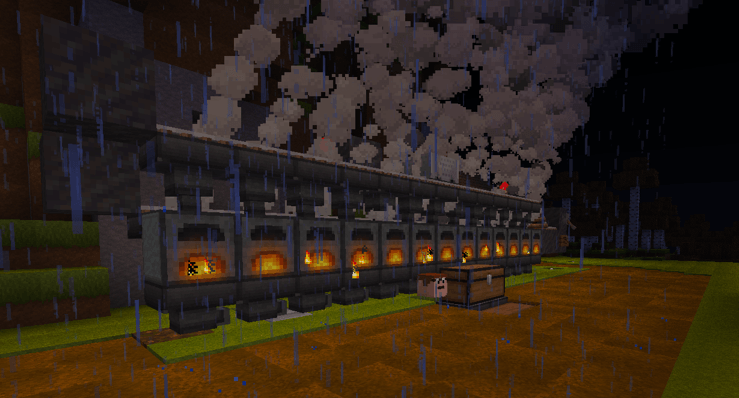
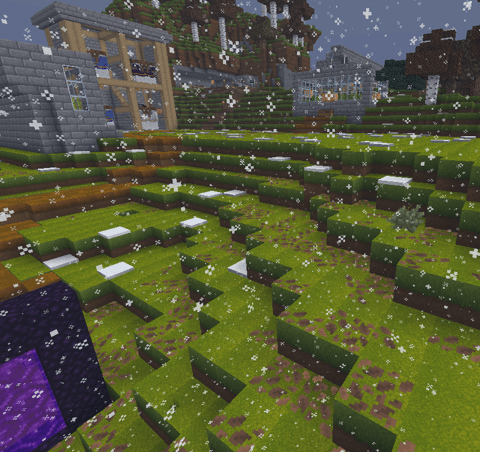
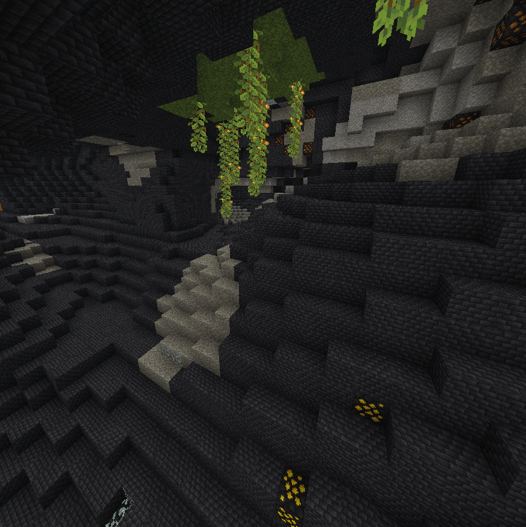
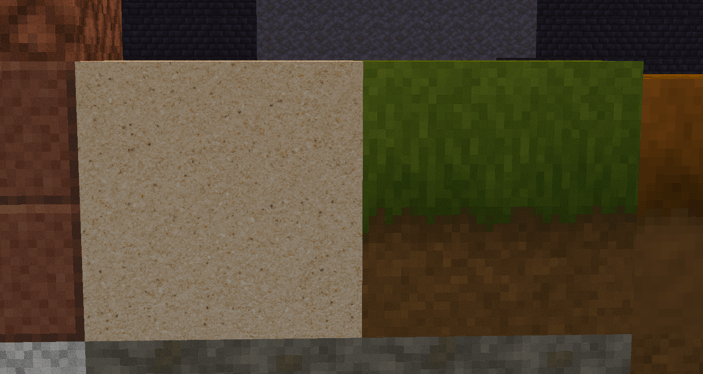
Smooth, Modern 32×32 Retexture of 120+ Terrain Blocks including Ores, Stone, Grass, End, and Nether.
by PSSDrops
Download Claim this project
Add a badge to your pageLink to Ultra Terrain Refresh – 120+ Block Overhaul from a README, website or forum post.
Preview: Badge

Badges update automatically and link to the resource pack page on MineUniverse.

838 downloads
0 likes
0 followers
Updated Oct 14, 2026
0 hypes
Follow0
32x Miscellaneous Photo Realistic Traditional
Advertisement Remove ads with Premium →


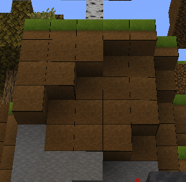
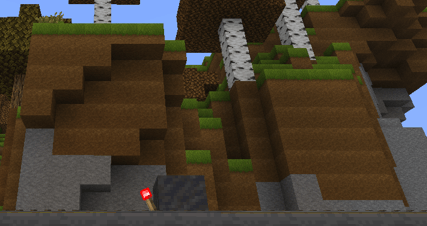
🔧 How to Turn Mipmap Levels to 0 (Required for Best Visuals)


Some textures in this pack look blurry or overly smooth if mipmapping is enabled.
To fix this, set Mipmap Levels = 0 in your Minecraft settings.

                  ❌ Minimap On
           

                                        ✔️ Minimap Off  
 

Follow these steps:


Steps To Turn Minimap Levels Off

  1. Go to:
    Options → Video Settings → Quality


2.Find Mipmap Levels (usually at bottom)


3.Set it to:
0 (OFF)

  1. Click Apply, then Done again to save


What This Pack Changes

This pack revamps a huge variety of blocks, including:
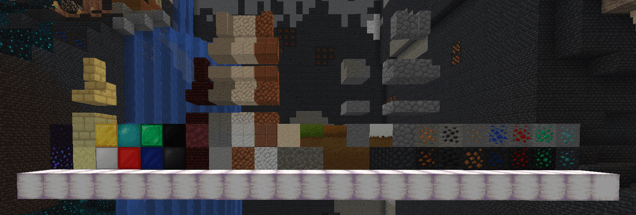


✔ Terrain


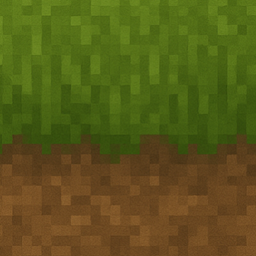
  • Grass
  • Dirt
  • Snowy grass
  • Grass plants
  • Gravel
  • Sand
  • Tuff
  • End Stone
  • End Bricks
  • Netherrack
  • Deepslate variants
  • Stone & polished variants
  • Granite & Diorite variants
  • Obsidian
  • Crying Obsidian
  • Nether Bricks
  • AND MORE!


✔ Ores (Stone + Deepslate)


  • Coal
  • Iron
  • Copper
  • Gold
  • Lapis
  • Redstone
  • Emerald
  • Diamond


✔ Solid Resource Blocks


  • Gold Block
  • Iron Block
  • Diamond Block
  • Emerald Block
  • Lapis Block
  • Redstone Block
  • Coal Block
  • Netherite Block


Pack Style

  • Smooth 32×32 shading
  • Cleaner, more modern look
  • Still faithful to vanilla
  • Consistent color and lighting across all blocks
  • No blurry edges
  • Perfect for survival or building worlds

Why Use This Pack?

If you want Minecraft to look fresh, detailed, and visually unified without losing the classic feel, this pack is for you. Every block fits together naturally and makes your world feel polished and handcrafted.


Compatibility

Fully compatible with Minecraft 1.21.10

Works with shaders

Works with most other packs (as long as they don’t override these same blocks)


My Other Projects :)

                                                                         WITH PATRICK STAR TOTEM!!

Ultra Terrain Refresh 120+ Block Overhaul 1.21.11
MC 1.21.11
Release 2026-01-27 Get
Ultra Terrain Refresh 120+ Block Overhaul
MC 1.21.10
Release 2025-11-30 Get
Ultra Terrain Refresh 120+ Block Overhaul
MC 1.21.10
Release 2025-11-27 Get

Requirements & install

How to use this resource pack in Minecraft
Resolution
32x
Minecraft
1.21.10 – 1.21.11
Install folder
.minecraft/resourcepacks

How to install resource packs

  1. Download the resource pack .zip file (do not extract it).
  2. In Minecraft open Options → Resource Packs → Open Pack Folder.
  3. Drop the .zip into the resourcepacks folder (.minecraft/resourcepacks).
  4. Move the pack to the Selected column and click Done.
Browse more: 16x resource packs 32x resource packs 64x resource packs 128x resource packs 256x resource packs 512x+ resource packs Resource Packs for 1.21.11 All resource packs

More from PSSDrops

Advertisement Remove ads with Premium →

You Might Also Like