Mineuniverse
Resource Packs
Special Day Events (Data Pack)

Special Day Events (Data Pack)

RESOURCE PACK
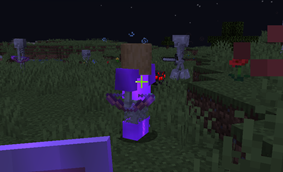
Special mobs are spawned in the overworld, and different mobs are spawned on different days.
by paul90317
Download Claim this project
356 downloads
0 likes
0 followers
Updated Oct 14, 2026
0 hypes
Follow0
Data Packs
Advertisement Remove ads with Premium →

This is datapack, but it can't work independent, it need to work with my another datapack "Special Mobs (spmdpi is 3.x)".

special mobs is a data pack add a lot of mobs which can perform skill into minecraft.

I make this because some mobs in the overworld is too op, and this is not friendly for beginner.

So I split all special mobs spawn in overworld into thee class, each class for each day event, when the sun rise, the day events will change

To let this datapack work properly, you need to delete file "data/spm_dpi/tags/functions/nature_spawn/in/overworld.json" in the datapack "special mobs"

So if there is a class of mobs you don't like, you can sleep through that night.

Special Days 



Class

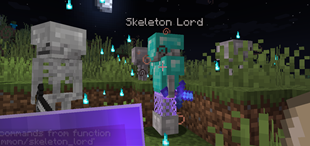
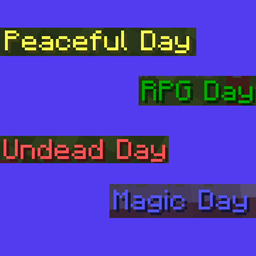
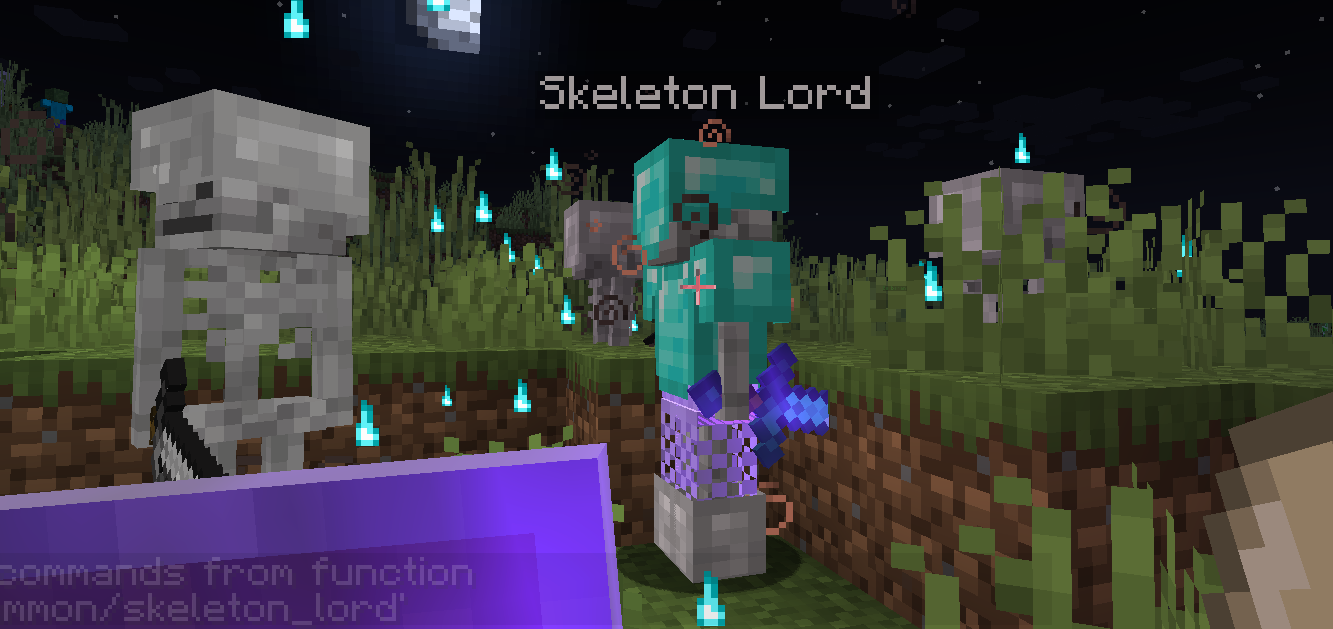
magic day : ender phantom, skeleton lord, warp enderman, fire creeper, lightning creeper, black widow

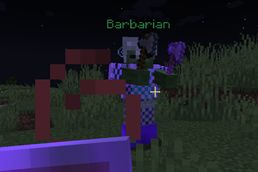
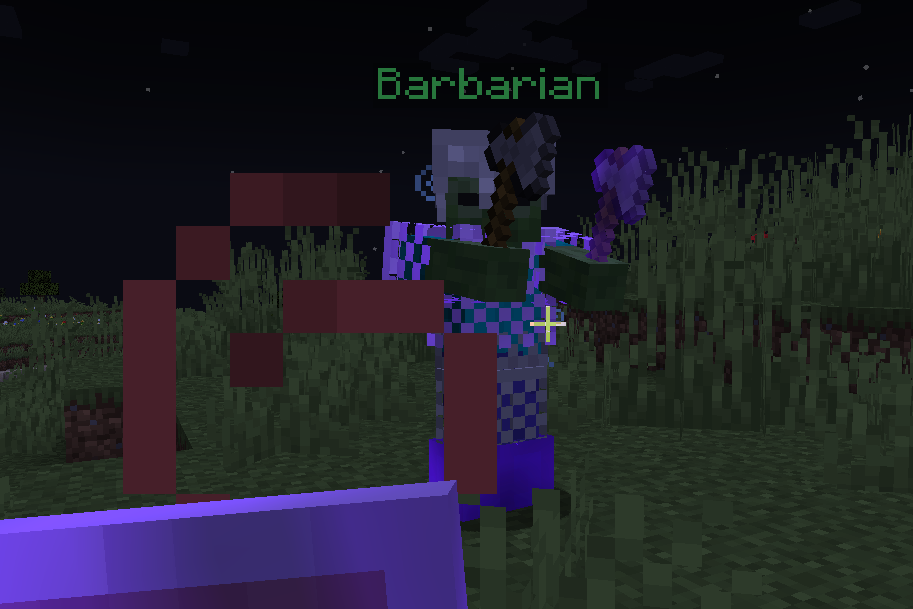
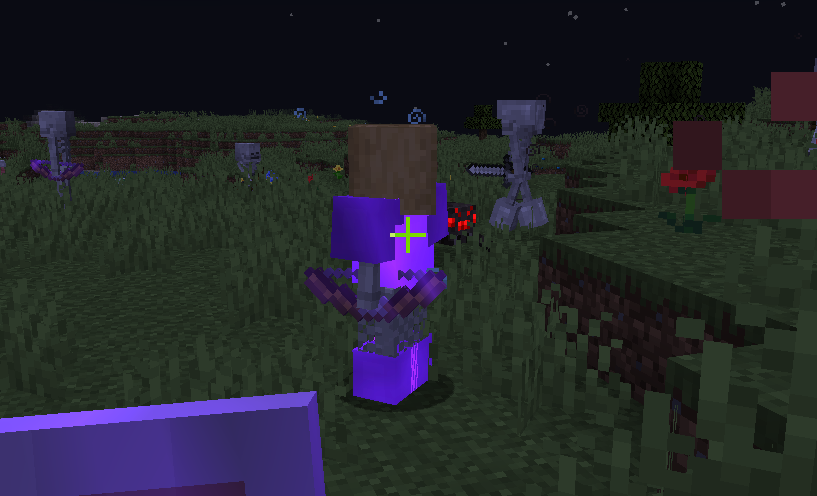
rpg day : barbarian, ninja, ice_shooter, robbery, miner, sailor

undead day : no special mobs, but a lot of undead mobs (zombie,skeleton,drowned)

peaceful day : no special mobs


This datapacks only modify the spawn rule of special mobs in overworld


Acknowledge

Minecraft-Random : uniform random function

special-day-events-v1.0-spmdpi-3.0.zip
MC 1.17.1, 1.18.1, 1.17, 1.19-Snapshot, 1.18.2, 1.17-Snapshot, 1.18, 1.18-Snapshot
Release 2022-05-21 Get

Requirements & install

How to use this resource pack in Minecraft
Resolution
Not specified
Minecraft
1.17-Snapshot – 1.19-Snapshot
Install folder
.minecraft/resourcepacks

How to install resource packs

  1. Download the resource pack .zip file (do not extract it).
  2. In Minecraft open Options → Resource Packs → Open Pack Folder.
  3. Drop the .zip into the resourcepacks folder (.minecraft/resourcepacks).
  4. Move the pack to the Selected column and click Done.
Browse more: 16x resource packs 32x resource packs 64x resource packs 128x resource packs 256x resource packs 512x+ resource packs Resource Packs for 1.19-Snapshot All resource packs

More from paul90317

Advertisement Remove ads with Premium →

You Might Also Like