Mineuniverse
Resource Packs
Soartex Forever

Soartex Forever

RESOURCE PACK
Fan continuation of Soar49's "Soartex" from 2011-2012.
by Shmade
Download Claim this project
Add a badge to your pageLink to Soartex Forever from a README, website or forum post.
Preview: Badge

Badges update automatically and link to the resource pack page on MineUniverse.
39,418 downloads
0 likes
0 followers
Updated Oct 14, 2026
0 hypes
Follow0
64x Animated Modern
Advertisement Remove ads with Premium →

Fresh Animations Addon Pack!

The go-to smooth & clean 64x resource pack. 

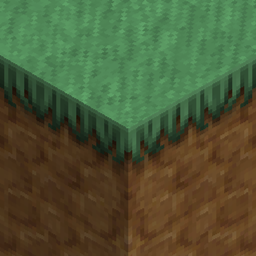
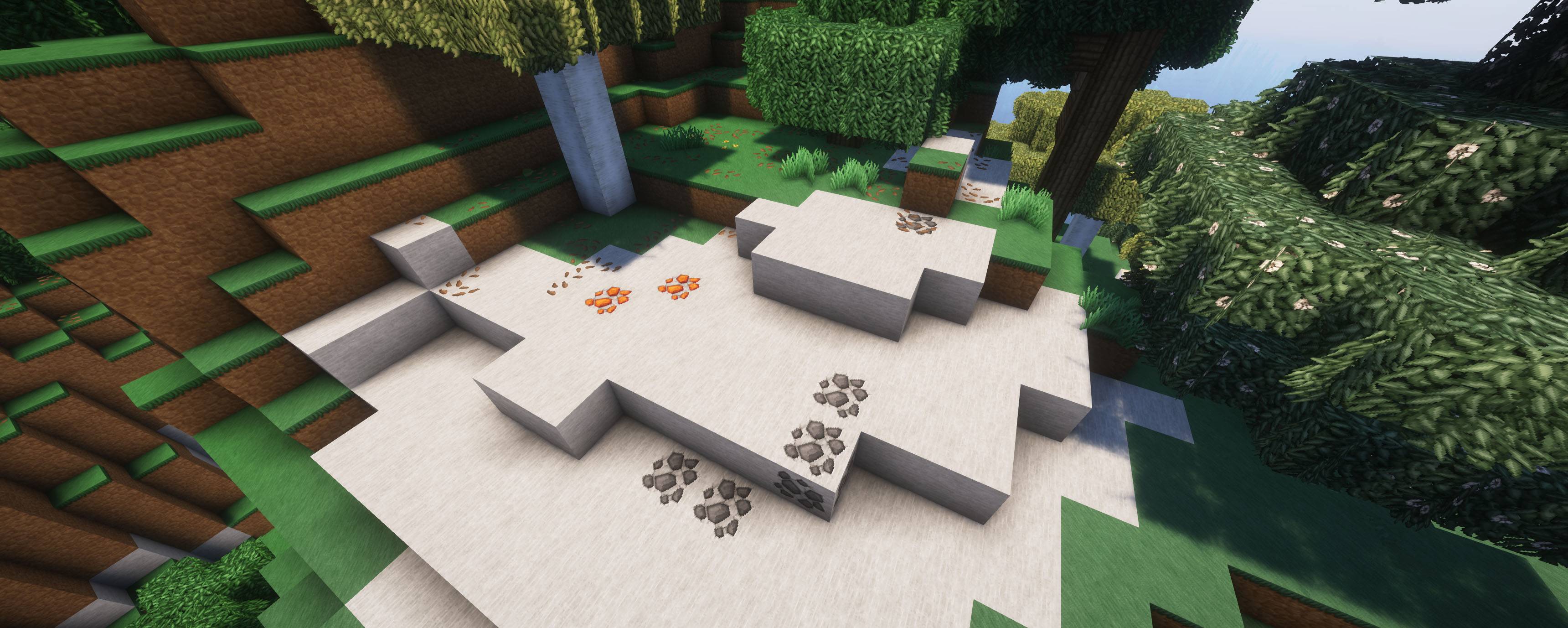
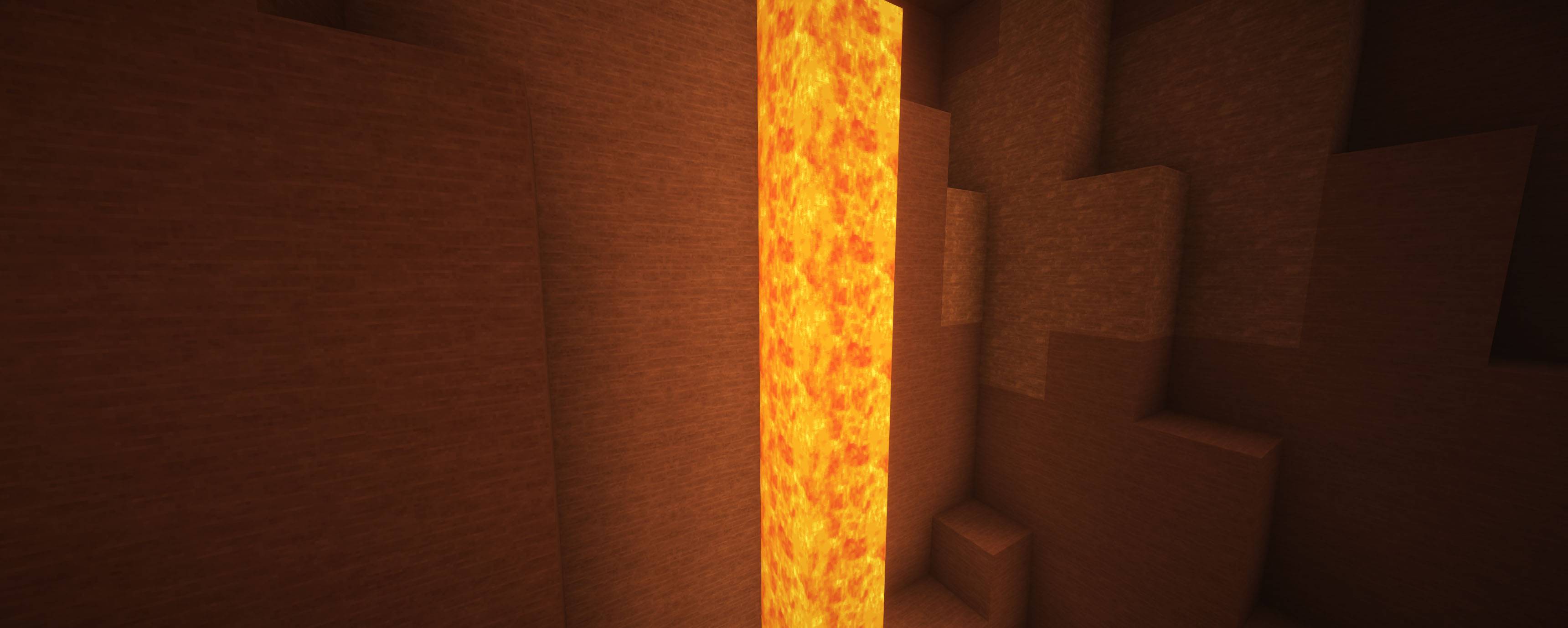
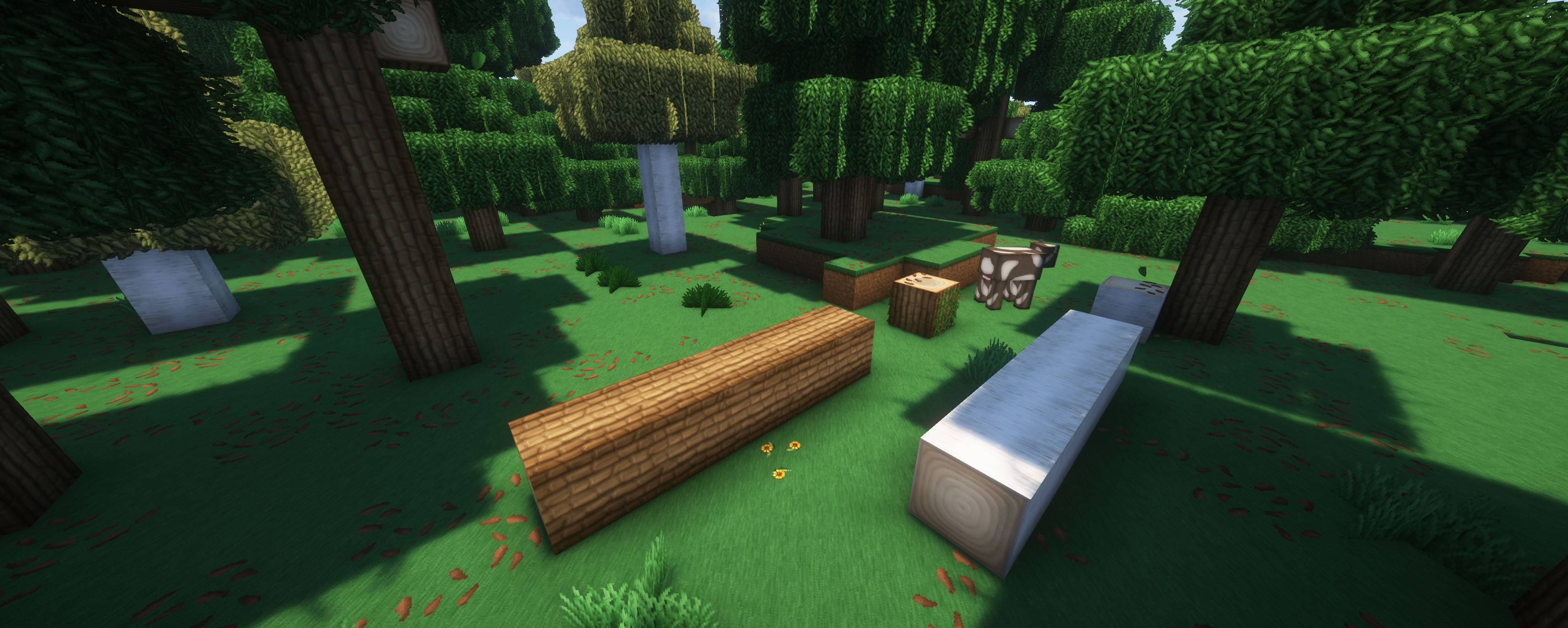
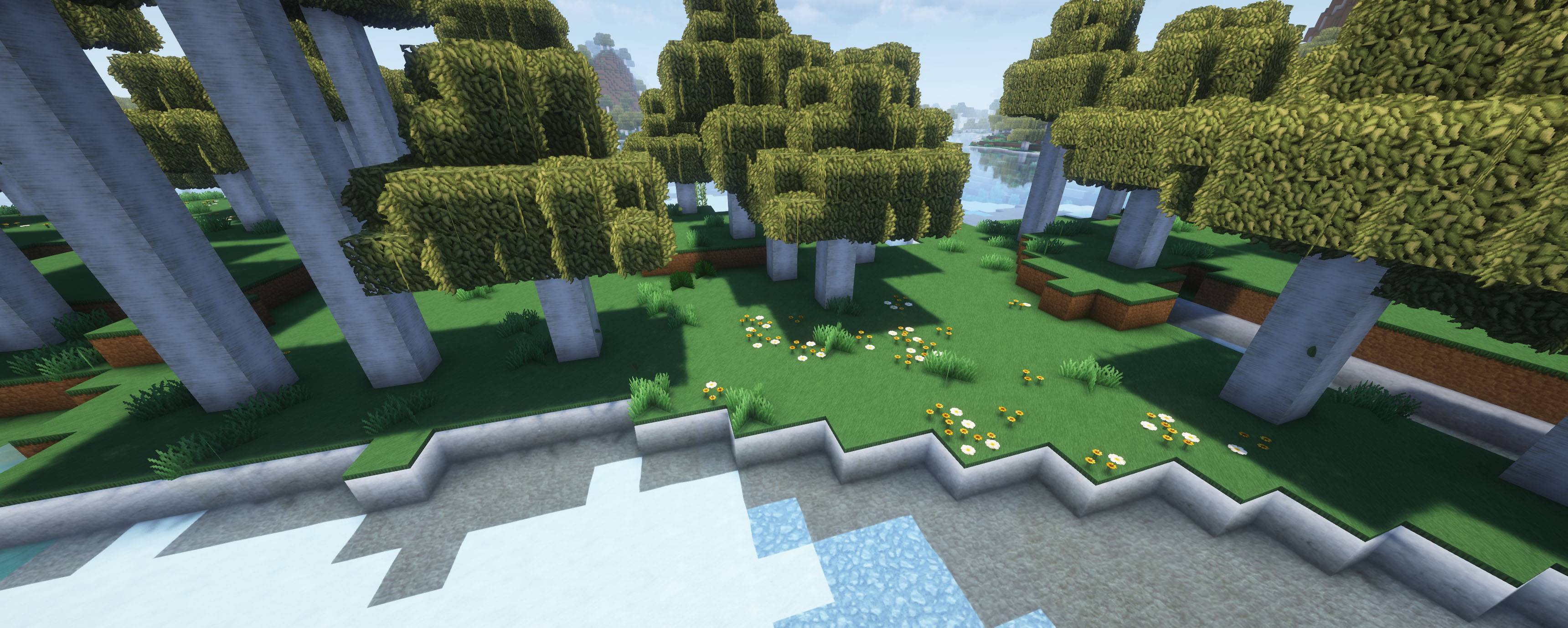
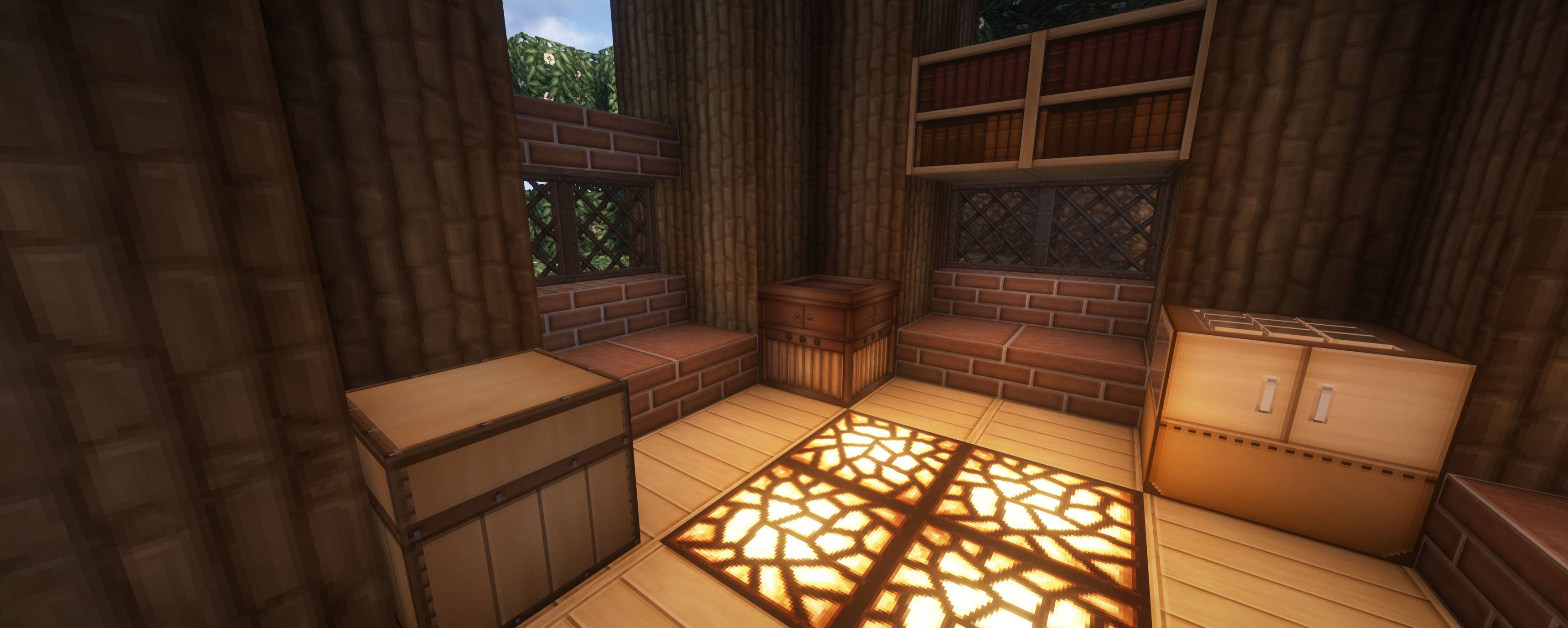
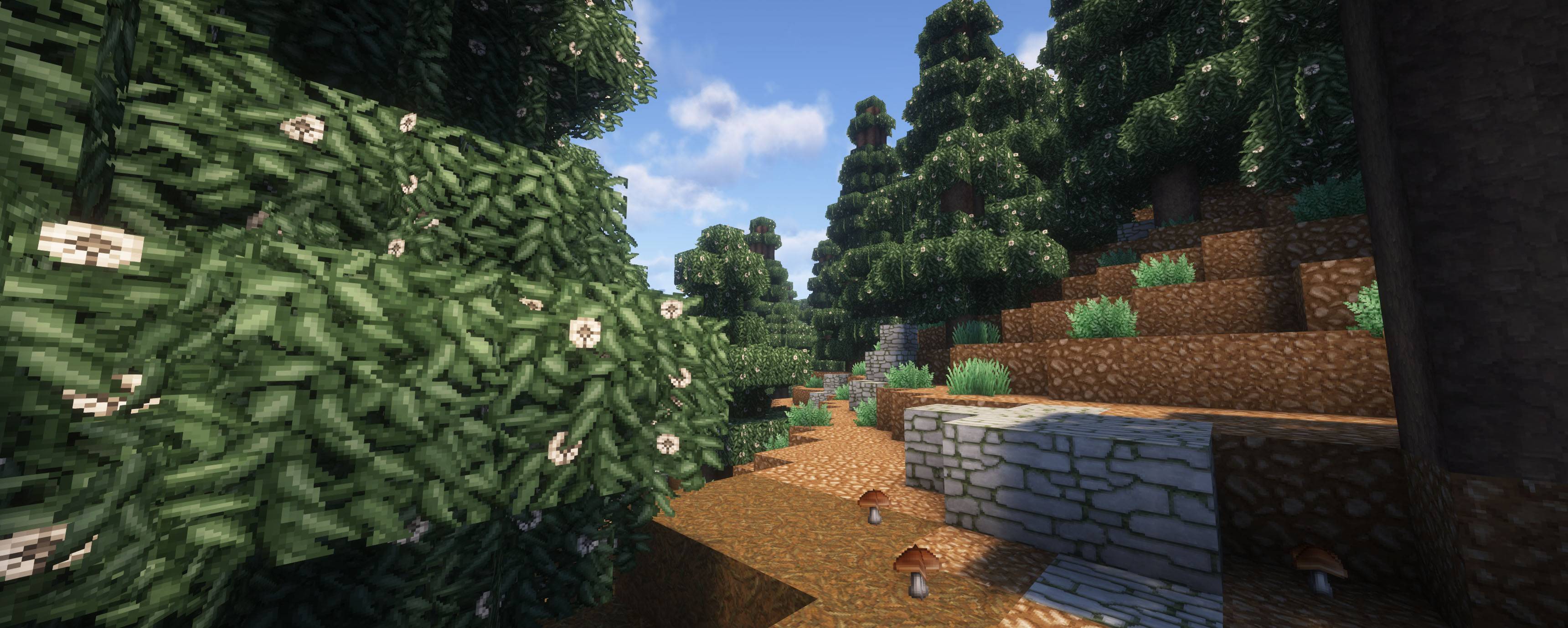
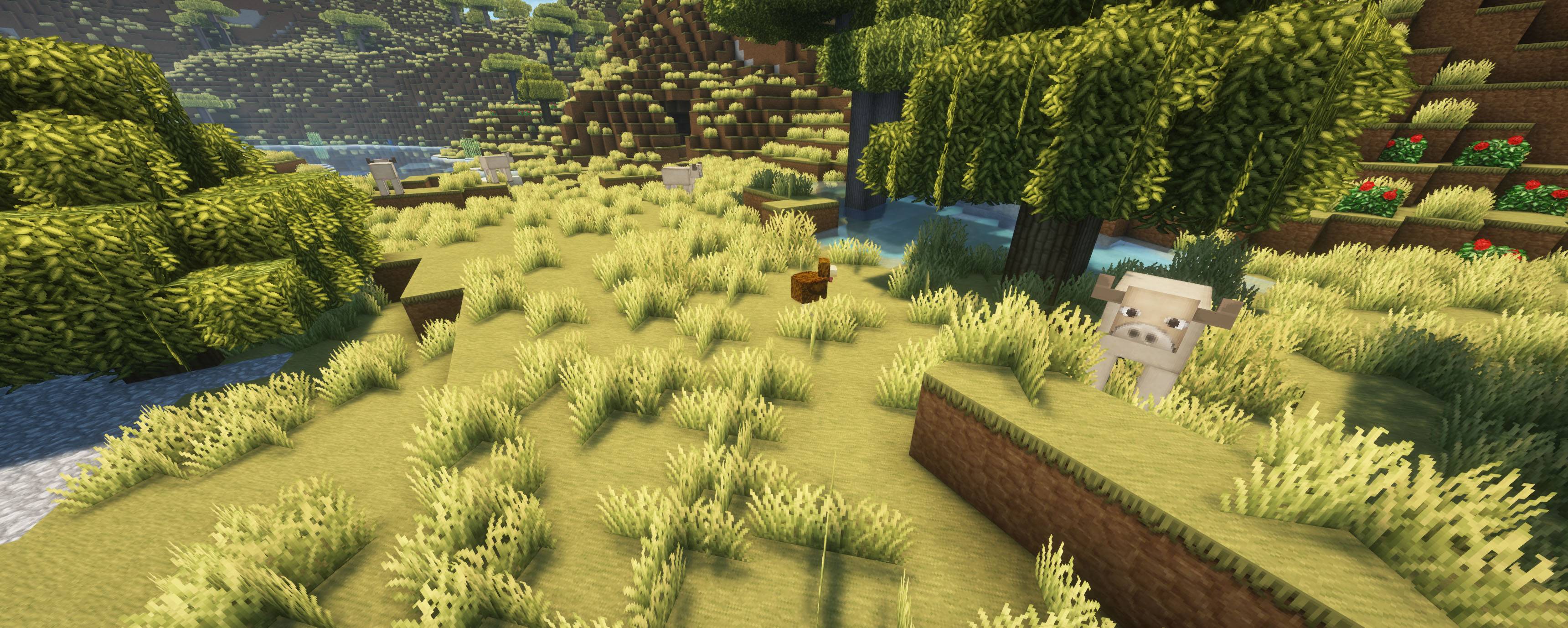
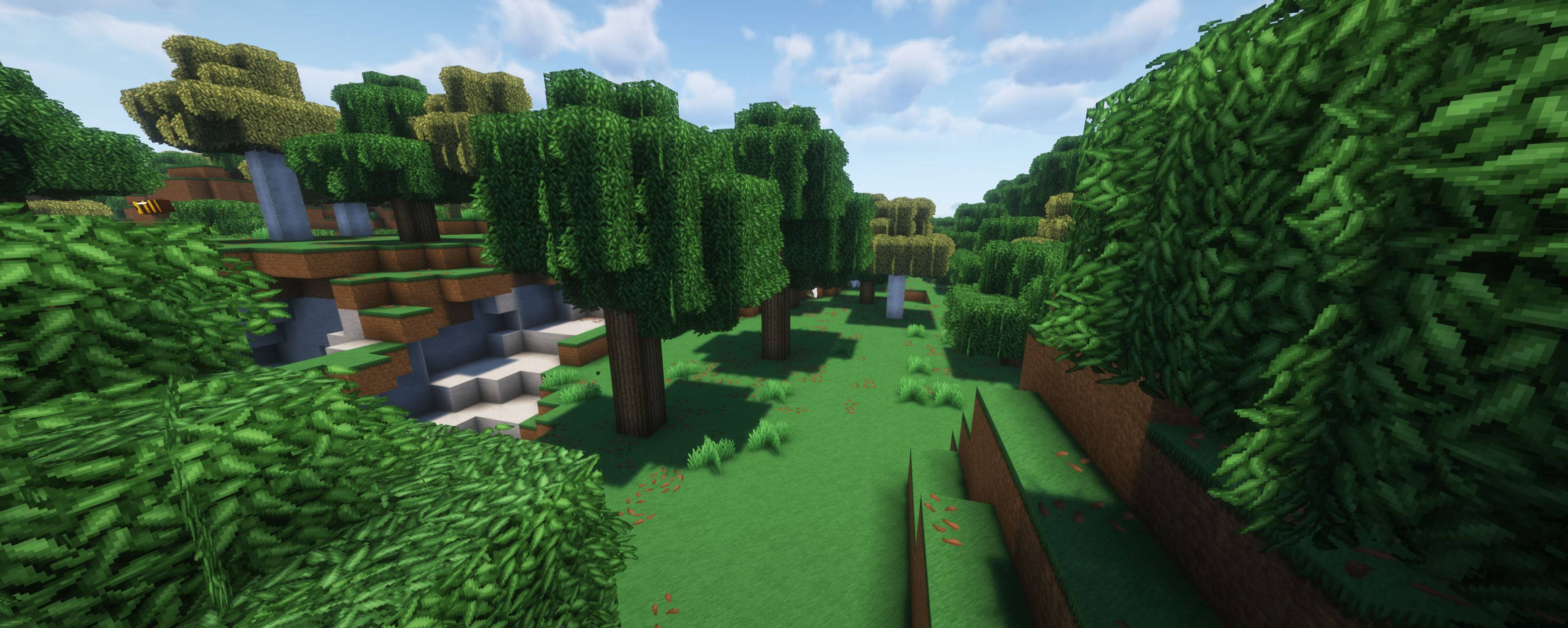
Soartex Forever is a fan continuation of Soar49's "Soartex" from 2011-2012. It is a smooth contemporary 64x art style for Minecraft. The textures, originally made by Soar49, have been developed and updated by fans over the past 13 years. These textures are carefully designed to be detailed, but not photo-realistic; organic, but not cartoony.


Required Mods

The mods "OptiFine" or ETF,EMF, and ESF by Traben are all Required as this pack contains features that requires them to work properly such as water color, better skies and light maps.

If you have any feedback, want to report a bug, or generally need help, join our Discord server!

Additional credits to AVPSoftworks for his contribuitions!


Soartex Forever R.1.6
MC 1.21.9, 1.21.10
Release 2025-10-08 Get
Soartex Forever R.1.5
MC 1.21.2-Snapshot, 1.21, 1.21.6-snapshot, 1.21.5, 1.21.8, 1.21.1-Snapshot, 1.21.9, 1.21.4, 1.21.5-Snapshot, 1.21-Snapshot, 1.21.3, 1.21.7, 1.21.1, 1.21.6, 1.21.4-Snapshot, 1.21.2
Release 2025-09-30 Get
Soartex Forever R.1.4
MC 1.21.6-snapshot, 1.21.5, 1.21.8, 1.21.5-Snapshot, 1.21.7, 1.21.6
Release 2025-07-27 Get
Soartex Forever R.1.3
MC 1.21.6-snapshot, 1.21.5, 1.21.4, 1.21.5-Snapshot, 1.21.7, 1.21.6, 1.21.4-Snapshot
Release 2025-07-13 Get
Soartex Forever R.1.2
MC 1.21.6-snapshot, 1.21.5
Release 2025-04-27 Get
Soartex Forever R.1.1
MC 1.21.6-snapshot, 1.21.5
Release 2025-04-22 Get
Soartex Forever R.1
MC 1.21.5
Release 2025-04-13 Get

Requirements & install

How to use this resource pack in Minecraft
Resolution
64x
Minecraft
1.21.5-Snapshot – 1.21.10
Install folder
.minecraft/resourcepacks

How to install resource packs

  1. Download the resource pack .zip file (do not extract it).
  2. In Minecraft open Options → Resource Packs → Open Pack Folder.
  3. Drop the .zip into the resourcepacks folder (.minecraft/resourcepacks).
  4. Move the pack to the Selected column and click Done.
Browse more: 16x resource packs 32x resource packs 64x resource packs 128x resource packs 256x resource packs 512x+ resource packs Resource Packs for 1.21.10 All resource packs

More from Shmade

Advertisement Remove ads with Premium →

You Might Also Like