Mineuniverse
Resource Packs
Smart Upscale

Smart Upscale

RESOURCE PACK
Experience Minecraft through the eyes of Artificial Intelligence
by Jackbusters
Download Claim this project
3,837 downloads
0 likes
Updated Oct 14, 2026
0 hypes
512x and Higher Miscellaneous Photo Realistic
Advertisement Remove ads with Premium →

This project makes use of the ESRGAN AI, click here view the GitHub.


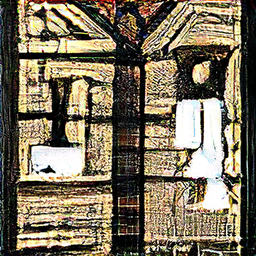
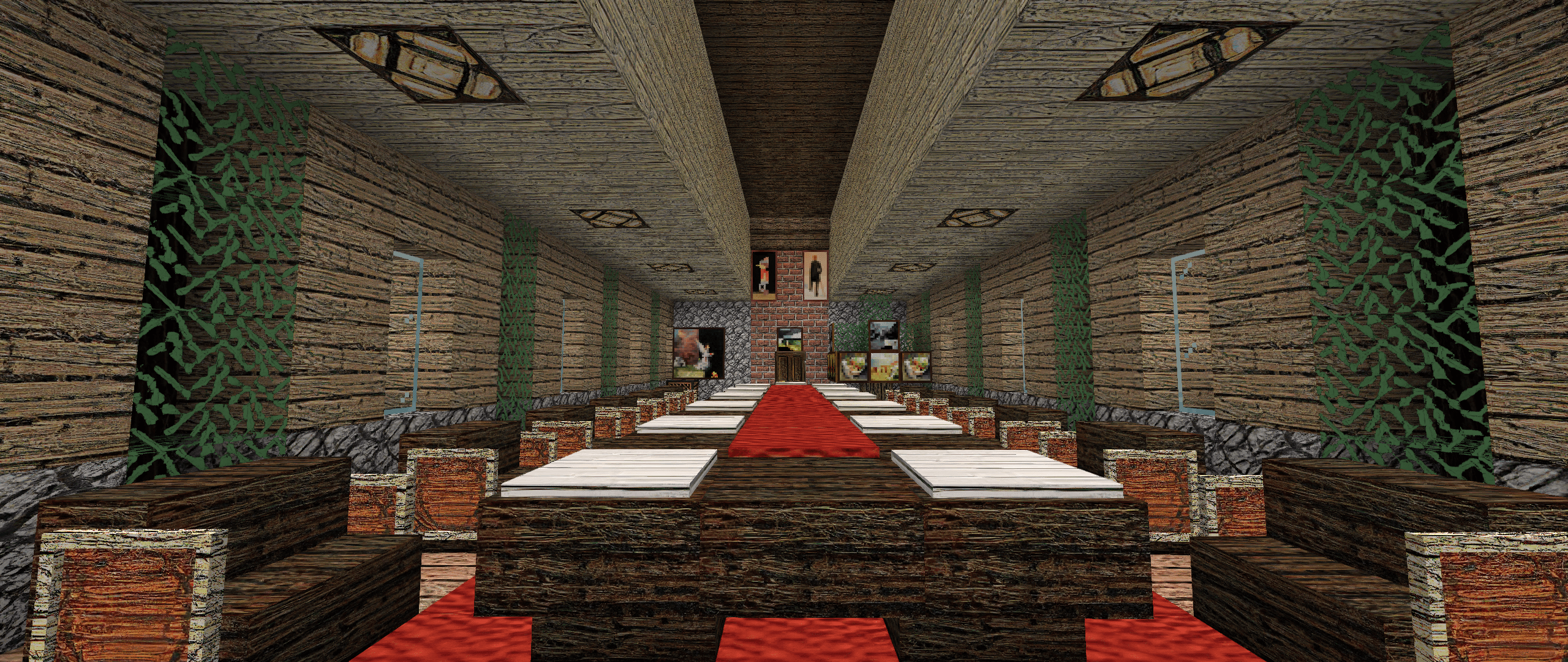
Smart Upscale is a project which uses artificial intelligence to upscale Minecraft's textures. See what the AI sees!


What Smart Uspcale Does:

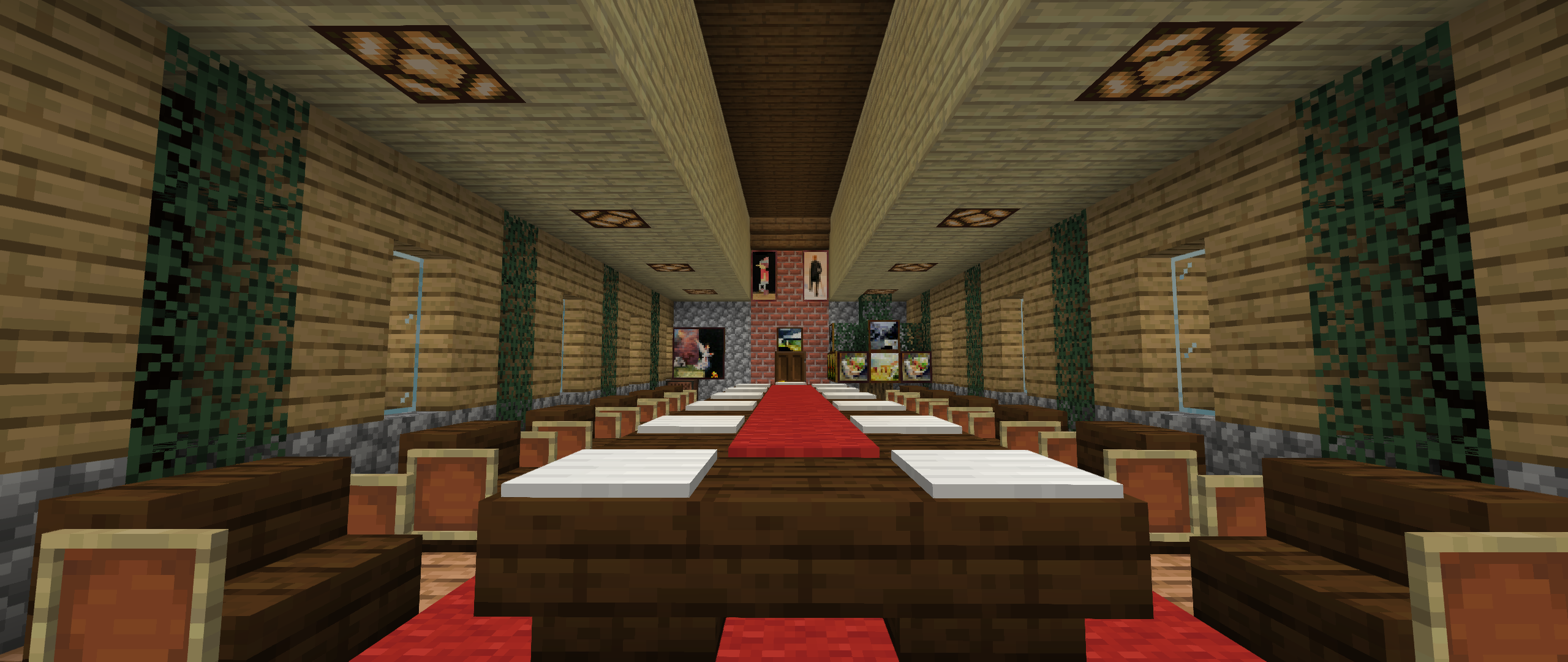
Smart Upscale makes use of artificial intelligence to upscale Minecraft's textures to a higher resolution. Due to several factors, including the AI being trained for realistic photos, this results in its own special art style. An art style of which was made by a computer.


Features Offered By Smart Upscale:

- 1020 x 1020 scaled textures

- Vanilla Support (No Optifine Needed)

- Texture Size Optimization

- New Entity Textures

- New Environment Textures (Rain, Snow, Sun, Moon, etc)

- New Block Textures


How these features effect you, the user:

These features will allow users to see for themselves how an AI truly thinks Minecraft's textures look at a higher resolution. Due to the size of these textures, despite their optimization, users may want to dedicate a decent amount of RAM to their game to reduce chances of possible lag spikes.


 Non-Placeable items will not be included in the first batch of Pack Updates due to Resource Loading issues. They are, however, all upscaled and a solution is currently in the works to counter this issue.


For early updates on the pack & its progress, be sure to follow SmartUpscale on Instagram!


--As seen on MinecraftFrance

Smart Upscale V1.1 MC: 1.17
MC 1.17
Beta 2021-01-15 Get
Smart Upscale V1.1 MC:1.16.4
MC 1.16.3, 1.16.4, 1.16.2
Release 2021-01-13 Get
Uploading "Smart V1.0 MC:1.17
MC 1.17
Beta 2021-01-08 Get
Smart Upscale V1.0
MC 1.16.3, 1.16.4, 1.16.2
Release 2021-01-05 Get

Requirements & install

How to use this resource pack in Minecraft
Resolution
512x+
Minecraft
1.16.2 – 1.17
Install folder
.minecraft/resourcepacks

How to install resource packs

  1. Download the resource pack .zip file (do not extract it).
  2. In Minecraft open Options → Resource Packs → Open Pack Folder.
  3. Drop the .zip into the resourcepacks folder (.minecraft/resourcepacks).
  4. Move the pack to the Selected column and click Done.

512x packs need a strong GPU and at least 4 GB of RAM for Minecraft; a performance mod such as Sodium is strongly recommended.

Browse more: 16x resource packs 32x resource packs 64x resource packs 128x resource packs 256x resource packs 512x+ resource packs Resource Packs for 1.17 All resource packs

More from Jackbusters

Advertisement Remove ads with Premium →

You Might Also Like