Mineuniverse
Resource Packs
Small Gauge Goodies for Immersive Railroading.

Small Gauge Goodies for Immersive Railroading.

RESOURCE PACK
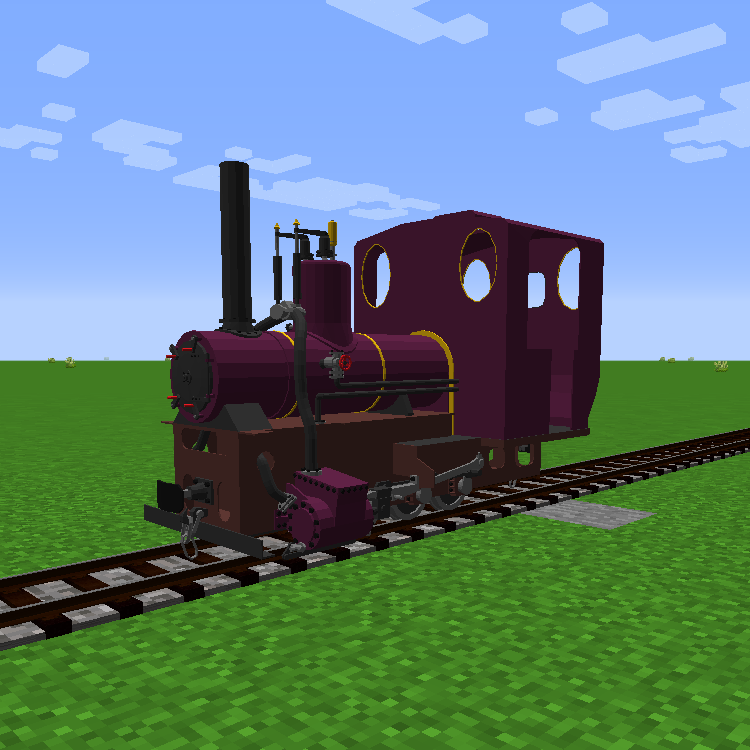
An addition of 3 engines and 4 rolling stock for the Immersive Railroading Mod.
by Glayn
Download Claim this project
Add a badge to your pageLink to Small Gauge Goodies for Immersive Railroading. from a README, website or forum post.
Preview: Badge

Badges update automatically and link to the resource pack page on MineUniverse.

118,885 downloads
0 likes
0 followers
Updated Oct 14, 2026
0 hypes
Follow0
512x and Higher Miscellaneous
Advertisement Remove ads with Premium →


For use with the Immersive Railroading mod, adds new stock.


Big locomotives and trains are all well and good, but most of the time in minecraft, smaller railways are needed. This pack aims to support smaller railways, especially useful for survival.


WARNING: Latest update removed the Ryza Gauge rails that where accidentally added to the pack. If you've used them in any serious capacity, consider downloading the Huge Gauge Goodies for Immersive Railroading pack, which includes locomotives and stock made for that gauge.


Updates:

1.2

Adds models for various cargo fill levels to stock.

1.3

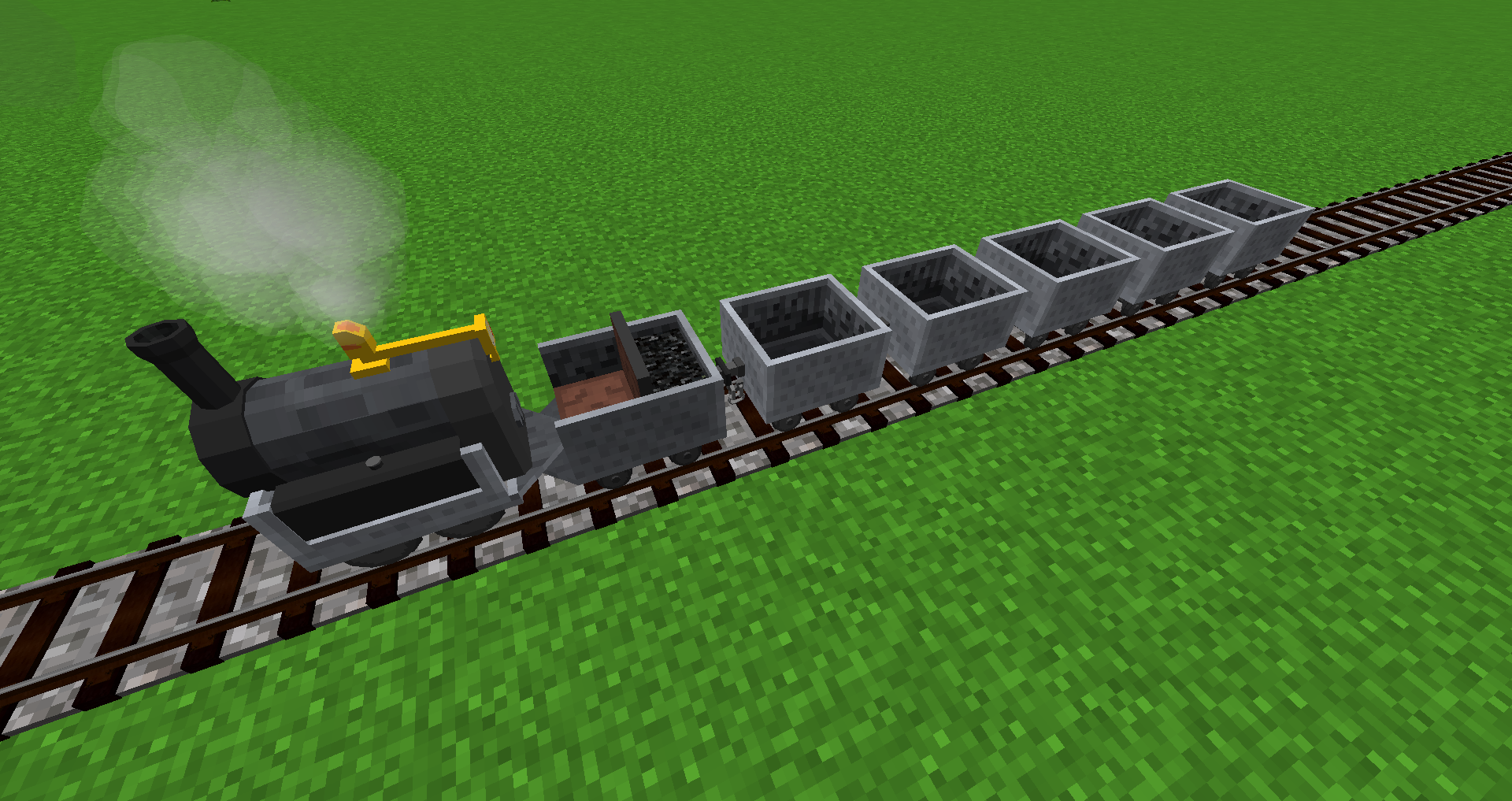
Adds 'Faithful' minecraft style steam engine, diesel, mk2 minecarts and mk2 minecarts with tanks.


Narrow Gauge:


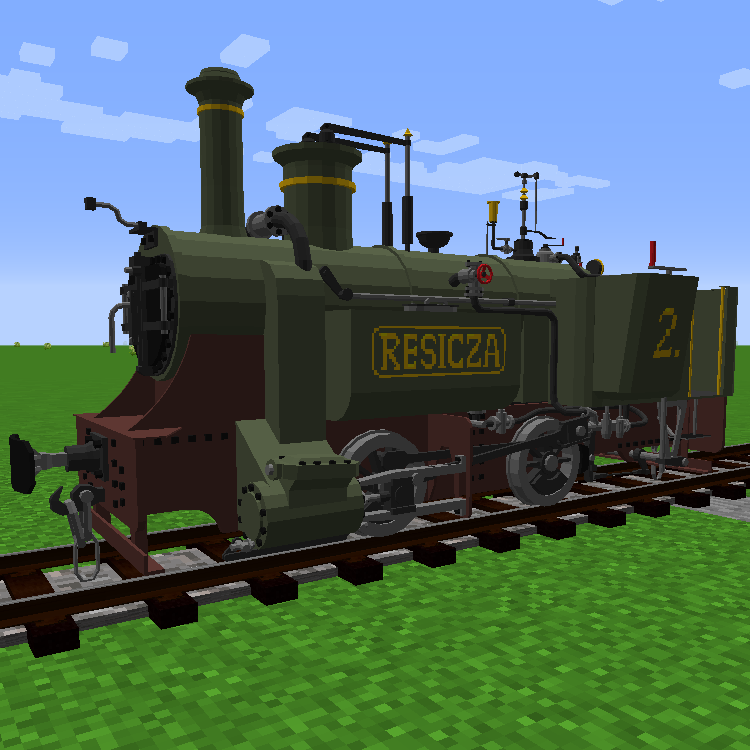
----Resicza 2 Steam Locomotive----


Minecraft Gauge:


---MAV 399 Steam Locomotive---


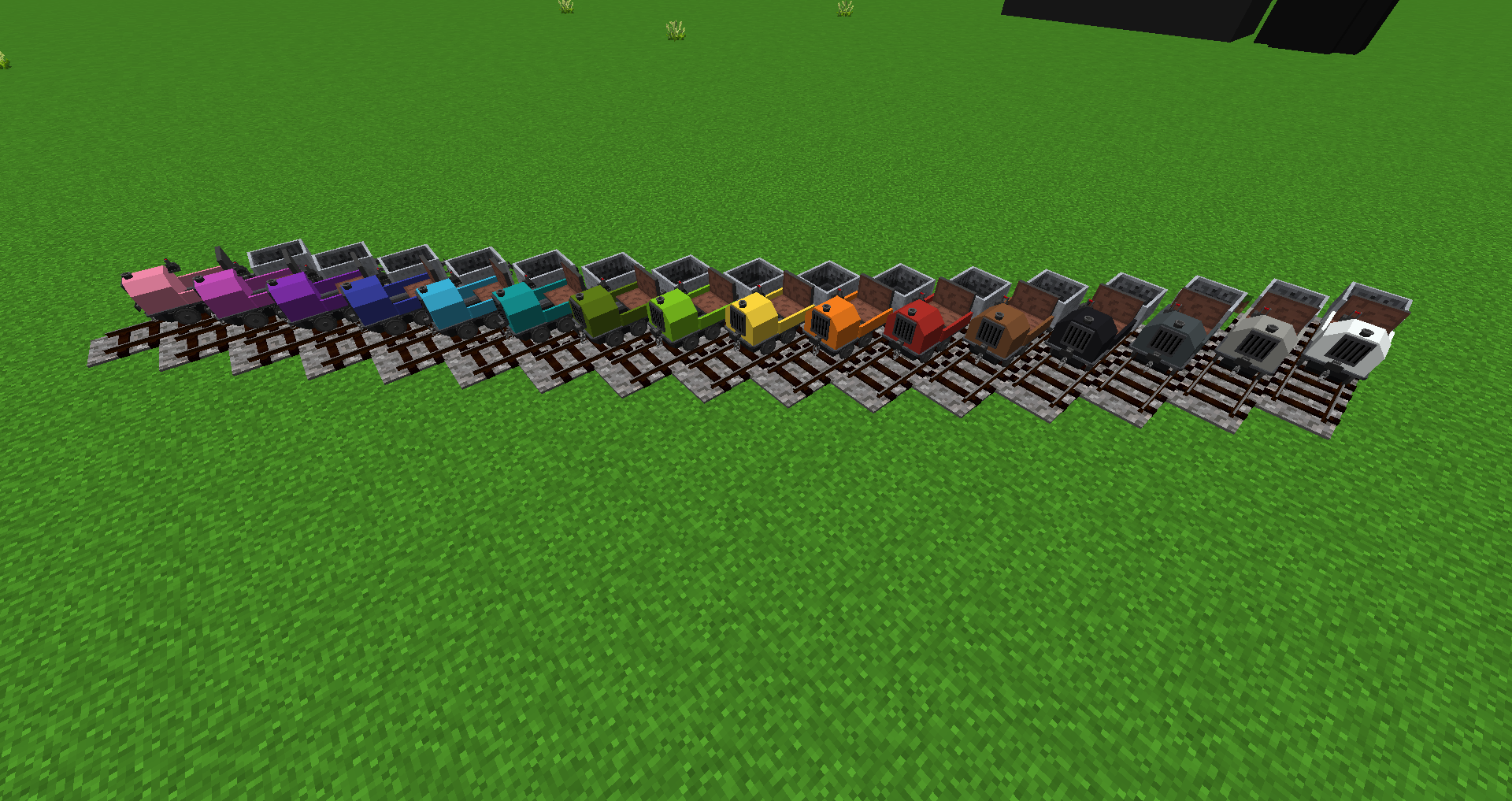
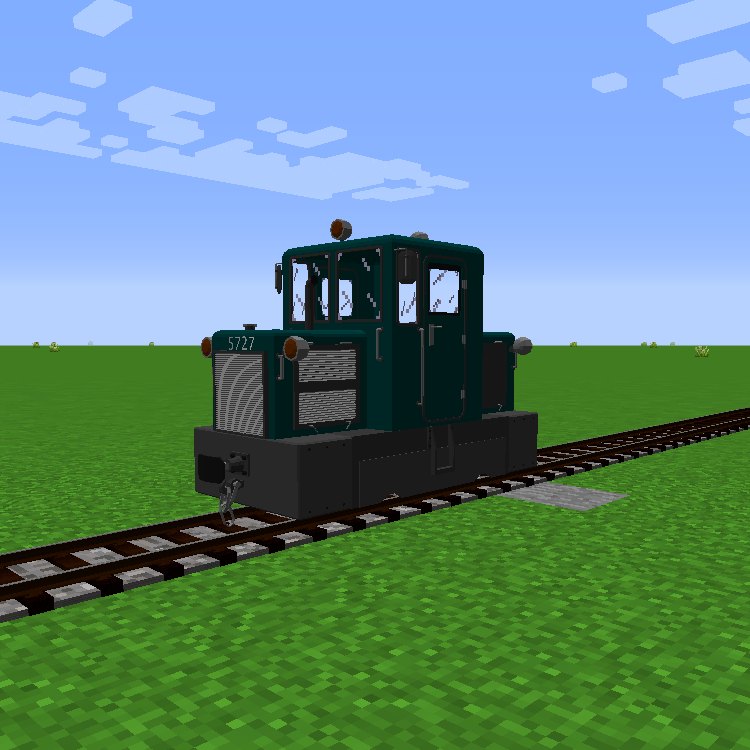
---c50 Diesel Locomotive---


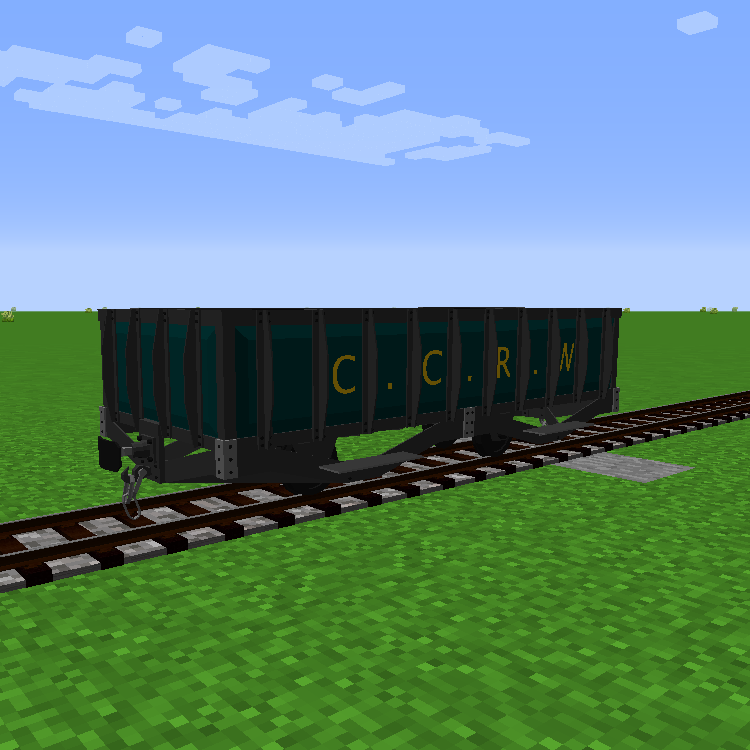
---CCRW Ore Car---


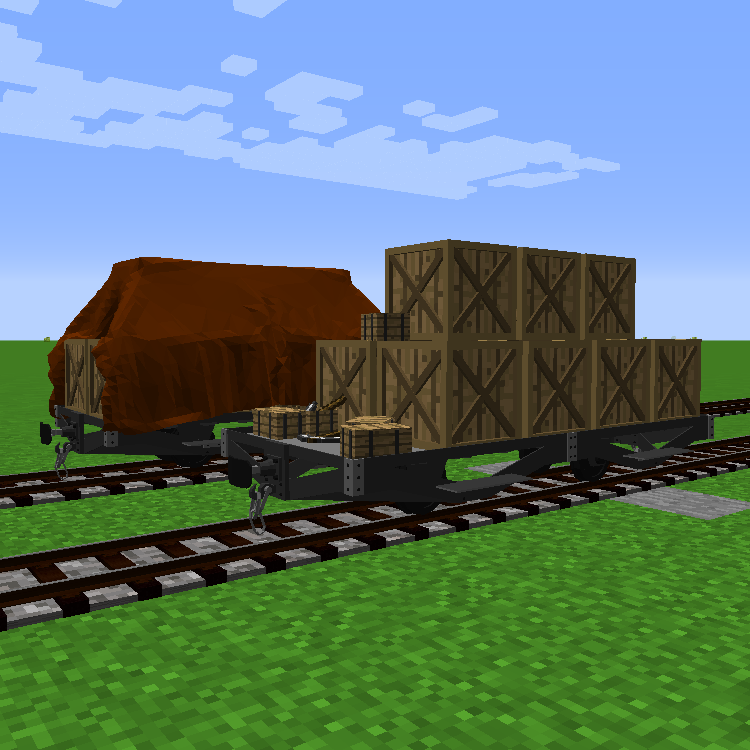
---CCRW Cargo Flatbed (Covered and Uncovered variants)---


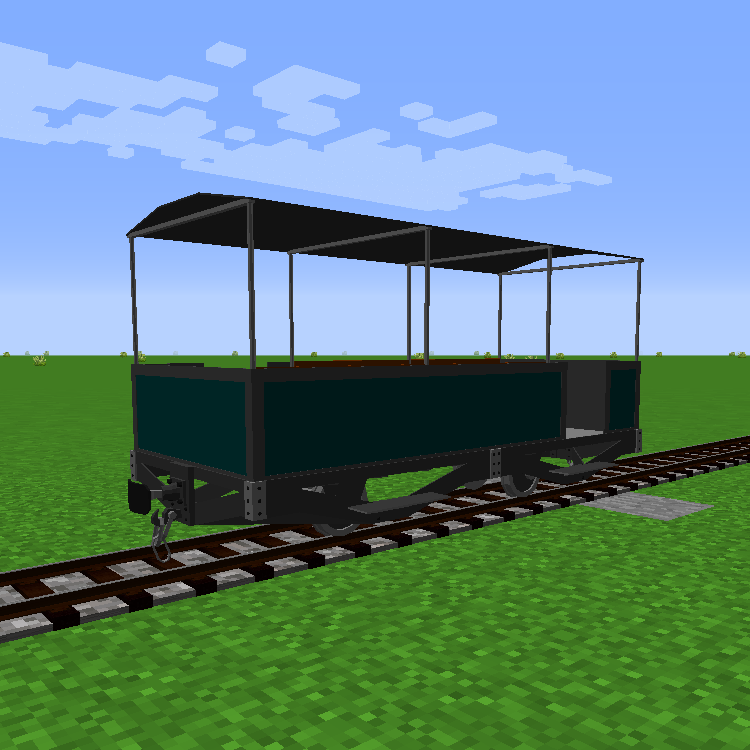
---Daytripper passenger car---


SGG 1.3.1
MC 1.12.1, 1.12, 1.12.2, 1.12-Snapshot
Release 2019-02-21 Get

Requirements & install

How to use this resource pack in Minecraft
Resolution
512x+
Minecraft
1.12-Snapshot – 1.12.2
Install folder
.minecraft/resourcepacks

How to install resource packs

  1. Download the resource pack .zip file (do not extract it).
  2. In Minecraft open Options → Resource Packs → Open Pack Folder.
  3. Drop the .zip into the resourcepacks folder (.minecraft/resourcepacks).
  4. Move the pack to the Selected column and click Done.

512x packs need a strong GPU and at least 4 GB of RAM for Minecraft; a performance mod such as Sodium is strongly recommended.

Browse more: 16x resource packs 32x resource packs 64x resource packs 128x resource packs 256x resource packs 512x+ resource packs Resource Packs for 1.12.2 All resource packs

More from Glayn

Advertisement Remove ads with Premium →

You Might Also Like