Mineuniverse
Resource Packs
Sky's Faithful

Sky's Faithful

RESOURCE PACK
Based on Faithful 64x and 32x with some customisation
by SkyRunner
Download Claim this project
958 downloads
0 likes
0 followers
Updated Oct 14, 2026
0 hypes
Follow0
64x Traditional
Advertisement Remove ads with Premium →

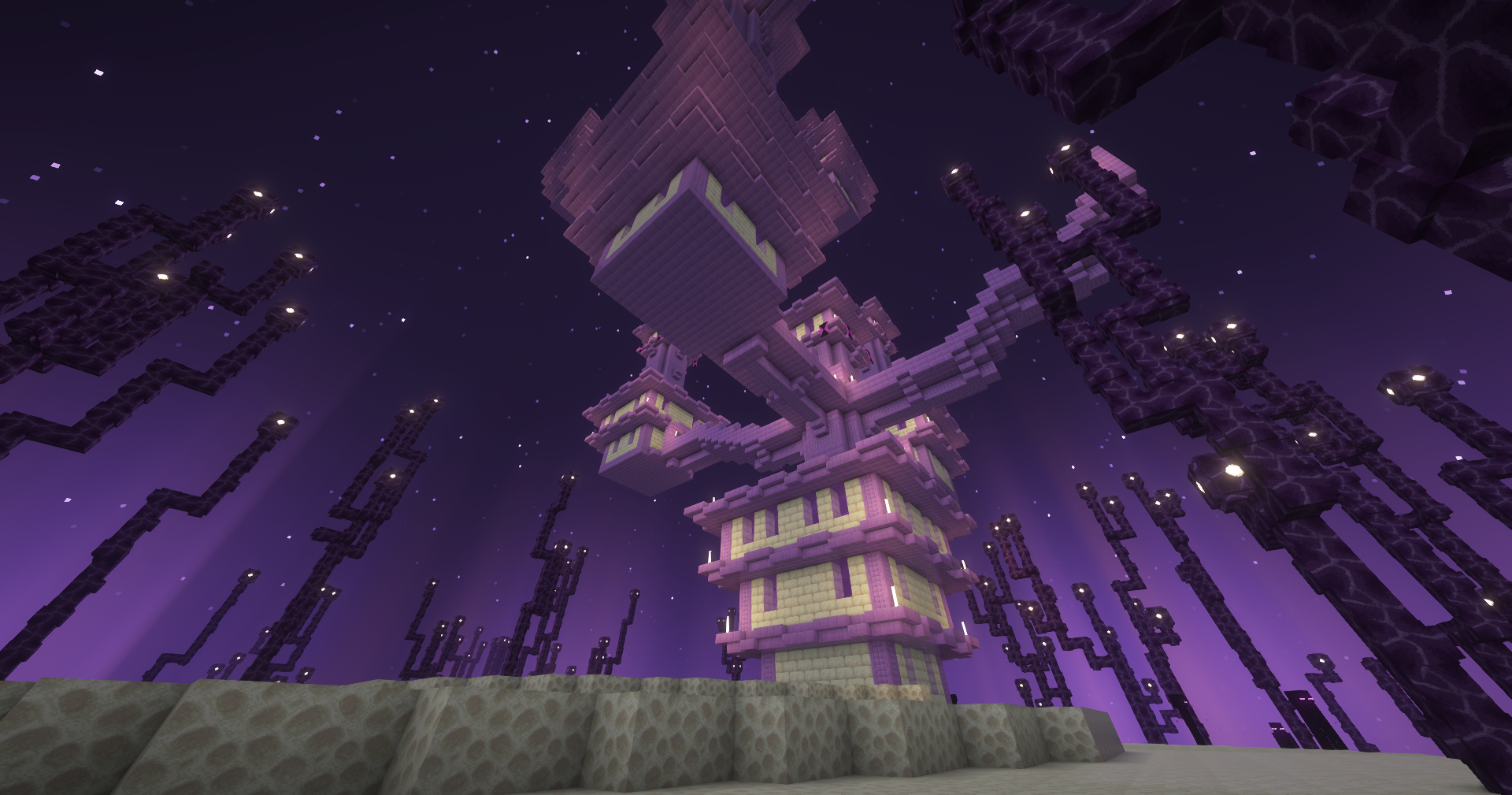
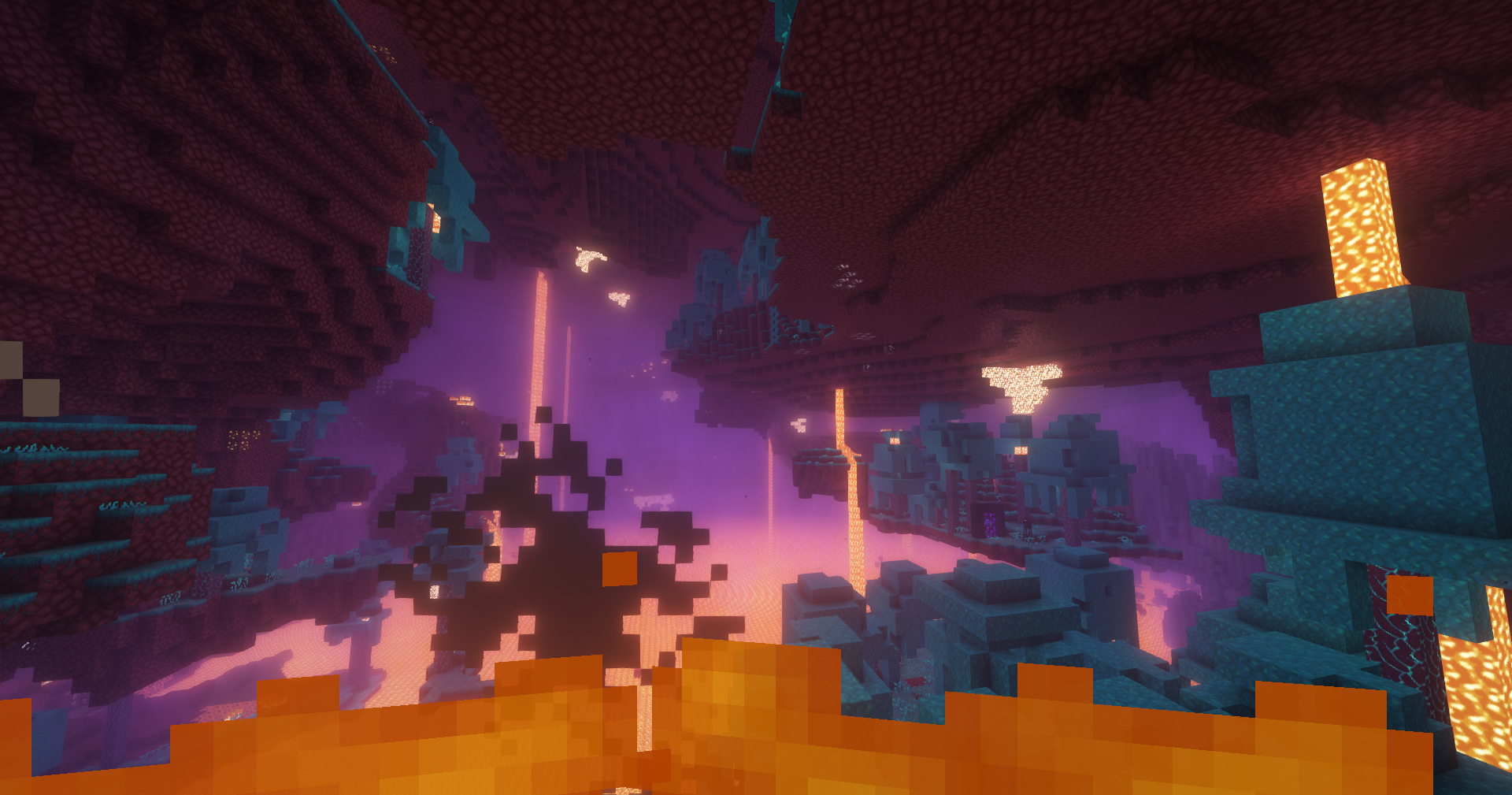
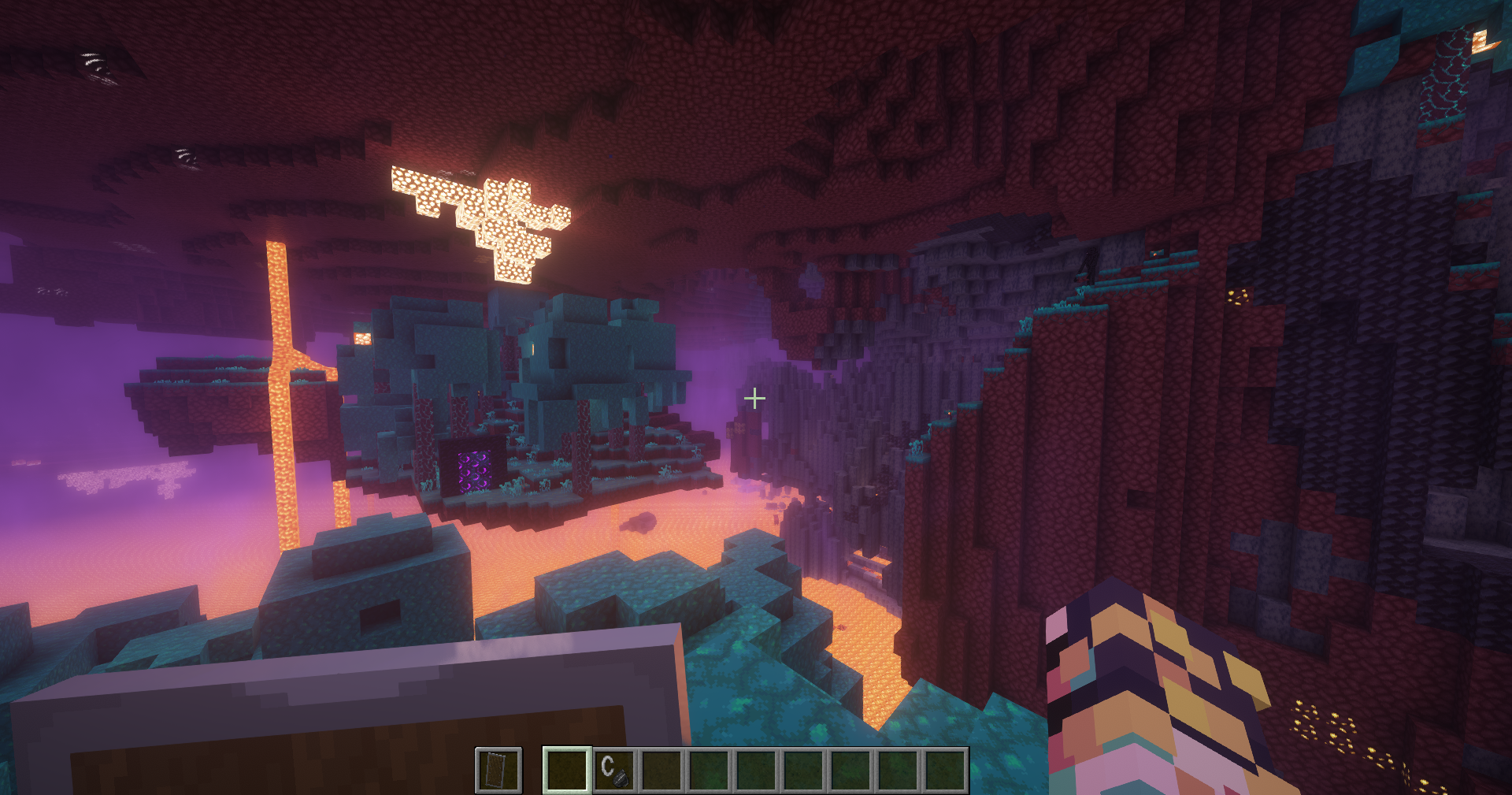
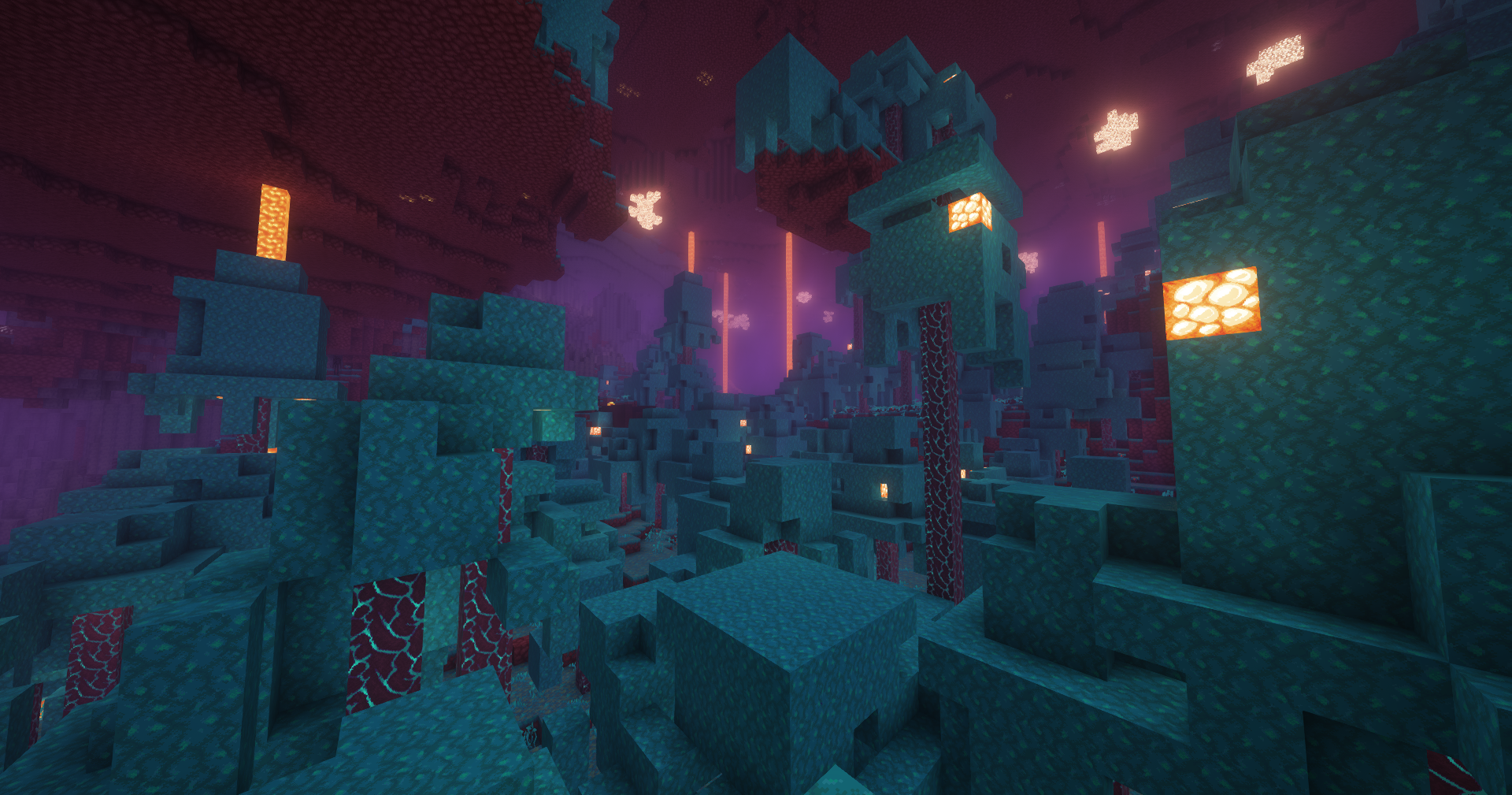
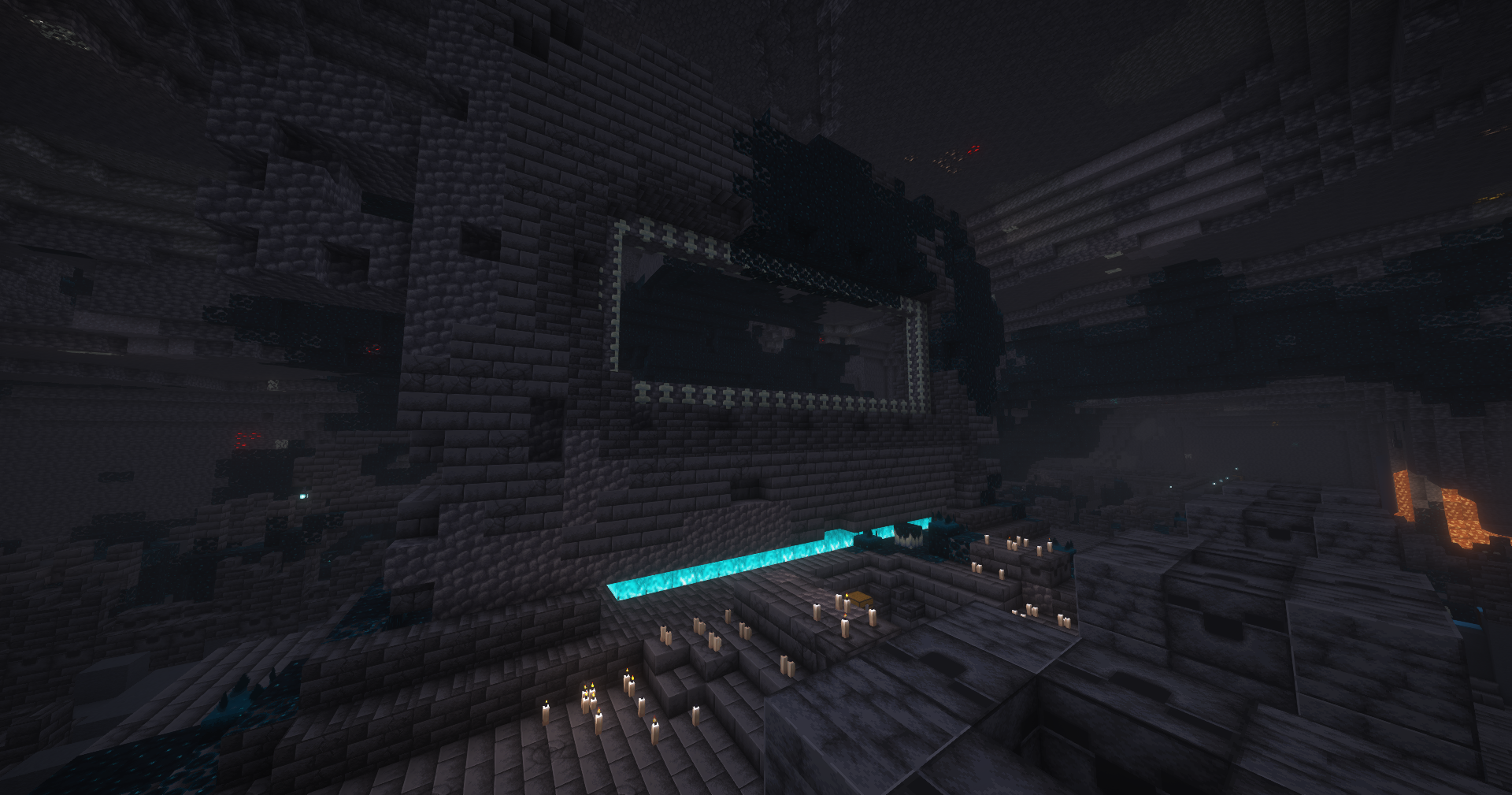
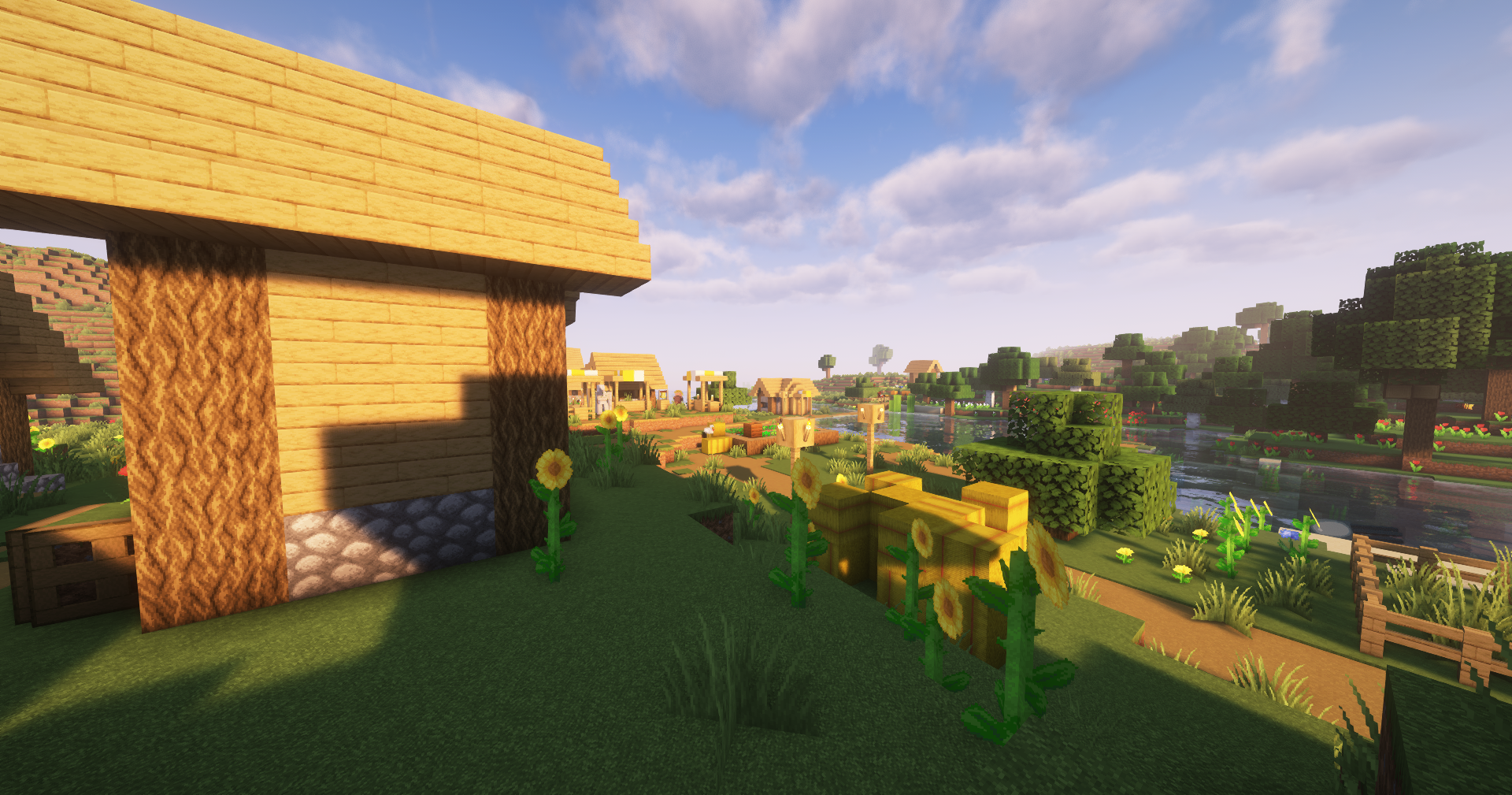
This is the texture pack i use all the time, mainly based on the original faithful 64x and 32x with some QoL change

Here some change :

  • more visibility while on fire
from another texture pack, i didn't make this, i don't remember who made this since there are many mod like this
  • more visibility while holding a shield
same as the fire, i don't remember who made this since there are many mod like this


  • no water or pumkin vision downside (the pumkin guess can be considered cheating)
  • red trapped chest (can be boring for some, but you can just check the chest lock or also do f3 and see its a trapped one)
  • red noteblock & blue jukebox 
  • purple shulker box hud
  • black tipped arrow (entity) and fully colored tipped arrow (item)


Screenshot were taken with complementary unbound shaders


Disclaimer : I don't own ANY of the texture inside the texture pack, 99% of the textures are from the faithful texture pack, uploading it was more meant for my custom personal modpack for my friends, so they don't have to download it manually


Thx for the Faithful team doing a amazing job, go support them

Cursedforge : https://www.curseforge.com/members/faithful_resource_pack/projects

Website : https://faithfulpack.net/


Sky's Faithful - 1.21v1.3.zip
MC 1.21.1, 1.21.3, 1.21.2
Release 2026-06-23 Get
Sky's Faithful - 1.21v1.2.zip
MC 1.21.1, 1.21.3, 1.21.2
Release 2026-06-04 Get
Sky's Faithful - 1.21.zip
MC 1.21, 1.21.3, 1.21.1, 1.21.2
Release 2025-01-28 Get
Sky's Faithful - 1.20.1.zip
MC 1.20.5, 1.20.3, 1.20.1, 1.20, 1.20.6, 1.20.4
Release 2025-01-28 Get

Requirements & install

How to use this resource pack in Minecraft
Resolution
64x
Minecraft
1.20.3 – 1.21.3
Install folder
.minecraft/resourcepacks

How to install resource packs

  1. Download the resource pack .zip file (do not extract it).
  2. In Minecraft open Options → Resource Packs → Open Pack Folder.
  3. Drop the .zip into the resourcepacks folder (.minecraft/resourcepacks).
  4. Move the pack to the Selected column and click Done.
Browse more: 16x resource packs 32x resource packs 64x resource packs 128x resource packs 256x resource packs 512x+ resource packs Resource Packs for 1.21.3 All resource packs
Advertisement Remove ads with Premium →

You Might Also Like