[ES]
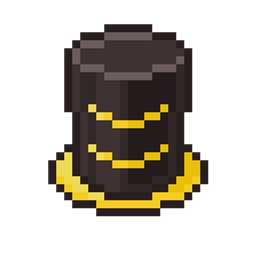
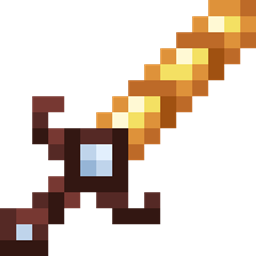
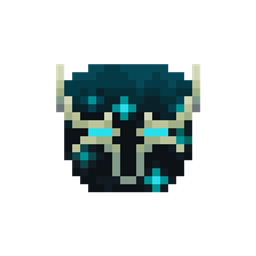
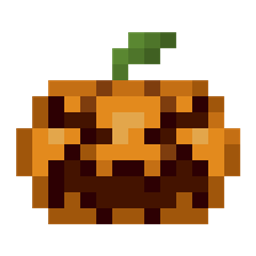
Este paquete de texturas es una versión de menor resolución del paquete de texturas original, pues está hecho en 16x16, la resolución vanilla.
¿Con qué objetivo?
Con el objetivo de llevar la misma experiencia o al menos una parecida para aquellos jugadores que no acostumbren usar paquetes de texturas de 32x32 pixeles.
Con este paquete de texturas salgo de mi zona de confort, pues no estoy acostumbrado a trabajar con esta resolución, aun así, hice mi mejor esfuerzo haciendo la versión de 16x16 de todas las texturas.
Si crees que puedo mejorar algunas texturas o quieres que traiga más paquetes de texturas en 16x16 pixeles, házmelo saber :)
(Solo brillará si usas Java Edition con Optifine y tienes la opcion de "Texturas emisivas" activada)
[EN]
This texture pack is a lower resolution version of the original texture pack, as it is made in 16x16, the vanilla resolution.
For what purpose?
With the aim of bringing the same or at least a similar experience to those players who are not used to using 32x32 pixel texture packs.
With this texture pack I get out of my comfort zone, because I'm not used to working with this resolution, even so, I did my best doing the 16x16 version of all the textures.
If you think I can improve some textures or you want me to bring more texture packs in 16x16 pixels, let me know :)
(It will only glow if you use Java Edition with Optifine and have the "Emissive Textures" option enabled)