Mineuniverse
Resource Packs
ShonicBurn's Ultra detailed Just water pack 256x256

ShonicBurn's Ultra detailed Just water pack 256x256

RESOURCE PACK
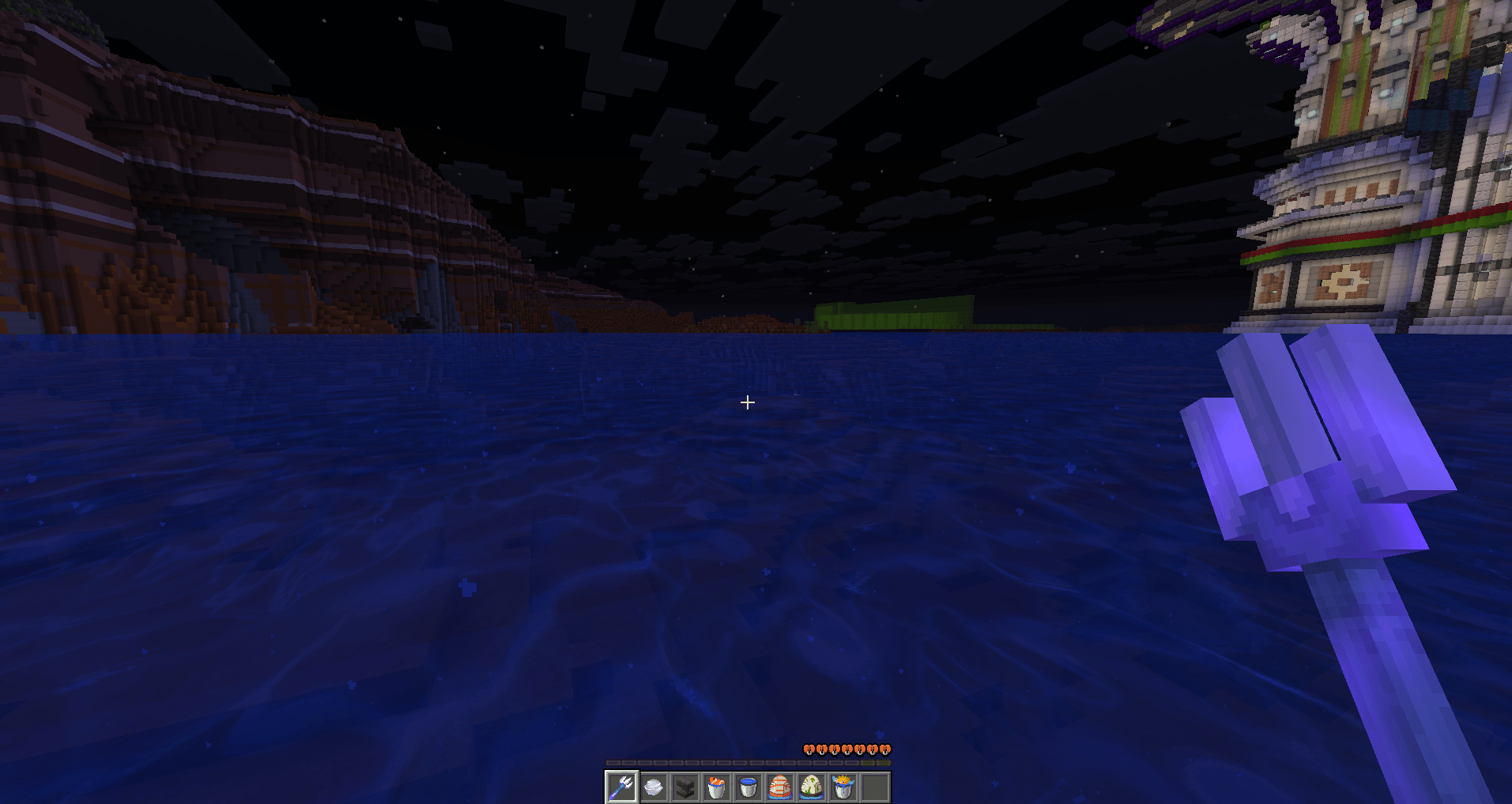
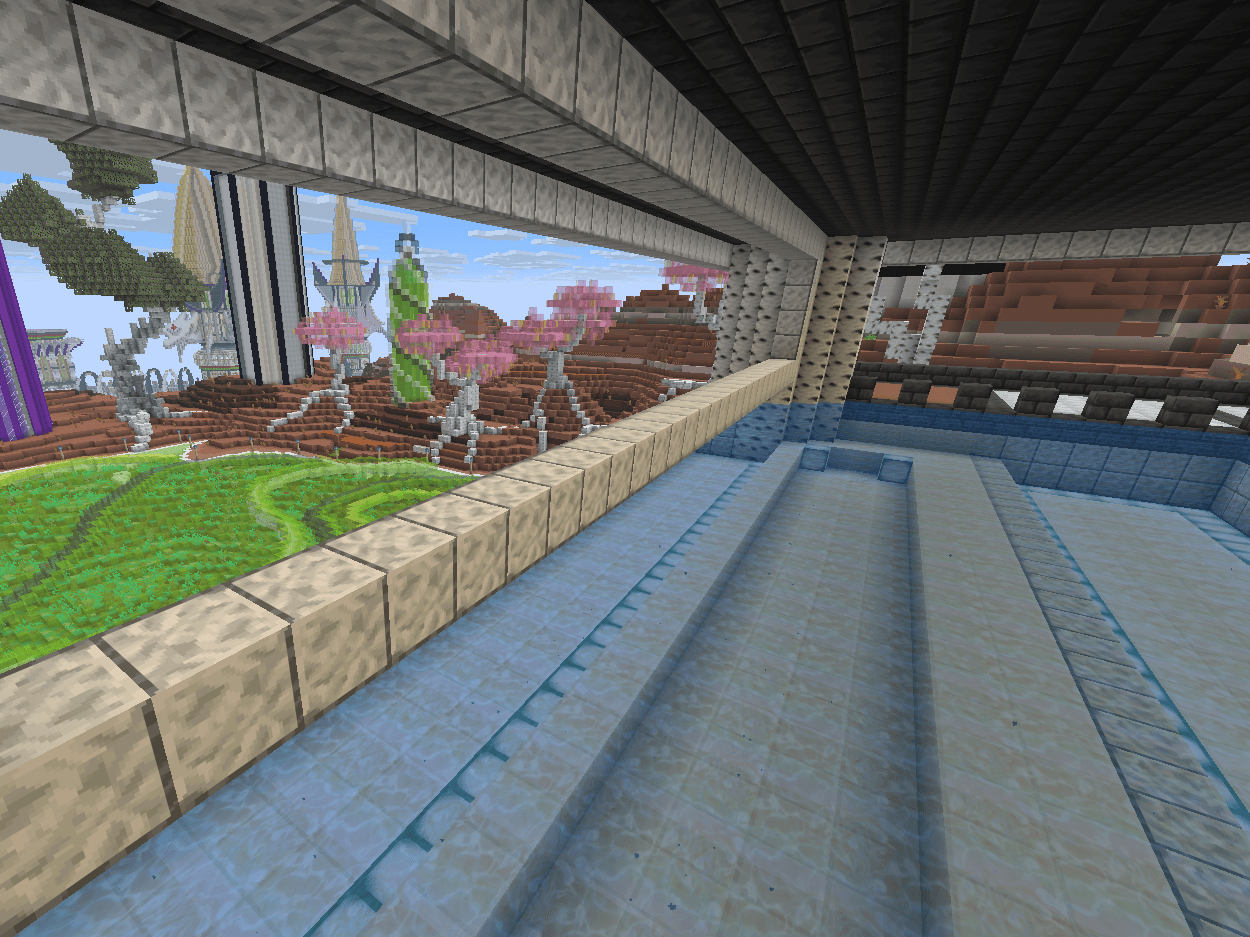
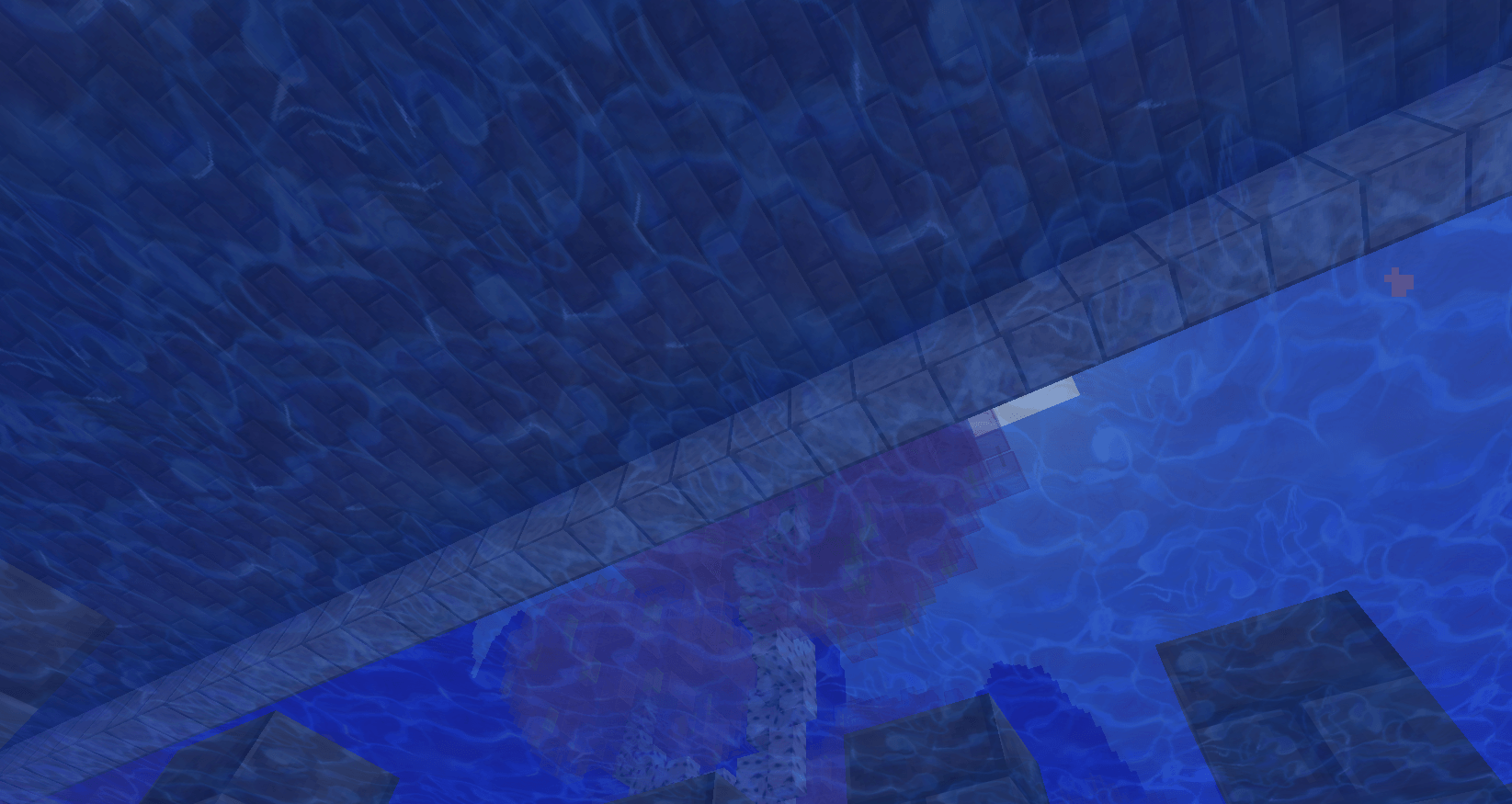
Are you tired of every resource pack having a bland flat water optimized for shaders, but you have a potato PC with no graphics card? Well fear no more ShonicBurn has made a just HD water pack to fix that.
by Shoniccoolhog
Download Claim this project
Add a badge to your pageLink to ShonicBurn's Ultra detailed Just water pack 256x256 from a README, website or forum post.
Preview: Badge

Badges update automatically and link to the resource pack page on MineUniverse.

2,311 downloads
0 likes
0 followers
Updated Oct 14, 2026
0 hypes
Follow0
256x Animated Photo Realistic
Advertisement Remove ads with Premium →

Made By Shonic Burn with the Help of Grok AI.

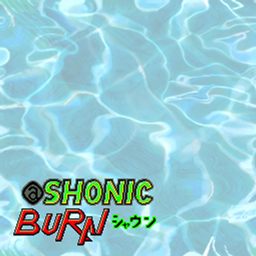
My process was I generated the texture then drew over the top of it to create a seamless texture.

The animation was also done by hand so about 50% of the workload was AI. 

This pack was made because I don't like loading up shaders and I like screenshots with detailed water.

I layer it over the Top of of Default HD 64x for weapons and faithful for the blocks. 
The water is much more HD but no one seems to mind shaders and 32x blocks so it gives a similar feel.

I made this texture because all the resoucepacks of today have solid water and I don't like that look.
if you know of any good old water textures that are better I would like to support someone who didn't
use ai so PM me @Shonicburn on deviant art. or curseforge.

Feel free to use in any project for any reason without crediting ShonicBurn or Grok as I nor AI deserve it.

ShonicBurnsWateronlypack256.zip
MC 26.1.2
Release 2026-04-19 Get

Requirements & install

How to use this resource pack in Minecraft
Resolution
256x
Minecraft
26.1.2
Install folder
.minecraft/resourcepacks

How to install resource packs

  1. Download the resource pack .zip file (do not extract it).
  2. In Minecraft open Options → Resource Packs → Open Pack Folder.
  3. Drop the .zip into the resourcepacks folder (.minecraft/resourcepacks).
  4. Move the pack to the Selected column and click Done.

Packs from 128x upwards need more video memory: install a performance mod such as Sodium for smooth frame rates.

Browse more: 16x resource packs 32x resource packs 64x resource packs 128x resource packs 256x resource packs 512x+ resource packs Resource Packs for 26.1.2 All resource packs
Advertisement Remove ads with Premium →

You Might Also Like