Mineuniverse
Resource Packs
Shadowstrike

Shadowstrike

RESOURCE PACK
Dark core-shader pack made for PvP clarity.
by MinexInd
Download Claim this project
207 downloads
0 likes
0 followers
Updated Oct 14, 2026
0 hypes
Follow0
16x Miscellaneous Modern
Advertisement Remove ads with Premium →

🖤 SHADOWSTRIKE – Dark PvP Core Shader Pack

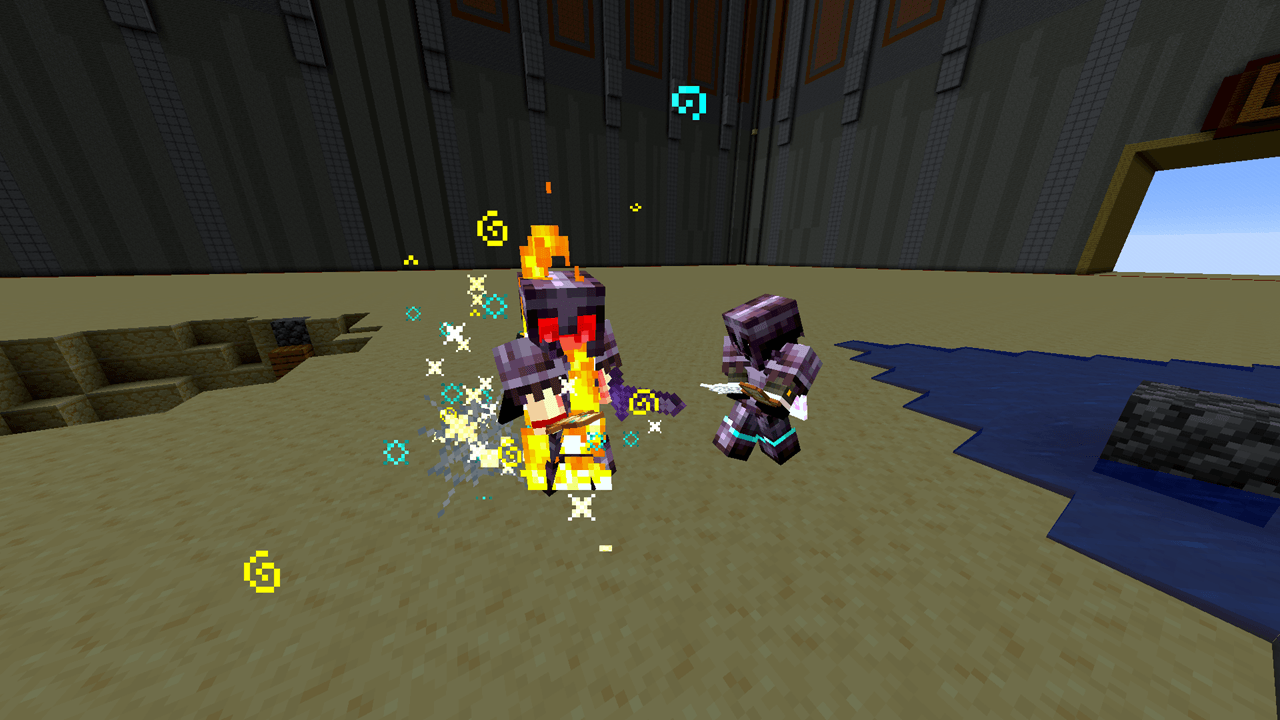
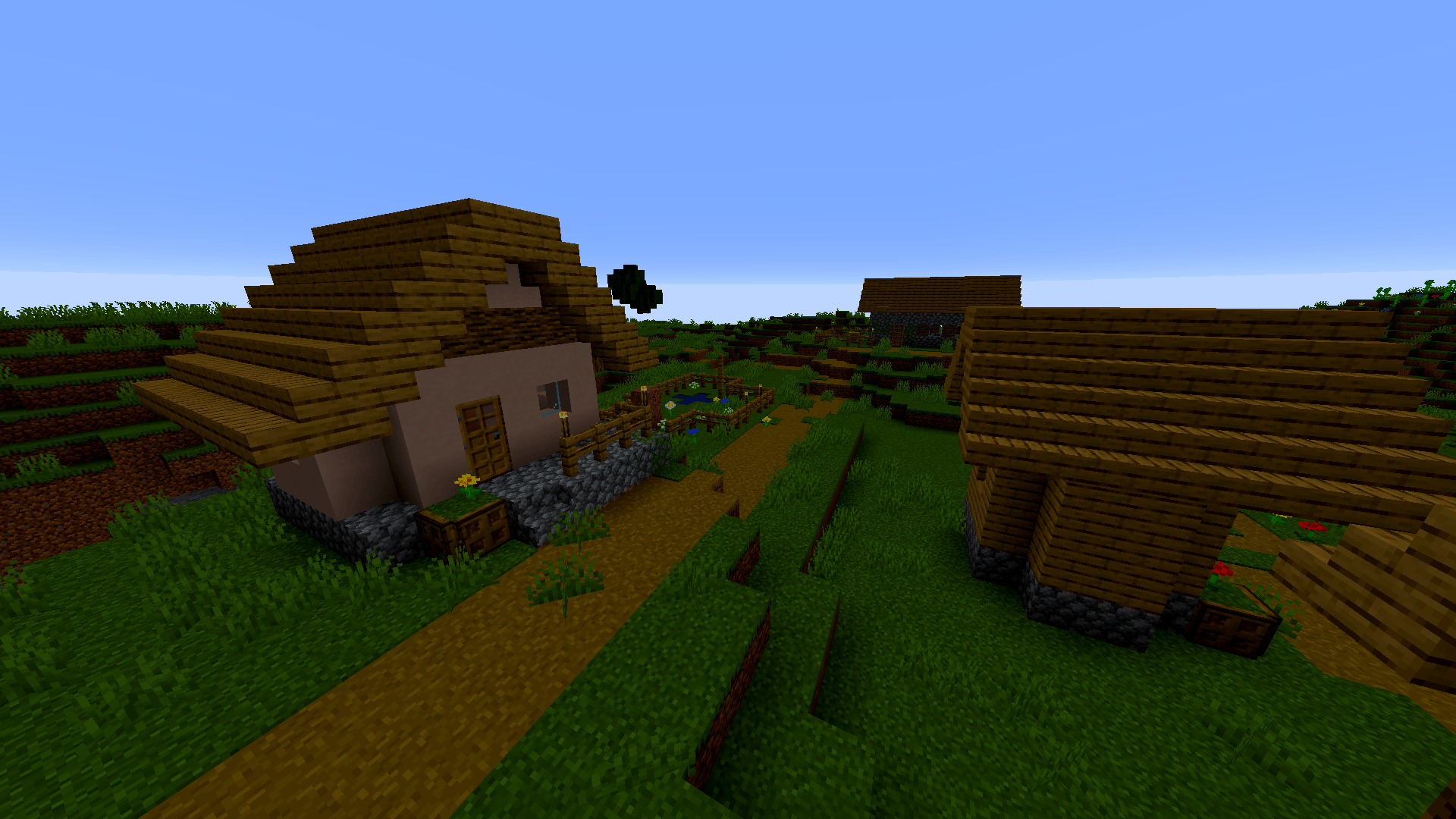
SHADOWSTRIKE is a PvP-focused core-shader resource pack that makes Minecraft darker and cleaner so players are easier to see.
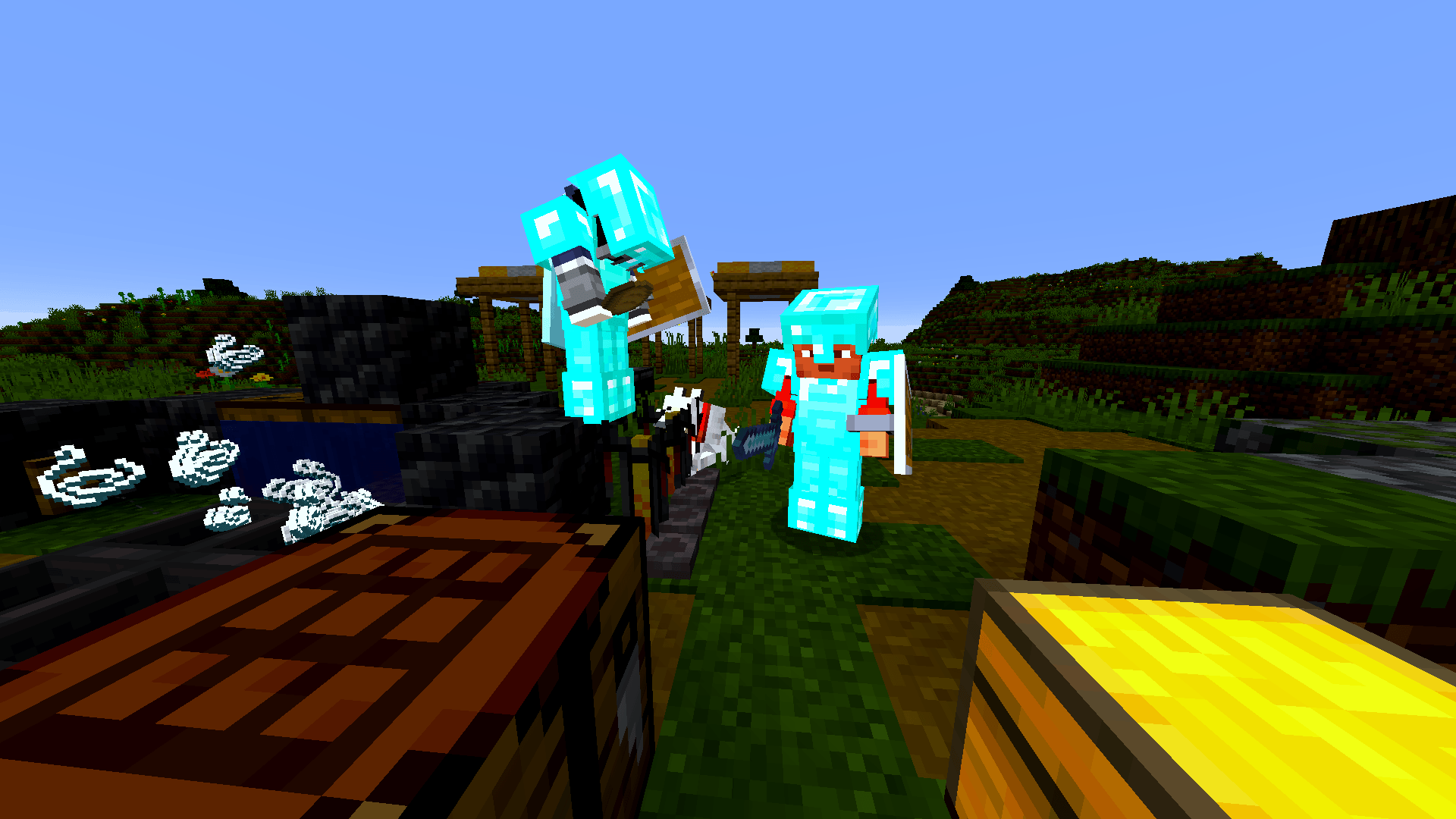
The world fades into the background while enemies stand out clearly, helping you stay focused during fights.

It keeps everything simple, smooth, and fast — no glow effects, no fancy visuals, just pure PvP clarity.


✨ What this pack does

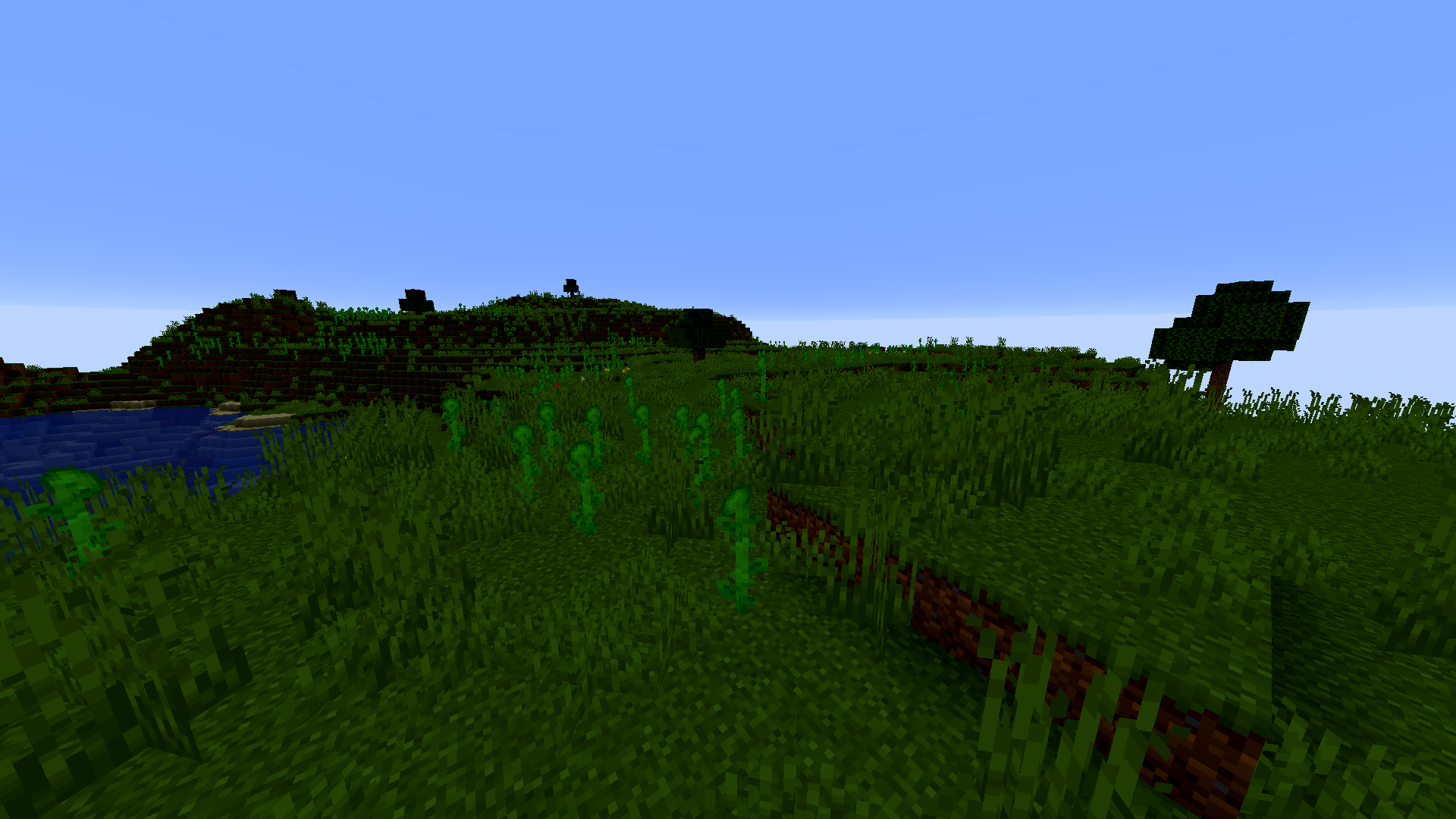
  • Darkens the world to reduce visual noise
  • Boosts contrast so blocks and edges are easier to read
  • Makes players, mobs, and important items brighter
  • Keeps textures clear without glow or bloom
  • Helps you spot enemies faster in PvP

🎮 Works on


📥 How to use

  • Download the pack
  • Put it in your resourcepacks folder
  • Enable it in-game
  • Jump into PvP and focus on the fight

🎯 Best for

  • Duels and tournaments
  • Competitive PvP servers
  • Players who want less distraction
  • Fast and clean gameplay

Shadowstrike.zip
MC 1.21.5, 1.21.4, 1.21.5-Snapshot, 1.21.3, 1.21.4-Snapshot, 1.21.2
Release 2026-02-10 Get

Requirements & install

How to use this resource pack in Minecraft
Resolution
16x
Minecraft
1.21.2 – 1.21.5
Install folder
.minecraft/resourcepacks

How to install resource packs

  1. Download the resource pack .zip file (do not extract it).
  2. In Minecraft open Options → Resource Packs → Open Pack Folder.
  3. Drop the .zip into the resourcepacks folder (.minecraft/resourcepacks).
  4. Move the pack to the Selected column and click Done.
Browse more: 16x resource packs 32x resource packs 64x resource packs 128x resource packs 256x resource packs 512x+ resource packs Resource Packs for 1.21.5 All resource packs

More from MinexInd

Advertisement Remove ads with Premium →

You Might Also Like