Mineuniverse
Resource Packs
Remastered Wither

Remastered Wither

RESOURCE PACK
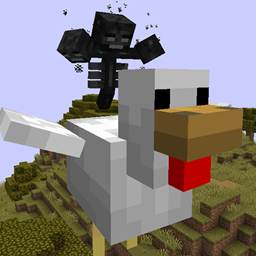
Revamp texture of wither boss
by MinexInd
Download Claim this project
720 downloads
0 likes
Updated Oct 14, 2026
0 hypes
64x Data Packs Modern Traditional
Advertisement Remove ads with Premium →

Wither Remastered: A Resource Pack for Minecraft

Features

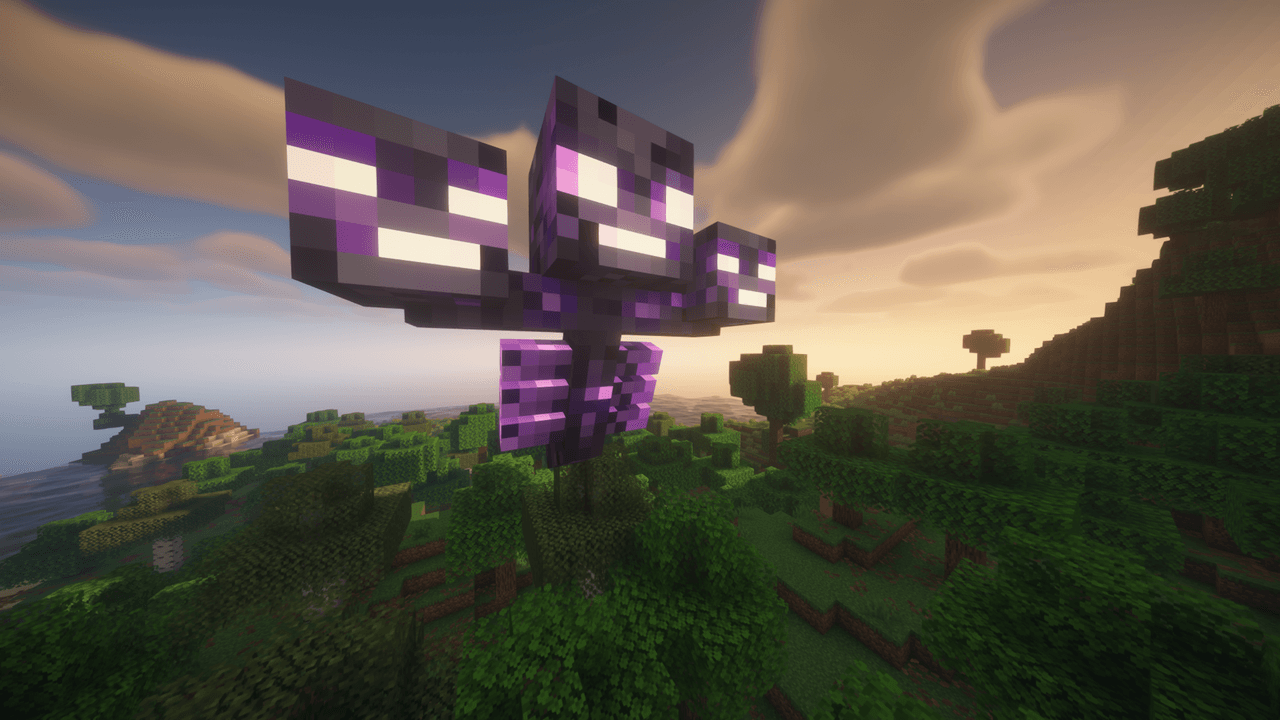
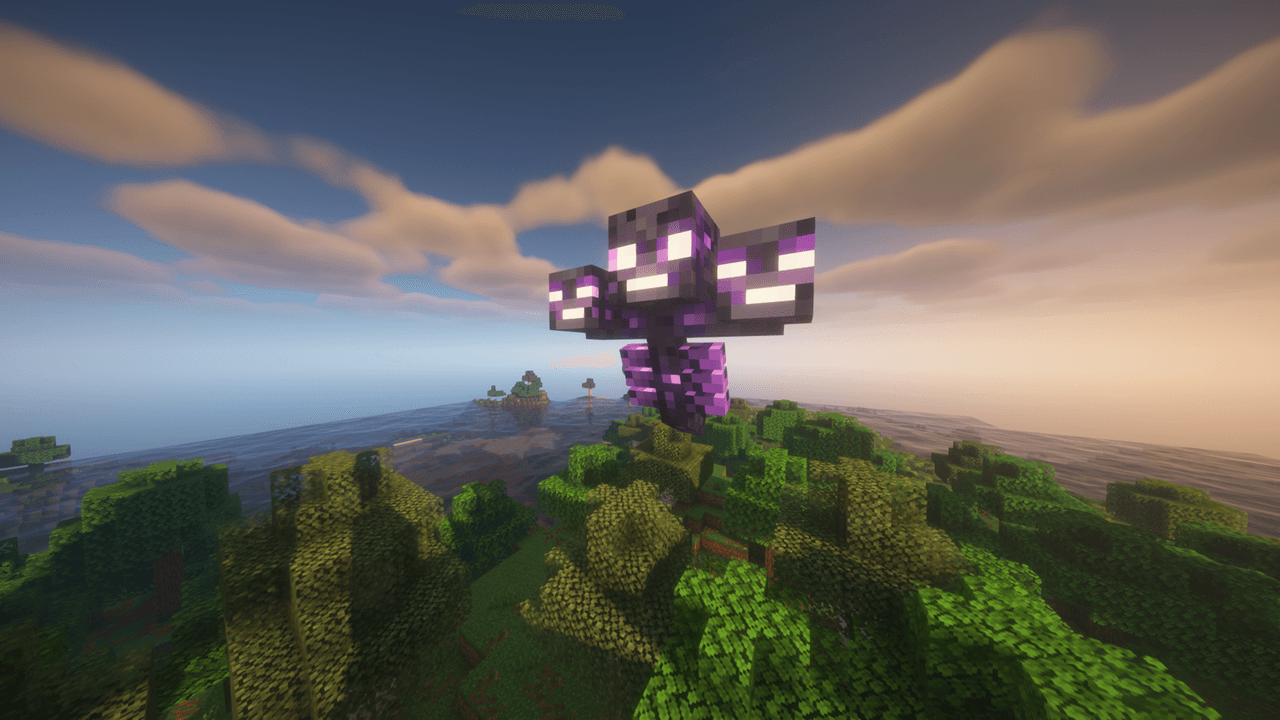
  • Bright, glowing Wither Heads
  • Energy Cracks, which are glowing lines that indicate unstable energy
  • Elements of the Rage Theme (hints of chaos and corruption)
  • A vanilla-style resource pack that fits in with the Minecraft Art Style

Vanilla… but better.

This resource pack was created for the Wither Remastered datapack; however it can be used alone.

  • Will work in any world
  • Enhances every Wither battle
  • Visual only; no change to gameplay.

Installation Instructions

  1. Download the resource pack
  2. Open Minecraft
  3. Go to Options > Resource Packs
  4. Click Open Pack Folder
  5. Move the pack into the folder
  6. Enable it in-game

Recommended Setup

To ensure maximum enjoyment:

  • Use with the Wither Ascension
  • Enable particles in Video Settings > All
  • Play with sound on

Frequently Asked Questions

Q: Do I need Optifine to use this? A: No, it works with vanilla Minecraft.

Q: Will this cause changes to other mobs or creatures? A: No, only the Wither will be changed.

Q: Is this resource pack compatible with multiplayer? A: Yes, it works on the client's side.

remastered wither.zip
MC 1.21.2-Snapshot, 1.21, 1.21.6-snapshot, 1.21.1-Snapshot, 1.21.8, 1.21.5, 1.21.4, 1.21.5-Snapshot, 1.21.1, 1.21.6, 1.21.3, 1.21.7, 1.21.4-Snapshot, 1.21.2, 1.21.9-snapshot, 1.21.9
Release 2026-03-25 Get

Requirements & install

How to use this resource pack in Minecraft
Resolution
64x
Minecraft
1.21.5-Snapshot – 1.21.9
Install folder
.minecraft/resourcepacks

How to install resource packs

  1. Download the resource pack .zip file (do not extract it).
  2. In Minecraft open Options → Resource Packs → Open Pack Folder.
  3. Drop the .zip into the resourcepacks folder (.minecraft/resourcepacks).
  4. Move the pack to the Selected column and click Done.
Browse more: 16x resource packs 32x resource packs 64x resource packs 128x resource packs 256x resource packs 512x+ resource packs Resource Packs for 1.21.9 All resource packs

More from MinexInd

Advertisement Remove ads with Premium →

You Might Also Like